Buy Solidus Randy 250, get a free gift with purchase:
Two Metal Legends in a Single Amp Simulation
Solidus Randy 250 is an analogue simulation of the Randall® RG100ES (late ‘80s) and RH150 (late ‘00s) solid-state amplifiers.
The RG100ES head, produced in the late 80s, has been a remarkable amplifier that defined the sound of some of the greatest metal bands of that time, while the RH150 is a more modern rendition with much more gain. Both amplifiers are renowned for their huge low end and crushing gain.
Audiority carefully modelled the original amplifier and added some goodies to further shape your guitar tone: a noise gate, a modern overdrive, a couple EQs (6 Band Graphic EQ + a 3 Band Parametric), a post-amp 5 band EQ and a Dual Cab Loader.
Integrated cabinets provided by Dr Bonkers Sound Lab, Eddie Scharr, Redwirez and Seacow Cabs.
Features
- Analog Modelled Solid State Amplifiers
- RG: 2 Channels (Green/Red)
- RG: Overdrive Channel Boost
- RH: 2 Channels (Clean/Overdrive)
- RH: Clean Channel Boost
- RH: Overdrive Channel with Dual Gain
- Noise Gate
- Wild Drive
- EQ Duo (6 Band EQ → 3 Band Parametric EQ/Booster)
- Post Amp 5 Band Equalizer
- Integrated Dual Cabinet Simulator
- Resizable interface
- Standalone mode
System Requirements
PC
- Windows 7 or later (64-bit only)
- Intel i5 or higher
- 2GB RAM
- 1024×768 screen resolution
- VST2, VST3
- Pro Tools 11 or higher for AAX (64-bit)
Mac (Intel)
- OSX 10.8 or later (64-bit only)
- Intel i5 or higher
- 2GB RAM
- 1024×768 screen resolution
- VST2, VST3, AU (64-bit)
- Pro Tools 11 or higher for AAX (64-bit)
Mac (Silicon)
- macOS 11 or later (64-bit only)
- Apple M1 or higher
- 2GB RAM
- 1024×768 screen resolution
- VST2, VST3, AU (64-bit)
- Pro Tools 11 or higher for AAX (64-bit)
Note: LDC2 is used as the example.
Mac
Registration
1. Visit https://www.audiority.com/register and enter your personal details > Click 'Register.'

2. Once logged in, Click the 'Redeem' button at the top of the page and enter the redeem code, found in your Plugin Boutique User Account > Click 'Submit'.

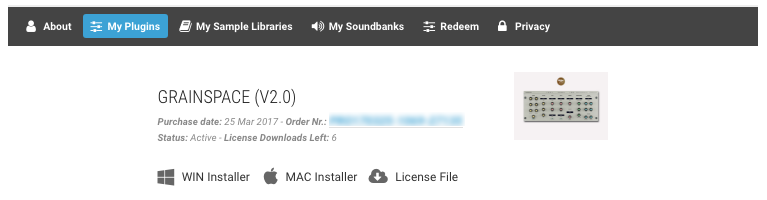
3. Click the 'My Plugins' button > Select the Mac Installer.

4. Locate the .dmg installer file from the 'Downloads' section of your computer, and double-click it to begin the installation process > click ‘Continue.’
Installation
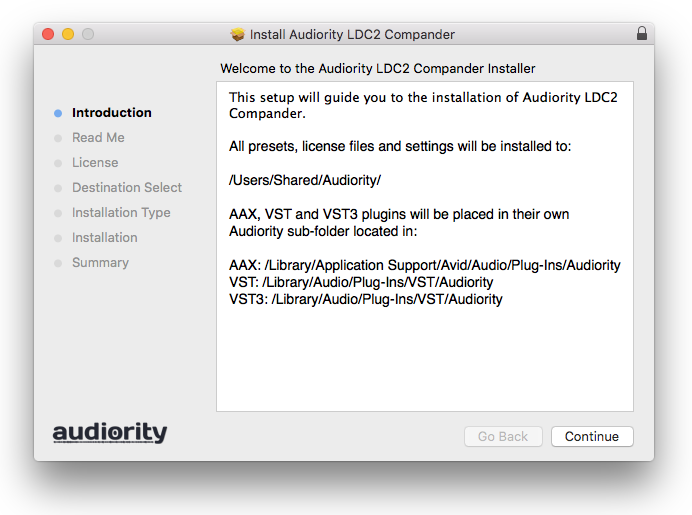
1. Open the .dmg file > Open the .pkg file to begin the installation.
2. Click 'Continue'.

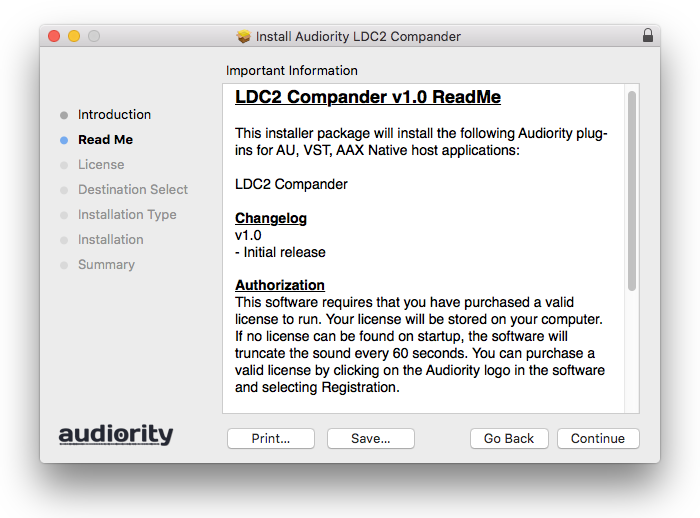
3. Click 'Continue'.

4. Click 'Continue'.

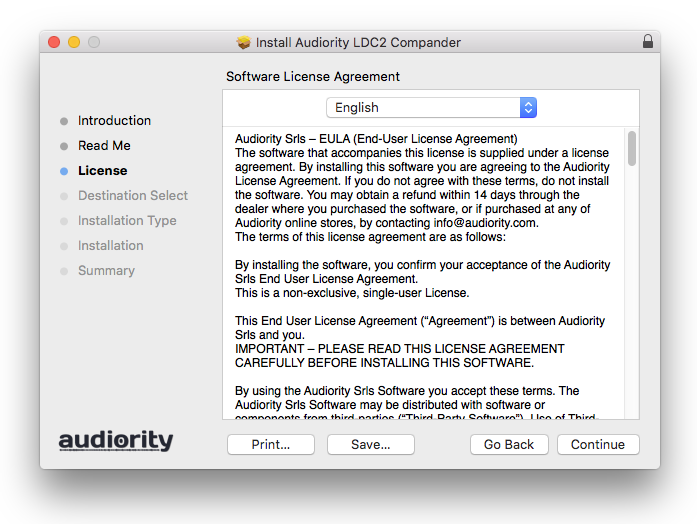
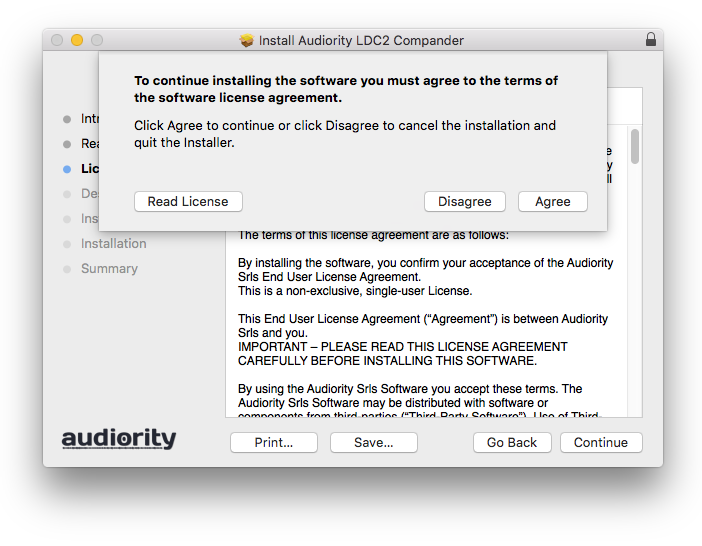
5. Click 'Agree'.

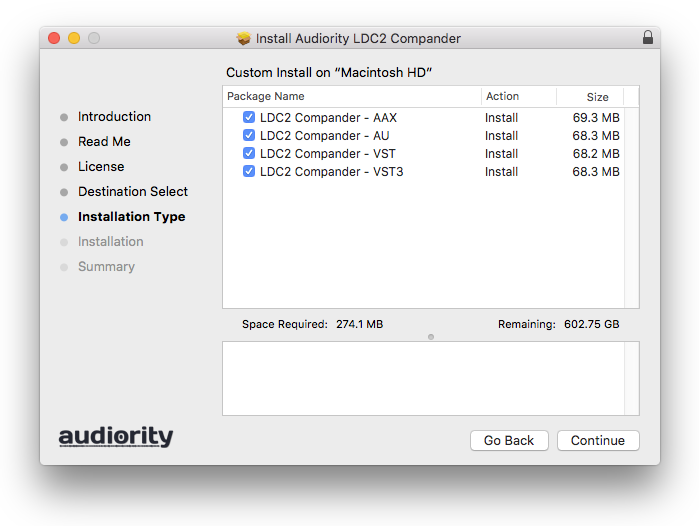
6. Click 'Continue'.

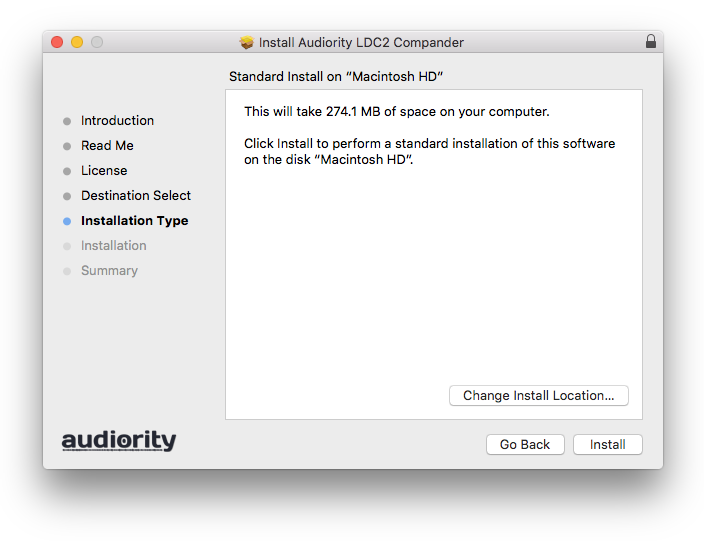
7. Click 'Install'.

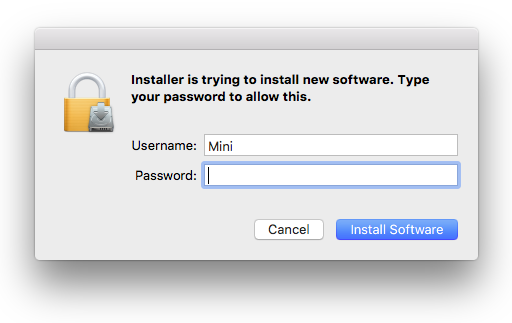
8. Enter your computer Username and Password > Click 'Install Software'.

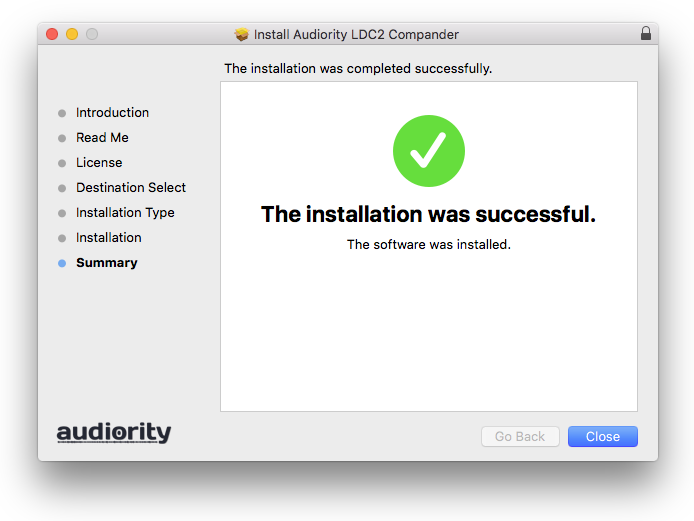
9. Click 'Close'.

Activation
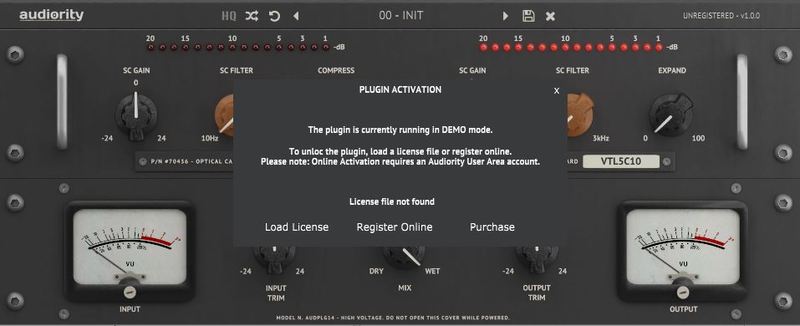
1. Open the newly installed plugin in your DAW > Click 'Register Online'.

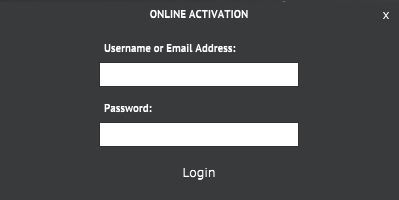
2. Enter your username and email address that you registered at Audiority > Click 'Login'.

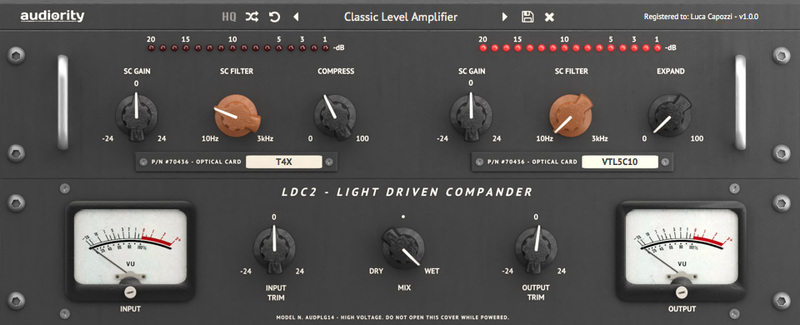
Your plugin is now activated and ready to use.

Windows
Registration
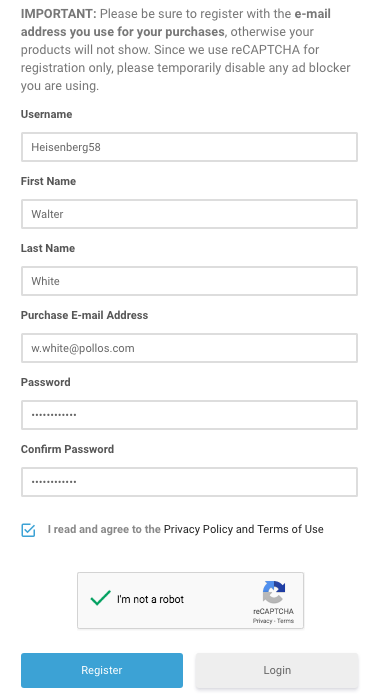
1. Visit https://www.audiority.com/register and enter your personal details > Click 'Register.'

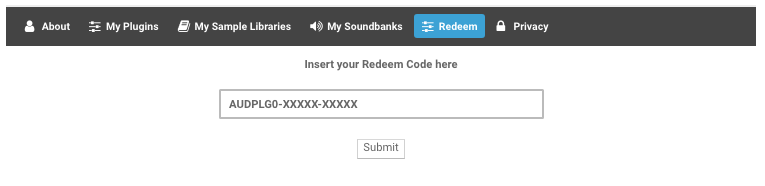
2. Once logged in, Click the 'Redeem' button at the top of the page and enter the redeem code, found in your Plugin Boutique User Account > Click 'Submit'.

3. Click the 'My Plugins' button > Select the Windows Installer.

Installation
1. Double-click the installer to extract the contents > Double-click the .exe file to begin the installation.
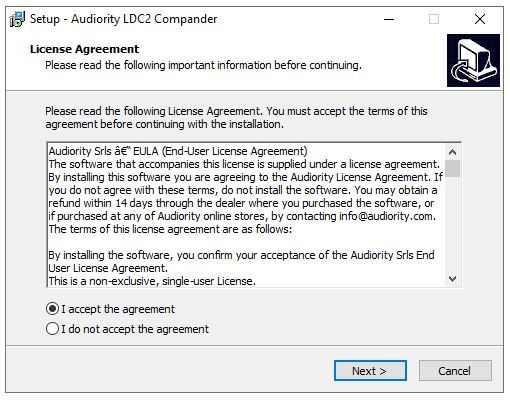
2. Select 'I Accept the Agreement' > Click 'Next'.

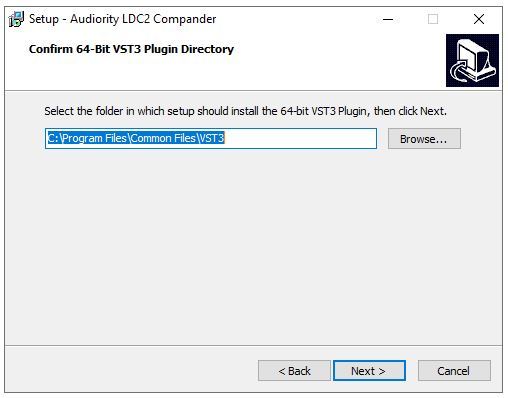
3. Click 'Next'.

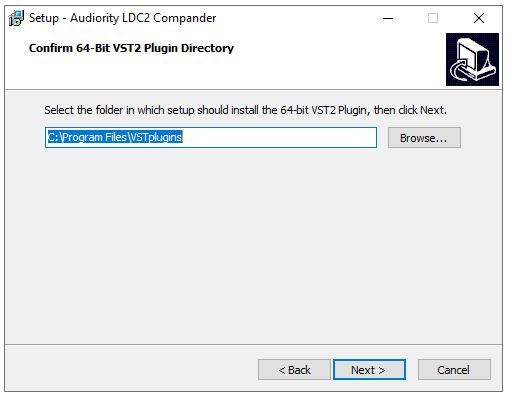
4. Click 'Next'.

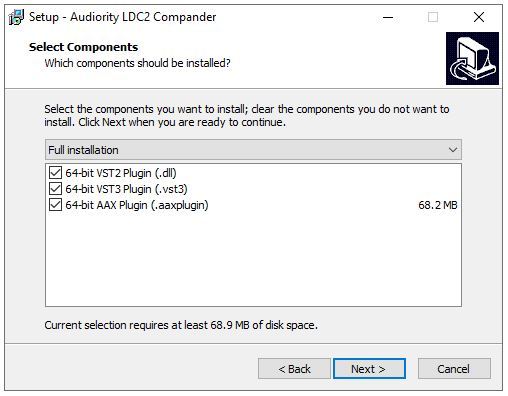
5. Click 'Next'.

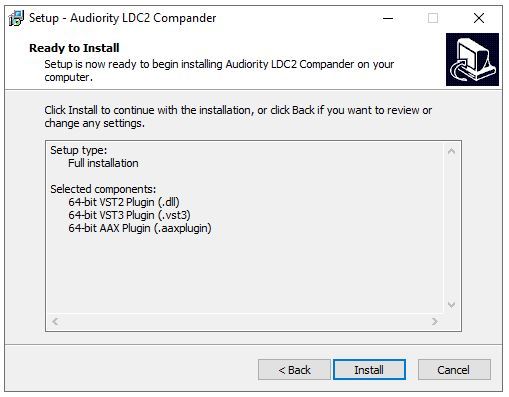
6. Click 'Install'.

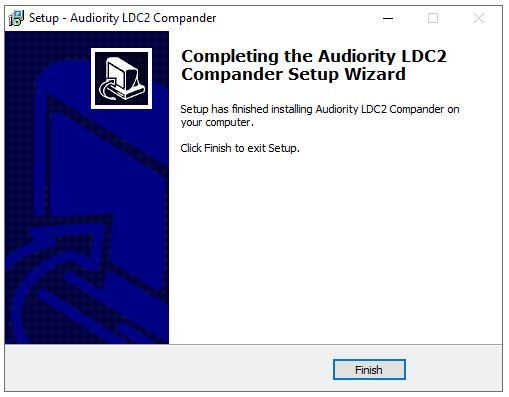
7. Click 'Finish'.

Activation
1. Open the newly installed plugin in your DAW > Click 'Register Online'.

2. Enter your username and email address that you registered at Audiority > Click 'Login'.

Your plugin is now activated and ready to use.