Atmosphere and Details for your Projects
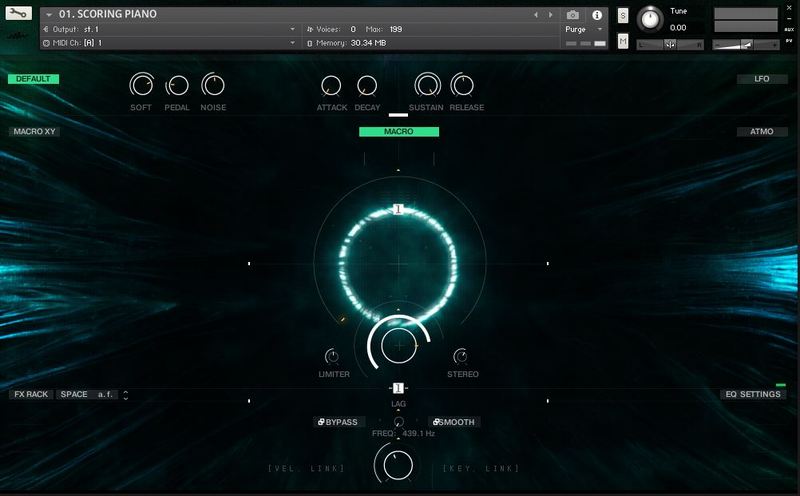
Primarily, designed for trailer and cinematic music. But, at the same time, it can be used in any genre or any mix. This pack also includes wav samples that can be used without a sampler engine.
Features
- Trailer Piano
- Trailer Piano Signals
- Guitar Ebow
- High-quality custom sound-design
System Requirements
- .WAV and .NCW formats, 48kHz (96kHz) / 24-bit.
- 484 MB of hard drive space.
- Includes Kontakt Engine and separate WAV samples.
- Requires the FULL version of Kontakt 6.0.2 as the minimum to work with Engine
- You still can use WAV sound design samples without an engine.
Important Notes:
- The FULL Version of Kontakt 6.0.2+ is required in order to use this instrument.
- You will be stuck in DEMO MODE if trying to use this instrument in the FREE Kontakt Player.

![]()
Note: Senfine is used as the example.
Mac & Windows Formats
Important Note: This software requires the Full Version of Native Instruments Kontakt to be installed on your system. Please ensure you have purchased, downloaded and installed Kontakt before attempting to install this product.
Installation
1. Download the Kontakt Instrument from within your Plugin Boutique User Account. Be sure to remember the download location as you will need this when locating your Kontakt Library in step 3.
2. Open Kontakt, either as a standalone application or as a plugin within your DAW.

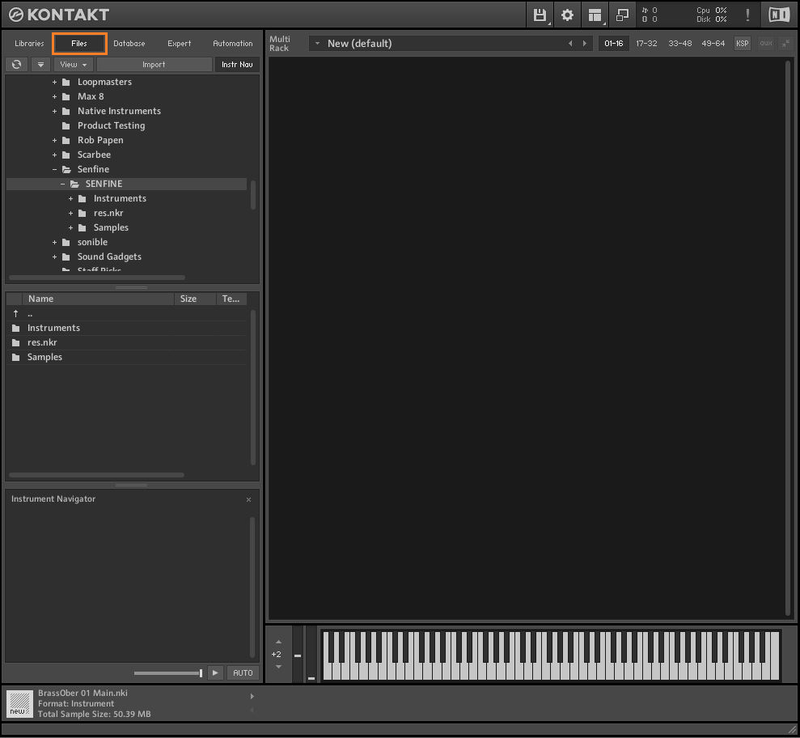
3. Click the 'files' tab at the top of Kontakt > Navigate to the location of your downloaded Kontakt Library from step 1 of the installation instructions.

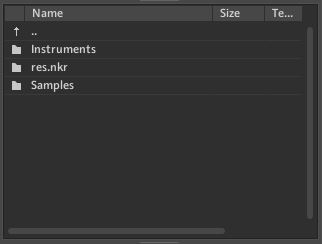
4. Double-click the 'Instruments' folder to open it within Kontakt.

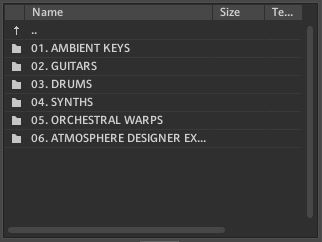
5. Open any folder to access the .nki files containing the Kontakt instrument patches.

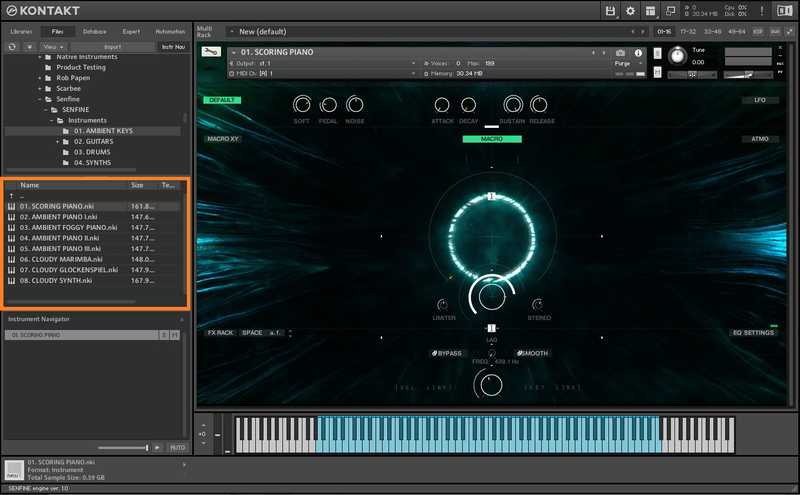
6. Click and drag any .nki file from the left-hand window of Kontakt into the main window of Kontakt to load up a patch.

Your software is now installed and ready to use.