


 Log In

Free gifts available with your purchase
BLEASS Shimmer

Pitch Shifting Studio Reverb
Unique Pitch Shifting Reverb emphasizing harmonics and adding a smooth and pleasing reverb trail to any sound! Clean and flexible UI, Pro quality Shimmer.
BLEASS Shimmer is a studio-quality Shimmer Reverb Effect that brings stunning harmonic tails to any sound or instrument, with a very low CPU usage.
While giving users an innovative and clear interface to enhance musical creativity as well as live performance usability, the BLEASS Shimmer brings highly versatile sonic possibilities thanks to its countless combinations of parameters.
From angelic sheens, ambient washes to otherworldly chimes, let BLEASS Shimmer make your guitars, strings, pads, vocals, drums shine!
Features
Input Stage
- Touch control filter with two filter types: Low-Shelf and High-Pass.
- Input gain.
- Reverb pre-delay.
2 Pitch-Shifter Stages
Two different pitch shifters each offer 3 pitch-shifting modes:
- Pre - Signal is pitch-shifted and sent directly into the reverb stage.
- Post - Reverberated signal is pitch-shifted.
- Feedback - Reverberated signal is pitch-shifted and fed back again into the reverb stage.
Each Pitch Shifter can be tuned with:
- Pitch control (-24st; +24st)
- Fine control (-0,5st; +0,5st_
- Delay Time control
- Amount slider
Reverb Stage
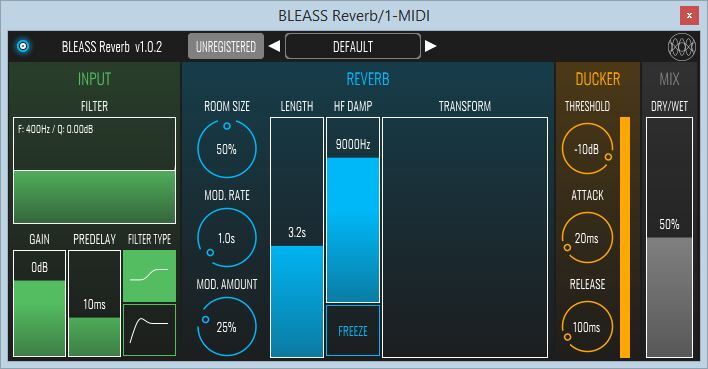
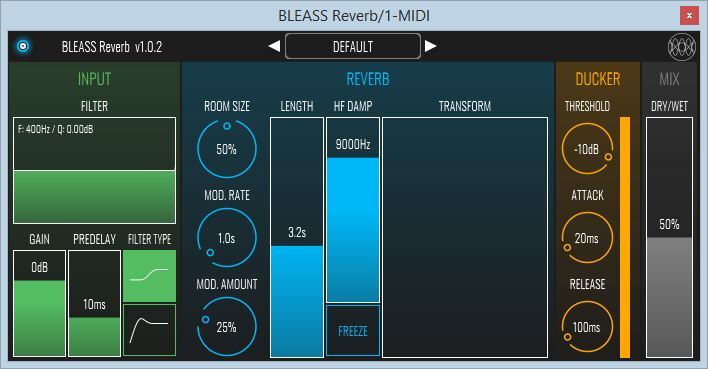
- Room size control.
- Colour parameter (control the reverb’s high frequencies).
- Reverb Room Size modulation (amount and rate).
- Length control (200ms - 30s).
Ducker Stage
- The ducker compresses the output signal using the dry signal as sidechain to bring more clarity.
- Compressor parameters: Threshold, Attack and Release.
- Visual Input Sidechain Meter.
Mix Stage
- Dry / Wet Mix
Preset Manager
- Clear and easy to use.
System Requirements
PC
- Windows 8 and later (64-bit)
- VST3
Mac
- macOS 10.9 and later (64-bit only) (including macOS 11 Big Sur and M1 processors)
- VST3 / Audio Unit
Format:
- BLEASS Shimmer is not a standalone product, it requires host software.
- BLEASS Shimmer is compatible with nearly all VST3 / Audio Unit compatible DAWs.




Reviews Summary
While it aims to provide a helpful overview, it may not capture every perspective or detail. We encourage you to read individual reviews to make an informed decision.
Reviewers highly praise this shimmer reverb plugin for its excellent sound quality, intuitive controls, versatile presets, and great value for the price, with some even considering it superior to top competitors like Valhalla.


