Log In

Free gifts available with your purchase

Evolution is a powerful and massive sample collection of sound design tools created for writing tracks in the styles of hybrid soundtrack and trailer.
A handmade hybrid cinematic instrument for modern composers and sound designers. This sample library aimed primarily at Film, TV, Video Game and media composers with 3.6 GB of content and over 120 instruments.
Evolution: Dragon - the first brand new instrument from Keepforest's Signature series, born out of insomnia, built by composer and sound designer Arseni Khodzin and composer/programmer Evgeny Emelyanov, with additional editing and recording content by Arthur Basov and a custom 3D GUI design by Alex Pashuk and Igor Strelnikov.
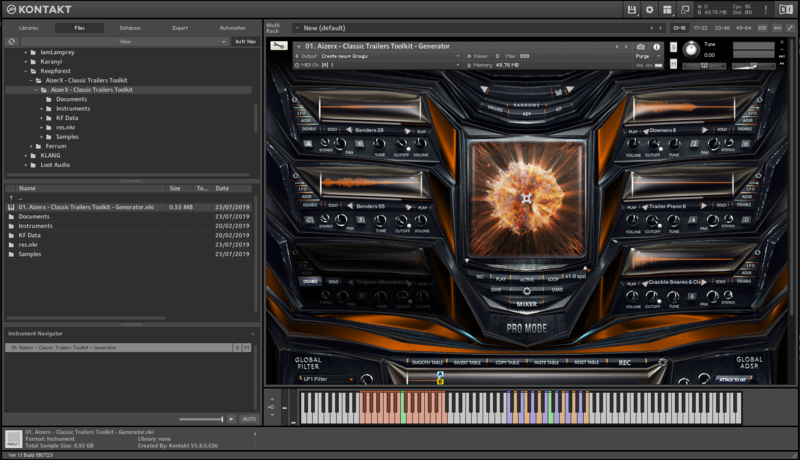
This sample library is specialized in creating cinematic/hybrid trailer music. The main product's feature is easy customization, which saves your time. Its powerful rhythmic sequencer allows you to make your own underscore patterns and simplify your work as never before.
The hybrid scoring tool includes all the "must-have" elements for creating real Hollywood trailer sound design and will be useful not only for composers but for everyone who has a relation to the film/game trailer industry. Keepforest's main goal was to create something special that helps to make easy and fast music score"
This library contains high quality recorded, ready to work instruments and designed rhythmic elements, synths, basses pads and other types of instruments designed with both acoustic and synth sources. The main part of Evolution is a ready-to-work flexible rhythm designer, which allows you to put various rhythmic elements to the tracks simply and fast.
Features
- Over 120 Kontakt Instruments
- 3.6 GB of Content
- High-quality .Wav Samples at 48kHz / 24-bit
System Requirements
- Full version of Kontakt 5.5.1 or newer (NOT compatible with the free Kontakt Player)
Please Note: This product requires the FULL version of Kontakt and is NOT compatible with the free Kontakt Player.