


 Log In

Free gifts available with your purchase
Sample Slicer + Step Sequencer + FX Chain
This is a sampler type plugin.
You can load 8 different audio samples, and they will be chopped into audio slices. You can also assign sliced samples to individual grid lanes.
Each sampler track also has 16 separate grid lanes. You will be able to assign up to 16 different slices per track. Each sampler unit is driven by the internal grid sequencer.
Features
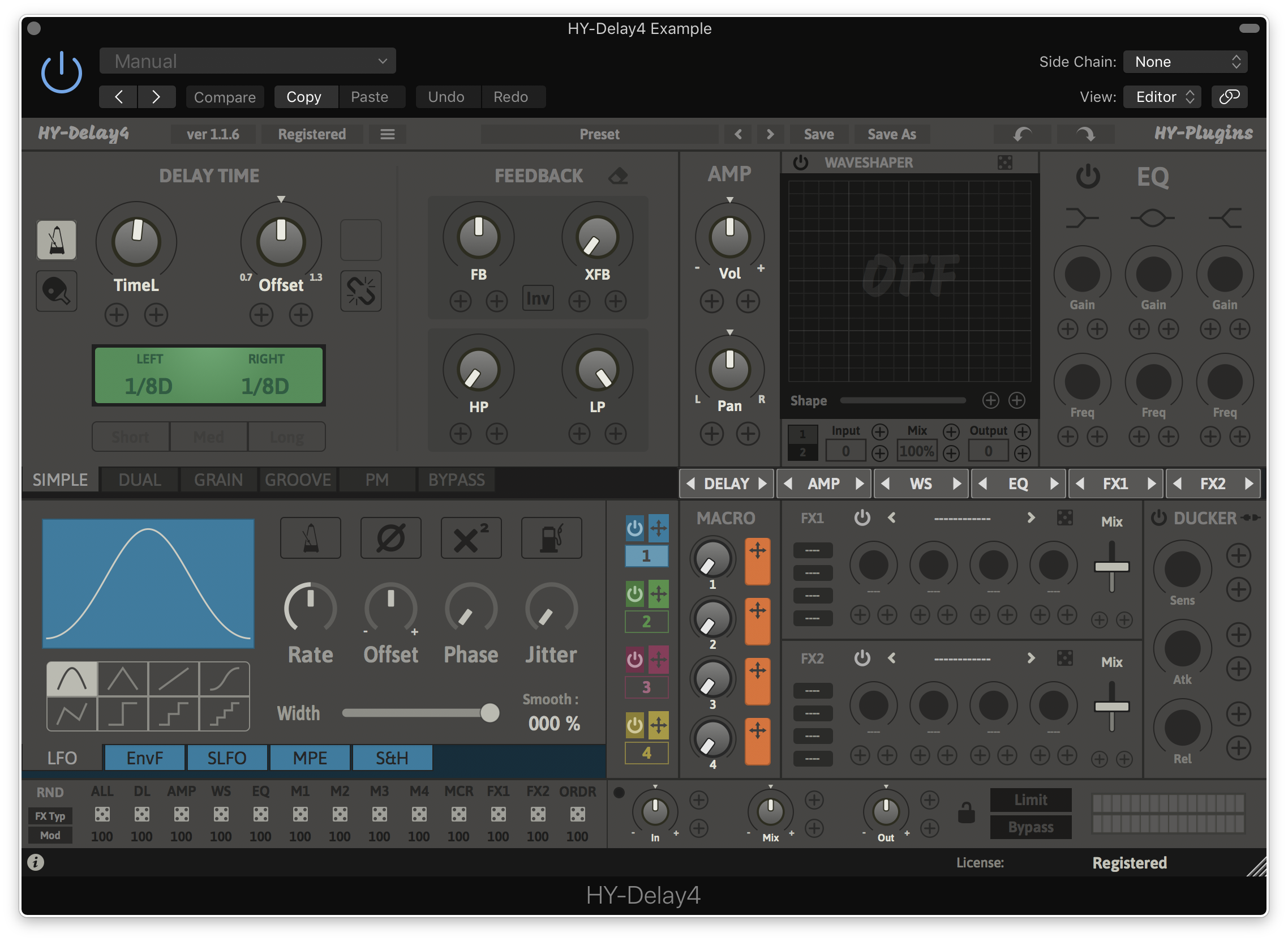
- Sample Slicer
- Step Sequencer for Triggering Sliced Sample
- File Browser
- Groove Editor
- Re-Orderable FX Chain
- Pattern Chainer
- Rescalable Plugin Window
- Randomizer
- Preset Manager
System Requirements
Mac
- macOS 10.11 or higher (64-bit only)
- AU, VST2, VST3
PC
- Windows 7 or higher (32 / 64-bit)
- VST2, VST3

Reviews Summary
While it aims to provide a helpful overview, it may not capture every perspective or detail. We encourage you to read individual reviews to make an informed decision.
Users praise the plugin for its feature-rich design, excellent manual, and versatile workflow that excels at breakbeats and experimental music. While there is a slight learning curve, reviewers consider it well worth the effort, noting only a minor drawback in the inability to trigger sequences via keypress when the DAW transport is stopped.


