Log In

Free gifts available with your purchase
Soulful Intimacy
Important note: This product requires a FULL version of Native Instruments' KONTAKT. The free Kontakt player is not sufficient, as it only runs the instrument in DEMO mode.
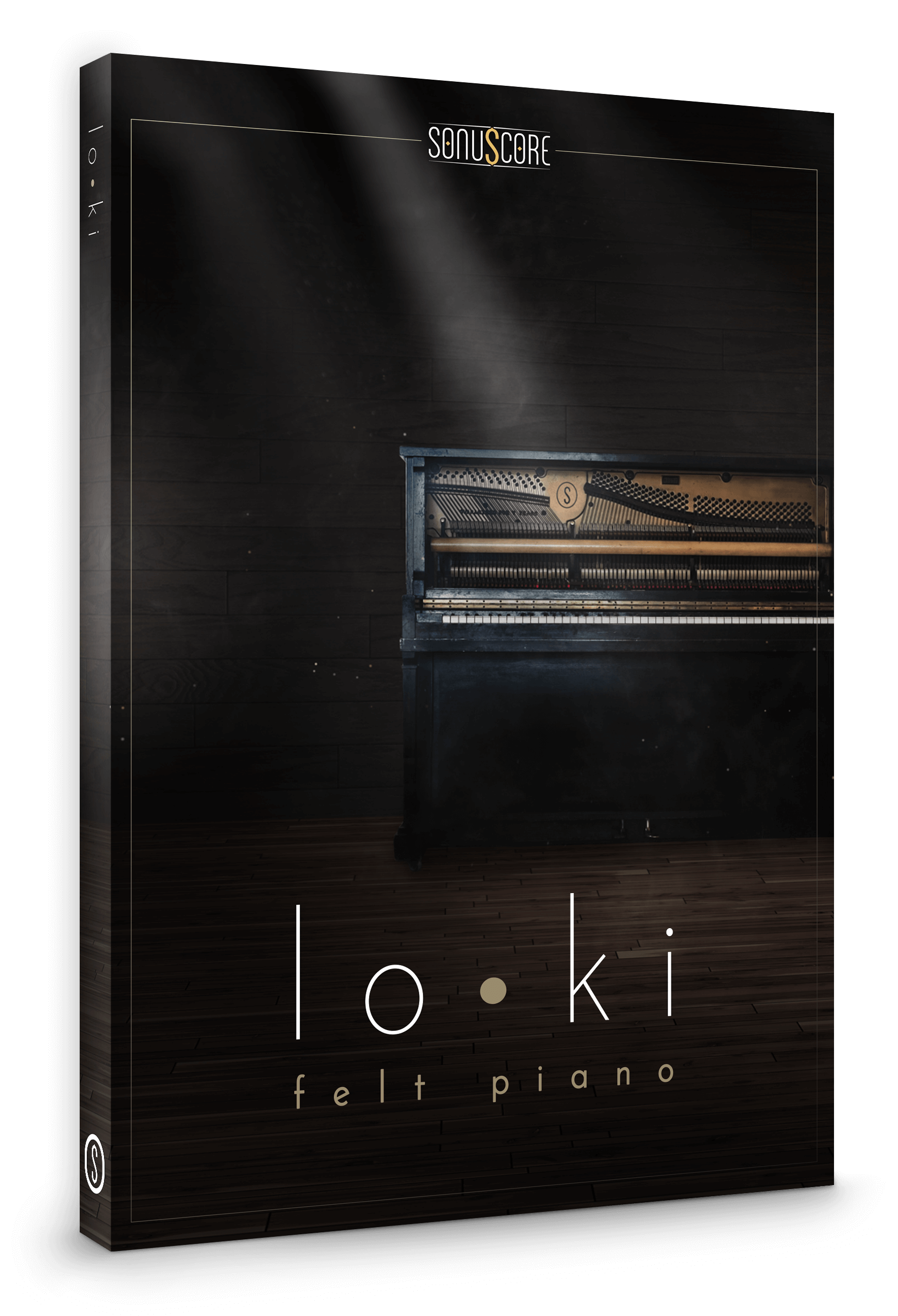
Introducing lo•ki
Where words fail, music gains its power. The felt piano’s soulful intimacy reaches inside and touches the heart. A virtual piano never felt better.
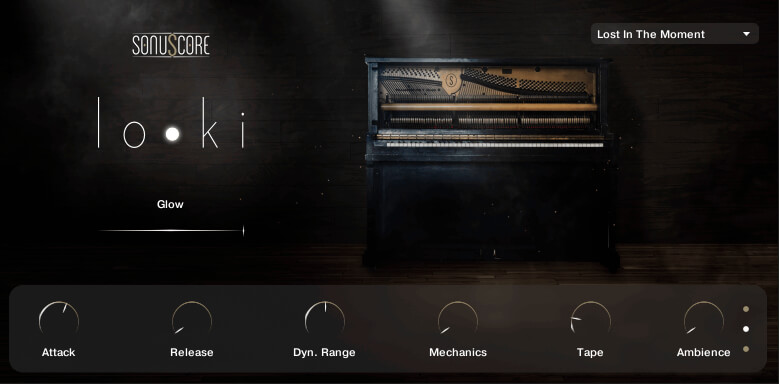
Dial-in the ambience with the dedicated Glow slider, letting simple chords evolve into mesmerizing worlds of sound.
Recorded with 5 round robins, the lo•ki virtual piano also includes knobs to control the attack, release, and dynamic range, as well as for tape, ambience, and mechanics. It was recorded in 3 different microphone positions and 9 ambience presets are included to get you started.
lo•ki is the perfect virtual piano to round out any composer’s piano collection. Felt pianos are made from adding additional felt between the piano’s hammers and strings, creating a perfect, more delicate touch for soft and intimate pieces.
Features
- 5 velocity layers
- 5 round robins
- 3 microphone positions
- Glow slider for incredible atmosphere
- Control Attack, Release, Dynamic Range, Mechanics, Tape and Ambience
- 9 colour presets
- Lightweight, streamlined interface
- 5.7GB of pure intimacy
System Requirements
- Full version of Native Instrument’s Kontakt (version 5.8.1 or higher) – Please note: The free Kontakt player is NOT sufficient.
- Mac OSX.10.8 or higher, Intel Core 2 Duo
- Windows 7 or higher, Intel Core 2 Duo or AMD AthlonTM 64 X2
- 4GB RAM
- At least 5.7GB of free hard disc space

Important note: The full version of Kontakt (version 5.8.1 or higher) is required to use this instrument. The free Kontakt player will NOT work and will run in demo mode.