


 Log In
Free gifts available with your purchase
Product information
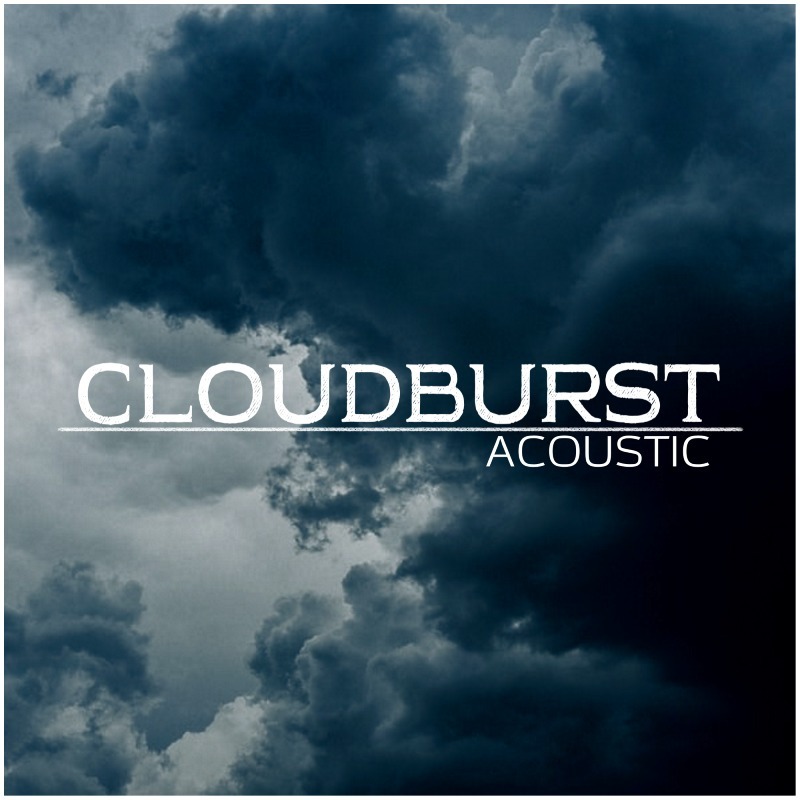
Cloudburst Acoustic is the second product in the Cloudburst Series. It is a deeply sampled library of Natural Harmonics played on an acoustic guitar recorded with both Mono and with an XY Pair.
It includes a custom Random Noise algorithm that adds additional release noises and plays occasional dead notes for added realism. The instrument has a playable range of D2-C5 and includes Kontakts high-quality Reverb, Delay, Filter, Chorus and Phaser effects.
Layer it with pianos, strings or even on its own and smile as your melodies overflow with emotion and feeling.
Features
- 3 Octaves of professional tuned and recorded Natural Harmonics.
- Mono and XY Pair microphone setups.
- Multi-Velocity Samples.
- Round-Robin function for realistic playing.
- Built-in Reverb, Delay, Filter, Trash and Movement FX, all with automatable controllers.
- Smart Random Noise algorithm for added realism (if desired).
- Pitch-Bend and Filter Cutoff via Modwheel.
System Requirements
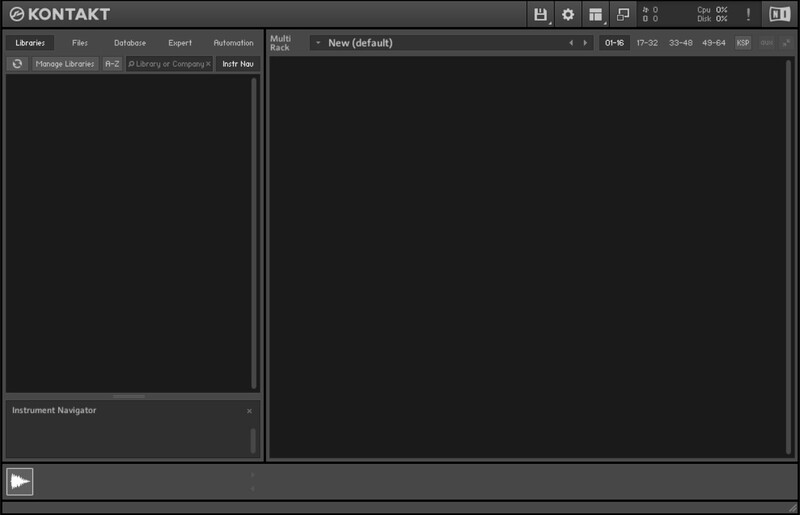
- Full Version of Kontakt 5.8 or later is required
- Third-Party Amp Simulation Software.
- 4 GB of RAM (8 GB Recommended)
- Stable internet connection (for download).
- 790 MB Free HDD Space
Please Note: Please ensure you have the FULL version of Kontakt as this product will not work within the FREE Kontakt Player.

Installation Instructions
Customer Reviews
(1)
Bundle & Save
Designer Bundle
$140.00


