Log In

Free gifts available with your purchase
Self-Randomizing Audio Repeater
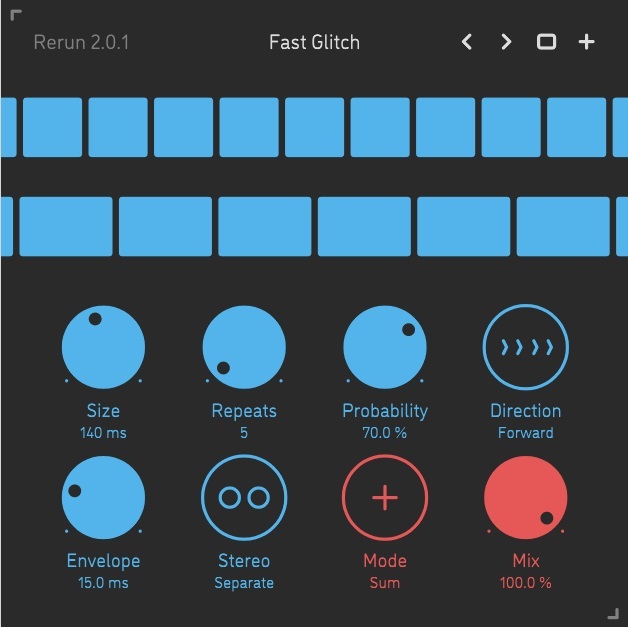
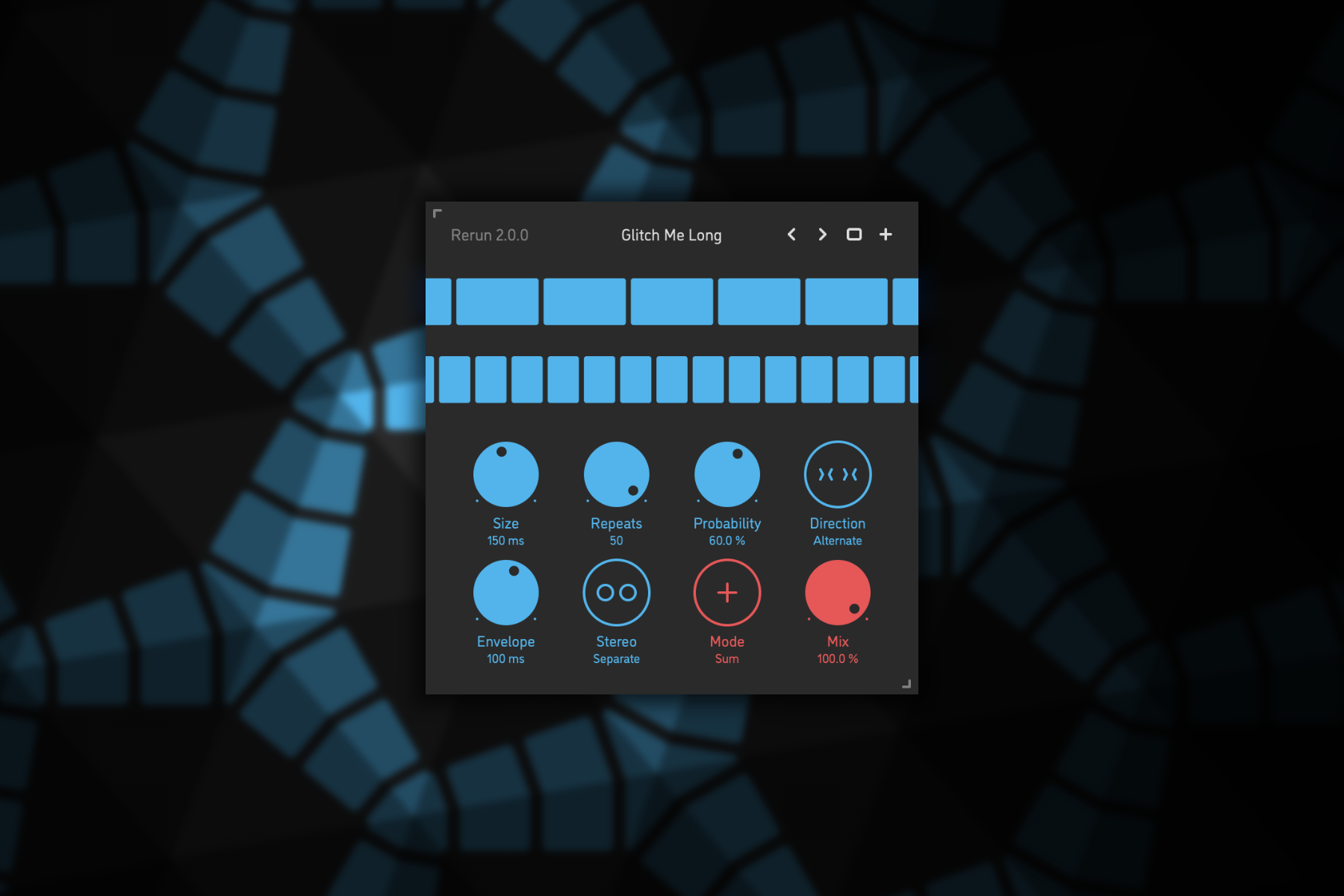
Rerun is a self-randomizing repeater effect plugin for Mac. It constantly samples small slices of incoming audio, plays them back a number of times, and then starts over again. Each time it switches to the next round of sampling-repetition, Rerun randomizes the slice size and the number of repeats, and is then engages or pauses depending on the probability parameter. The effect includes multiple playback modes – forward, reverse, alternating – as well as adjustment of slice envelope time and stereo link. Via a very streamlined set of controls, Rerun can be configured to produce a very wide range of experimental, always-changing sounds: chaotic rhythms, erratic glitches, randomized reversing, or time-stretched textures.
Features
Sound Engine
- Self-randomizing sampler-repeater with up to 600 ms slice size and up to 50x repetitions
- Variable repeater engagement probability, with summed or gated mode
- Forward, reverse, alternating playback modes
- Adjustable slice envelope
- Separate or stereo-linked operation
- Lag filters on all continuous parameters for smooth, click-free adjustment
- Supports mono › mono, mono › stereo, and stereo › stereo channel configurations
Graphic Interface
- Colour-coded graphic elements
- Consistent name, mapping, value, and unit implemented for all parameters in both graphic user interface and host control/automation
- Built-in preset management functions
- Supports window size scaling up to 200%
System Requirements
Mac
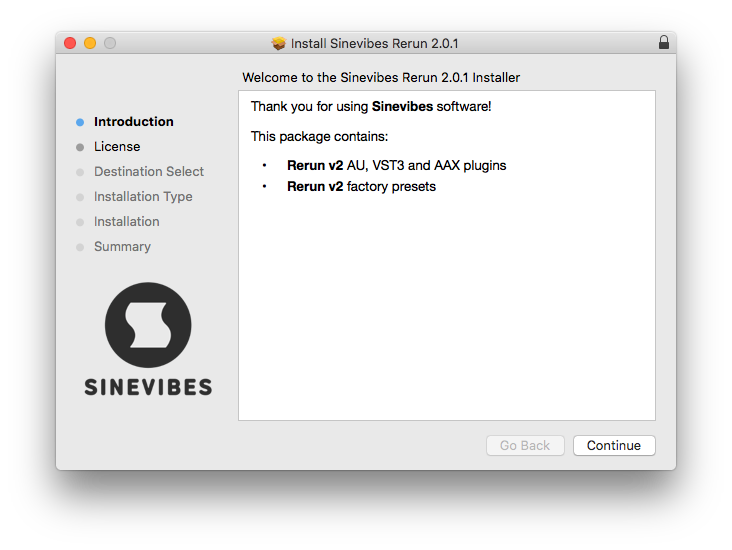
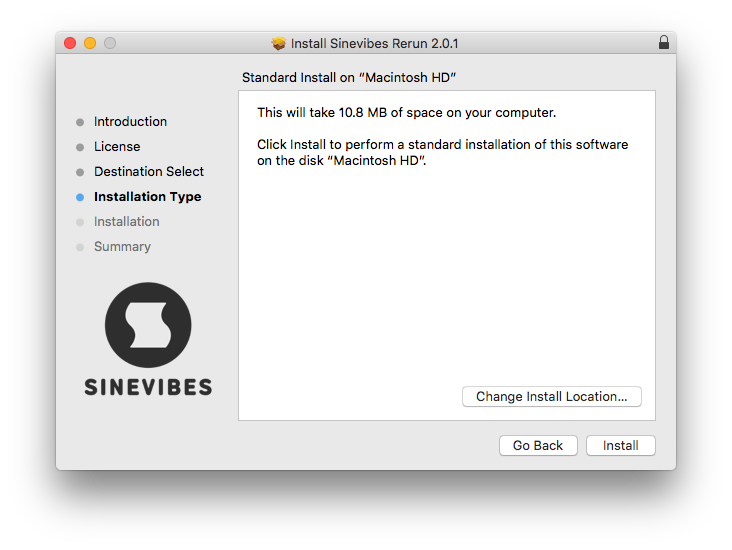
- macOS 10.9 or later (64-bit only)
- Intel or M1 Apple processor.
- AU / AAX / VST3
Windows
- Windows 8.1 or later (64-bit only)
- PC with x64 processor.
- AAX / VST3