Log In

Free gifts available with your purchase
A Collection of Original Instruments and Textures Suitable for all Ambient Music
Ambient Black is the second of a linked pair of sound design-based virtual instruments designed to provide composers and producers with a collection of original instruments and textures suitable for all sorts of ambient music.
As its name implies, Ambient Black covers the darker end of the ambient spectrum, focusing on harsh, aggressive, atonal, mysterious, and industrial sounds. Ambient White, the first VI in this series, covers the opposite end of the ambient spectrum.
The majority of sounds used in the creation of Ambient Black were derived from organic sources: found sounds and audio recordings subjected to extreme sound design techniques, prepared and heavily processed musical instruments, and sounds recorded in natural environments. The synth sounds were also processed with sound design techniques, and combined with various organic sounds and instruments.
The end result is a product that combines acoustic, human, industrial, and electronic elements to produce an organic-sounding virtual instrument.
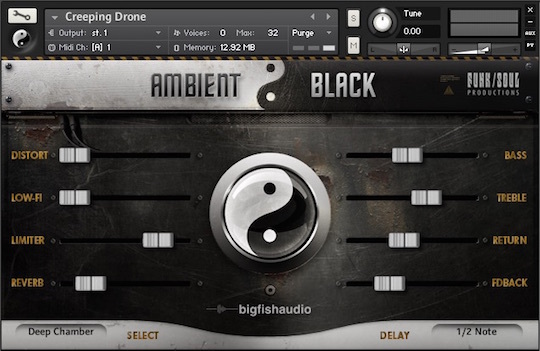
The Instruments Patches
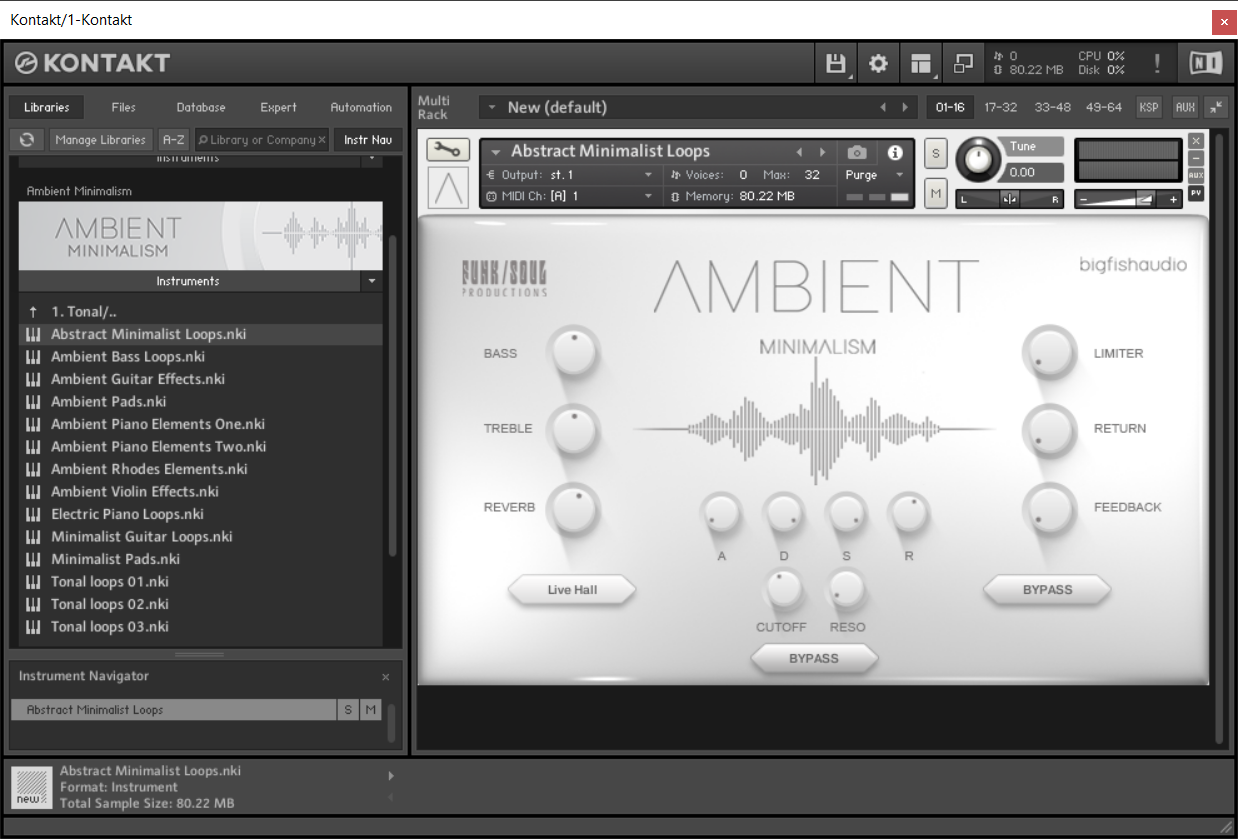
Ambient Black features over 250 different instrument patches and combinations divided into several categories. The most complex instrument patches in Ambient Black are the Multi-Layered Instruments, which were created using combinations of patches and are arranged by their basic type.
Multi-Layered Instrument Patches
Many of the Multi-Layered Instrument patches consist of multiple evolving atmospheres, effects, textures, and looped phrases. For the best results, try playing these patches with one finger, or in octaves. This suggestion doesn't apply to Layered PERC patches, which in general don't have any pronounced melodic or harmonic content; playing multiple notes at a time with these layered patches can produce some interesting polyrhythmic patterns.
Effects & Textures
The Effects & Textures category includes a number of strange and aggressive sounds that were primarily designed to be used as cinematic sound design elements. Most don't have an identifiable pitch or key-center, and can be used as drones.
Percussive Instruments
The Percussive Instruments include several different acoustic, industrial, and electronic drum kits. There's also a selection of cinematic hits, glitches, industrial sounds, and other unusual percussive sounds.
Drones & Atmospheres
Many of the Drones & Atmospheres are long and evolve over time. Try holding a key for 10, 20, or even 30 seconds, and listen to how each of these sounds develops. Because most of these sounds are huge and dense, try playing just single notes or octaves.
Melodic & Bass Instruments
The Melodic and Bass Instruments are mainly single-note patches. However, a few of these patches also have some underlying harmonic content and can be used as pads.
Looped Instruments
The Looped Instruments include simple repeating patterns and some complex patterns created by mixing multiple loops together. Some loops do not lock to tempo intentionally in order to add an element of randomness and unpredictability to some of the patches. Looped Instruments should be played like the Drones & Atmospheres, using solo notes or octaves for less-complex patterns and different intervals for more experimental and harmonically-dense effects.
Features
- 280 different instrument patches
- Over 6.5 GB of uncompressed WAV data (3.4 GB Compressed)
- Compatible with Kontakt 5.8.1 and higher (for both FULL or FREE Player versions)
System Requirements
Mac
- Mac OS X 10.7.x or later
- Intel Core Duo, 2GB of RAM
- 2.0 GHz processor or faster recommended and For optimum performance, Big Fish Audio recommends a 2.0GHz processor or faster
- 6.5 GB of Free Hard Drive Space
Windows
- Windows 7 / 8 (latest Service Pack, 32 / 64-bit)
- Intel Core Duo or AMD Athlon 64, and 2GB of RAM
- 2.0 GHz processor or faster recommended
- 6.5 GB of Free Hard Drive Space

Sounds And Gear
Music production news, tutorials, demos, and videos covering various music gear, software, sound libraries, samples, VST plugins, and apps.
"4/5! If you need a collection of sound design elements with a little more grit, bite, and overall edginess they definitely have you covered."