


 Log In
Product information
Ultra Wide Chorus/Flanger
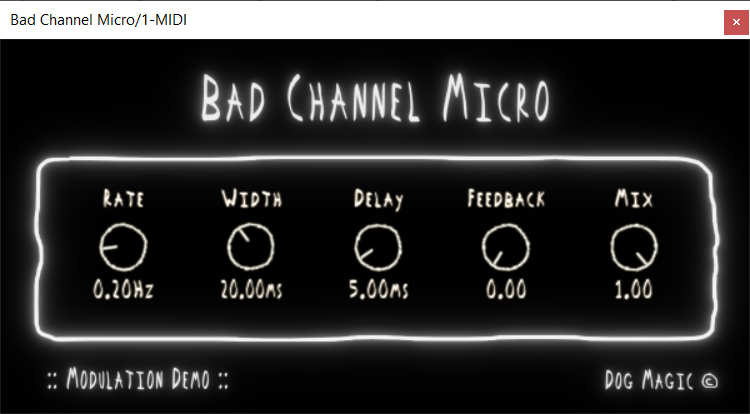
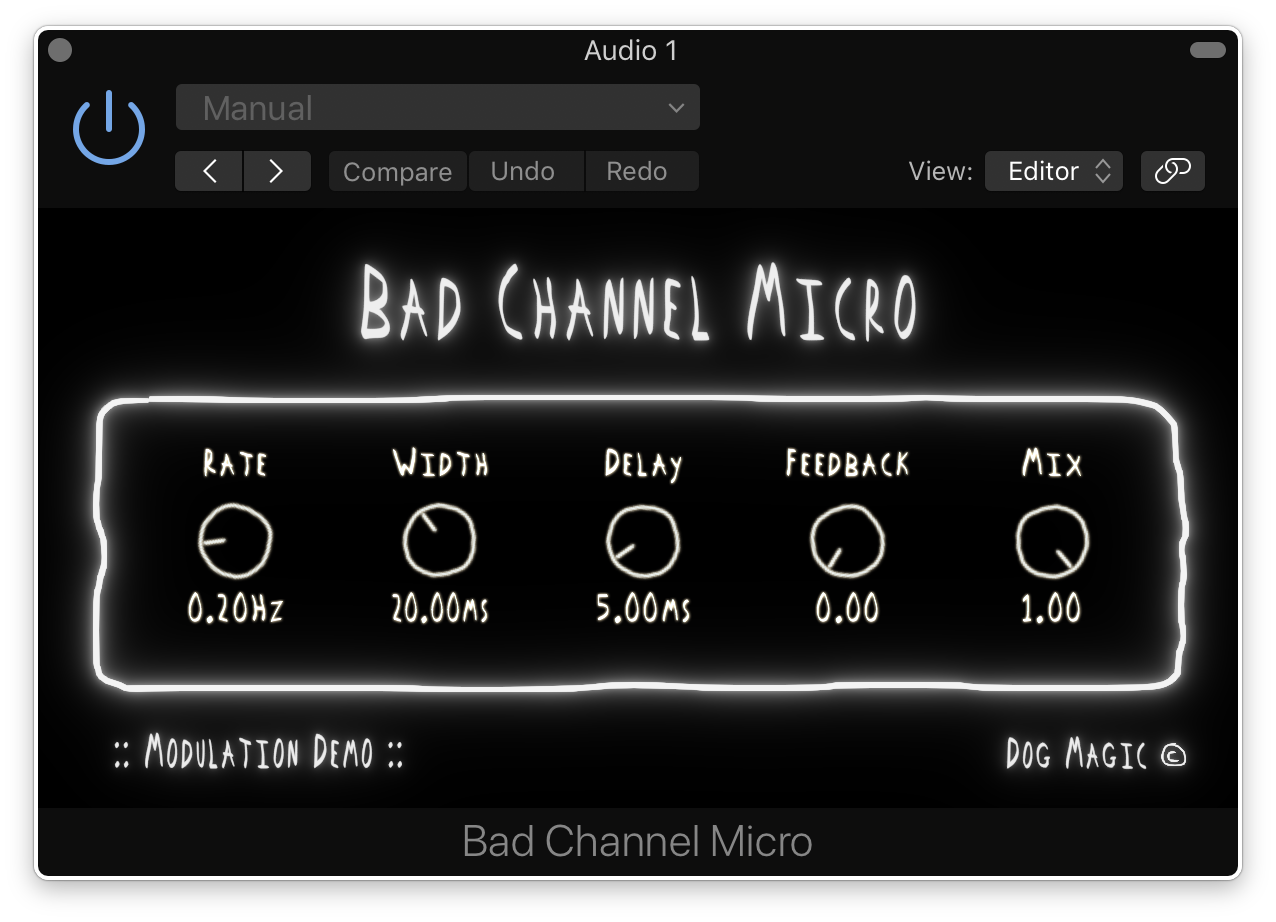
Bad Channel Micro is a free modulation module from the full plug-in Bad Channel Inside the module is a super-wide chorus/flanger slammed into a crushing limiter. With a wide range of rate, width, and delay you can hack your way into a variety of different modulation types, and create sweltering swells of chaotic feedback. Perfect for giving movement to a guitar track, widening wavy synth patches, or adding dimension to a vocal take, the possibilities are limitless.
Features
- LFO frequency in hertz.
- Modulation amount in milliseconds.
- Time in ms between original and modulated signals.
- Produces cascading and decaying echoes.
- Wet/dry modulation effect
- Bad Channel Limiter
System Requirements
- 64-bit Intel Mac OS 10.11 and above.
- 64-bit PC with Windows 7 and above.
- DAW with VST3 or AU support. Broadband internet connection for installation.
- 10MB free disk space.
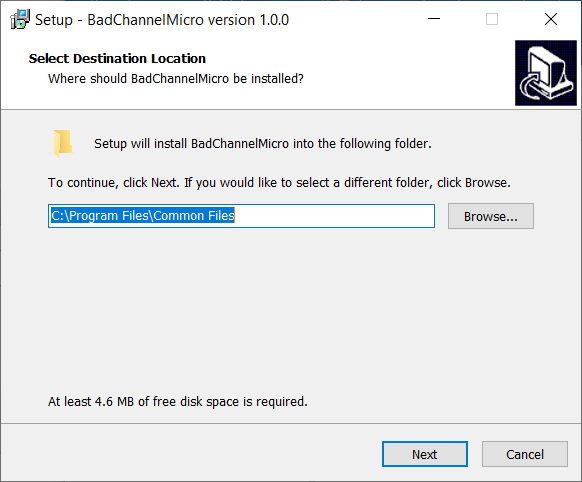
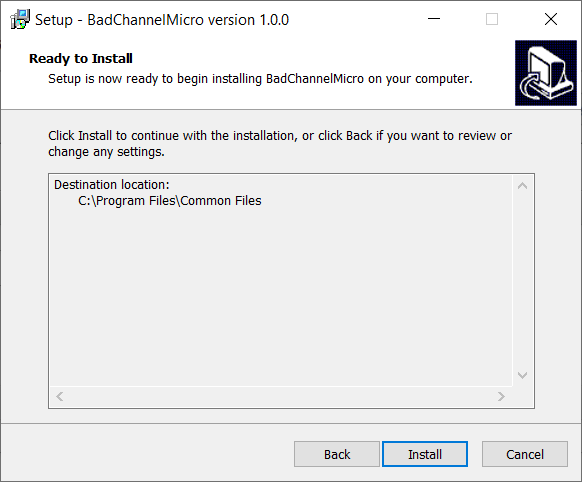
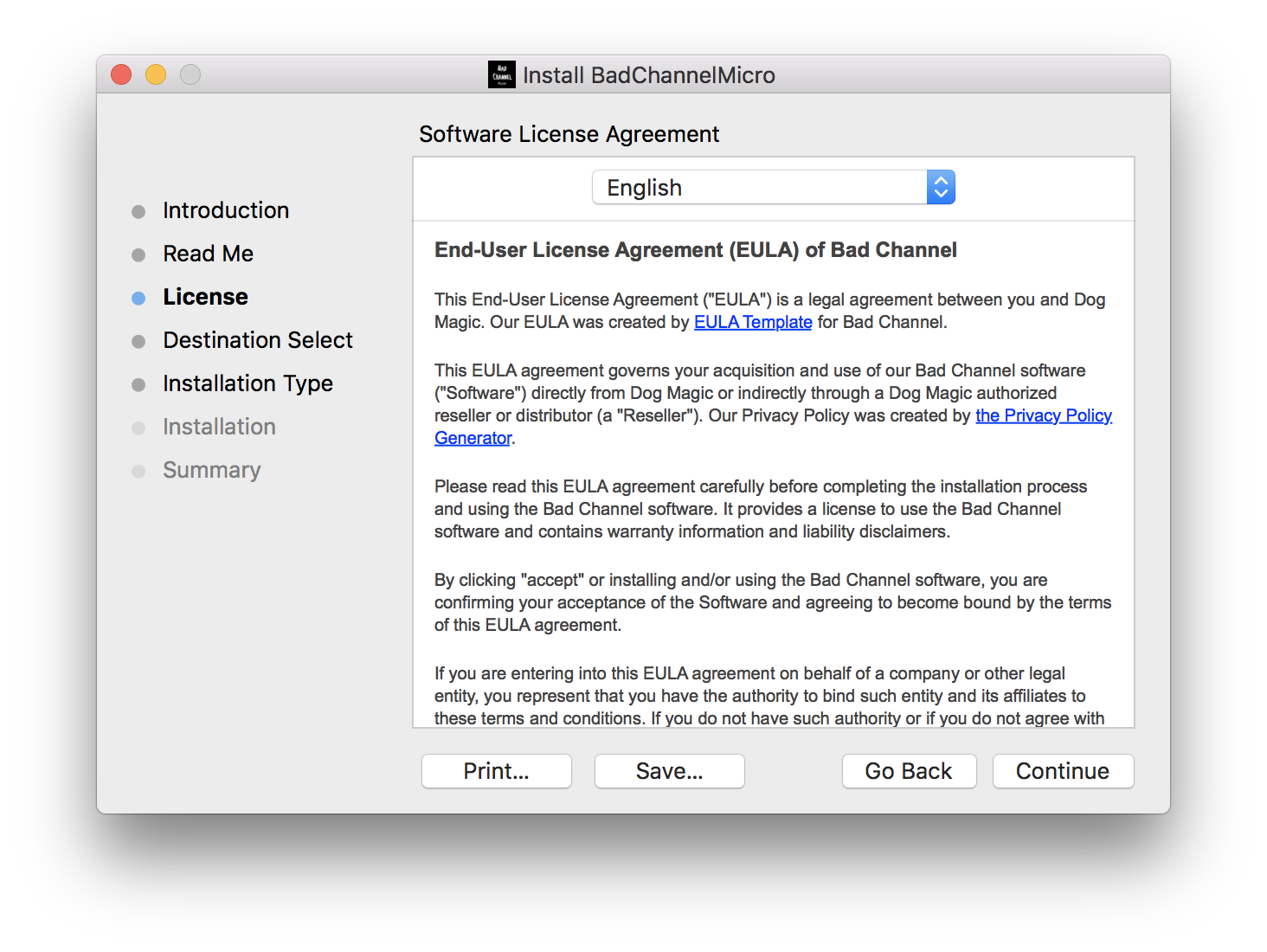
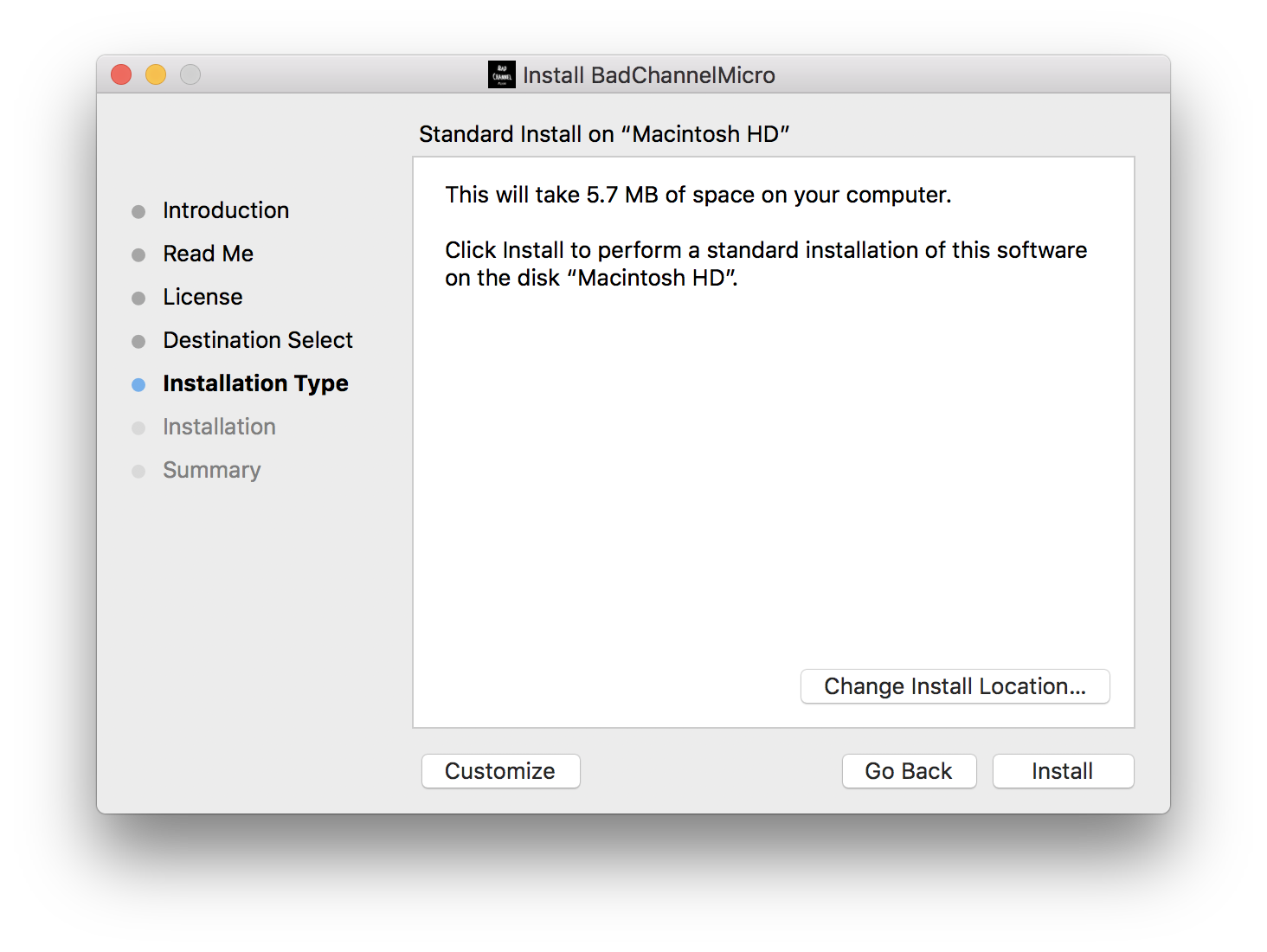
Installation Instructions
Customer Reviews
(1)


