Log In

Free gifts available with your purchase
Important note: This product requires a FULL version of Native Instruments' KONTAKT 6.5.2. The free Kontakt Player is not sufficient.
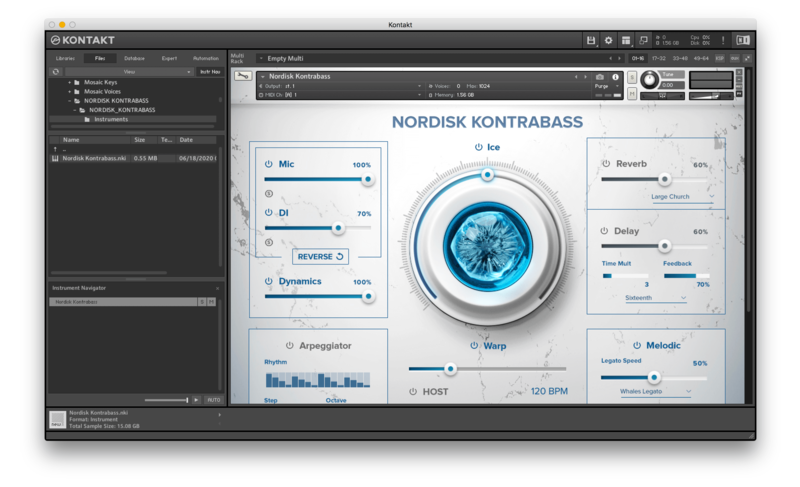
Due to the extremely positive response to Have Audio's previous instrument Nordisk Kontrabass, they decided to create a whole series called Nørdic Series that will share a brand new engine with lots of enhanced and creative features.
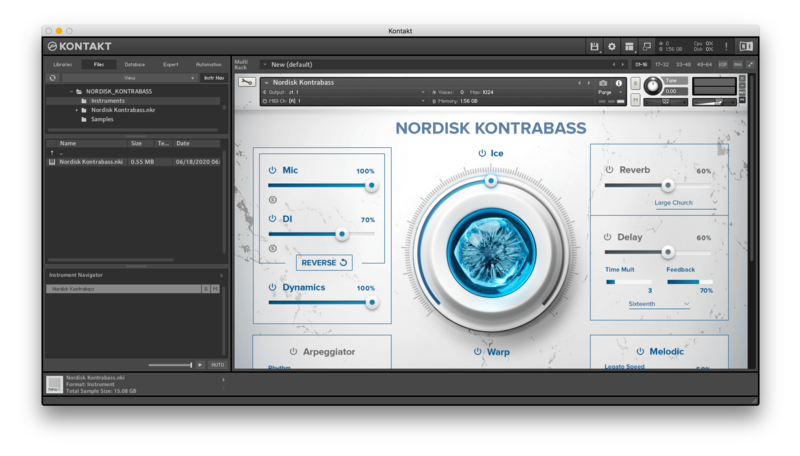
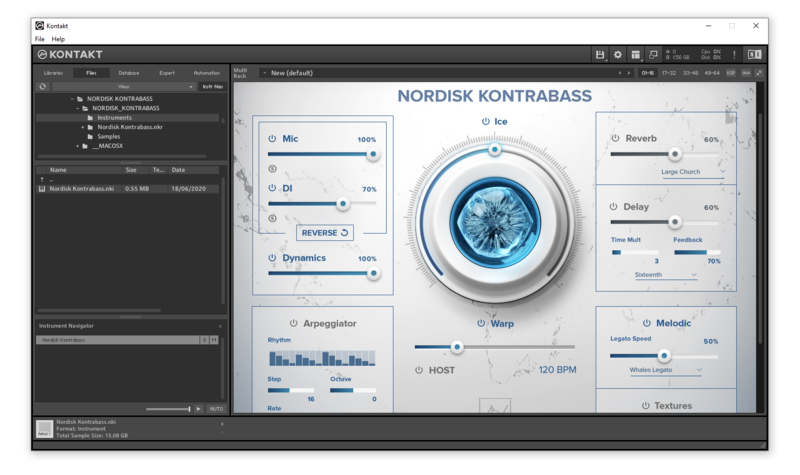
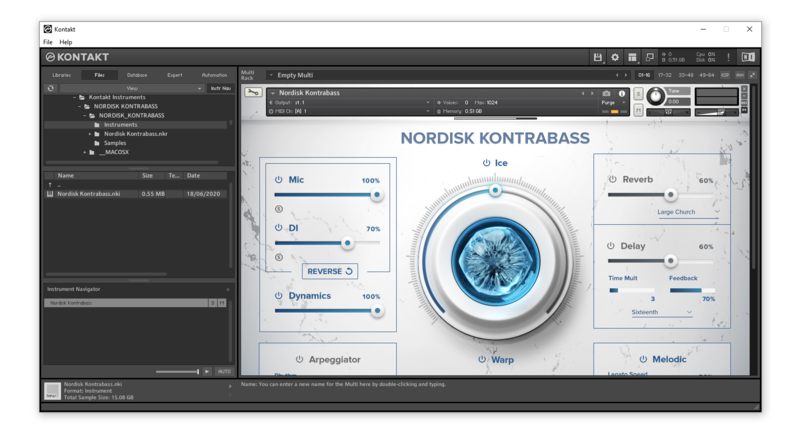
The new engine comes with the well-known ICE blend FX, Time Warp to time-stretch phrases and textures in real-time, built-in arpeggiator, REVERSE FX, and top-class reverb and delay algorithms.
What’s New?
- Drag&Drop slot to import and manipulate your own samples, loops, and future expansion packs.
- ADSR
- Big collection of convolution reverbs including many creative Impulse Response effects
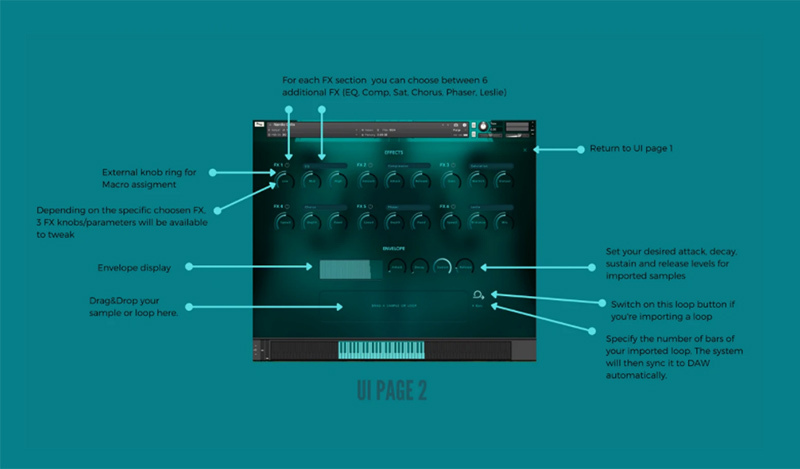
- 6 additional FX to choose between EQ / COMPRESSION / SATURATION/ CHORUS / PHASER / LESLIE
- 4 FX macros
- A new random mode in the arpeggiator for unpredictable and surprising results
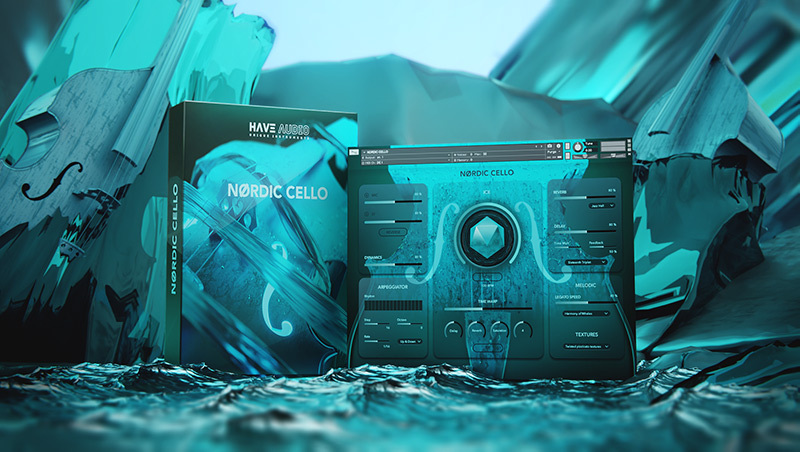
NØRDIC CELLO
Deep-sampled and superbly delivered by Parisian cellist Jean-Philippe Feiss, Nørdic Cello is a new sample library that offers total playability, hyper-realism, and tons of creative applications that will make every musician, film composer, and music producer insanely happy!
Tons of articulations, from classic true legato, all kinds of pizzicatos and staccatos, tremolo up to unusual articulations, extended techniques, and cinematic textures.
A totally enhanced engine including arpeggiator, top-class reverb, and delay algorithms, time warp, a new Drag&Drop feature to import and manipulate your own samples, loops, and future expansion packs inside the Nørdic Engine, ADSR Envelope controls, Reverse FX, 82 convolution reverbs, 6 additional FX to choose between EQ / COMPRESSION / SATURATION / CHORUS / PHASER / LESLIE, with 3 controls for each FX and 4 main FX Macros to assign whatever you want.
Go Nørdic!

Features
- Uncompressed Size: 14,16 GB
- 18553 samples in ncw. format
Patch/Articulation List
MELODIC:
- True Legato
- Harmony of the North (polyphonic sustained notes with 5 different key switches/articulations: vibrato/harmonics / Still Water / Hendrix / crescendo
- Staccato (5 key switches/articulations: normal staccato / harsh staccato / spiccato with bow tip / alter ego / fast crescendo)
- Pizzicato (6 keyswtiches/articulations: long pizzicato / short pizzicato / pizzicato harmonics / vibrato pizzicato / slap / fret FX)
- Tremolo
- Sliding Fourths
- Sliding Down (5 key switches: Descending 5ths, Descending min6ths, Descending maj6ths, Descending Major Chords (maj6th to P5th), Descending Minor Chords (min6th to P5th)
- Mixed Articulations: 6 main articulations in one single patch for easy switching ( True Legato / Staccato / Pizzicato Long / Pizzicato Short / Harmonics / Tremolo)
TEXTURES:
- Body Hits
- Bow Textures
- Low Engines
- Rises
- Bouncing
FX AND CONTROLS:
- 2 mic positions:
- solo/blend together STEREO MIC with DI.
- ICE: it blends multiple samples for big, cinematic results
- TIME WARP: it time-stretches textures, transitions, and some articulations (Sliding Fourths, Sliding Down + 4 key switches of Harmony of the North) to adjust tempo, performs musical accelerando/ritardando, and generate creative drones and infinite bowing effects.
- ARPEGGIATOR (5 modes: Up / Down / Up-Down / Down-Up / Random) Up to 32 steps, and 4 octaves
- REVERSE FX
- DYNAMICS control for sustained articulations
- 82 convolution reverbs
- Top-class Delay algorithm
- 6 additional FX with 3 controls each. Choose between EQ / COMPRESSION / SATURATION / CHORUS / PHASER / LESLIE and tweak them the way you want.
- 4 FX Macros
- ENVELOPE
- DRAG&DROP FEATURE: you can import your own samples, loops, and future expansion sample packs for Nørdic Cello.
- When importing a loop the engine auto-detects the tempo and sync it to daw by pressing HOST - * Please see the manual to use this feature correctly
- HOST syncs imported loops to DAW
System Requirements
- Requires full version of KONTAKT 6.5.2+
- Approx. 15 GB free hard drive space
- 8 GB of RAM or more is recommended
Please note: this bundle will not work in Kontakt Player


Brett Detar
Film Composer (Brahms: The Boy II, Devil Inside, Wer)
"Nørdic Cello is the most expressive sounding virtual cello legato I've ever used and it takes zero tweaking to make fantastic music with it the second you open it up. All of the articulations are inspiring and like everything lately from Have Audio - it just sounds rich and big."