Windows
Installation
1. Download the installer from the FREE PRODUCTS section of your Plugin Boutique Account.
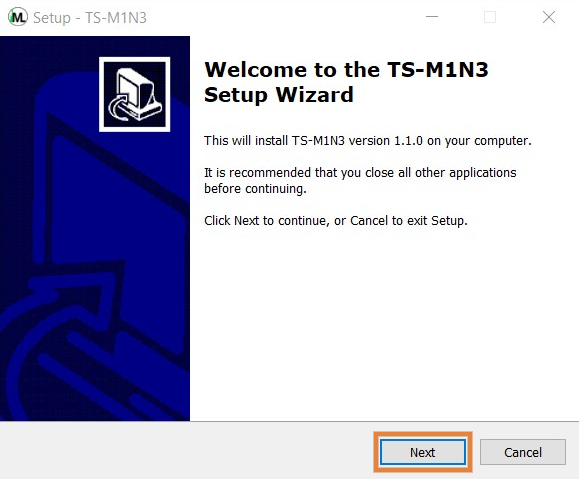
2. Double-click the .exe file > click 'Next'.

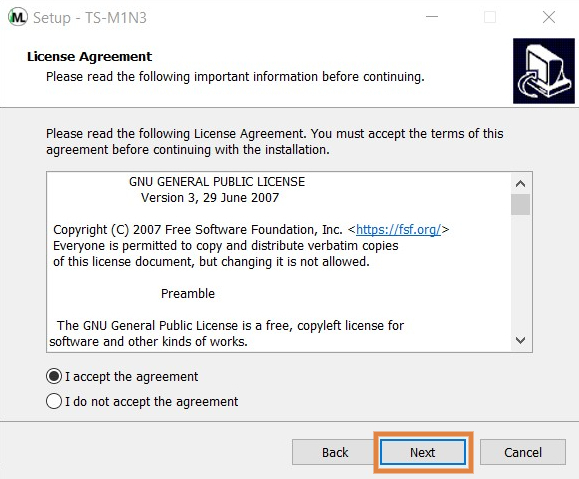
3. Read through the license agreement > click 'I accept the agreement'.

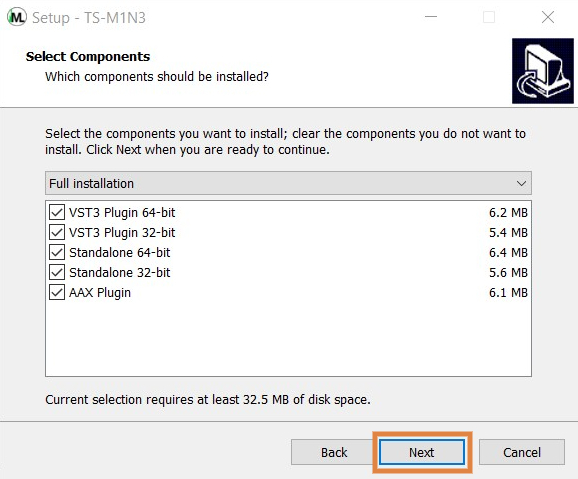
4. Select the components you would like to install > click 'Next'.

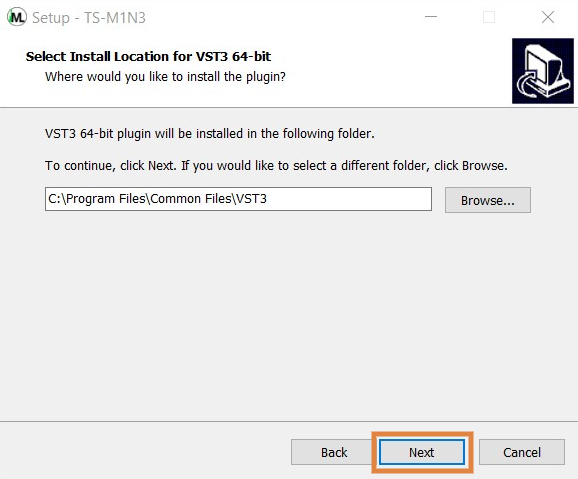
5. Choose your preferred installation location > click 'Next'.

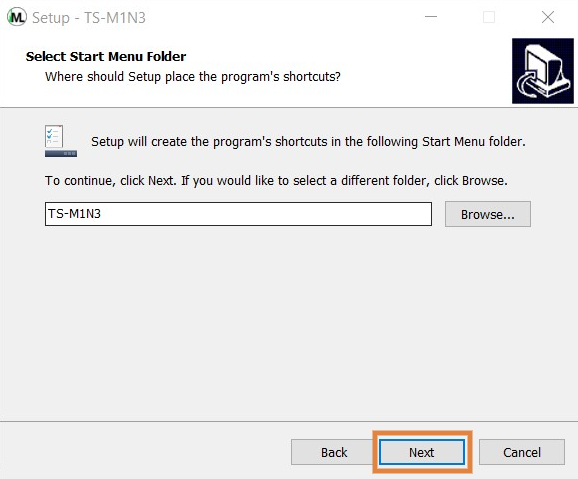
6. Choose your preferred start menu folder location > click 'Next'.

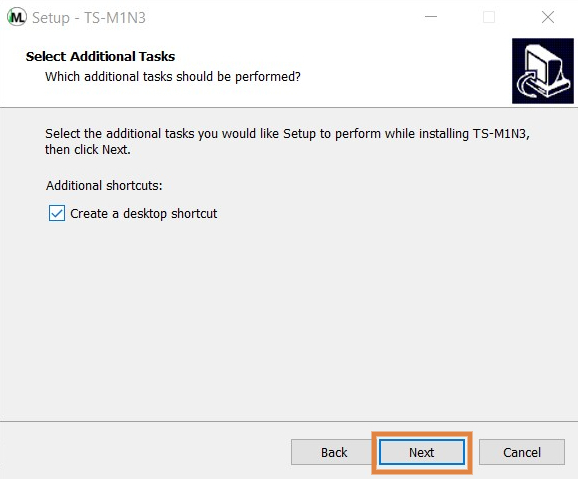
7. Select whether you would like a desktop shortcut to be created > click 'Next'.

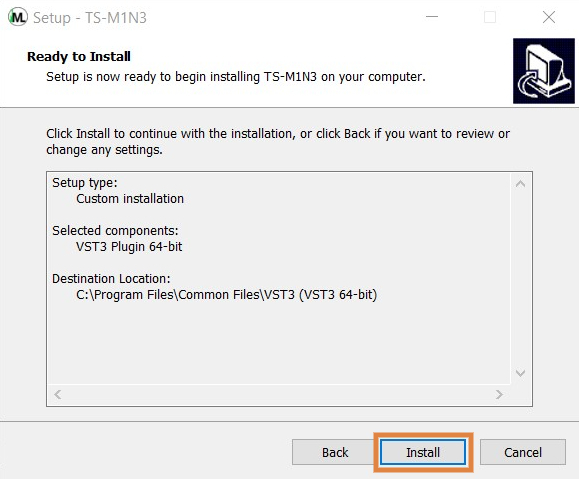
8. Click 'Install' to complete the installation process.

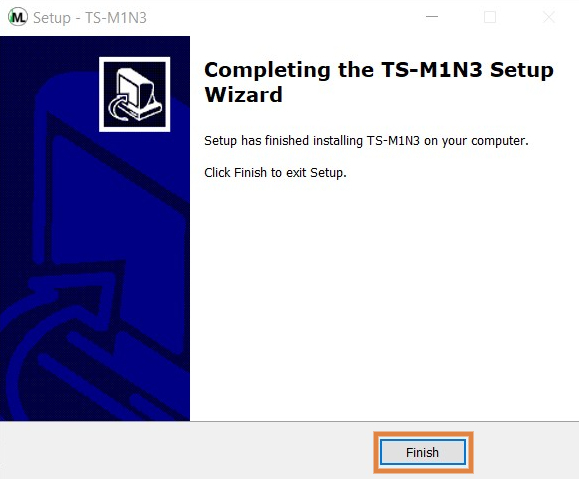
9. Click 'Finish' to exit the setup window.

Your software is now ready to use within your DAW!

Mac
Installation
1. Download the installer from the FREE PRODUCTS section of your Plugin Boutique Account.
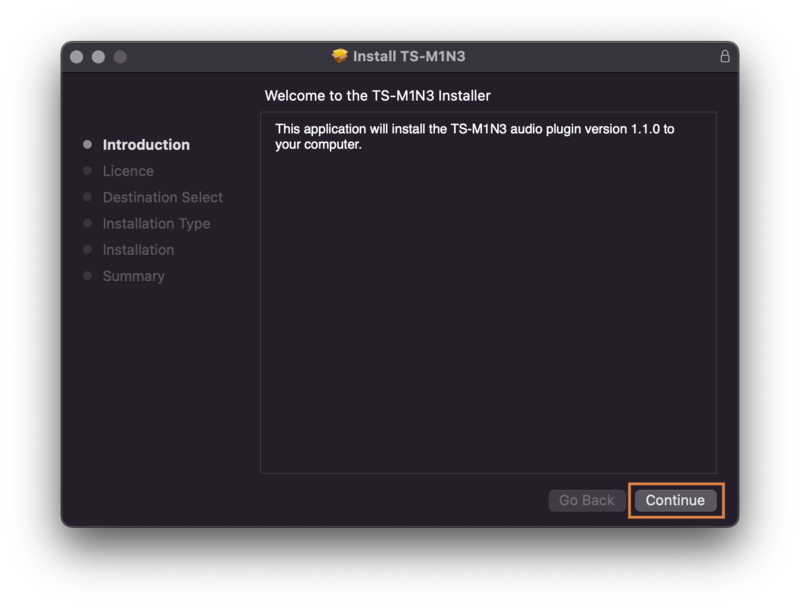
2. Double-click the .dmg file > click 'Continue'.

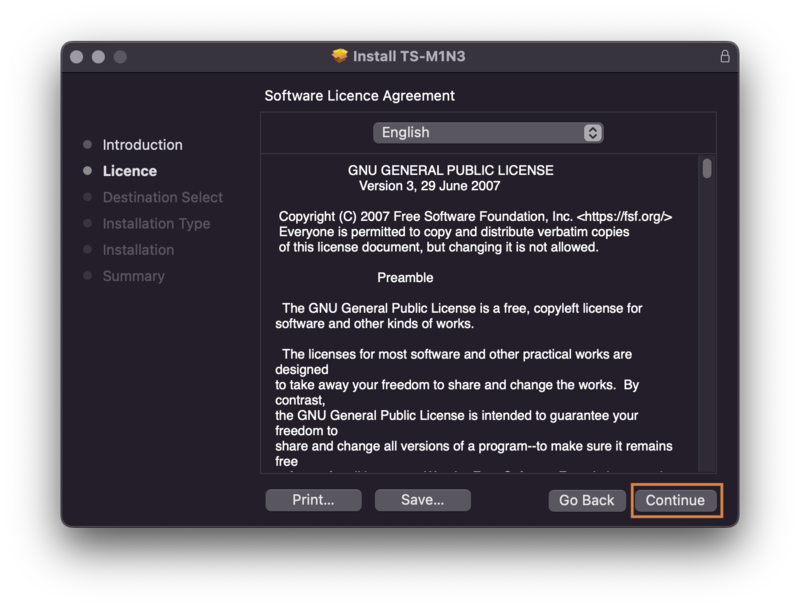
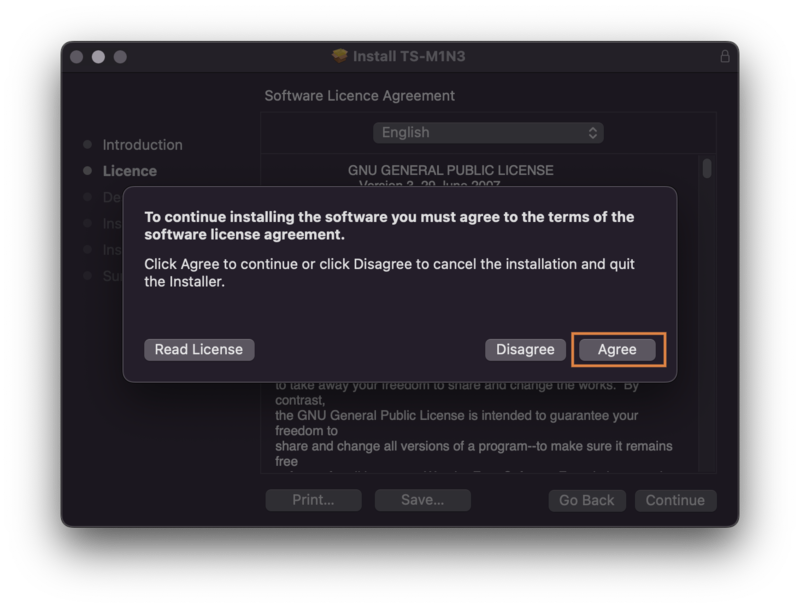
3. Read through the license agreement > click 'Continue' > click 'Agree'.


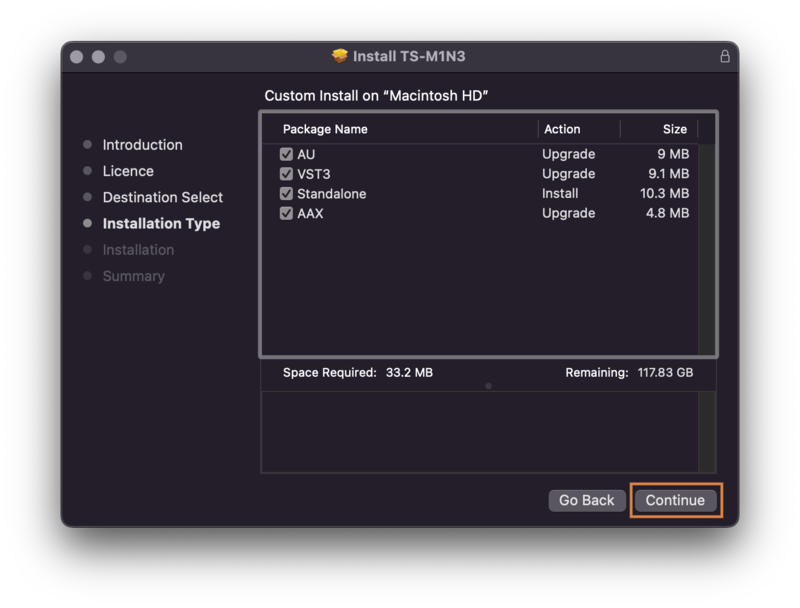
4. Select the components you would like to install > click 'Continue'.

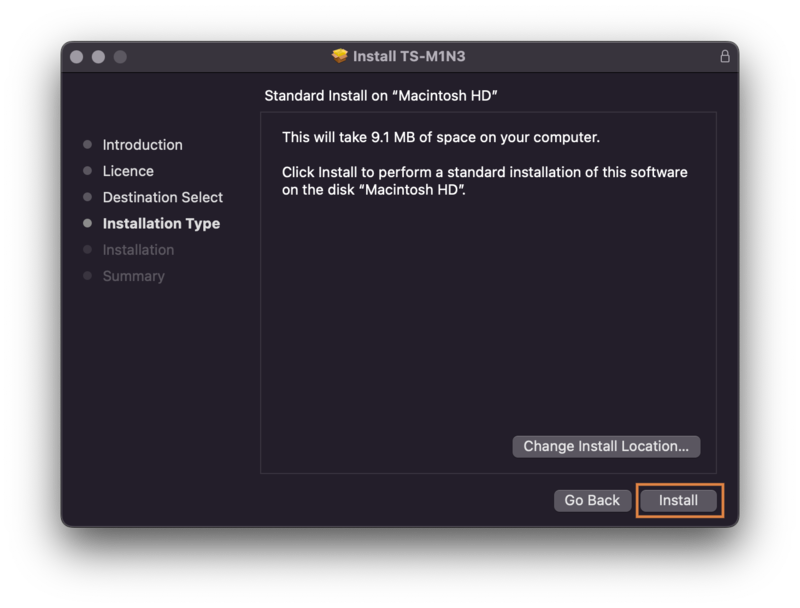
5. Choose your preferred installation location > click 'Install'.

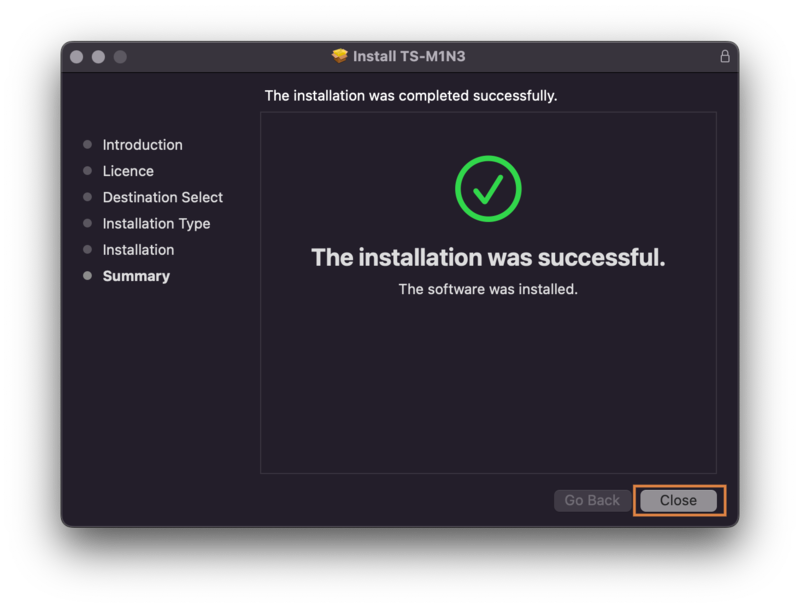
6. Click 'Close' to exit the installation window.

Your software is now ready to use within your DAW!