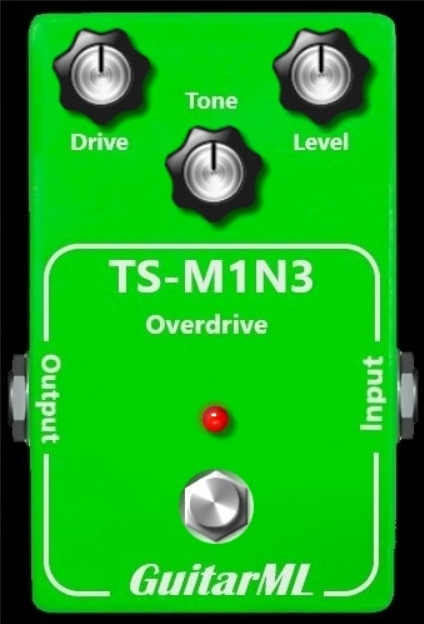
Chameleon is a guitar plugin using neural networks to create three distinct sounds from a vintage style amp head.
Chameleon's core sound comes from a neural net inference engine which allows the plugin to disguise itself as a high-end tube amplifier.
Chameleon uses the state-of-the-art RTNeural engine which brings CPU usage down to compete with other commercial plugins.
Please Note: The three tones, "red", "gold" and "green", are stored in the user's Documents folder. These can be manually swapped out for user trained models if desired.
System Requirements
Windows
- Windows 7 and later (32 or 64-bit)
- VST3, Standalone
Mac
- macOS 10.11 El Capitan and later (64-bit only)
- VST3, AU AAX, Standalone
Please Note: TS-M1N3 is used as an example.
Windows
Installation
1. Download the installer from the FREE PRODUCTS section of your Plugin Boutique Account.
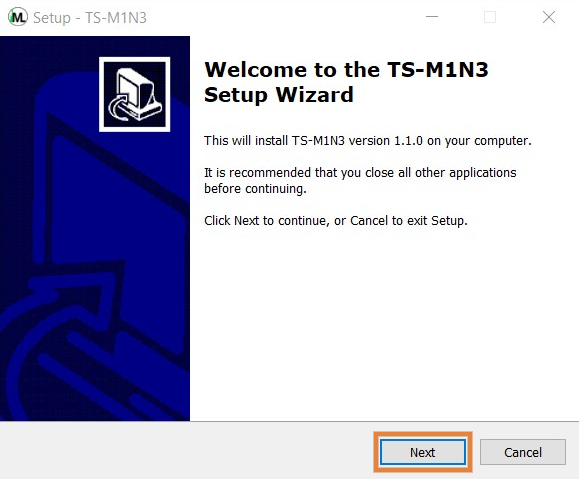
2. Double-click the .exe file > click 'Next'.
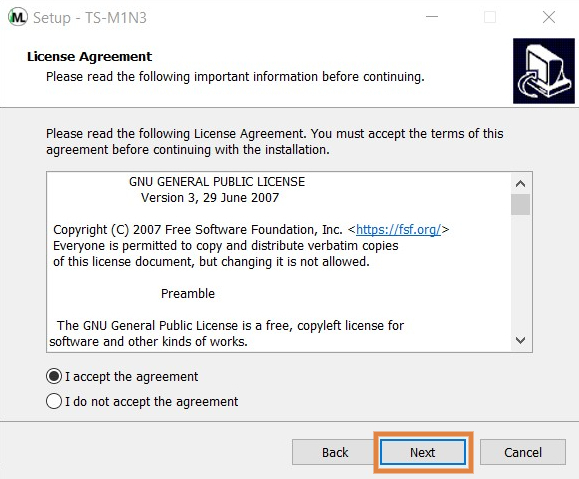
3. Read through the license agreement > click 'I accept the agreement'.
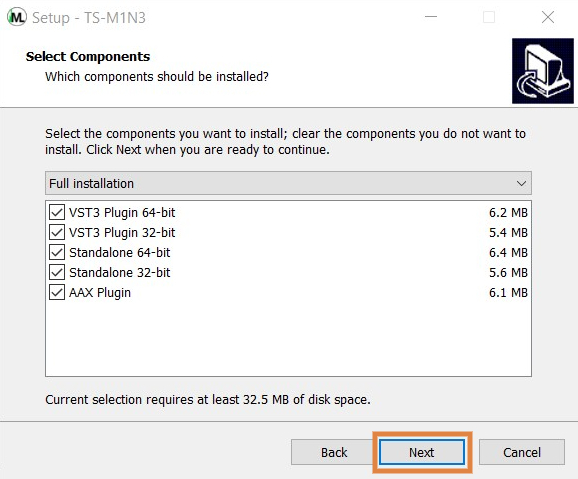
4. Select the components you would like to install > click 'Next'.
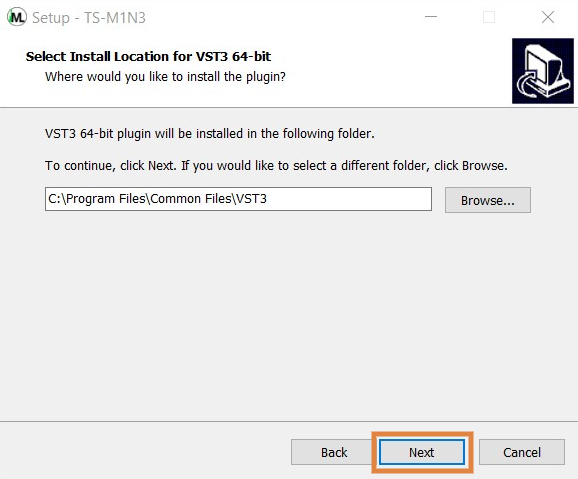
5. Choose your preferred installation location > click 'Next'.
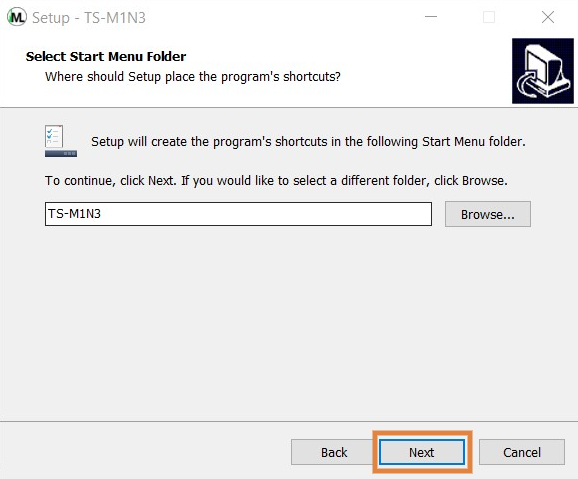
6. Choose your preferred start menu folder location > click 'Next'.
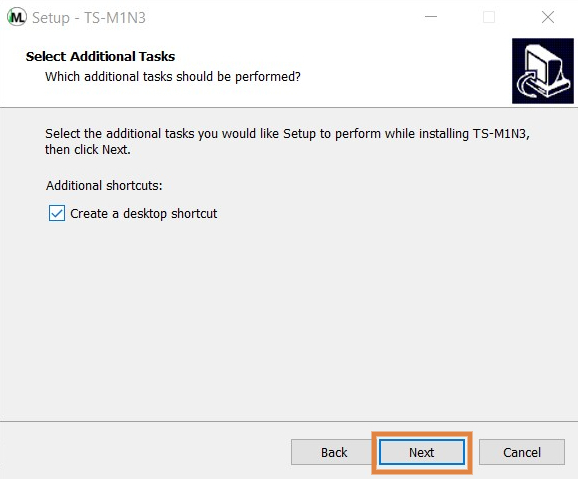
7. Select whether you would like a desktop shortcut to be created > click 'Next'.
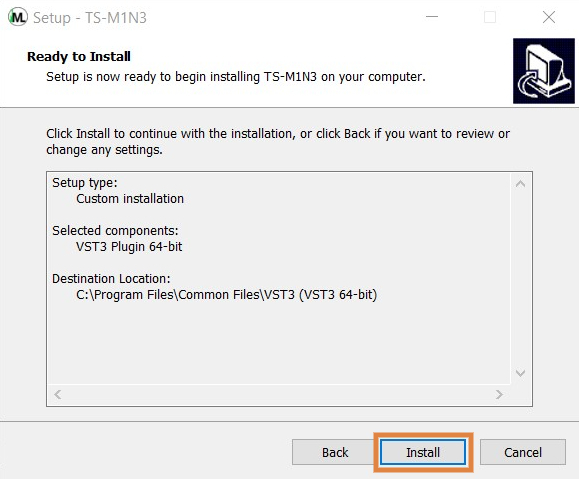
8. Click 'Install' to complete the installation process.
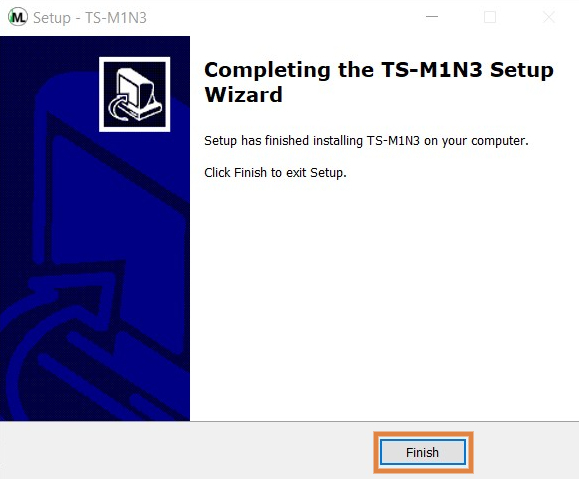
9. Click 'Finish' to exit the setup window.
Your software is now ready to use within your DAW!
Mac
Installation
1. Download the installer from the FREE PRODUCTS section of your Plugin Boutique Account.
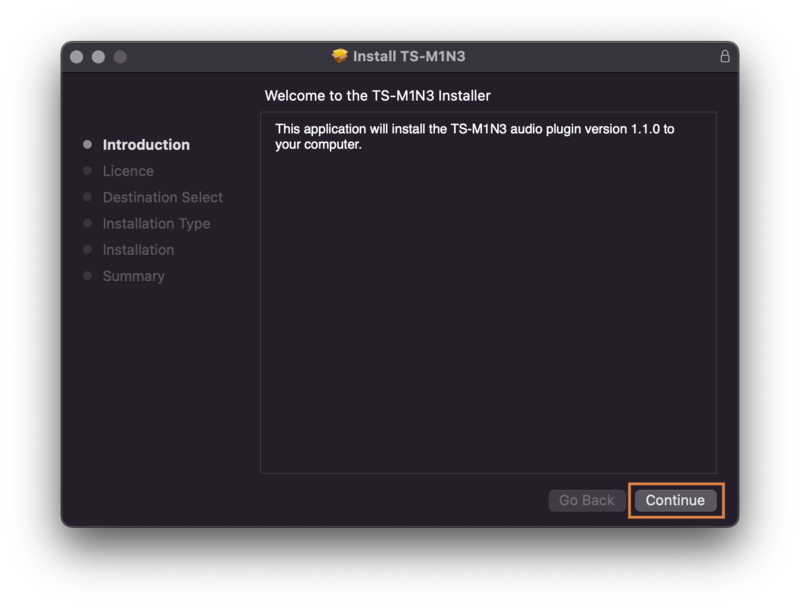
2. Double-click the .dmg file > click 'Continue'.
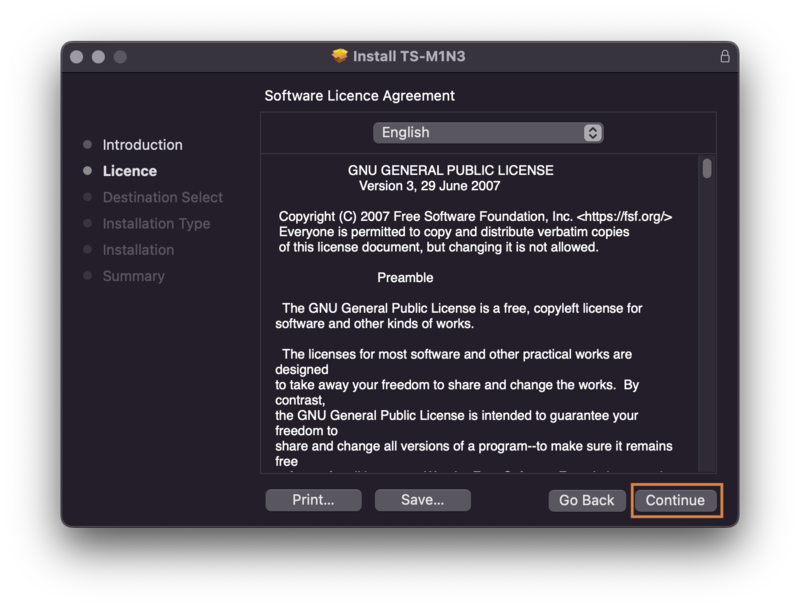
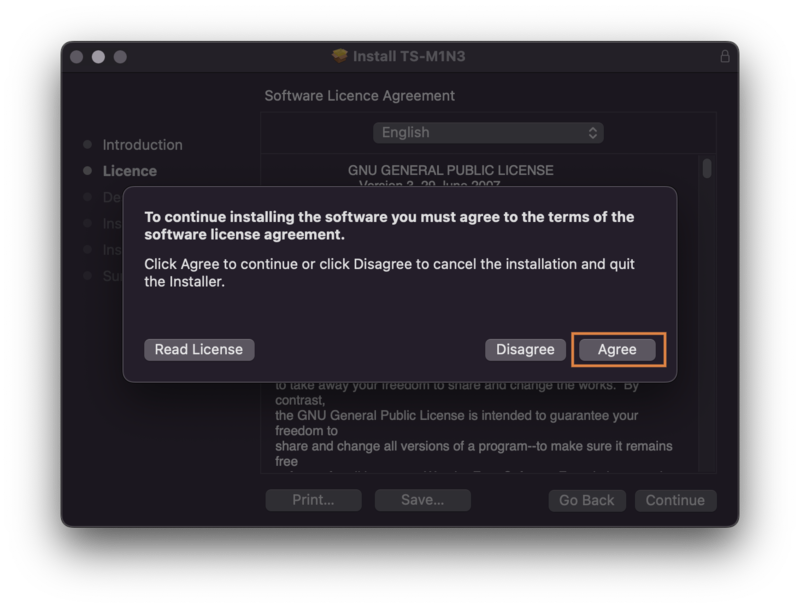
3. Read through the license agreement > click 'Continue' > click 'Agree'.
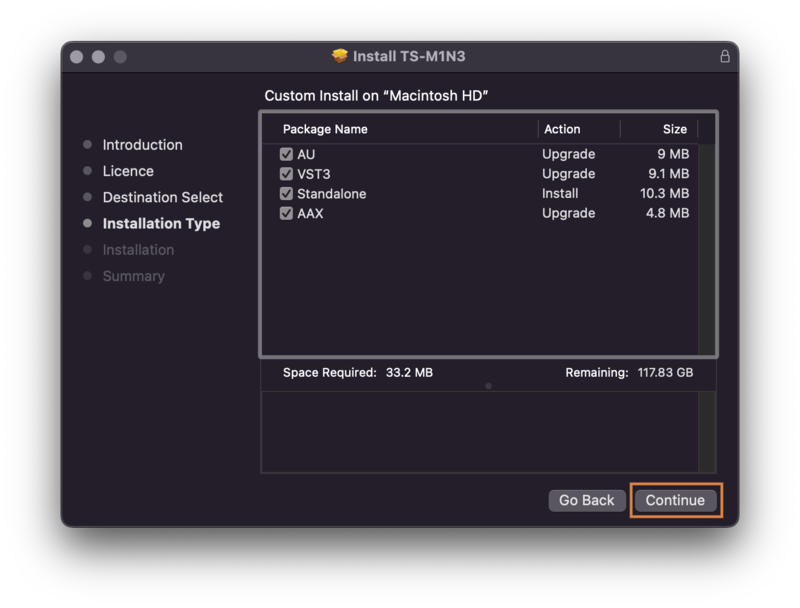
4. Select the components you would like to install > click 'Continue'.
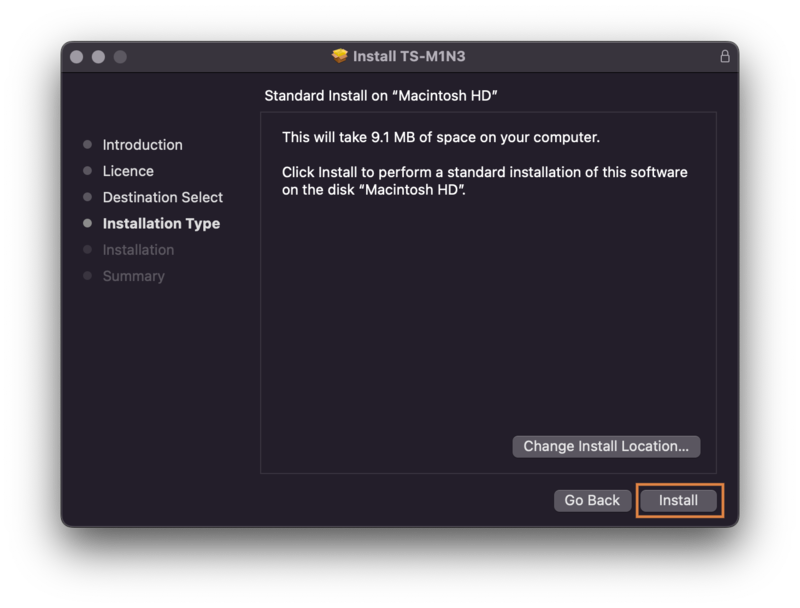
5. Choose your preferred installation location > click 'Install'.
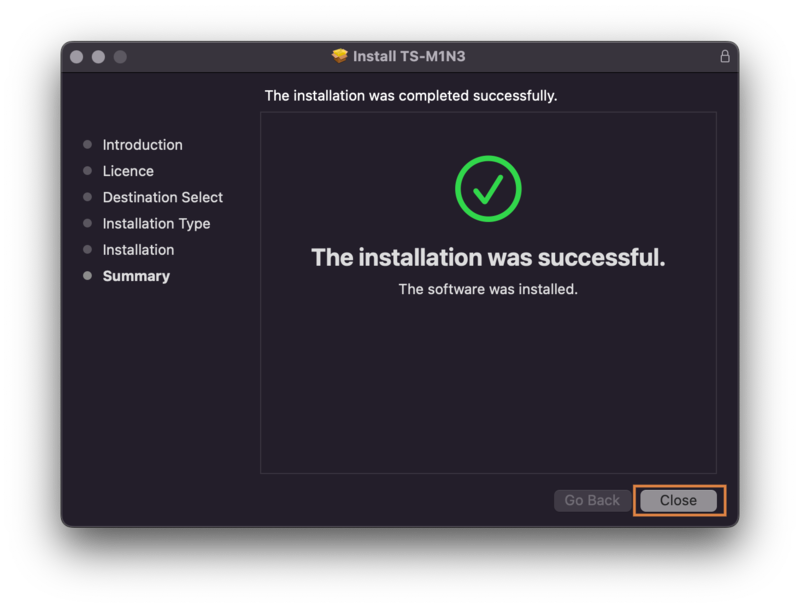
6. Click 'Close' to exit the installation window.
Your software is now ready to use within your DAW!