Log In

Free gifts available with your purchase
Note: This product is the HD version for AAX DSP users. The Native version is also available.
For Those Who Want It All
Everything Pack is the Ticket
All McDSP’s channel strips, compressors, equalizers, virtual tape machines, multi-band dynamic processors, reverbs, de-essers, mastering limiters, noise filters, and ‘futz’ tools are included.
Everything Pack contains all the plugins from Emerald Pack, Retro Pack, Classic Pack, plus all the latest McDSP plug-ins including the 6060 Ultimate Module Collection, NR800 Noise Reduction Processor, the 6034 Ultimate Multi-band, and the Emmy Award-winning SA-2 Dialog Processor.
The Everything Pack is the complete bundle for the user who needs powerful plug-ins to make their production sound it's very best.
Channel Strips
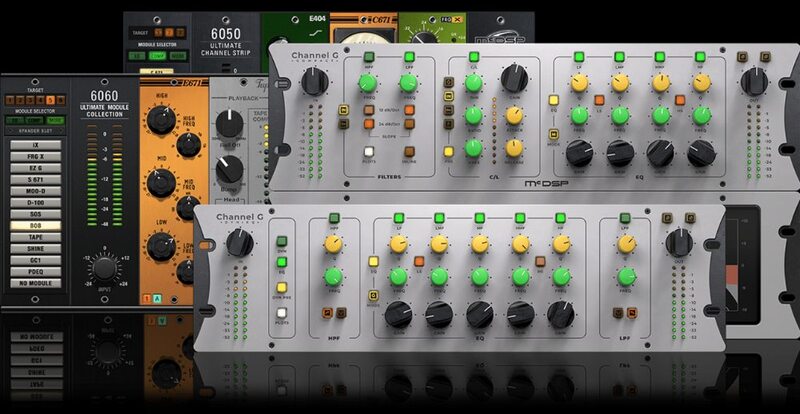
When flexibility is critical to getting the right mix, a good channel strip is mighty handy. Good thing McDSP makes so many of them. From the TEC Award nominees like Channel G and 6050 Ultimate Channel Strip to the 6060 Ultimate Module Collection with the most module-based processing options in any plug-in, McDSP has what you are looking for.
- Channel G HD v7
- Channel G Compact HD v7
- Channel G Surround HD v7
- 6050 Ultimate Channel Strip HD v7
- 6060 Ultimate Module Collection HD v7
Equalizers
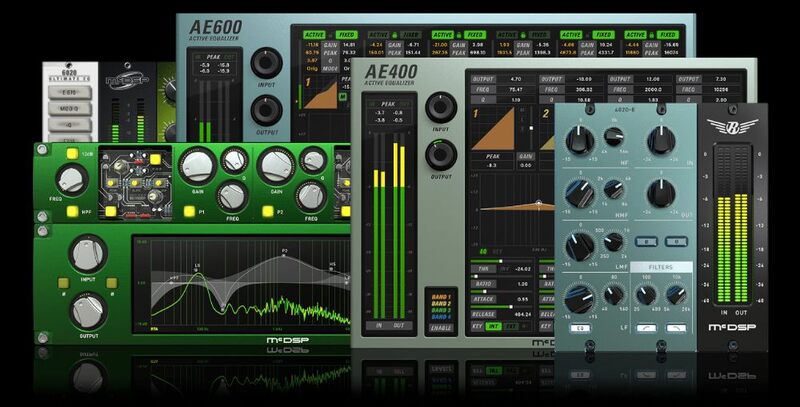
McDSP made a name for itself in 1998 with the acclaimed FilterBank equalizer plug-in. Over two decades later McDSP is still cranking out hits with new designs, the first (and only) active EQs that work on ALL major formats (AAX DSP, AAX Native, AU, VST3), and loads of unique features along the way.
- 4020 Retro EQ HD v7
- AE400 Active EQ HD v7
- AE600 Active EQ HD v7
- FilterBank HD v7
- 6020 Ultimate EQ HD v7
Compressors
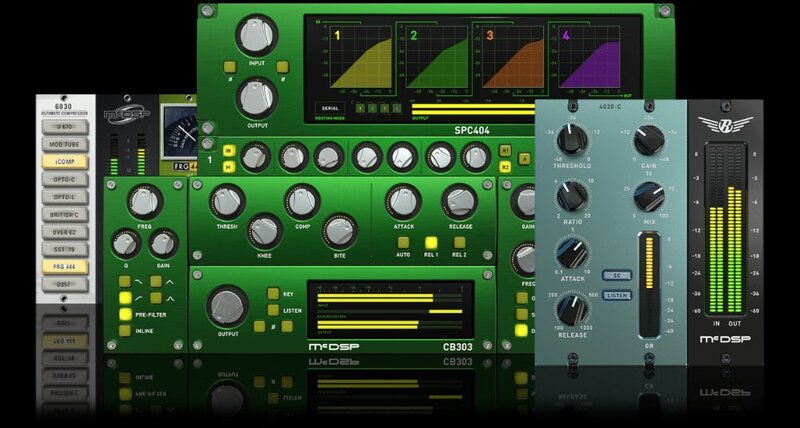
If you thought you'd seen it all when it came to dynamic range compression, think again. McDSP's unique designs can model the classics, or be something new entirely. Like all McDSP plug-ins, the compressor algorithms are built from scratch, have zero (or near-zero) latency, and can handle dynamic range processing well over 0 dB.
- 4030 Retro Compressor HD v7
- CompressorBank HD v7
- SPC2000 Serial/Parallel Compressor HD v7
- 6030 Ultimate Compressor HD v7
Multi-Band & Limiters
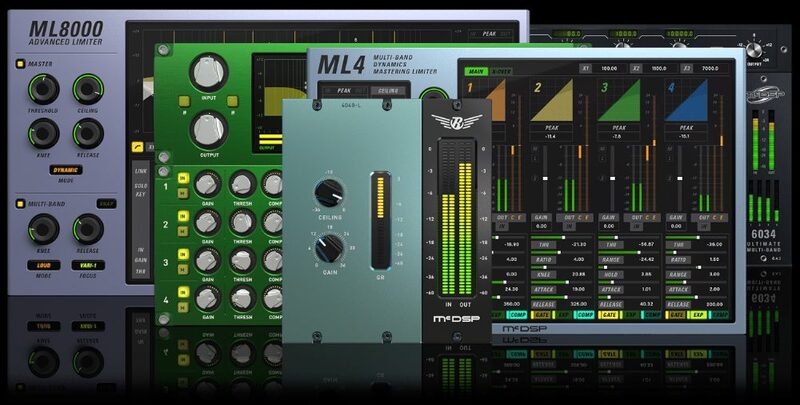
Patented processing techniques, the lowest latency in their class, and a wide variety of crossover network designs make McDSP multi-band processors and mastering limiters top choices in studios around the world.
- ML8000 Advanced Limiter HD v7
- 4040 Retro Limiter HD v7
- MC2000 Multi-Band Compressor HD v7
- ML4000 Mastering Limiter HD v7
- 6034 Ultimate Multi-Band HD v7
Noise Reduction, Reverb & Delay
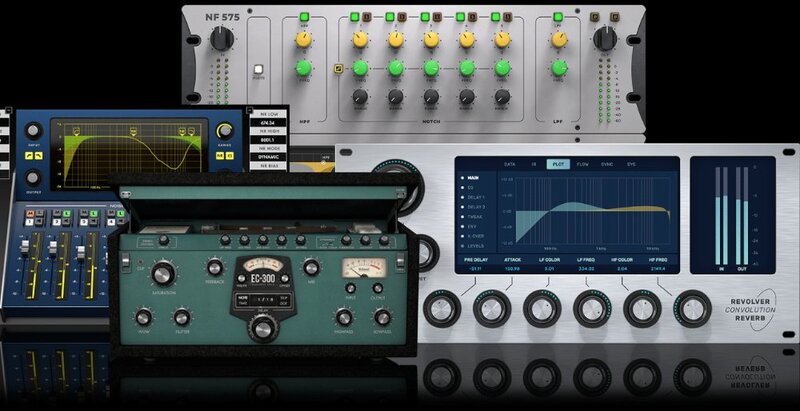
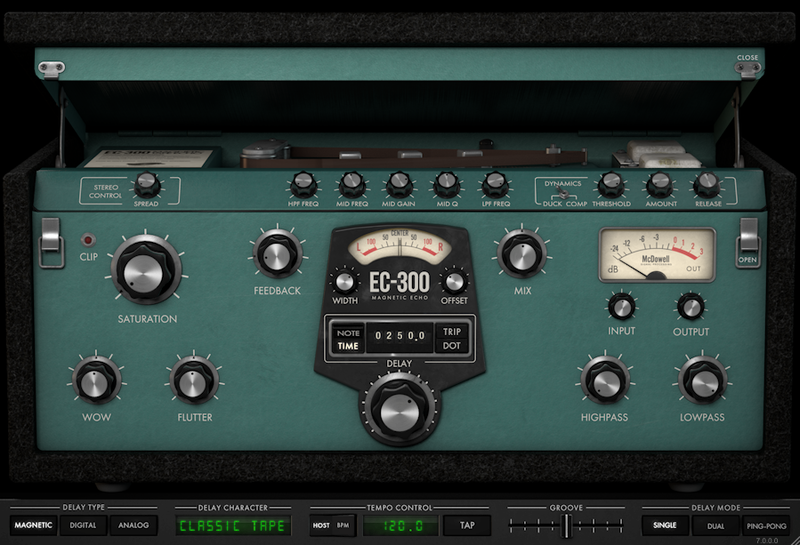
Real-time noise reduction is a few clicks away with the NR800 Noise Reduction Processor and NF575 Noise Filter plug-ins. Or If you need to make some space in your mix, the EC-300 Echo Collection offers plenty of options.
Specialty & Unique
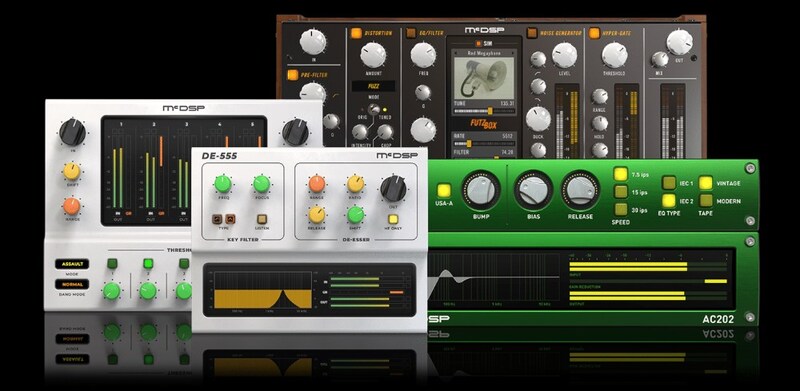
Looking to send your track through a fax machine? Need an Engineering Emmy Award-winning dialogue processor? Or maybe you just want to sound like you recorded to tape? McDSP has all these processing options and more.
Features
- Optimization for Apple Silicon and Latest Intel Processors
- Two activations per license / subscription
- High definition user interfaces
- Zero Latency Algorithms
- Double Precision Processing
- Real-Time Analyzers in AE400 Active EQ, AE600 Active EQ, Channel G Compact, Channel G, NF575 Noise Filter, ML4000 Mastering Limiter and ML8000 Advanced Limiter
- Phase Buttons on all Classic Pack plug-ins
- Frequency Shift Control on the DE555 De-esser and SA-2 Dialog Processor
- Tuned Intensity Control, Chop and Wobble for FutzBox
- Range and Monitor Control on SA-2 Dialog Processor
System Requirements
Mac
- macOS 10.13 or higher (64-bit only) (macOS 12 Monterey compatible)
- McDSP plugins run natively on Intel and M1 Apple Silicon processors
- McDSP HD plugins support AAX DSP plugin format, AAX Native, AU, and VST3 plugin formats
- McDSP plugins support Mac OS 10.13.x (High Sierra), 10.14.x (Mojave), 10.15.x (Catalina), 11.x (Big Sur), 12.x (Monterey), and Windows 10
- Mac OS version 10.12.x (Sierra) may work but is not officially supported. Earlier Mac OS versions are not officially supported
Windows
- Windows 7, 8 & 10 (64-bit only)
HD v7 Software Support
- AAX DSP
- AAX Native
- Audio Units (AU)
- VST3
Compatible DAW's
- McDSP HD and Native plugins are compatible with Pro Tools, Logic Pro, Cubase, Nuendo, Ableton Live, LUNA, Reaper, Sonar, Studio One, and other DAWs that support AAX, AU, and/or VST3 plugin formats
- As of v7.0, VST is no longer supported. VST versions of v6 McDSP plugins will no longer be updated and will be uninstalled
- McDSP HD plugins also support the VENUE S6L systems. McDSP VENUE plugins are packaged in a VENUE specific installer available on the McDSP website.
Activation:
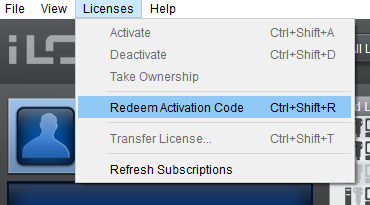
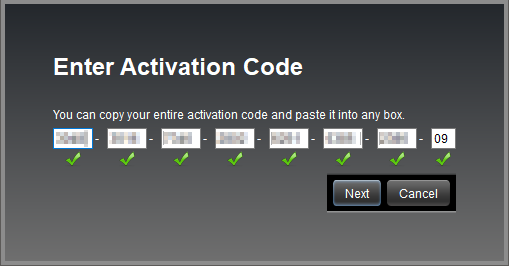
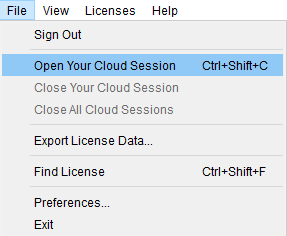
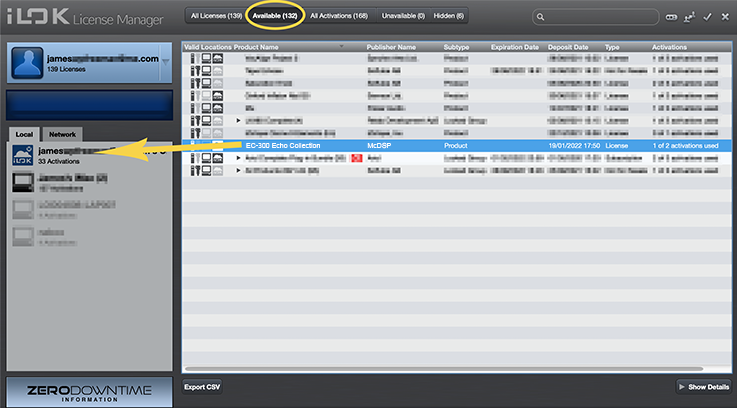
- McDSP plugins require an iLok2 or iLok3 USB Smart Key, or an iLok License Manager account and iLok Cloud for activation.
Important note: McDSP plugins require an iLok2 or iLok3 USB Smart Key, or a FREE iLok License Manager account and iLok Cloud session for authorisation. Each McDSP v7 plugin contains two activations per authorisation.
Is McDSP 6030 the Best Compressor Plugin? I don’t know about you, but sometimes I feel that we mix engineers have more than enough compressor emulation plug-ins to choose from. When a new one comes out, it really has to blow me away in order to add it to my arsenal. In this case, the McDSP 603...
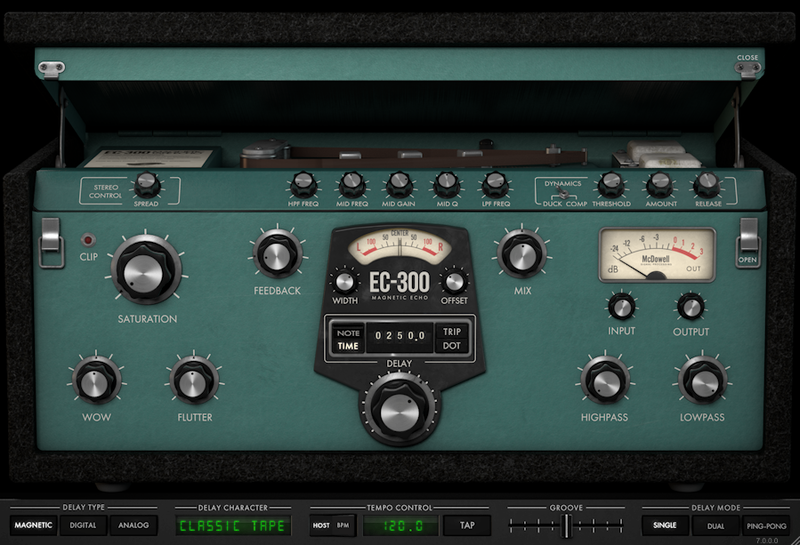
Read MoreThe EC-300 is more than just another delay. It’s a modular suite that gives you all three major delay flavors—tape echo, digital delay, and analog delay. It’s easy to use, fully featured, and great sounding. Each of the effects—Magnetic, Digital, and Analog—has its own look and control set, an...
Read MoreMcDSP’s tasty echo presents a mouth-watering trio of vintage delay styles, with a side order of freakiness. McDSP’s EC300 Delay covers a lot of ground. Not only does it emulate the three main types of hardware delay unit, referred to here as Magnetic, Analog and Digital, but it also adds v...
Read MoreFutzBox offers a variety of controls for managing the noise generator, speaker modeler and other lo-fi effects. Noise and distortion have become the sound producer/engineer's friends! Used in the proper context, distortion and noise can place a vocal or instrument track in a soundscape familia...
Read MoreYou can never have too many options for creating distortion effects. Toby Pitman crushes, crumples, squeezes and mangles sounds using McDSP's Futzbox plug-in. If you're looking for an all in one solution for distorted effects I don’t think you could do much better than McDSP’s mangling machin...
Read MoreThree years ago this month, I reviewed the McDSP 6030 Ultimate Compressor plug-in. The 6030 consists of ten uniquely different 500 series style compressors all bundled into one plug-in. And it has since played a big role in a number of my mixes. So, needless to say, I was excited when I heard ab...
Read MoreWith almost 30 separate processing modules available, McDSP’s 6050 promises to be the “ultimate channel strip”. Is it? McDSP’s principal developer Colin McDowell has been in the game longer than most, and if there’s such a thing as a classic plug-in, his FilterBank and CompressorBank defin...
Read MoreIn 2010, McDSP released the 6030 Ultimate Compressor plug-in [Tape Op #105], which offered ten different compressors in one virtual rack — some original concepts as well as some inspired by classic analog units. A few years later, they did the same with the 6020 Ultimate EQ. Now, McDSP has combin...
Read More