/ Synth / FRMS - Granular Synthesizer
Imaginando

FRMS - Granular Synthesizer

4.6 (82 Reviews)
$94.00
Imaginado FRMS - Granular Synthesizer
Imaginado FRMS - Granular Synthesizer gallery thumbnail
FRMS - Granular Synthesis - Tutorial 1 | Sound Design with a Ruler and a Can gallery thumbnail
FRMS - Granular Synthesis - Tutorial 2 | Sound Design with Voice gallery thumbnail
FRMS - Granular Synthesis - Tutorial 3 | Sound Design with an Electric Guitar gallery thumbnail
Imaginado FRMS - Granular Synthesizer
FRMS - User Interface 2
FRMS - User Interface 3
FRMS - User Interface 4
FRMS - User Interface 5
FRMS - User Interface 6
FRMS - User Interface 7
FRMS - User Interface 8
FRMS - User Interface 9
FRMS - User Interface 10
FRMS - User Interface 11
FRMS - User Interface 12
FRMS - User Interface 13
FRMS - User Interface 14
FRMS - Ableton DAW Image
Buy Now
Product information

A Granular Synthesizer Beast with an FM Leash

FRMS is a versatile hybrid synthesizer that combines Granular, FM, Subtractive and Additive synthesis using a flexible layering system.
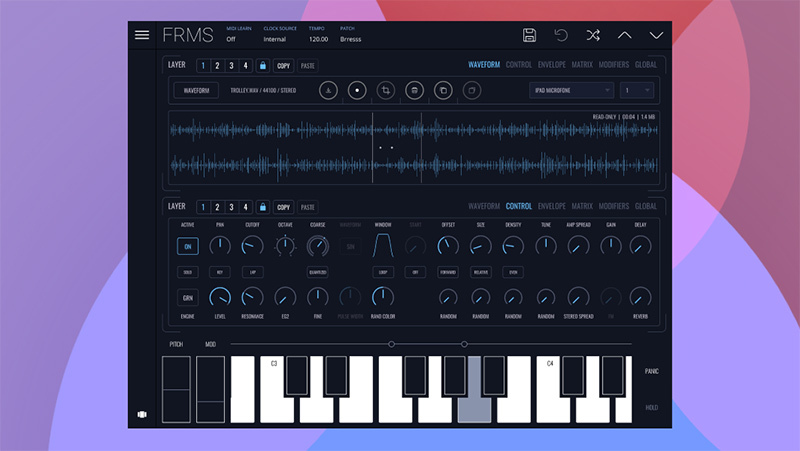
From heavily-dense ambient drones to glitchy mechanical beings, turn simple sounds into complex evolving soundscapes, with up to four layers of synthesis in any combination.

FRMS takes the interesting and exciting world of granular synthesis and gives it a musical edge by mixing it with FM synthesis to produce a wide variety of possible timbres, with a sleek and modern interface.

Layering System
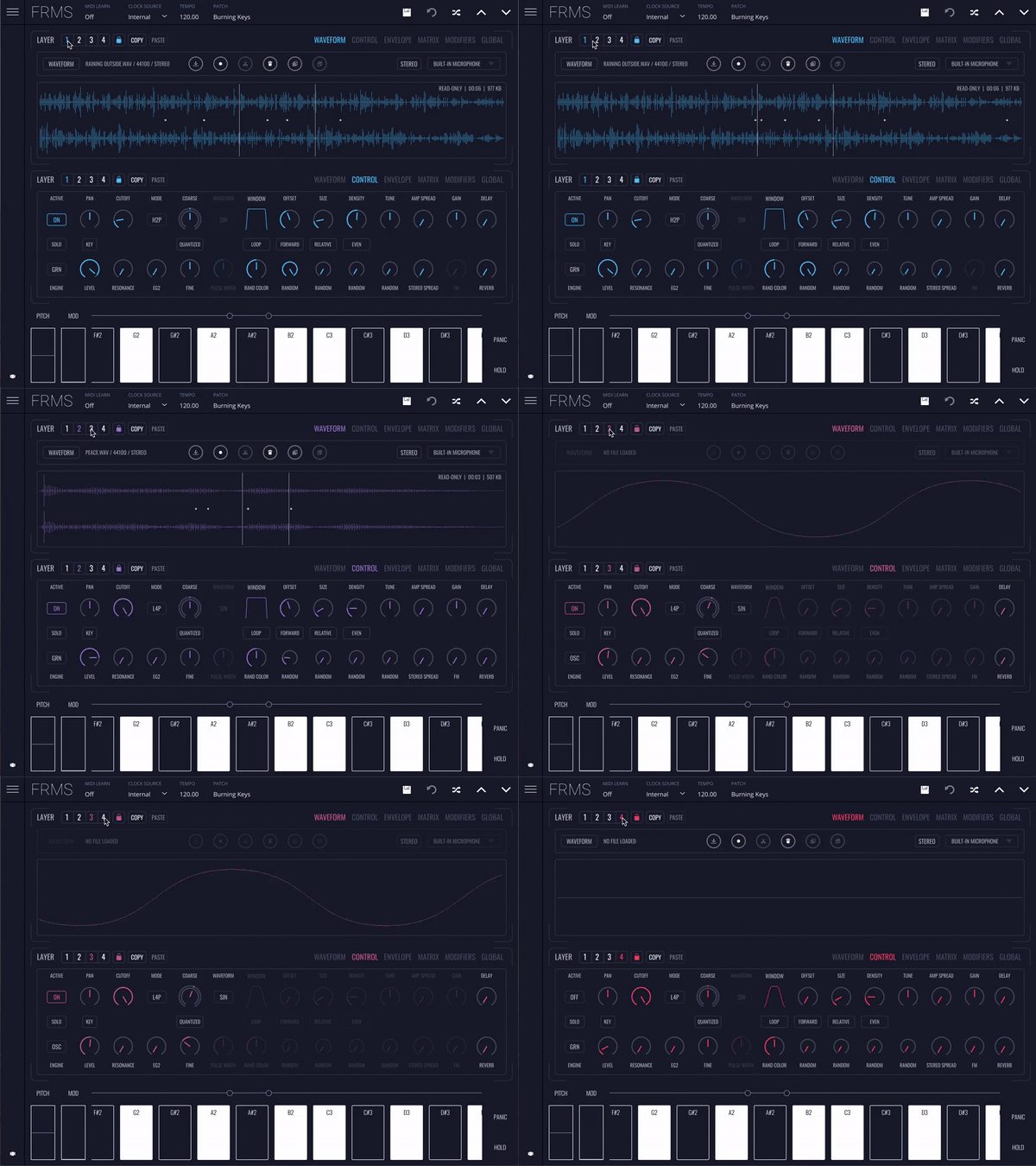
Up to 4 simultaneous layers, each one either granulator or oscillator.

Granulate Anything
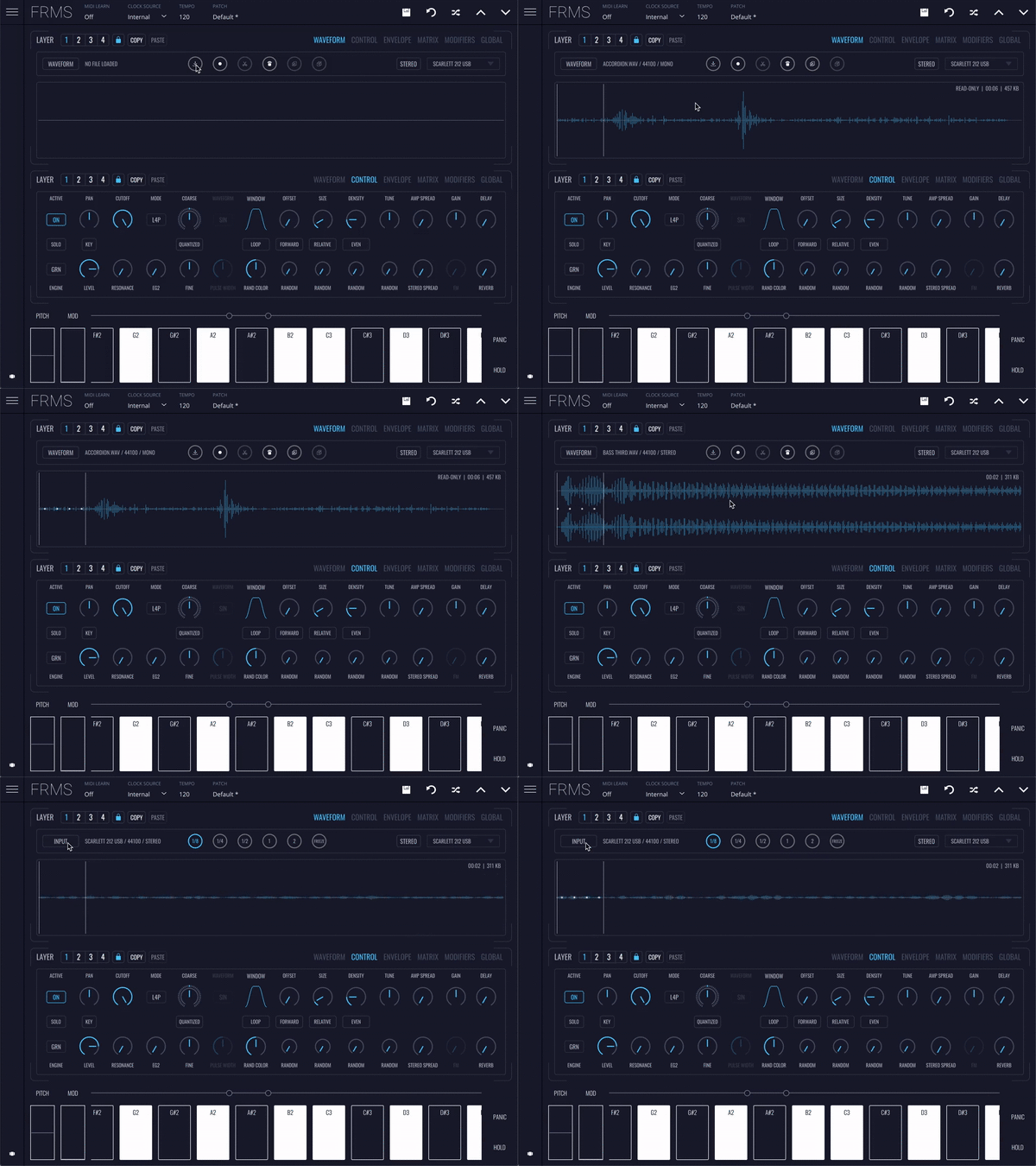
Browse the library of included samples, drop in your own, or even granulate live input.

Split Interface
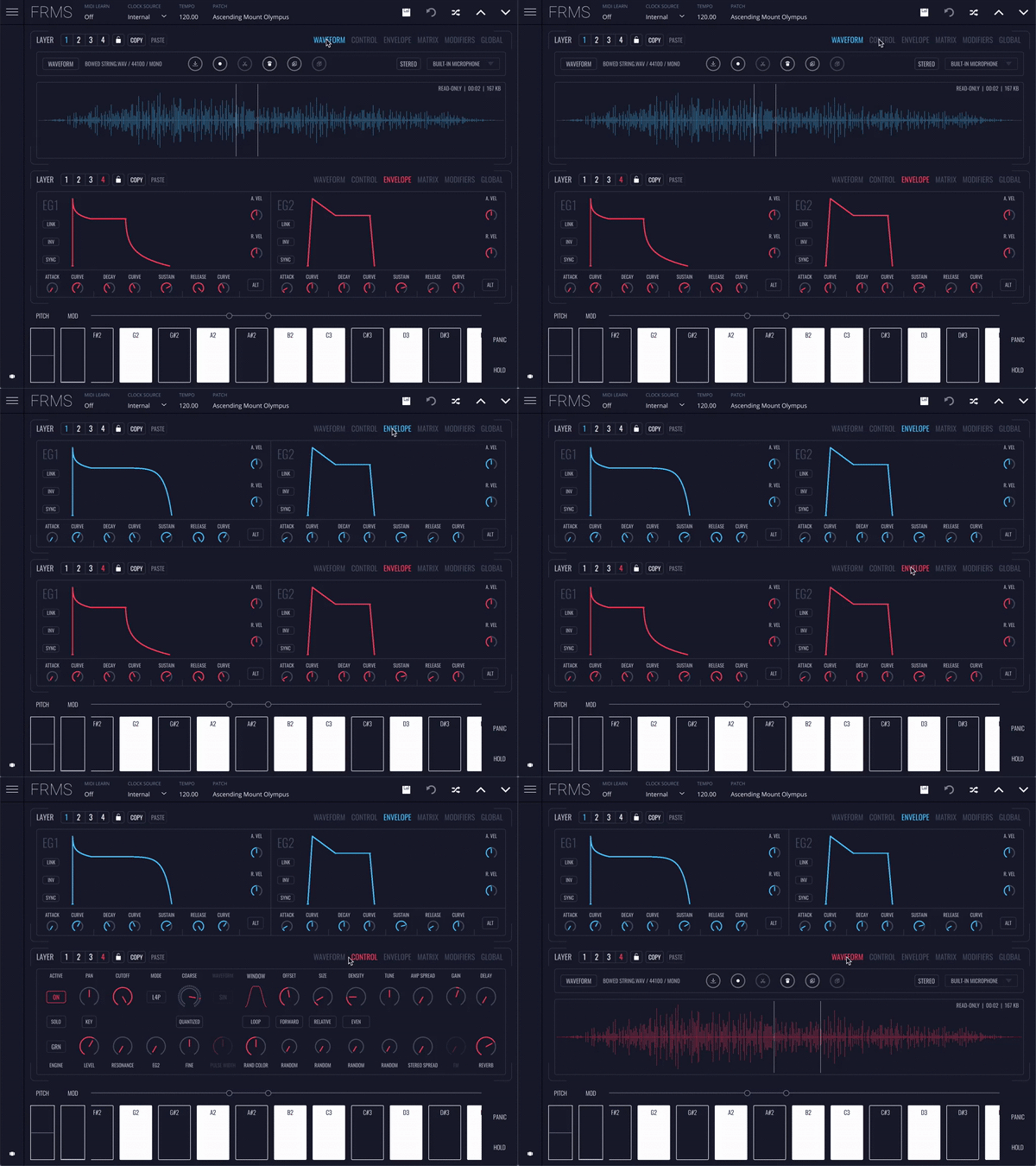
View, switch and control all aspects of your layers with ease.

Features

  • Factory Bank with over 150 presets
  • 4 synth engines, 4 layers per voice - Granular, FM, Additive, Subtractive - 8 FM modes, layers as operators
  • Granulate Samples or Live Audio
  • Up to 20 grains per layer
  • 1 modulation matrix per layer
  • 2 EG’s per layer
  • 1 filter per layer and a master filter
  • 4 voices polyphony
  • 4 LFO’s with 5 modes
  • Arpeggiator with 5 modes
  • Delay and Reverb FX as layer send
  • High-Quality Sample Bank
  • Built-in Audio Recorder
  • MPE Compatible
  • Ableton Link
  • Lifetime Free Updates
  • Register on up to 5 computers per license

System Requirements

Mac OS

  • Mac OS 12 or higher
  • Compatible 64 bit host DAW which supports VST3, AU plugin format
  • Minimum of 256 Mb of free disk space to install
  • Product licence activation requires internet connection

Windows

  • Windows 10 or higher
  • Compatible 64 bit host DAW which supports VST3 plugin format
  • Minimum of 256 Mb of free disk space to install
  • Product licence activation requires internet connection
Testimonials

Amazona.de

"A really interesting synthesis engine that is perfect for cinematic and fantastic sound creations"

Product Reviews
Imaginando FRMS review by MusicTech

With a lot lurking beneath its hood, Imaginado’s multi-layered new soft synth could add the sonic sparkle you were looking for. It’s fascinating how we humans have always used our most cutting-edge technologies as a means of making sound and music. Even back when the extent of humanity’s scien...

Read More
Installation Instructions

Imaginando Account Setup

1. Click 'Download' in your Plugin Boutique User Account or navigate to https://dashboard.imaginando.pt/auth/signup > Enter your details then click 'register'.

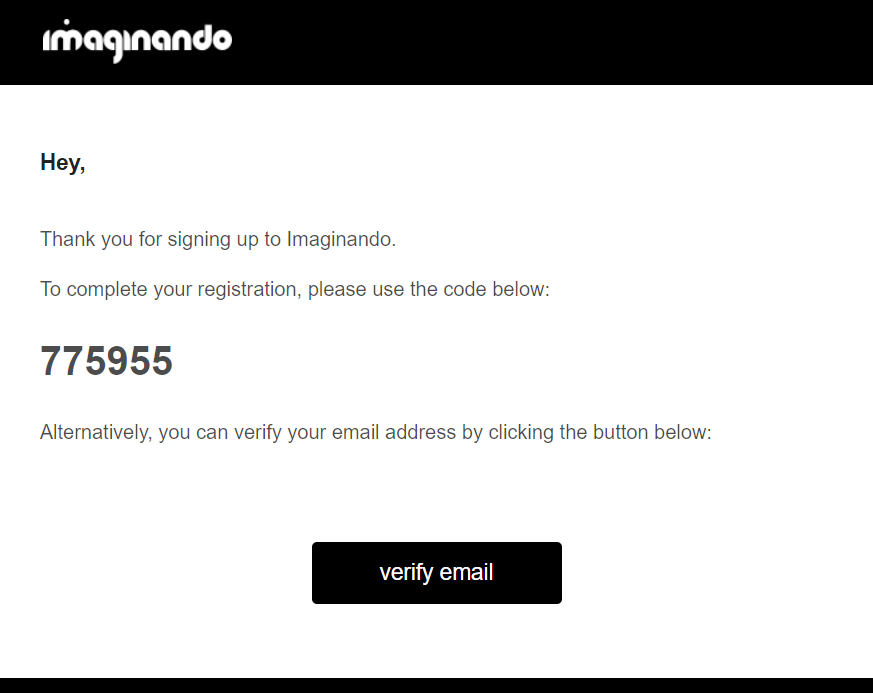
2. Navigate to your email inbox > Locate the confirmation email > Copy the registration code and return to the previous screen.

3. Paste the previously copied code > Click 'confirm'.

4. Your Imaginando account has been created > Click 'dashboard'.

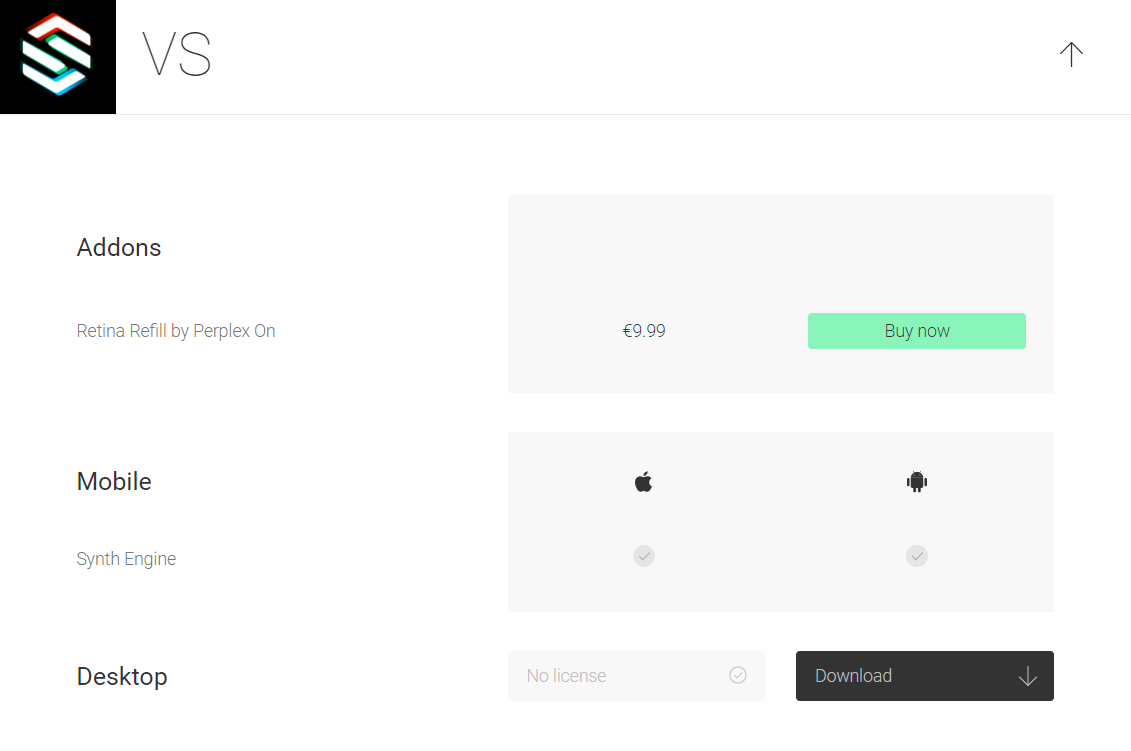
5. Scroll down to VS > Click 'Download'.

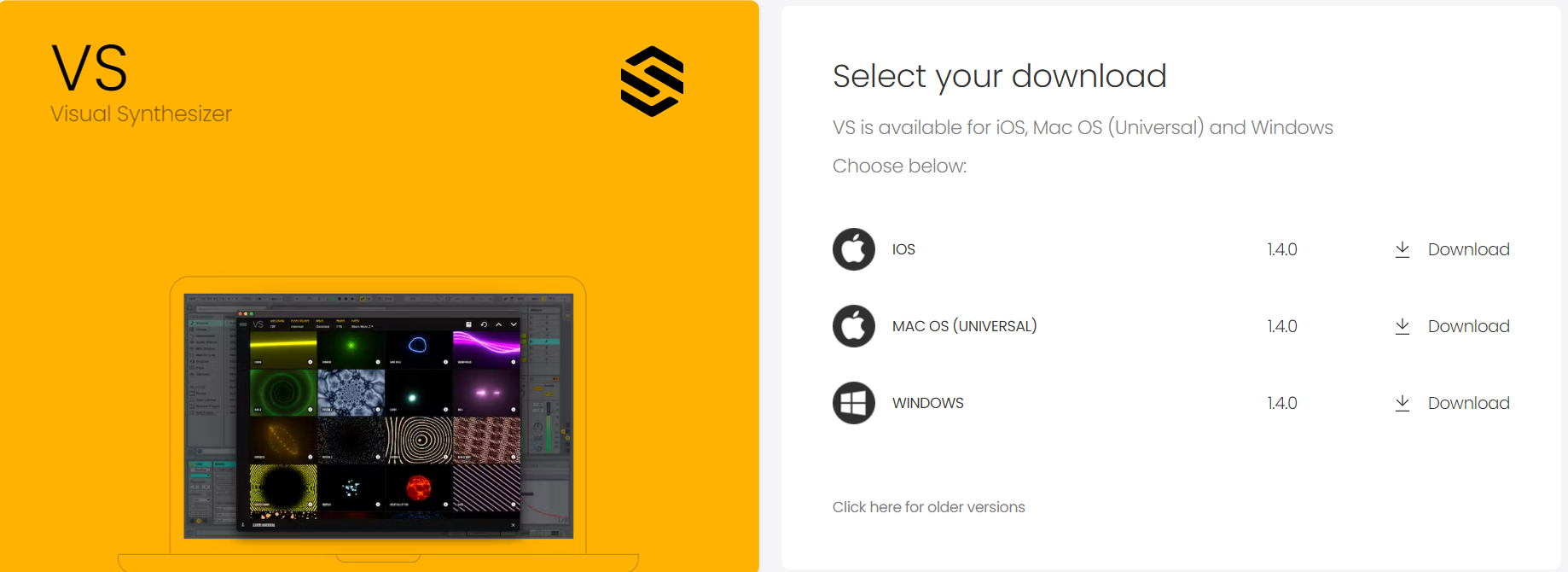
6. Download the relevant installer.

Mac

Installation & Activation

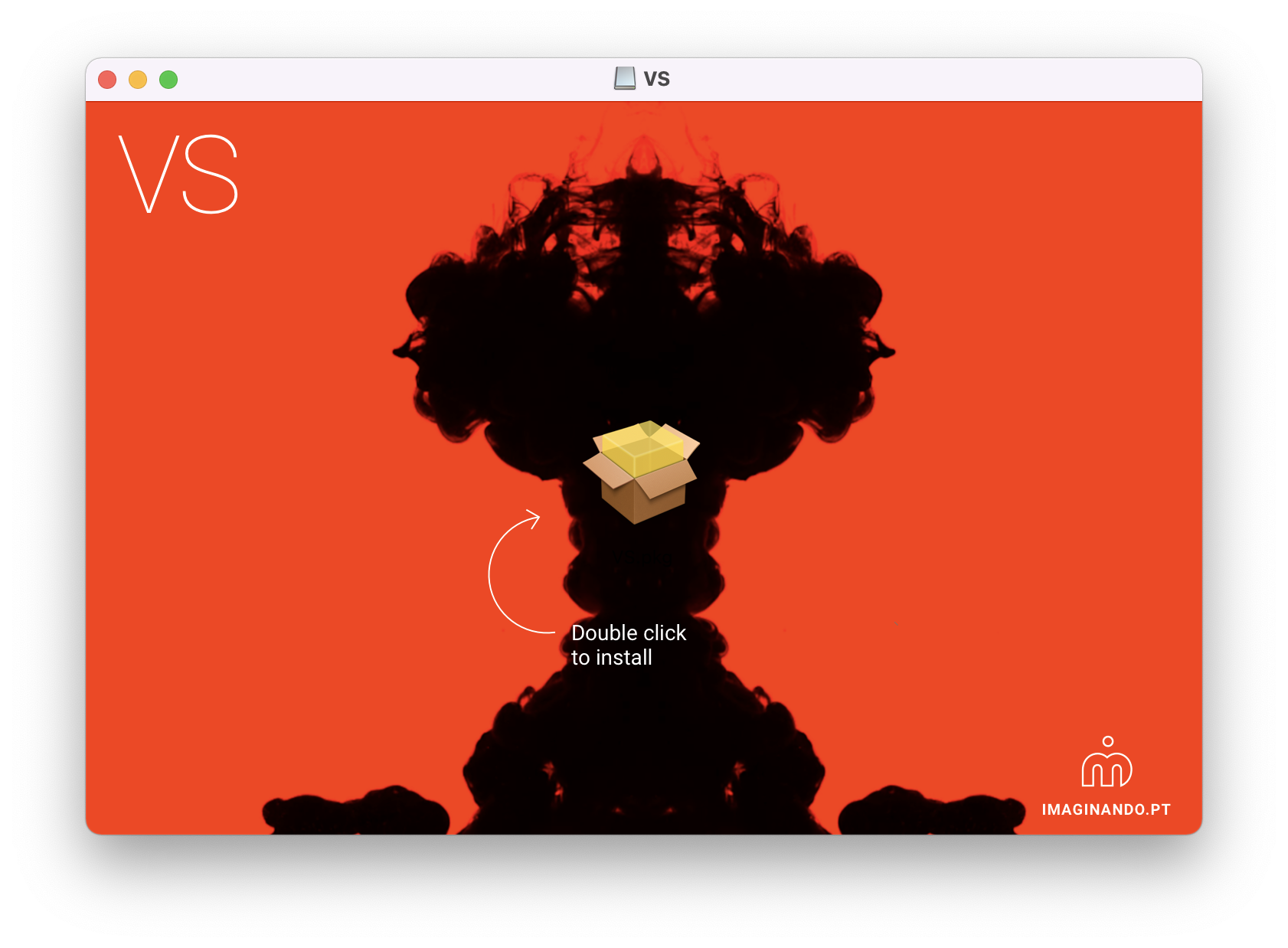
1. Launch the downloaded .dmg installer.

2. Double click the VS.pkg to open the installer.

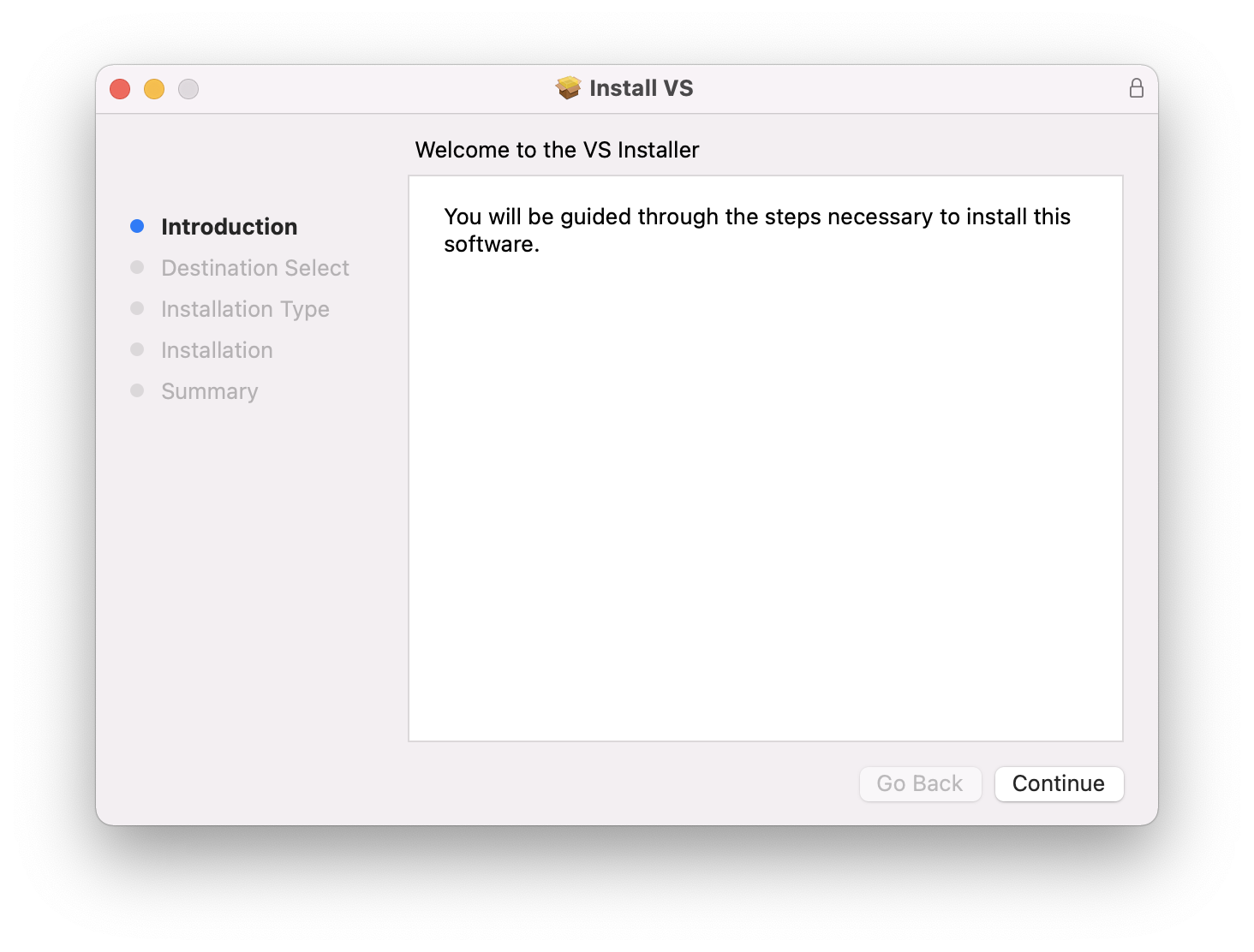
3. Click 'Continue'.

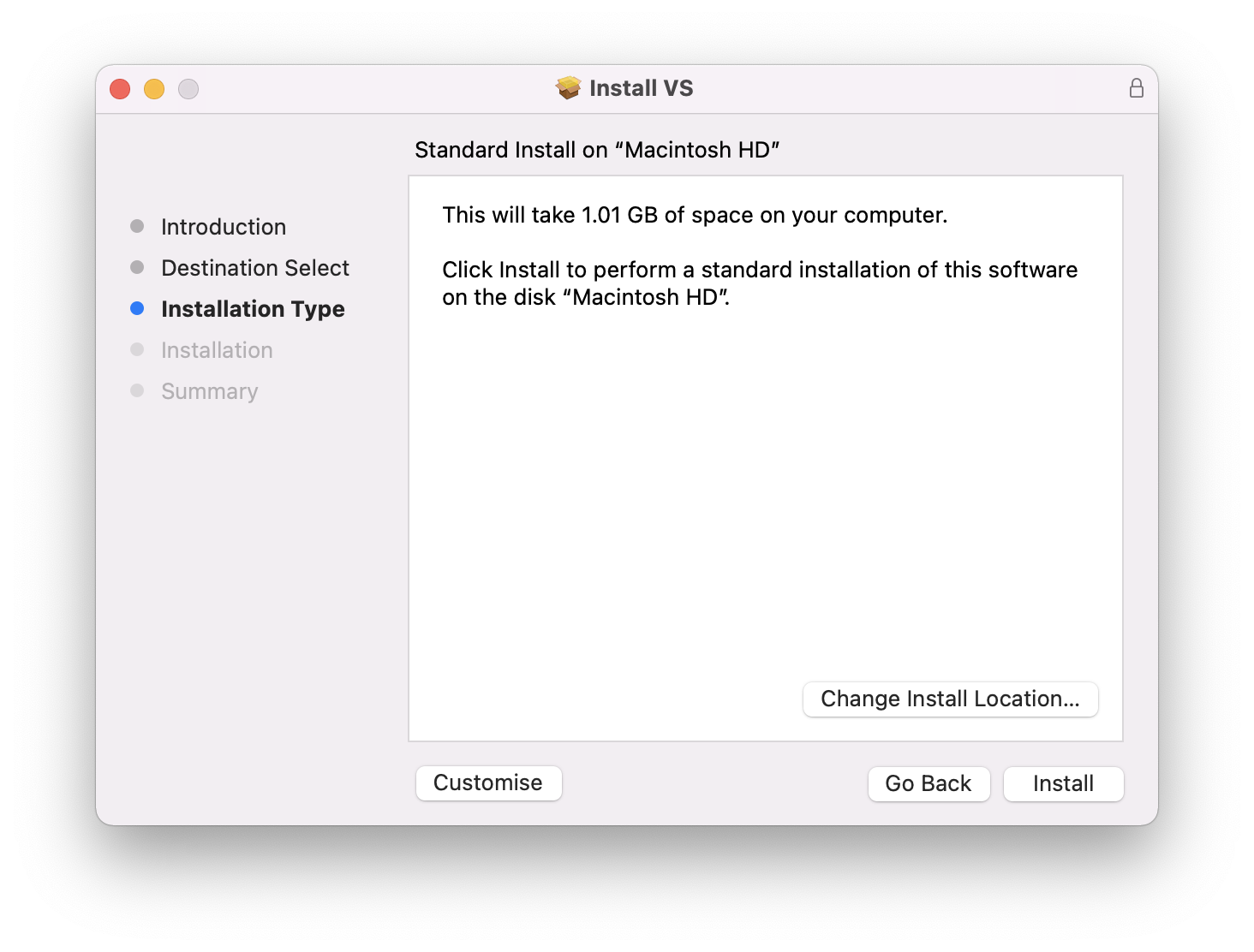
4. Click 'Install'.

5. Enter your system password > Click 'Install Software'.

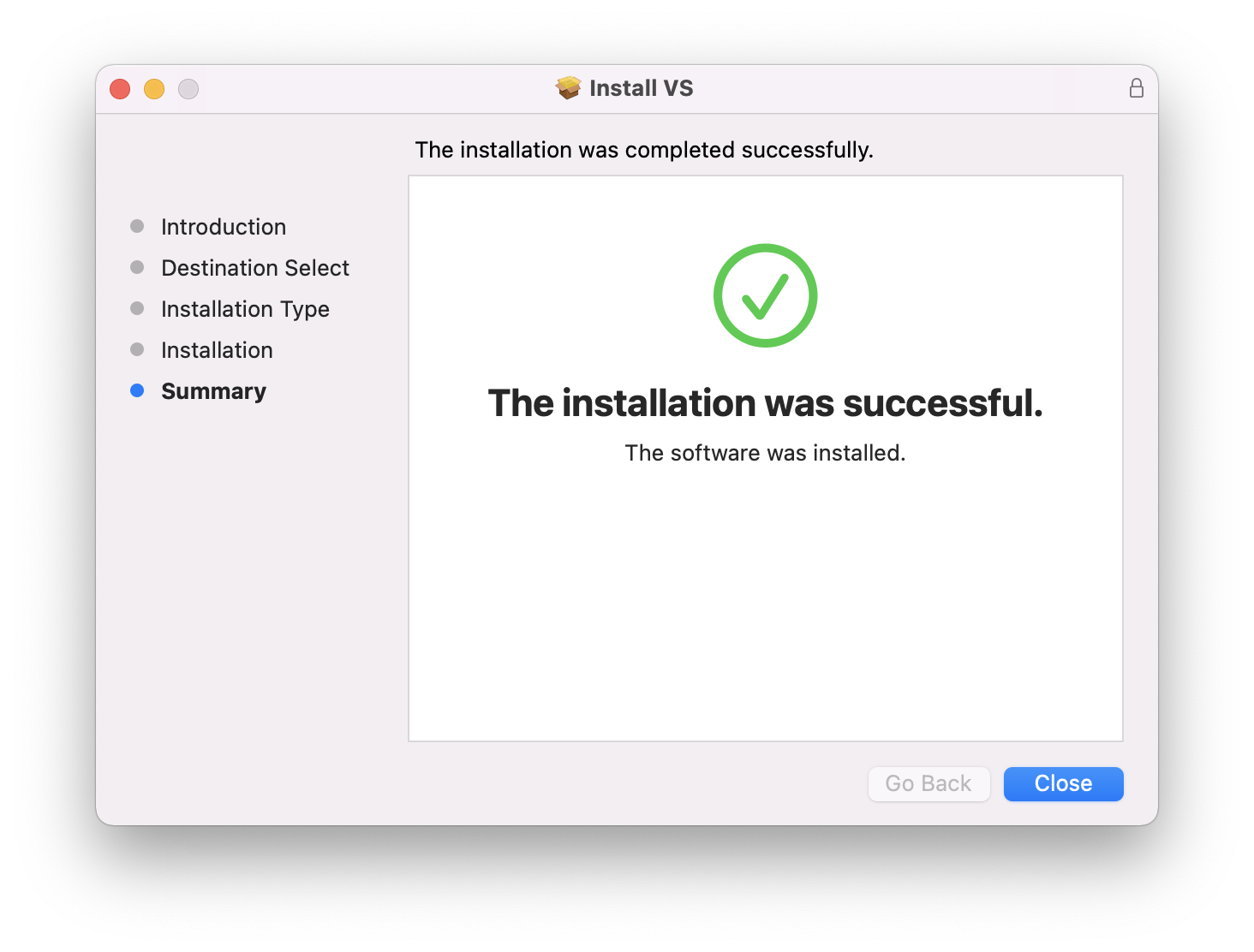
6. Click 'Close'.

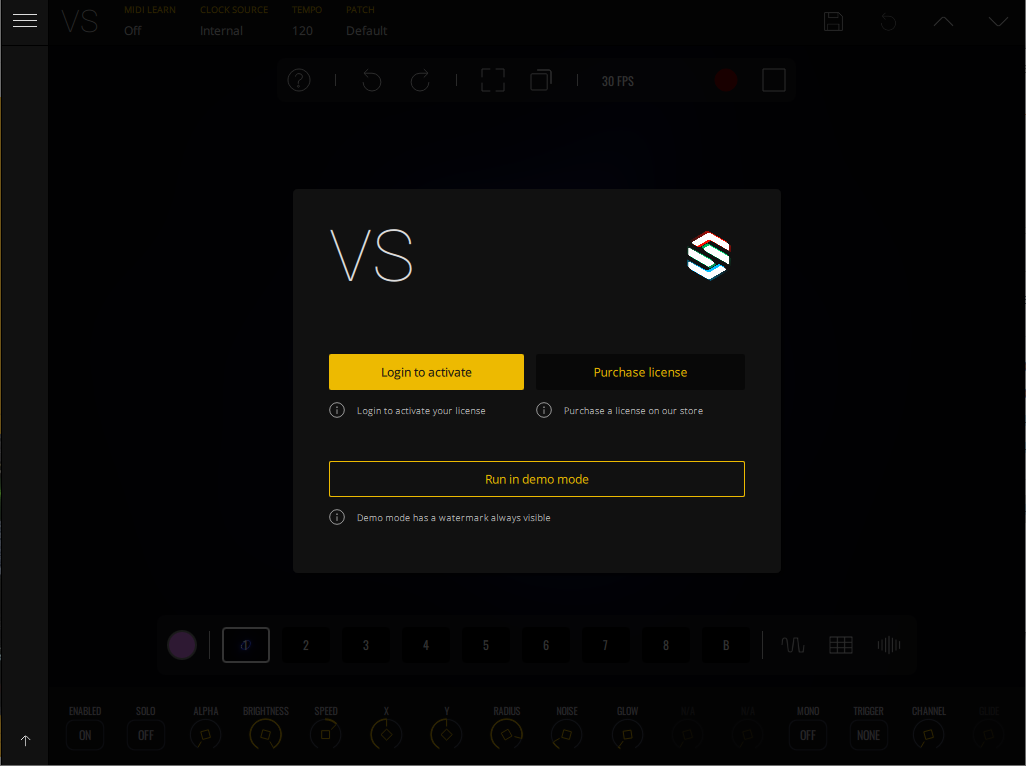
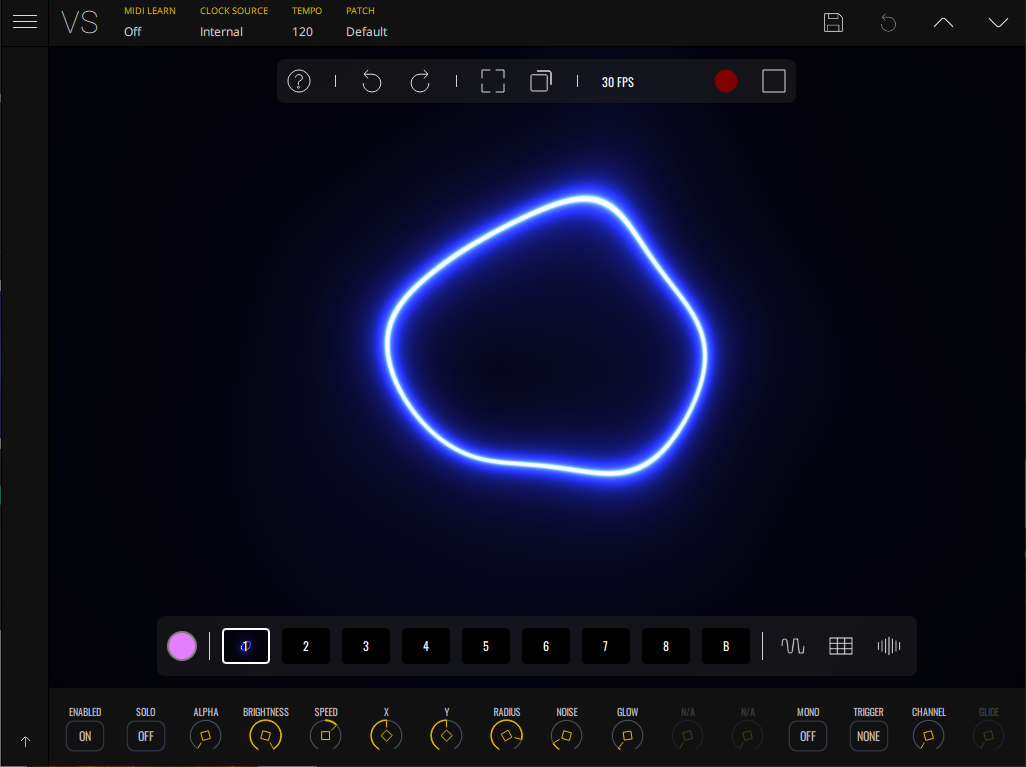
7. VS will now launch > Click 'Login to activate'.

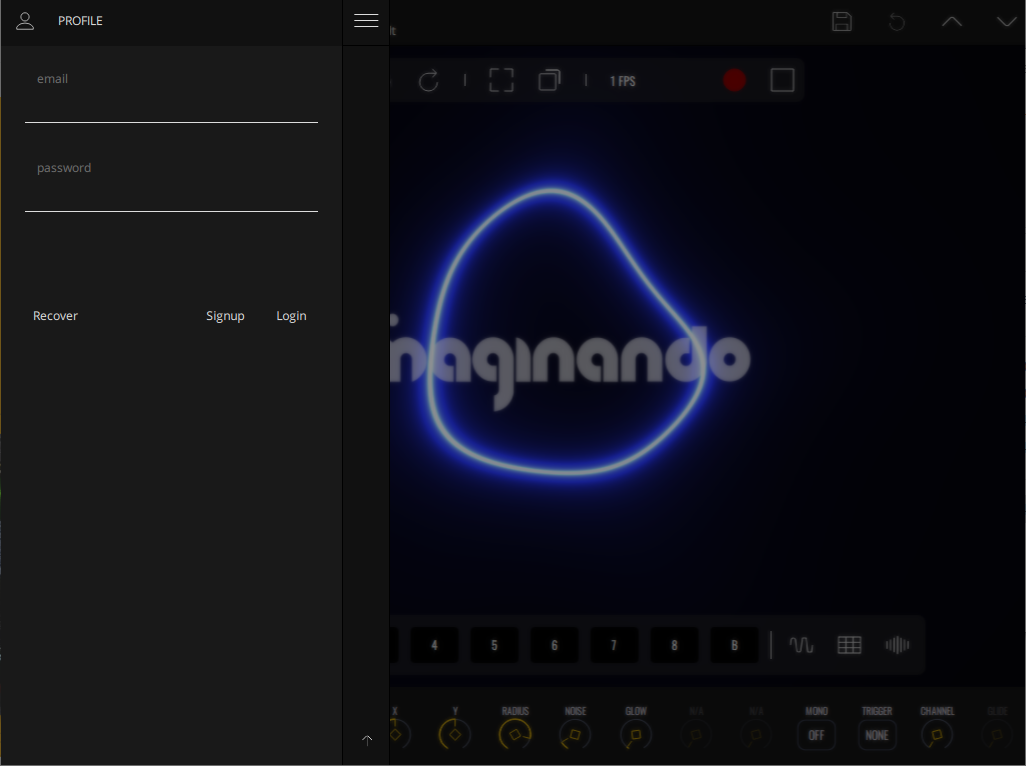
8. Click 'Profile' > Enter your Imaginando account details > Click 'Login'.

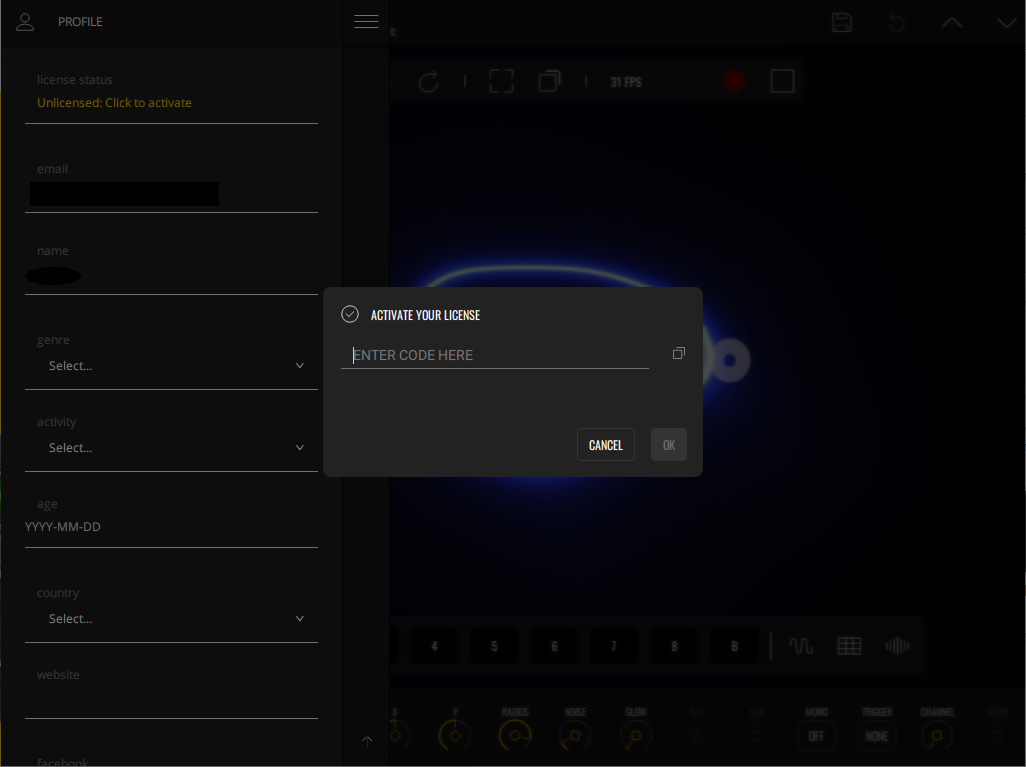
9. Click on the 'License Status' box > Type in your serial number found in your Plugin Boutique User Account > Click 'Ok'.

Your software is now installed, activated and ready to use.

Windows

Installation & Activation

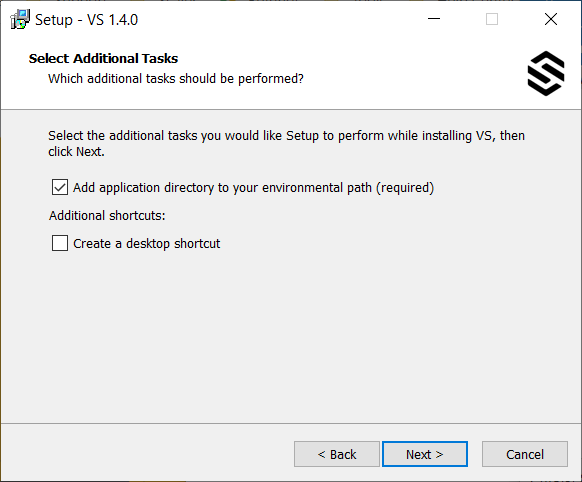
1. Launch the downloaded .exe installer.

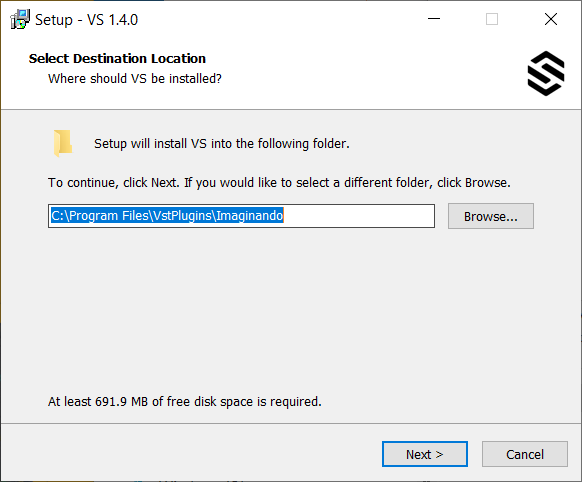
2. Click 'Next'.

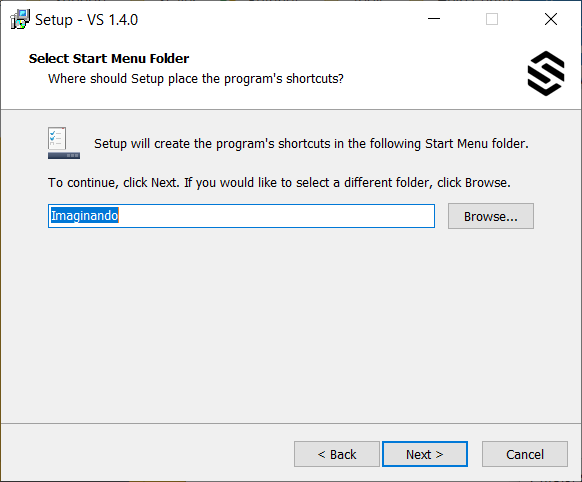
3. Click 'Next'.

4. Click 'Next'.

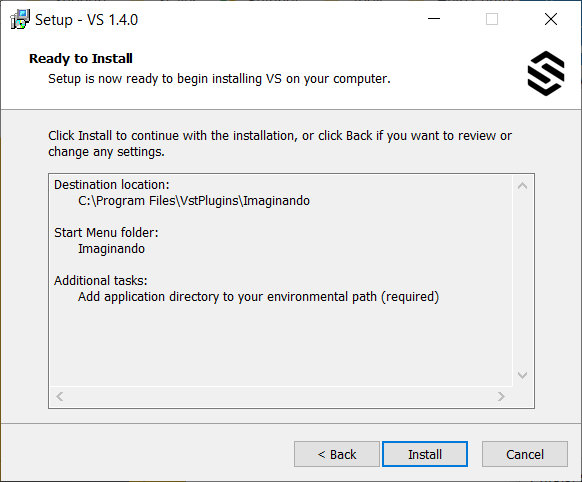
5. Click 'Install'.

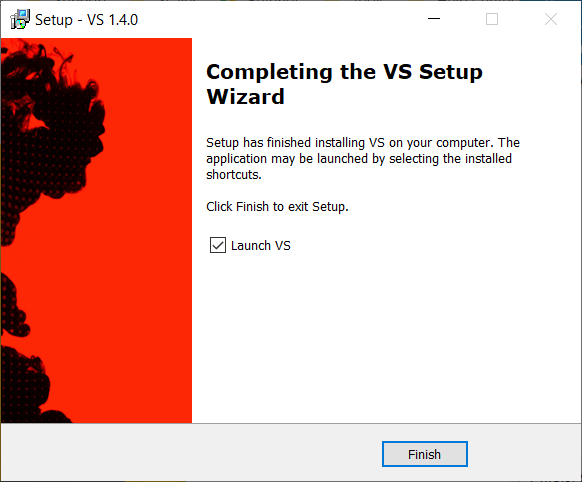
6. Click 'Finish'.

7. VS will now launch > Click 'Login to activate'.

8. Click 'Profile' > Enter your Imaginando account details > Click 'Login'.

9. Click on the 'License Status' box > Type in your serial number found in your Plugin Boutique User Account > Click 'Ok'.

Your software is now installed, activated and ready to use.

Bundle & Save

Imaginando Synth Bundle
$193.00

Plugin Boutique Rewards

Discover the most rewarding loyalty programme among all plugin retailers.

  • Free Loopmasters Samplepacks
  • Discounts on products and courses
  • Extra Virtual Cash claimed immediately at checkout
Find out more

Follow us:

X (Twitter) Facebook YouTube Instagram
Logo Logo

Plugin Boutique Limited, Part of the Beatport Group LLC.

Copyright © 2011-2025 Plugin Boutique. All rights reserved