


 Log In
Product information
TheChorus is a versatile virtual analogue chorus effect that combines digital chorus features with a hybrid analogue-inspired bucket-brigade device (BBD)/ladder filter stage.
Use TheChorus as a chorus, flanger, vibrato, stereo widener or doubler and decrease the cutoff for a warm yet gritty bite.
Features
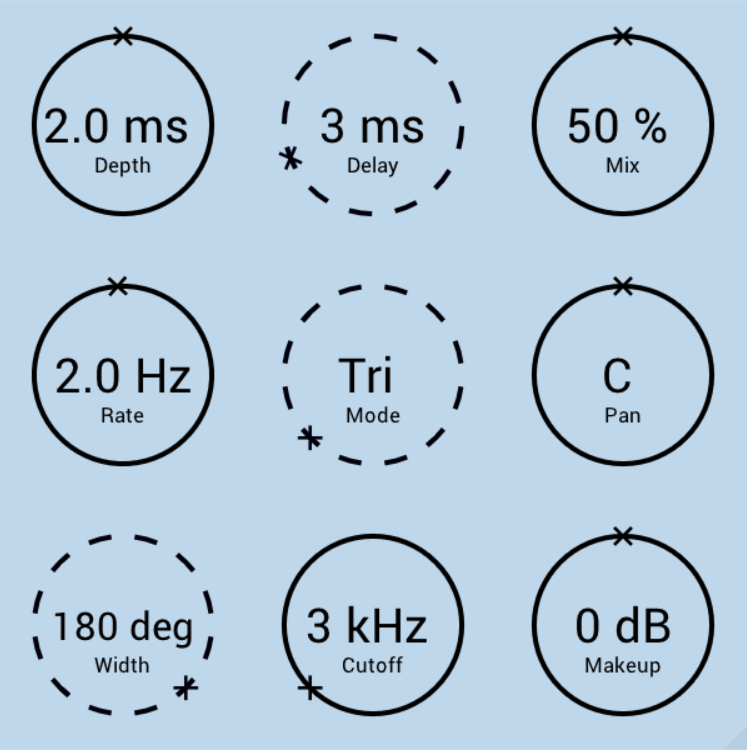
- Standard Chorus Parameters - Rate, Depth, and Width
- Non-Standard Chorus Parameters - Delay, Mode, Cutoff
- Mixing Parameters - Mix, Pan, Makeup Volume
- Increasing Hysteresis and Even Harmonics with Lower Cutoffs
- Built-in and Optimized Anti-Aliasing
- Modulate-able Knobs Drawn with Solid Lines
System Requirements
- Windows / Mac (M1 Apple Silicon supported) (64-bit only)
- VST3 / AU compatible host
- Sampling Rates - 44.1 to 96 kHz
Please Note: Your system must support SSE3.
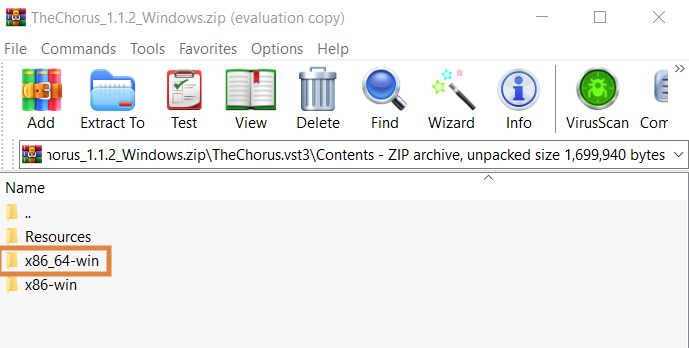
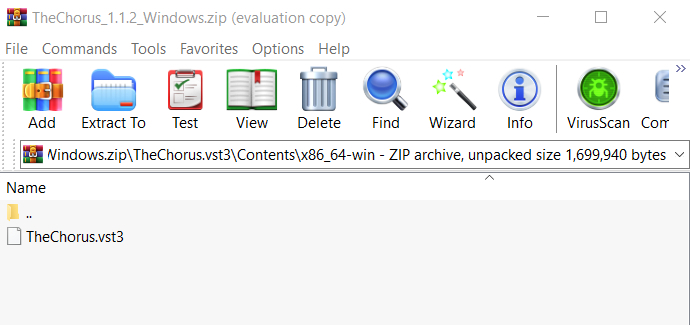
Installation Instructions





Customer Reviews
(2)


