Log In

Free gifts available with your purchase
Epic. Punchy. Aggressive.
An all-new, massive drum kit tailored for the epic aggression of modern music and scoring. Experience the only drum kit capable of inflicting the kind of DAMAGE your tracks deserve.
Designed for quick and easy beat creation, experience the only drum kit capable of inflicting the kind of Damage your tracks deserve. Featuring over 450 sources housed in the powerful Damage 2 engine, the Damage Drum Kit offers a lethal yet versatile drum kit and a massive collection of Organic, Hybrid, and Damaged loops.
Much like Damage 2, all of the content in the Damage Drum Kit works in three distinct instruments (Kit Designer, Ensemble Designer, and Loop Designer), each providing a uniquely inspiring and customizable workflow.
With over 23,800 samples and 24 GB of gut-punching impact, the Damage Drum Kit delivers a dynamic take on crushing beat and groove production. Three snares, two kicks, four toms, and eight pristine cymbals were meticulously recorded with multiple layers of dynamic variation by the Heavyocity team, to ensure that every detail was captured with precision. Now, bringing artists, composers, producers, and sound designers the most expressive and comprehensive drum set Heavyocity has ever conceived.
The Damage Kit
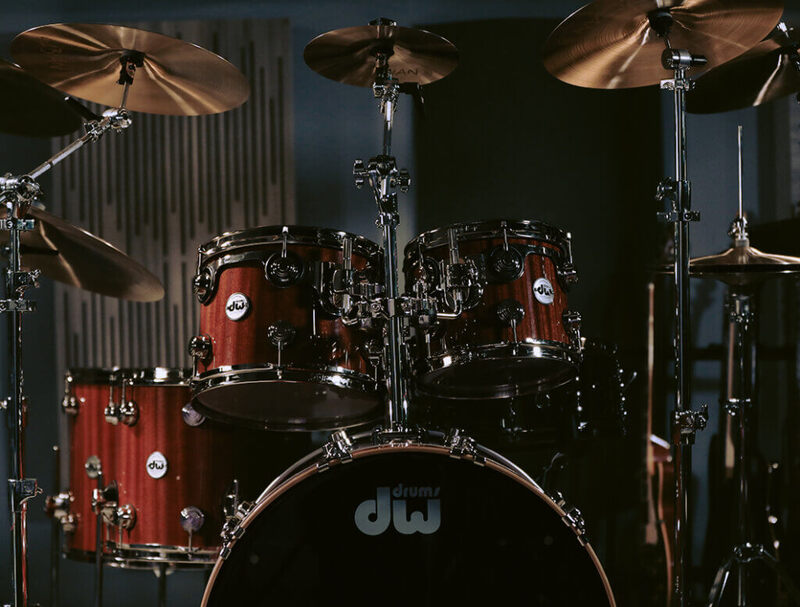
Curated for their naturally explosive sounds, these meticulously recorded snares (3), kicks (2), toms (4), and pristine cymbals (8), have been supercharged with Heavyocity’s signature signal chain bringing you the powerful and punchy sound of heavy drums.
Kit Designer
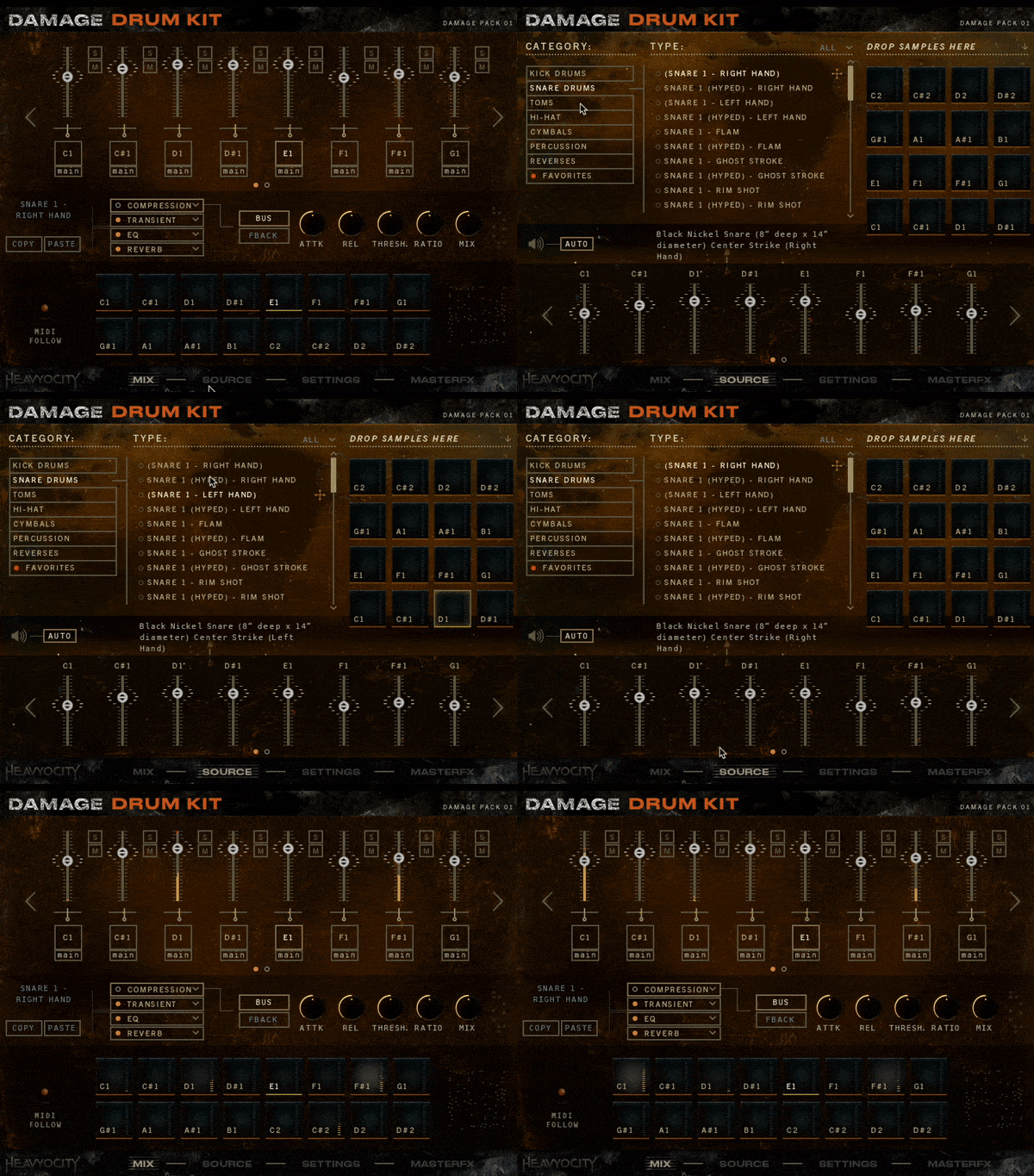
A true sound design powerhouse, the Drum Kit Designer allows for full control and ultimate customization. Quickly assign, tweak, process, and mangle any or all of the available channels.
Loop Designer
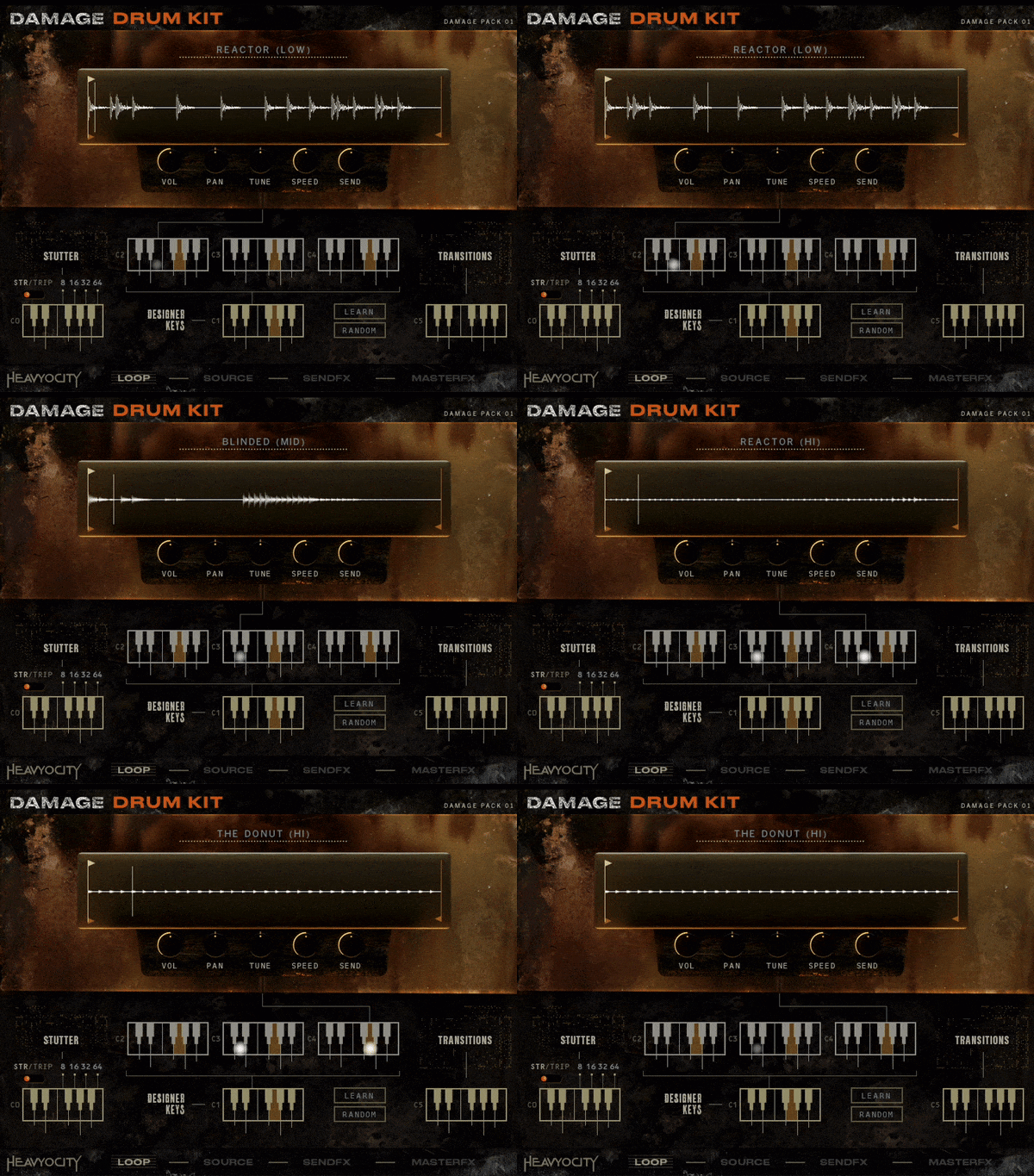
Kickstart your cue with the massive collection of curated loops. spark creativity and take your loop mangeling experience to a whole new level.
Hardest Hits
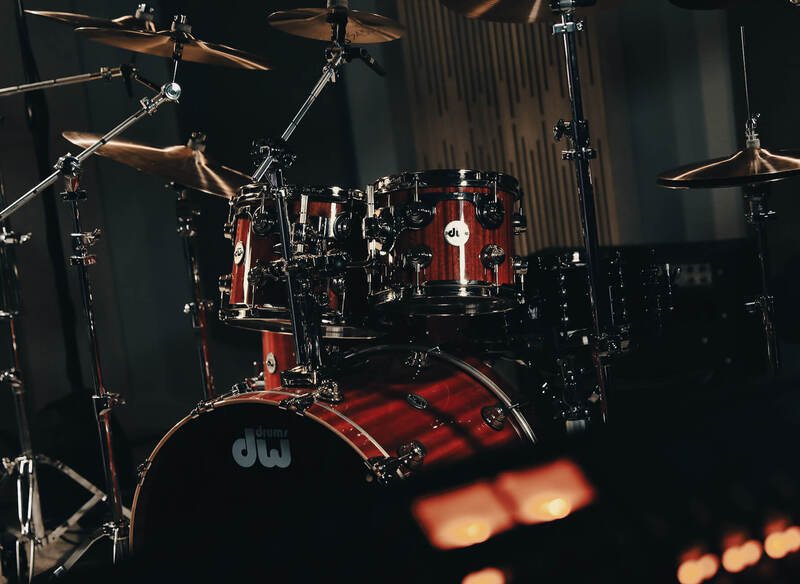
With over 23,800 Samples and 24 GB of gut-punching hits, the Damage Drum Kit delivers a dynamic take on crushing beat and groove production.
Build Your Kit
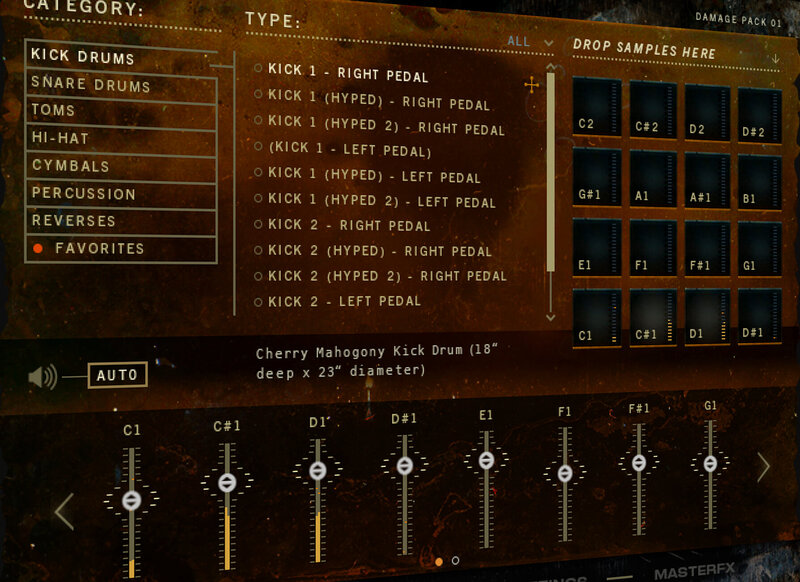
With 25 designed kits to start from, you can easily perform and build your rhythms with the standard or customized kit layout. Choose from pristinely captured sources, aggressively processed sources, and highly stylized loops to design your beat.
D2 Engine
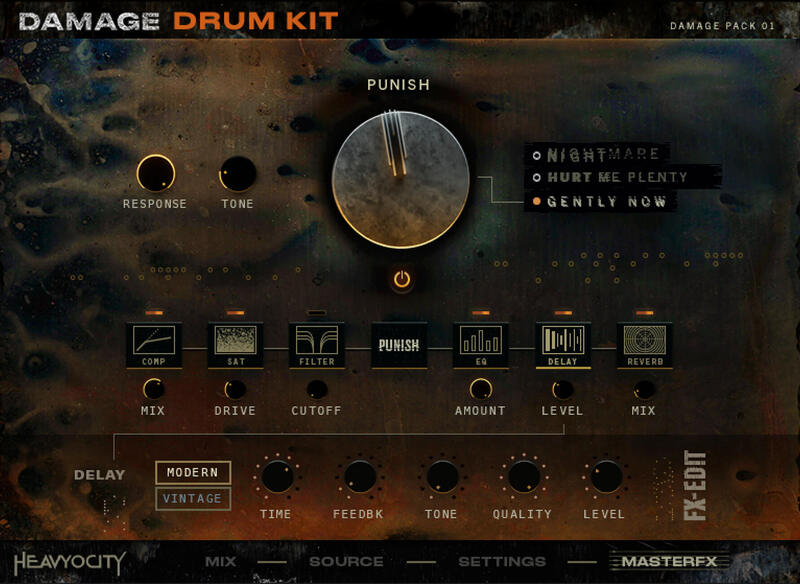
The ferocious Damage 2 engine provides three unique instruments designed to maximize creativity, customization, and performance options for an inspiring and realistic drumming experience.
Unmatched Damage
Yeah, nobody does hard-hitting, punchy drums like Heavyocity. The DAMAGE Drum Kit brings that signature aggression, that visceral impact to your contemporary score or song.
What's Included?
- 23,840 Samples
- Full Drum Kit (clean and hyped versions) – 2 Kick Drums, 3 Snares, 4 Toms, Hi-Hat, 7 Cymbals, Stick Clicks, Cowbell
- 120 different drum articulations
- 60 Custom-Designed Presets
3 Unique Engines:
Kit Designer
- 16-voice Drum Kit layout for quick and easy groove creation
- 25 Custom-designed Kits
- Intuitive browser to load in sound sources to each key
- Independent FX chains for every voice – add compression, reverb, saturation, and more to each of the 16 voices
Ensemble Designer
- Intuitive Browser to load in 120+ sources in octave banks and individual sounds
- Instant 3D positioning with updated Stage
- Five discrete mic positions (Close, Room, Hall, LFE, and analog CRUSH)
- Create realistic patterns, rolls, crescendos, and more with custom MIDI Performance Tool
- Redesigned Punish Knob with three unique flavours (Gently Now, Hurt Me Plenty, Nightmare)
- Customizable Master FX chain
Loop Designer
- 288 Loops (72 loops with 4 stems each)
- 144 Straight (36 with 4 stems)
- 144 Triplet (36 with 4 stems)
- Add modulation and effects to individual loops via the Unique Send FX layer
System Requirements
- 24 GB uncompressed (11.08 GB on Disk with NI lossless compression)
- Powered by the Kontakt 6.7 Engine
- Kontakt 6.7.1 (Player) or later
- Komplete Kontrol integrated (NKS-ready)
- Available as direct download only
- Standalone, VST, VST3, AU, AAX
Minimum System Requirements
Mac
- macOS 10.14, 10.15, 11 or 12 (latest update)
- Apple Silicon Macs (via Rosetta 2 & natively on ARM in Standalone or in hosts that support it): macOS 11 or 12 (latest update)
PC
- Windows 10 or 11 (latest Service Pack), Intel Core i5 or equivalent CPU, 2 GB RAM