Log In

Free gifts available with your purchase

Deep Down and Dirty
There is a black sheep in every flock: meet Wavesynth Pitch Black, the dark knight of Karanyi Sound's legendary waveshaper family. Dive deep into the dirt and explore the 50+ bass-heavy artist presets! Made for all genres that make use of noise and harshness, including, but not limited to modern techno and indie dance, retro video games and post-apocalyptic sci-fi themes.
Advanced waveshaper tools
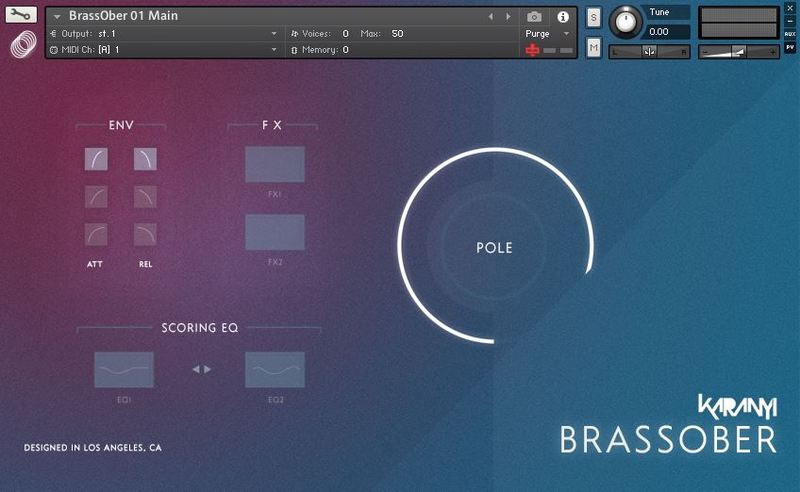
Wavesynth Pitch Black is almost as flexible as an analog synth: you have plenty of possibilities to shape, twist, stomp your sounds.
With over 60 parameters (all MIDI-learnable) and an intuitive interface design and Roll (Karanyi Sound's built-in intelligent randomizer), you can go wild and create new inspiring patches in seconds.
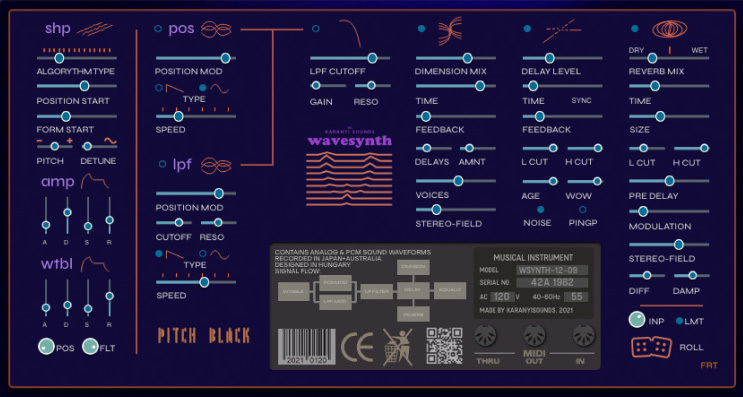
Wavesynth Pitch Black uses the same advanced waveshaper engine as its best-seller ancestor, the classic Wavesynth.
Features
- 50+ Meticulously designed artist presets
- Bass focused, but you will also find great synths and other elements.
- Professional, studio-grade quality sample content
- Recorded in 96kHz, 24bit (converted to 44kHz, 16bit)
- Sounds from classic analog and FM synths
- 14 type of wavetable algorithms
- Amp & wavetable envelopes
- 2 LFO: Wavetable position & Prophet-type low pass filter
- Moog-type low pass filter
- 3 customizable effects: dimension, tape delay & hall reverb
- Master EQ, Compressor & Limiter
- ROLL (intelligent randomizer) for creating super sharp pluck sounds
System Requirements
- Mac OS X 10.11 or higher is recommended
- Windows 7 or higher 4 GB of RAM, 8 GB is recommended
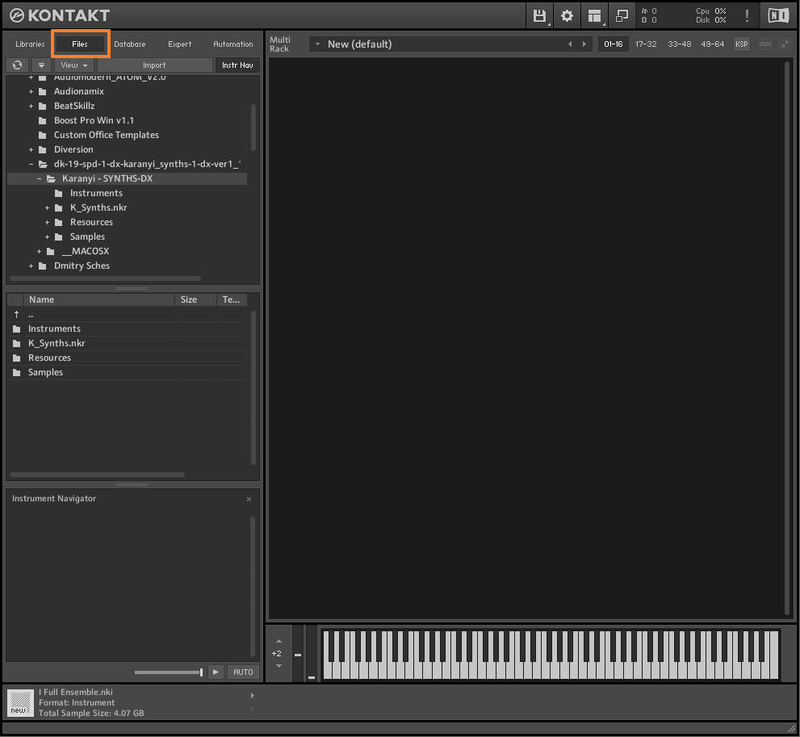
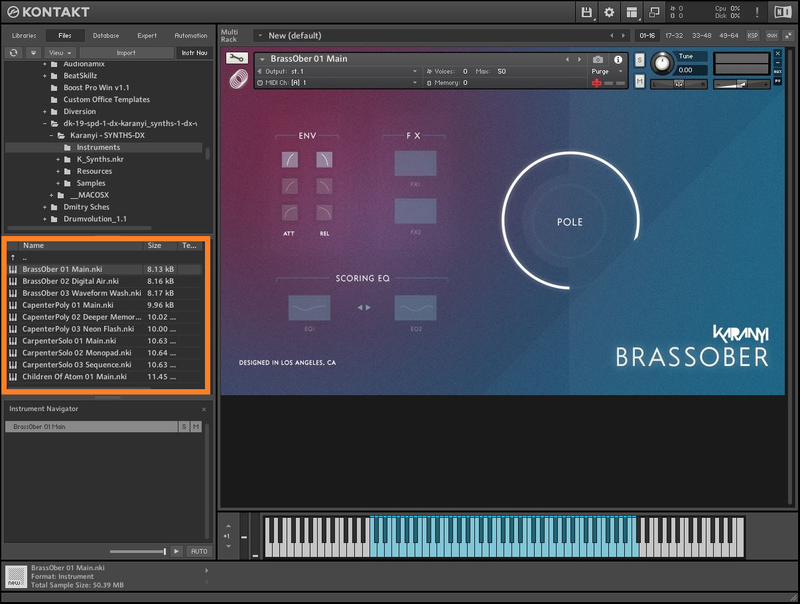
- All products require Kontakt 6.2.2 or higher (Free Kontakt Player is NOT supported)
- 64 bit DAW is recommended for optimized performance
Important Notes:
- The FULL Version of Kontakt 6.2.2+ is required in order to use this instrument.
- You will be stuck in DEMO MODE if trying to use this instrument in the FREE Kontakt Player.