


 Log In

Free gifts available with your purchase

Super. Sized. Subs.
SubLab just got a lot more XL. SubLab has expanded in all directions with more features, more FX, modulation, macros, and totally fresh sounds.
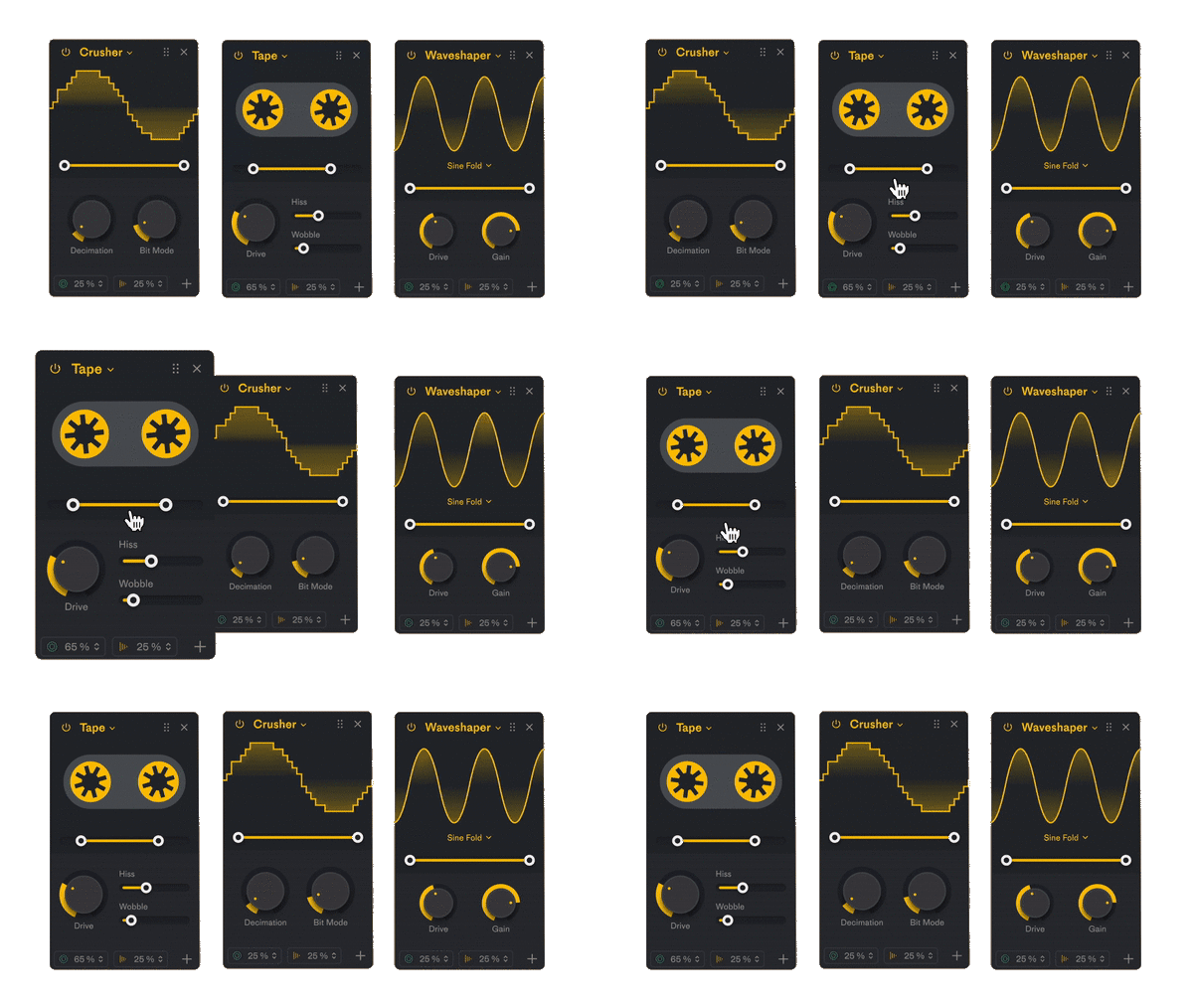
Mix and Match FX
Mix and match up to four FX, then rearrange to sculpt your sound
- 6x Distortion flavors
- Waveshaper with sine fold and linear fold options
- Tape with hiss and wobble controls
- Bitcrusher with decimation and bit mode controls
- Compressor with auto sidechain and mix amount controls
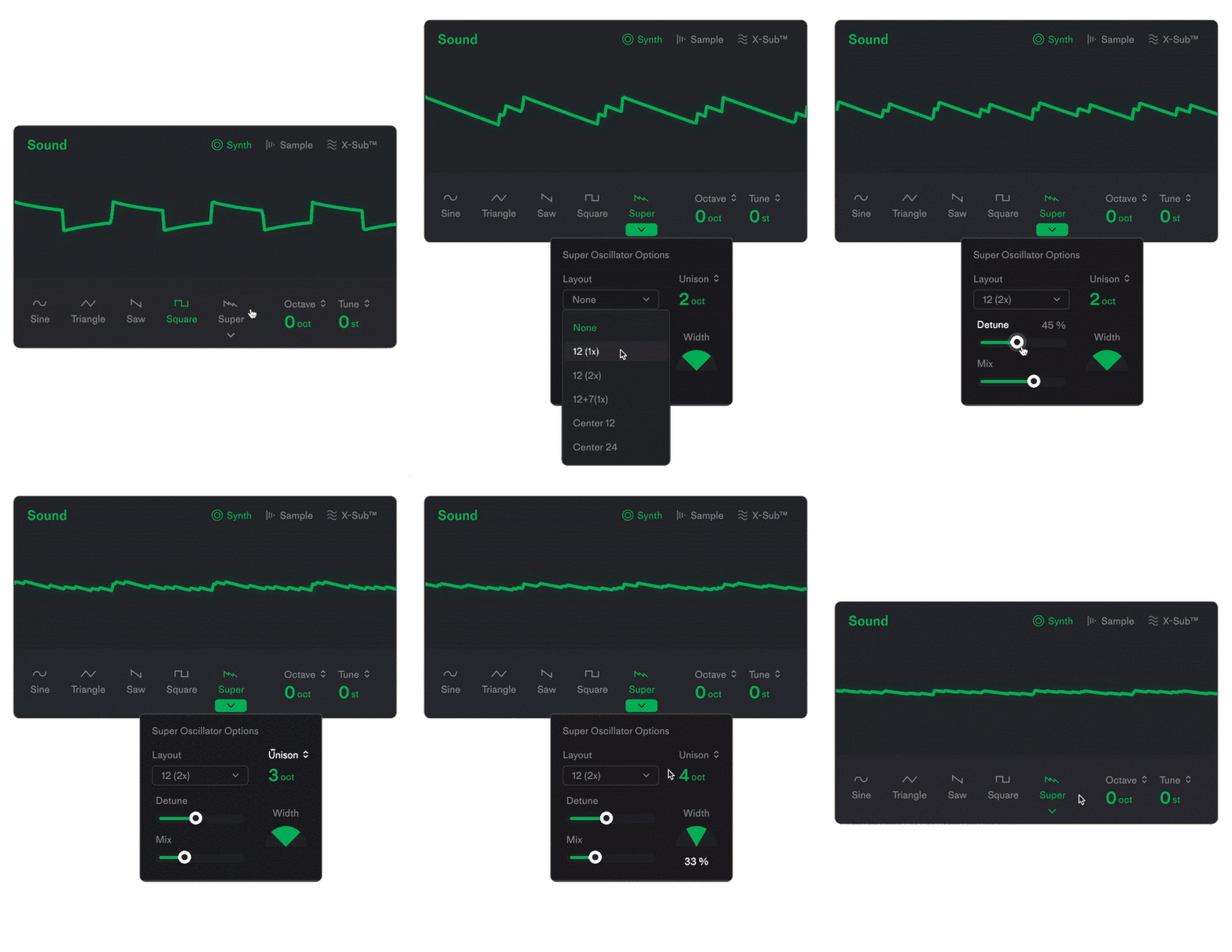
Supersized Synth Engine
New sonic possibilities, just clicks away with the Super Oscillator.
Create thick, buzzy supersaws or subtle moogy bass in seconds.
- Layer up saw, triangle, or square waves to create supersaws
- Dry/wet mix
- Tune and detune for thickness
- Width controls for stereo spread
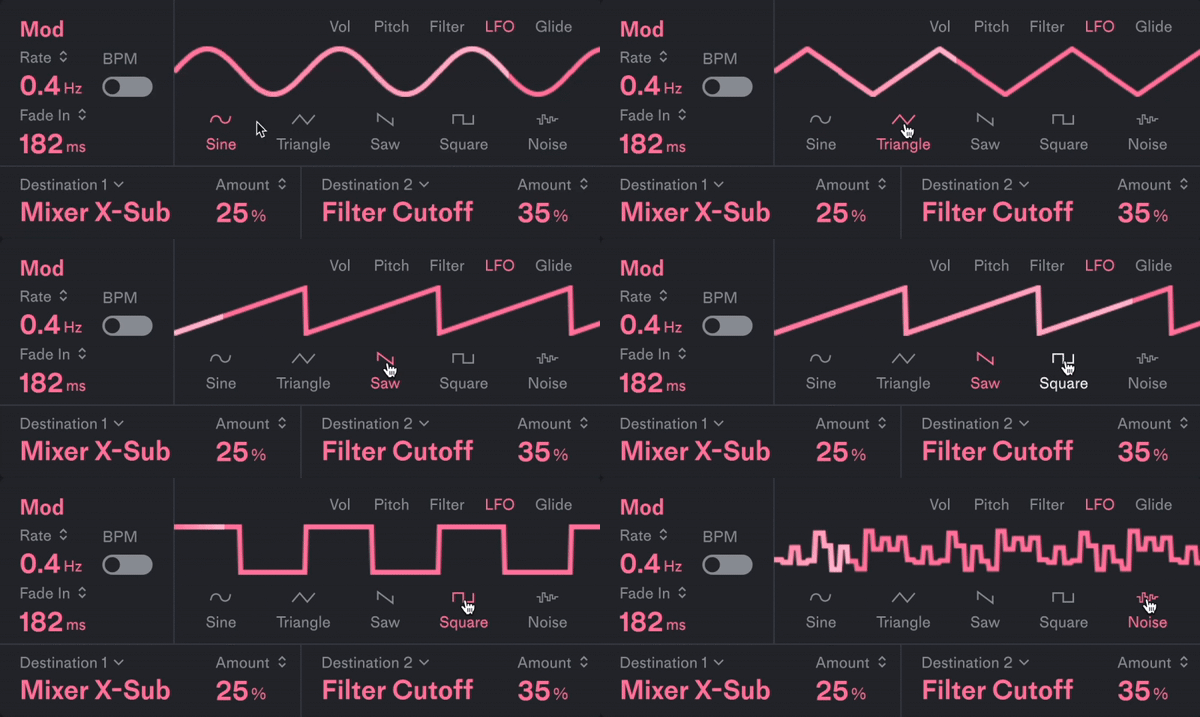
LFO Modulation
Modulate up to two parameters at a time to create rhythmic, sweeping, lively subs.
- 18 routing options
- Sine, triangle, saw, square and noise wave forms
- Rate control and BPM sync
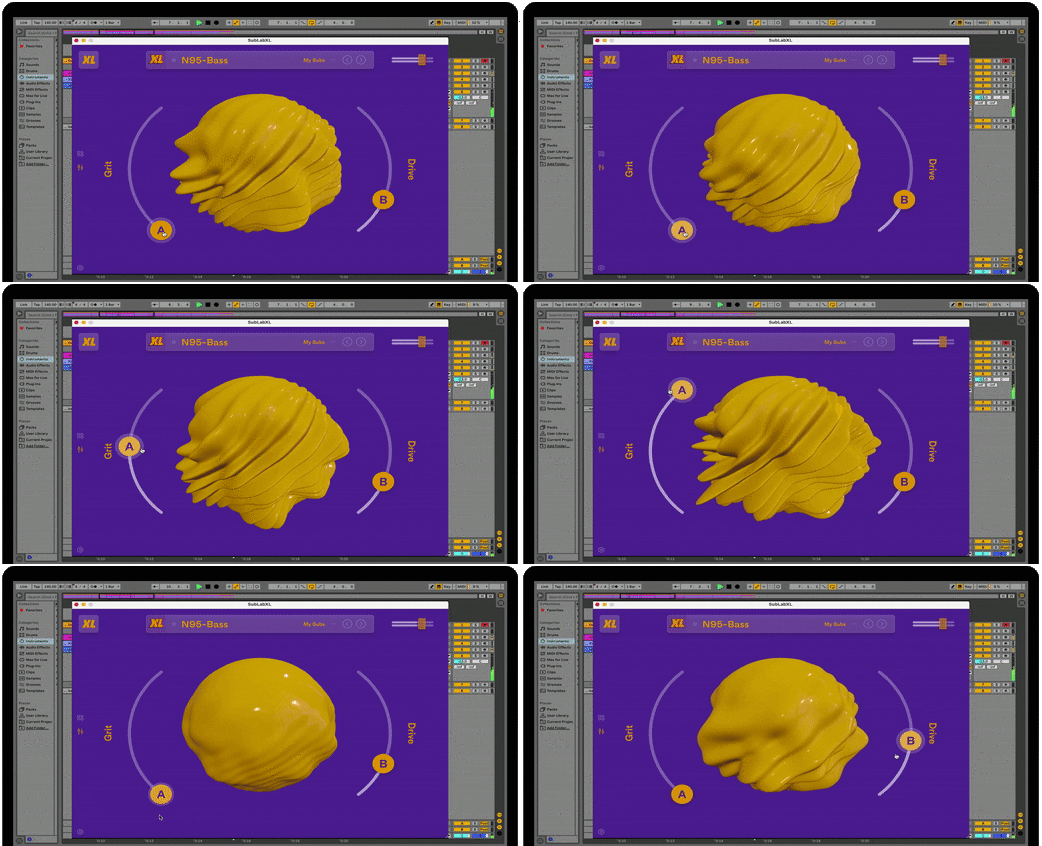
Sounds for Days
Macros to transform sounds without interrupting your flow.
- 2 macros controls
- Each preset comes assigned to musically interesting parameters
- Fully customizable, drag and drop to assign new parameters
- Map up to 10 parameters to each macro
- Musically responsive blob with customizable colors and textures
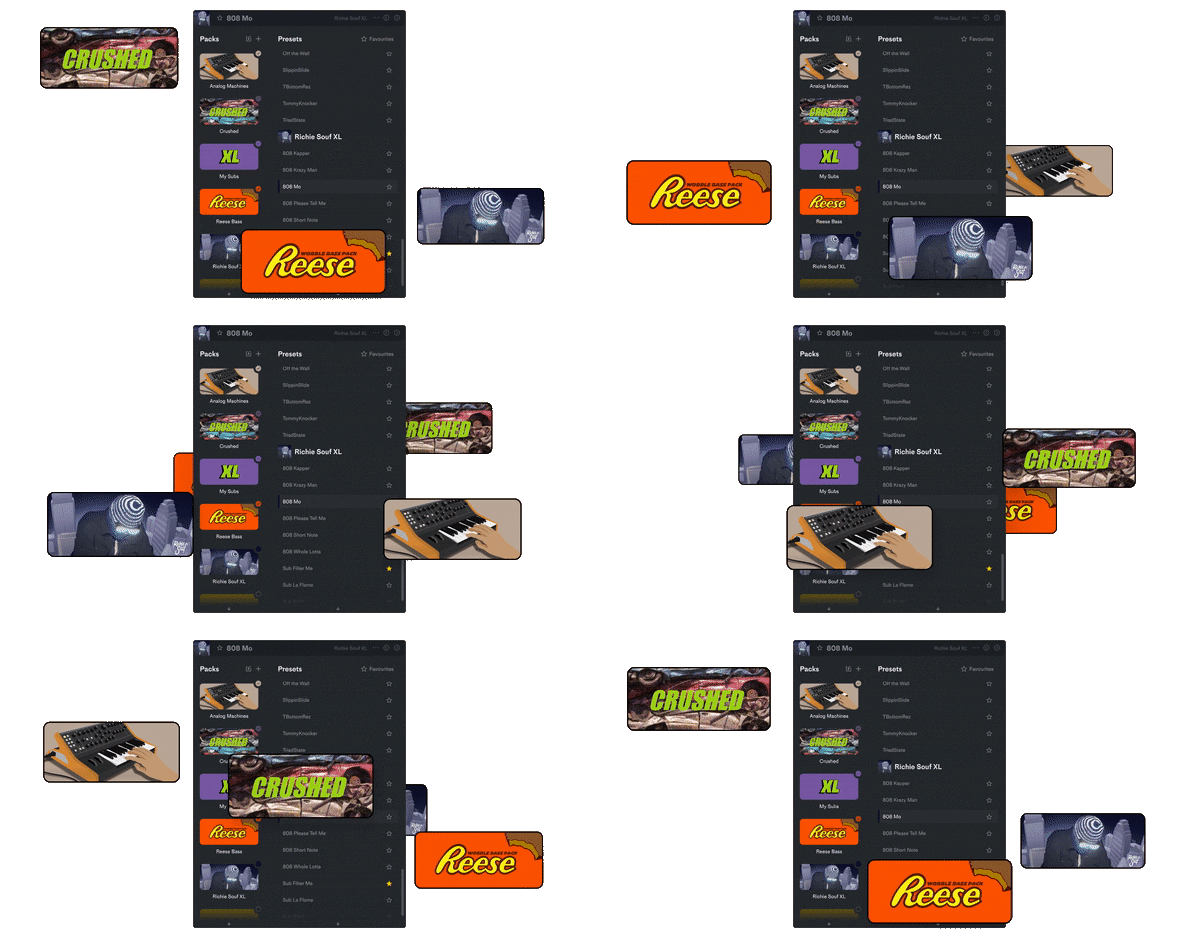
Packed out with 9 factory bass packs covering a broad palette of sounds.
- Reese Bass - a pack of massive, wobbly, pulsing, and dynamic Reese basses.
- Crushed - the crunchiest, buzziest, most distorted subs we can create.
- This Hits Hard - a collection of fresh sub and 808 sounds recreated from recent hit tracks.
- Sean Divine Signature - a curation of signature sub sounds covering a wide palette.
- Supersaw - a variety of layered up and dialed in supersaws.
- Richie Souf - cutting edge 808s for modern hip hop production.
- Analog Machines - warm analogue sounds recreated in SubLabXL, just like they came straight out of the classic analog machines.
- Pure Subs - bread and butter clean subs for all genres.
- Future 808s - the 808s of tomorrow.
Over 300 exclusive samples meticulously recorded from analogue drum machines and modulars.
- Roland TR-808
- Roland TR-707
- Waldorf Blofeld
- Jomox MBase 11
- MFB 522
- Nord Lead
- Noise Engineering Basimilus Iteritas
- Befaco Kickall
- Intellijel Dixie
- Hexinverter BD9
- Mutable Instruments Plaits
- Dave Smith Tempest
- Korg Volca Beats
- Korg Volca Kick
- Vermona Mono Lancet '15
And more...
SubLab vs SubLab XL
| SubLab | SubLab XL |
|
|
|
|
|
|
|
|
|
|
|
|
|
|
|
|
|
|
|
|
|
|
|
|
|
|
|
|
|
|
|
|
|
|
System Requirements
- Compatible with macOS 10.12 or higher (Intel / M1 Apple Silicon supported) (64-bit only)
- Compatible with Windows 8 and higher (Windows 11 supported)
- Available as VST2, VST3, AU, AAX.
- Tested in FL Studio, Ableton Live, Logic, Studio One, Pro Tools and Cubase.
- NKS ready for Native Instruments Machine and Komplete Kontrol.
Please Note: SubLab can be used offline but you need to be connected to the internet to activate it.

Richie Souf
Producer for Future, Young Thug & Gunna who has released music on 1017 Eskimo, Alamo Records and more!
“SubLab is in a league of its own when it comes to hard-hitting sub-bass sounds. This is a game-changer."

Audio Plugin Guy
Passionate about plugins.
"SubLab will lay the bass sauce thick onto any modern electronic and hip-hop production. It puts all the tools of the trade in one place for everyone to enjoy."
Reviews Summary
While it aims to provide a helpful overview, it may not capture every perspective or detail. We encourage you to read individual reviews to make an informed decision.
Users widely praise the plugin for its intuitive workflow, rich sound quality, and ability to quickly generate massive, hard-hitting 808s and sub-bass across diverse genres like electronic, hip-hop, and film scoring. While the presets and custom sample import are popular highlights, some users reported issues with high CPU usage, occasional audio glitching on Mac, presets resetting when reopening projects, and a need for expansion packs for wider preset variety.


