/ Referencing Tools / Car Test
Rocket Powered Sound

Car Test

4.3 (156 Reviews)
FREE
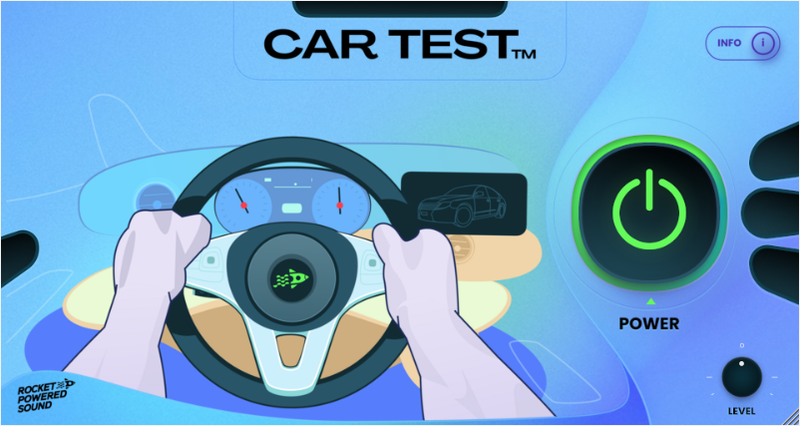
Rocket Powered Sound Car Test - User Interface
Rocket Powered Sound Car Test - Overview Video gallery thumbnail
Product information

See What Your Mix Sounds Like Inside A Car

How accurate is the Car Test?

Ultimately, your studio's monitoring set up and listening environment plays the biggest role in the accuracy of this plugin.

The Car Test plugin is designed to simply provide you with a similar frequency response combined with simulated acoustics to that of modern car speakers, so you can get a rough idea of what your mix can sound like inside of them.

Push one button and simulate car speakers
How to use this plugin?

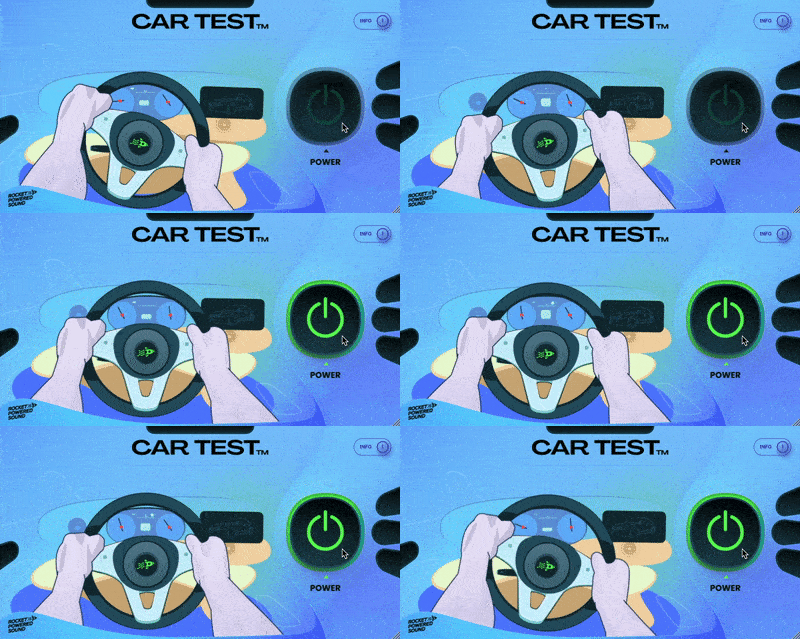
To use the Car Test Plugin, it's as simple as pressing the "Power" button.

However, it is equally important that you adjust the output gain using the "Level" knob, so that your mix doesn't clip. The Car Test plugin's algorithm will gain specific frequencies, so it will likely clip your mix if it's input is not reduced accordingly.

Get an idea of what your mix will sound like inside a car
System Requirements

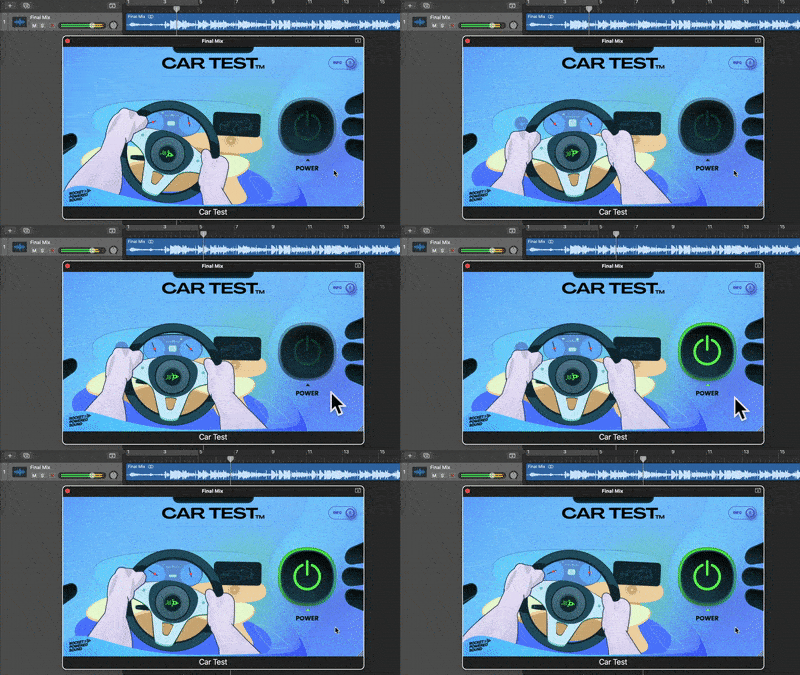
The Car Test plugin is compatible with all major DAWs, and is available in AU and VST3 formats. 

Car Test works on both Mac and Windows operating systems.

Installation Instructions

Mac

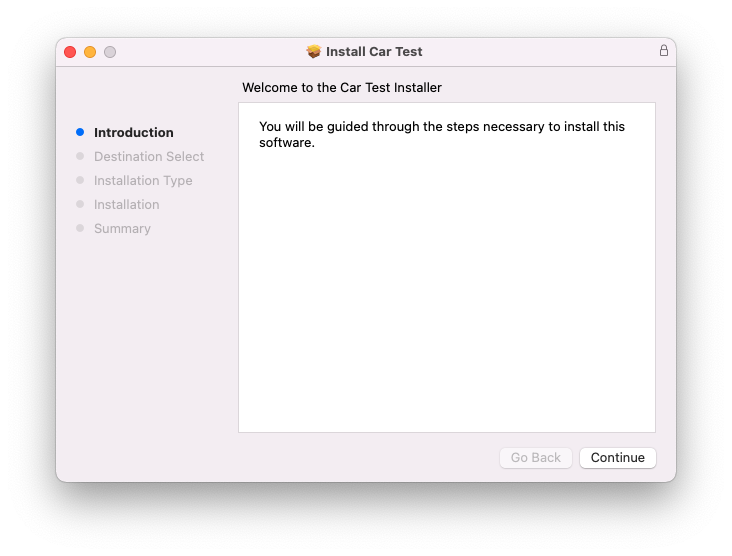
1. Download the .zip folder from your Plugin Boutique User Account > Double-click it to open and extract the installer file > Launch the .pkg installer file.

2. Click 'Continue'.

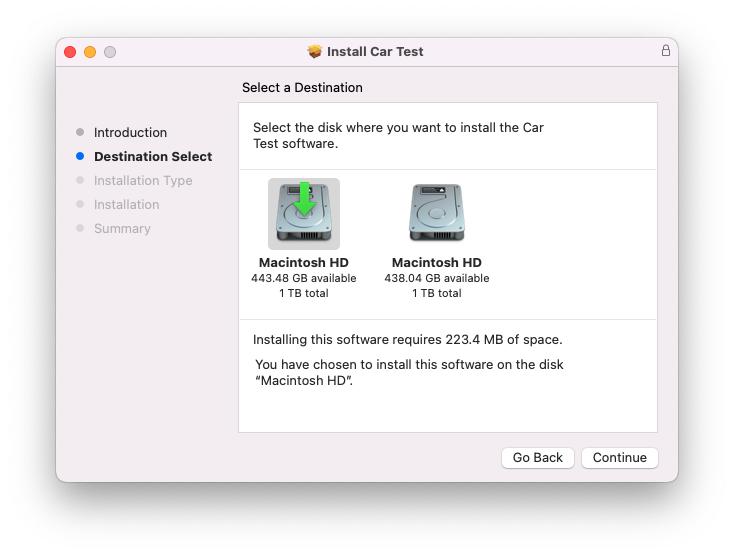
3. Click 'Continue'.

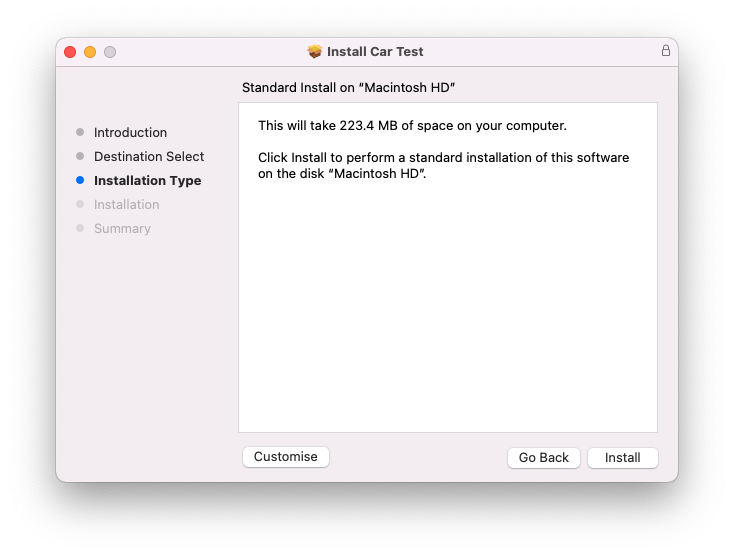
4. Click 'Install'.

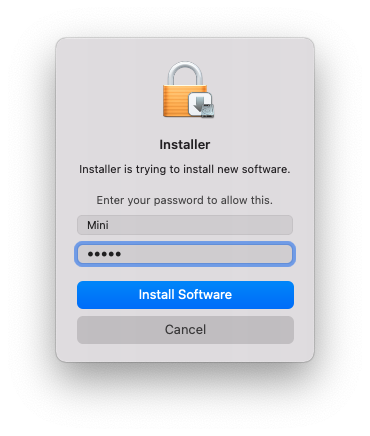
5. Enter your system password > Click 'Install Software'.

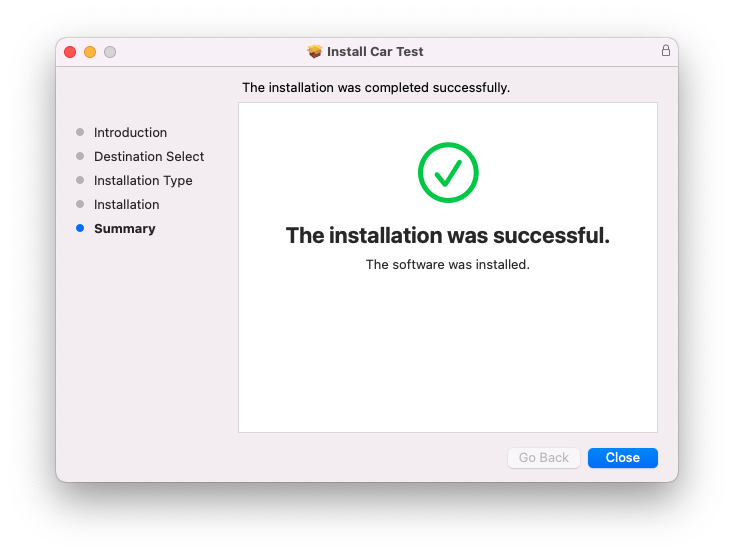
6. Click 'Close'.

7. Launch your DAW > Insert Car Test on a new audio track.

Car Test is now installed and ready to use.

Windows

1. Download the .zip folder from your Plugin Boutique User Account > Double-click it to open and extract the installer file > Launch the .exe installer file.

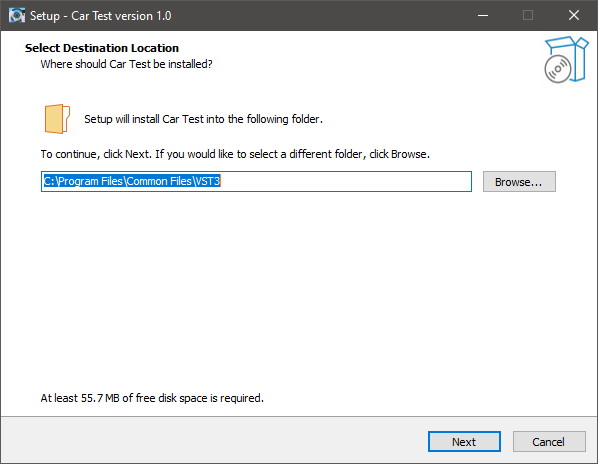
2. Select the desired destination for your installation.

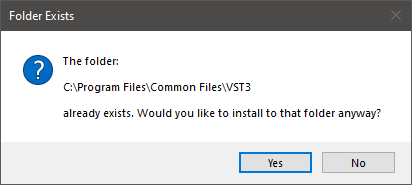
3. Click 'Yes'.

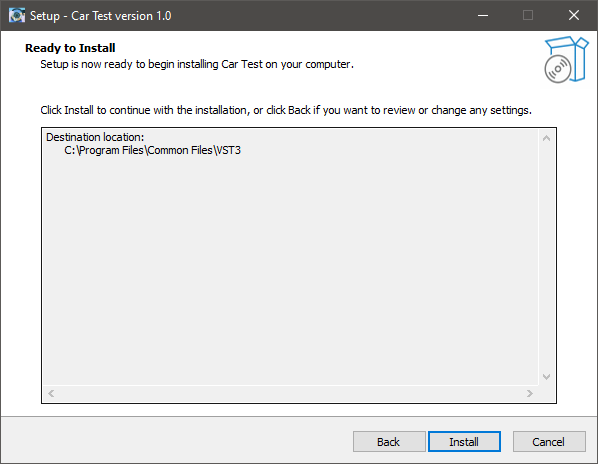
4. Click 'Install'.

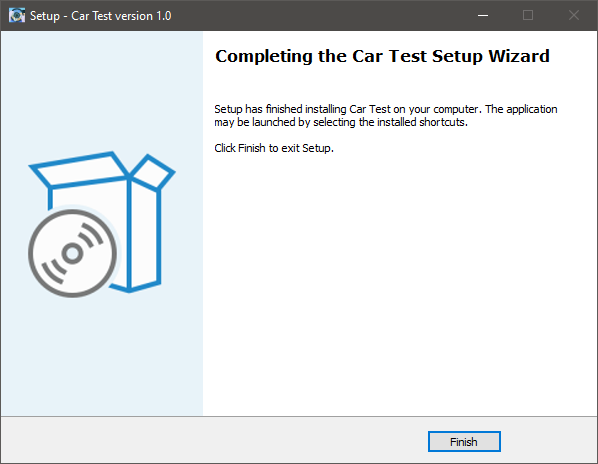
5. Click 'Finish'.

6. Launch your DAW > Insert Car Test on a new audio track.

Car Test is now installed and ready to use.

Plugin Boutique Rewards

Discover the most rewarding loyalty programme among all plugin retailers.

  • Free Loopmasters Samplepacks
  • Discounts on products and courses
  • Extra Virtual Cash claimed immediately at checkout
Find out more

Follow us:

X (Twitter) Facebook YouTube Instagram
Logo Logo

Plugin Boutique Limited, Part of the Beatport Group LLC.

Copyright © 2011-2025 Plugin Boutique. All rights reserved