Please Note: Pulse Downloader is used to download the software and must be installed.
Mac
1. Visit the Pulse Downloader website by clicking the El Dorado: Legato Ambient Guitar 'Download' link in your Plugin Boutique User Account or by clicking HERE, and download the correct installer for your system (either 'OS X or later' or 'M1 System').
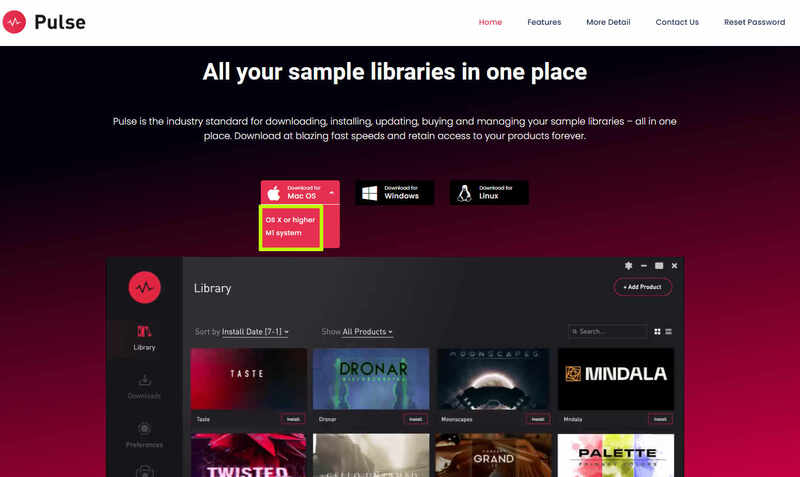
2. Open the downloaded file and run the installer 'Pulse-XX.X.X.dmg'.

3. Drag 'Pulse' to 'Applications'.
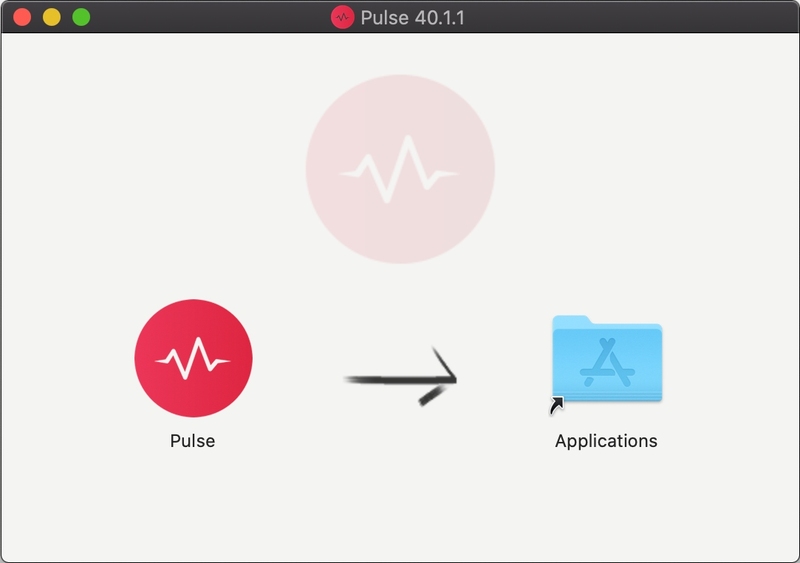
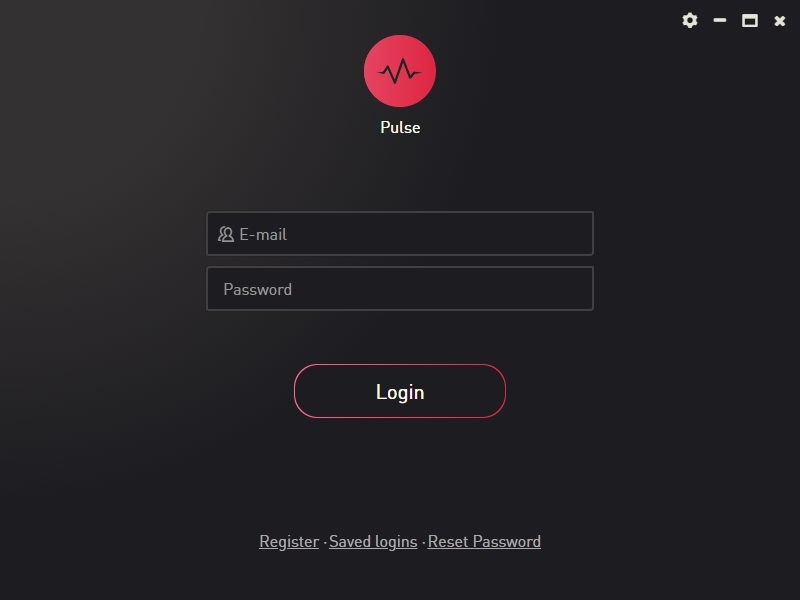
4. Log in to your Pulse account, or create a new account by clicking 'Register' at the bottom of the window.
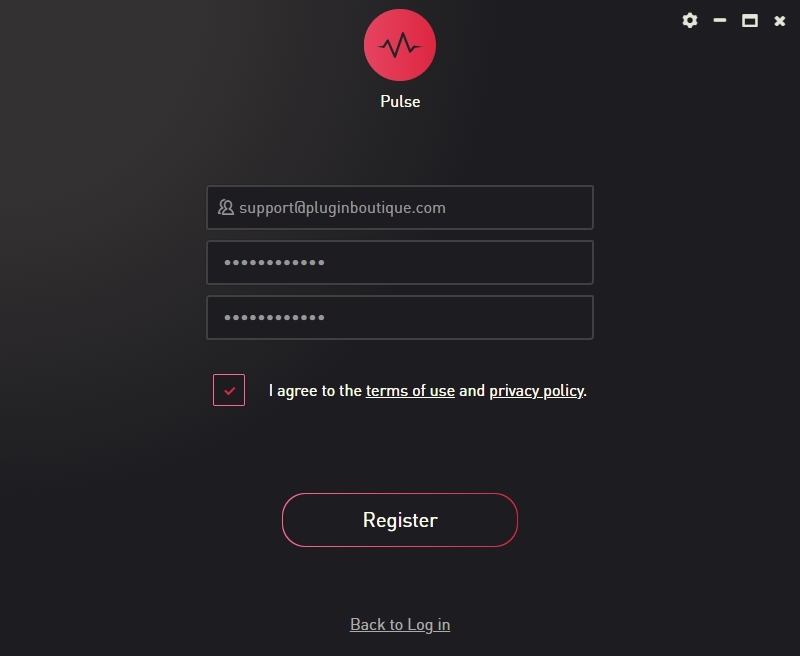
5. If registering, input your email and password, agree to the terms of use and click 'Register'.
6. Click the '+ Add a Product' button located in the top right-hand corner of the window.
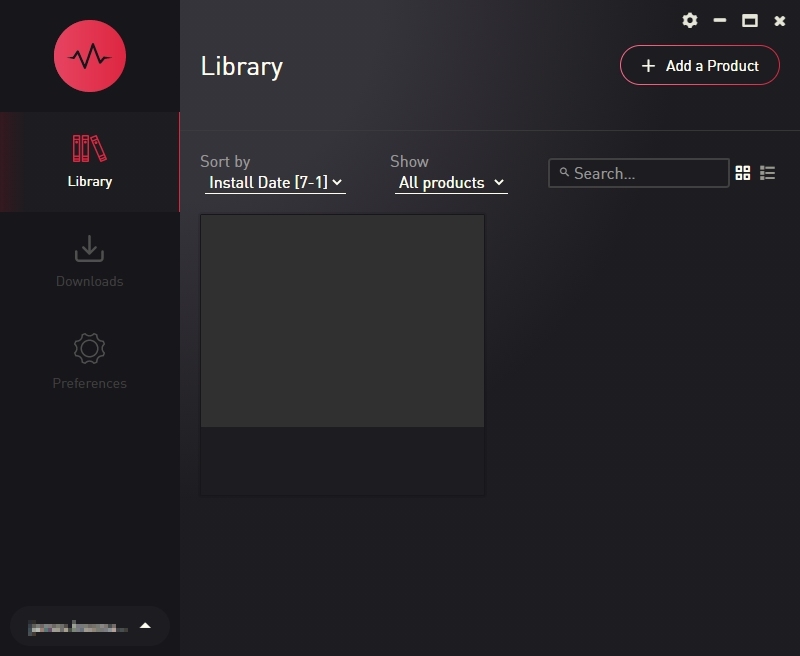
7. Copy and paste your serial number from your My Account page, click 'Install Now', then click 'Redeem'.
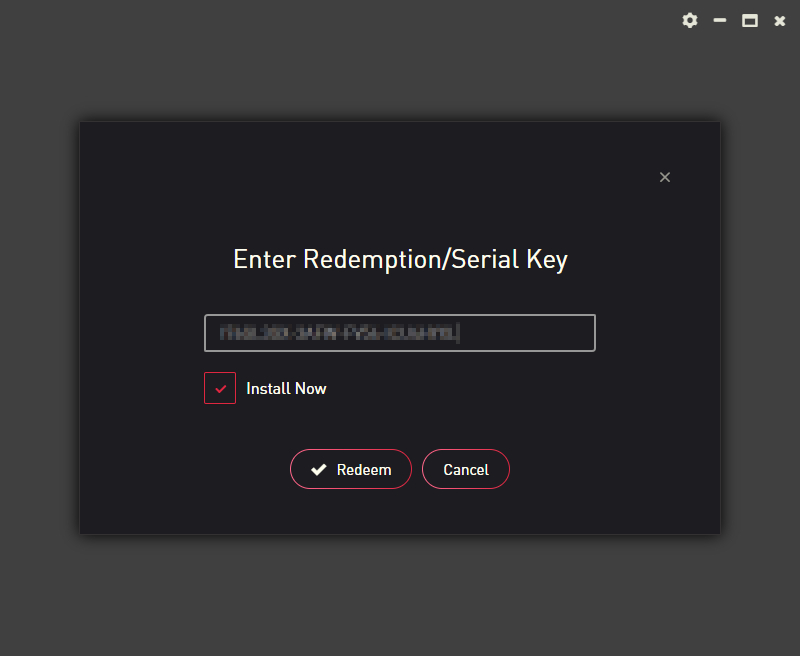
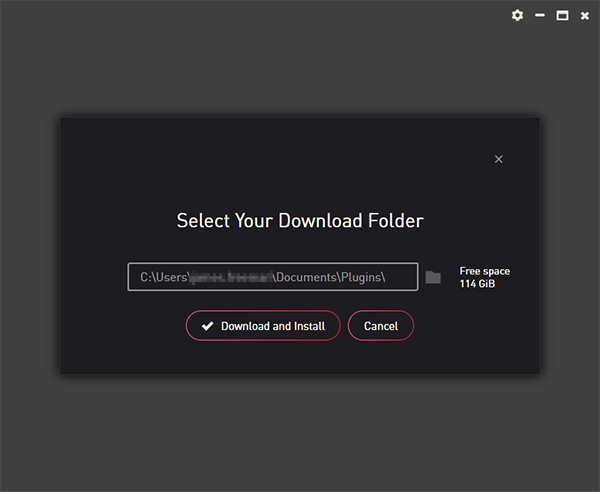
8. Select a location for Pulse to download the software by clicking the file icon on the right-hand side of the window.
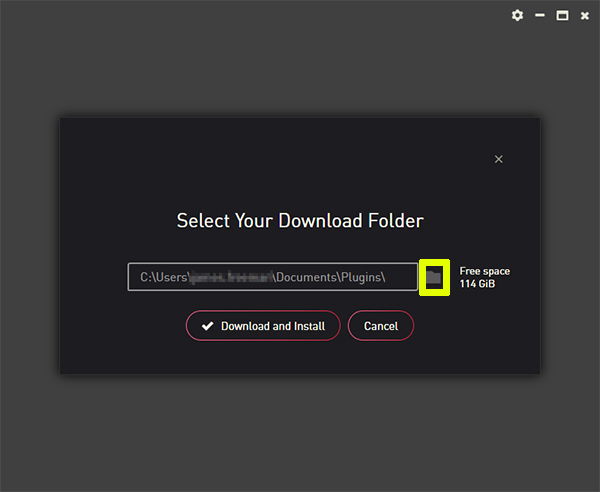
9. Select the location you would like your software to download and install to.
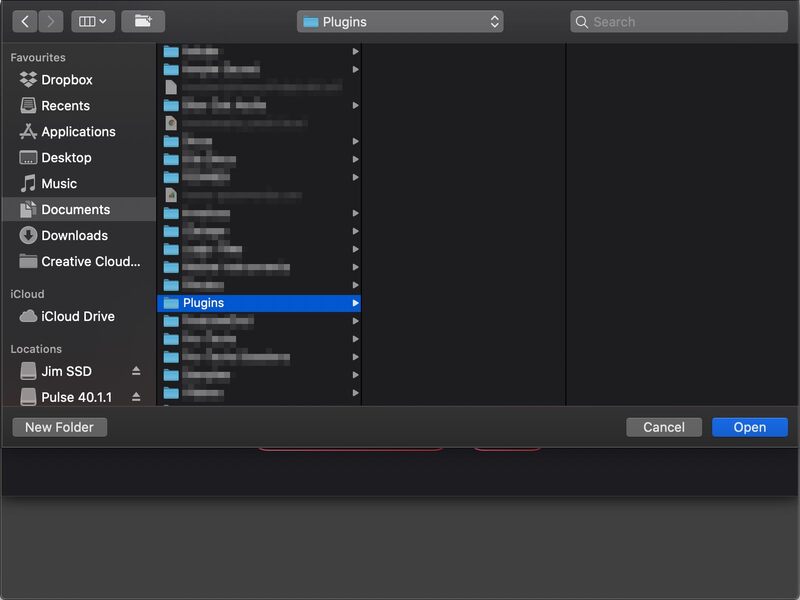
10. Click 'Download and Install'.
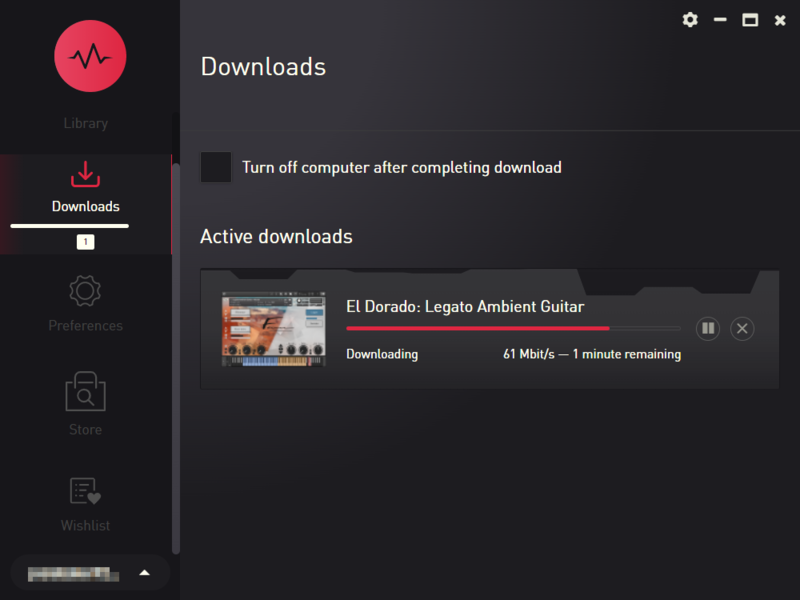
11. The instrument is now downloading.
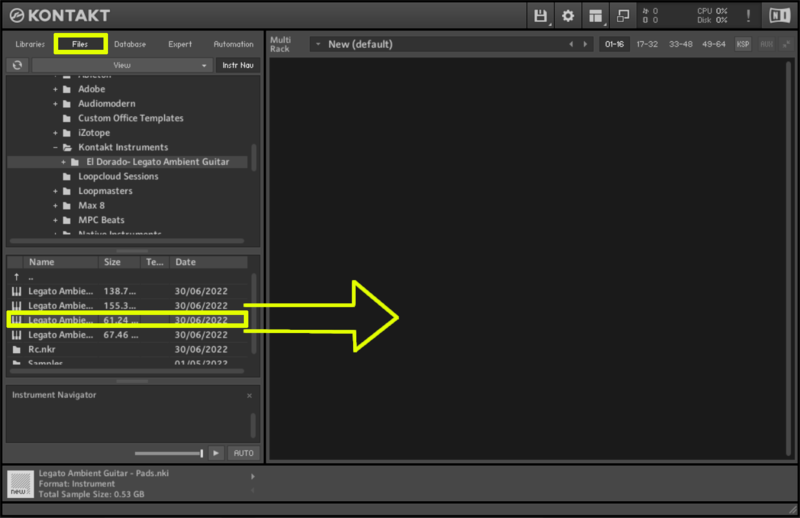
12. Once the instrument has finished downloading, open Kontakt, then open the 'Files' tab and navigate to the location that you downloaded the Kontakt Library to. Then click and drag the .nki file into the empty window.
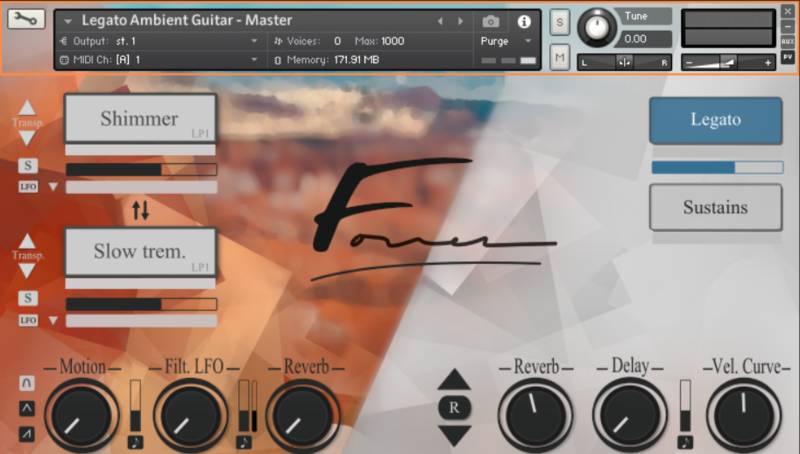
Your Kontakt instrument is now installed and ready to use.
Windows
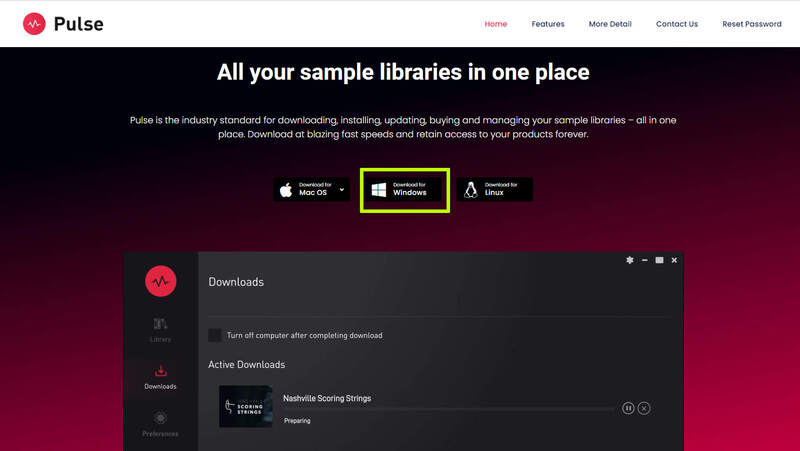
1. Visit the Pulse Downloader website by clicking the El Dorado: Legato Ambient Guitar 'Download' link in your Plugin Boutique User Account or by clicking HERE, and download using the 'Download for Windows' link.
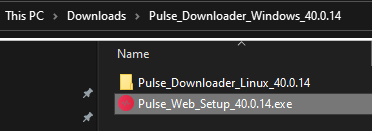
2. Open the downloaded file and run the installer 'Pulse Web Setup X.X.X.exe'.
2. Log in to your Pulse account, or create a new account by clicking 'Register' at the bottom of the window.
3. If registering, input your email and password, agree to the terms of use and click 'Register'.
4. Click the '+ Add a Product' button located in the top right-hand corner of the window.
5. Copy and paste your serial number from your My Account page, click 'Install Now', then click 'Redeem'.
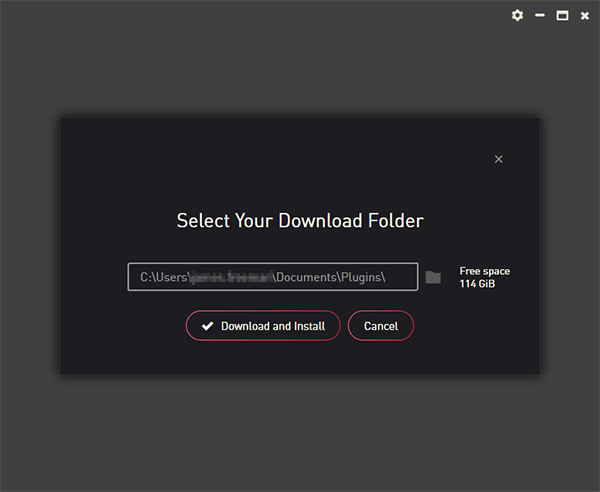
6. Select a location for Pulse to download the software by clicking the file icon on the right-hand side of the window.
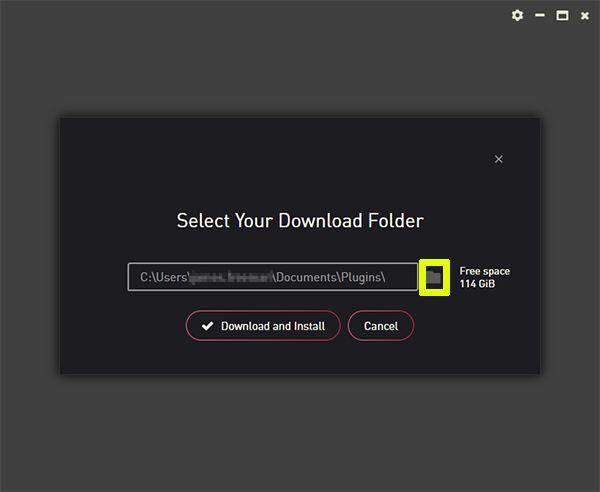
7. Select the location you would like your software to download and install to.
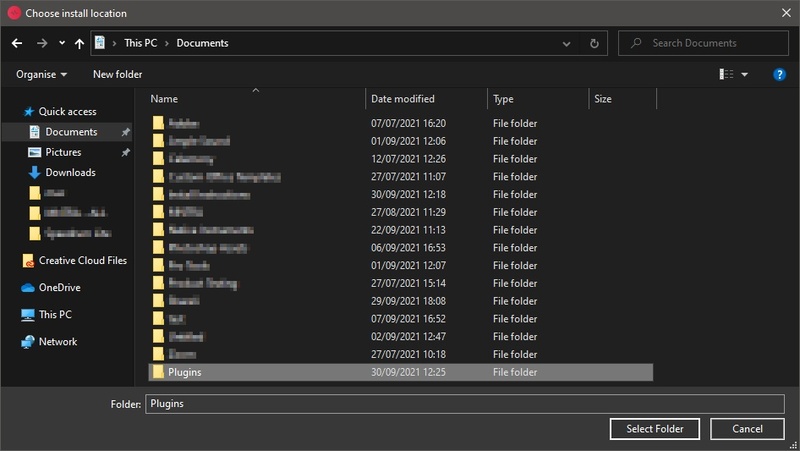
8. Click 'Download and Install'.
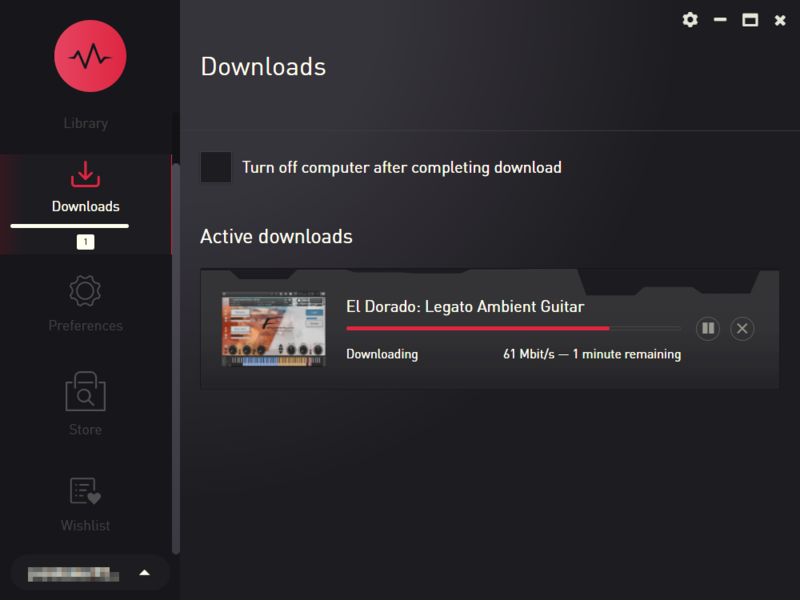
9. The instrument is now downloading.
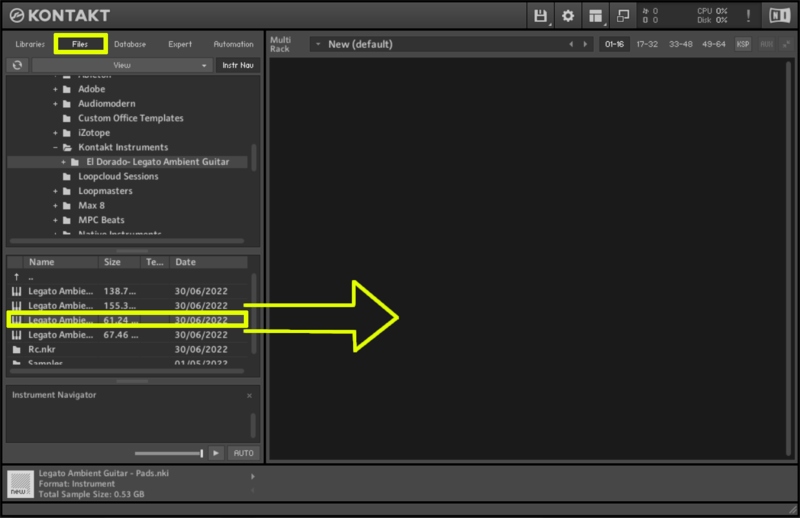
10. Once the instrument has finished downloading, open Kontakt, then open the 'Files' tab and navigate to the location that you downloaded the Kontakt Library to. Then click and drag the .nki file into the empty window.
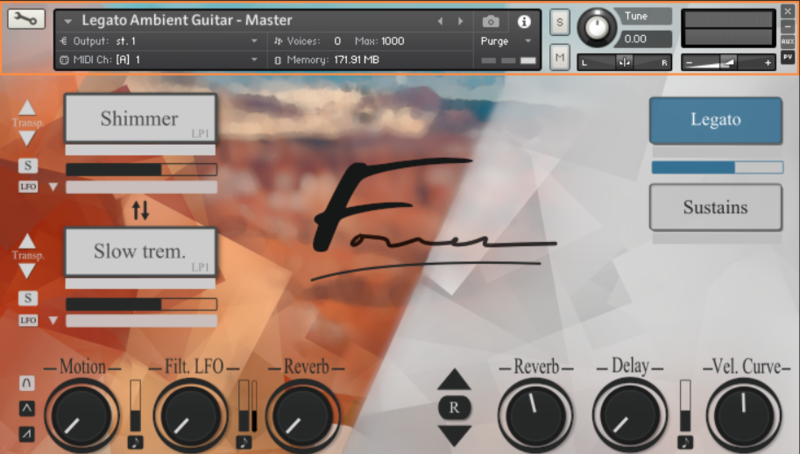
Your Kontakt instrument is now installed and ready to use.


 Log In











