/ Delay / Ruby
Product information

Discover the Intensity of Ruby Red

Experience New Sounds, Take Control of Time, and Define Your Style

Delay
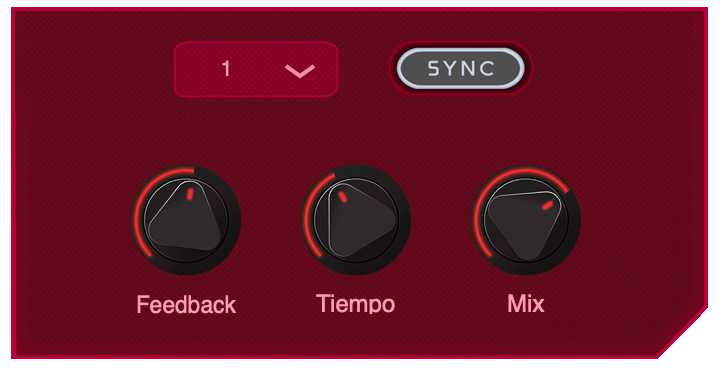
With Ruby's delay, you will have the freedom to modify the time as you want, however you can also sync it to the BPM of your session for greater precision.

Sequencer

The sequencer allows you to have control over 16 repetitions of the delay with the possibility of modifying by semitones.

Tremolo
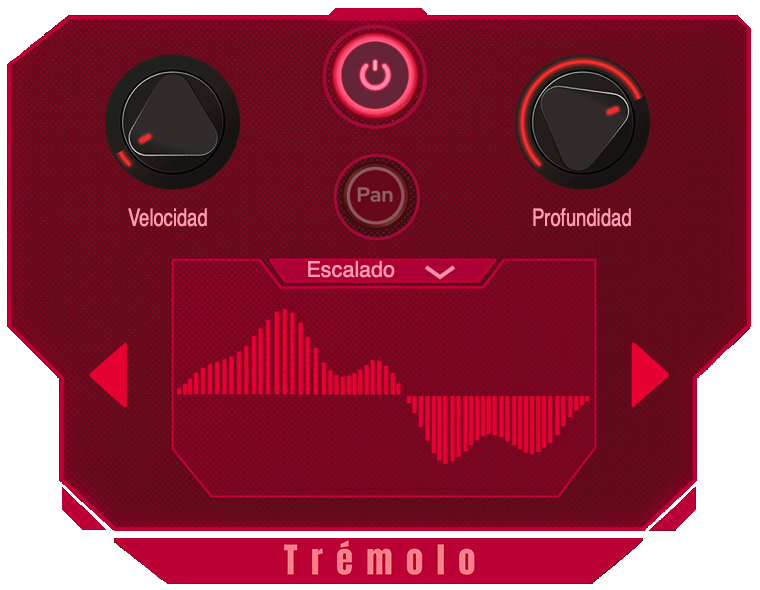
It suggests a comfortable and adjustable pan, modifying the parameters and waveforms allowing you to vary both the amplitude and the speed. Explore different sounds with 6 different waveforms from the Ear Candy Technologies team.

System Requirements

Mac

  • macOS 10.10 or later (Intel / M1 Apple Silicon supported) (64-bit only)
  • AU / VST3 / VST / AAX
  • 4 GB RAM required (8 GB recommended)
  • 2.5 GHz CPU (Intel, AMD or M1 Apple Silicon)
  • 30 MB Free Disk Space

Windows

  • Windows 7 or later (64-bit only)
  • VST3 / VST / AAX
  • 4 GB RAM required (8 GB recommended)
  • 2.5 GHz CPU (Intel or AMD)
  • 30 MB Free Disk Space

Please Note: Ruby is not supported on 32-bit platforms.

Testimonials

Nicolás Mariñelarena

"Ruby is a delay for those who are adventurous and do not settle for the conventional."

Hector Montiel (KILLV)

"Ruby is a one-of-a-kind delay... I have never found a delay that will let you do all of these things that Ruby offers."

Installation Instructions

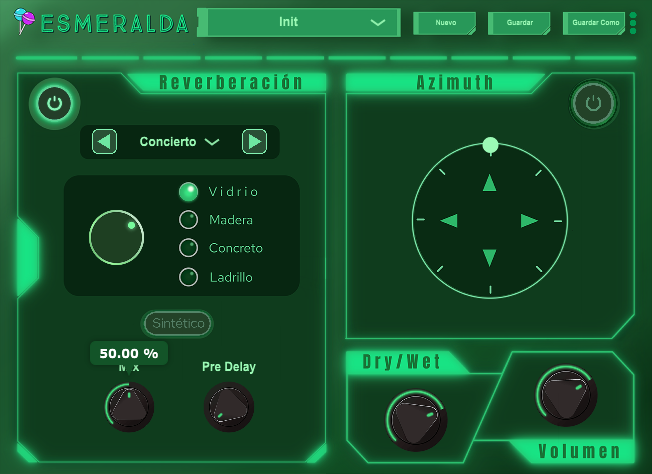
Note: Esmeralda has been used as an example.

Mac

1. Download the .zip folder from your Plugin Boutique User Account > Double-click it to open and extract the installer file > Right-click the correct .pkg installer file corresponding to your Intel OR Apple M1 System > Click 'Open'.

2. If you are shown this message, click 'Open'.

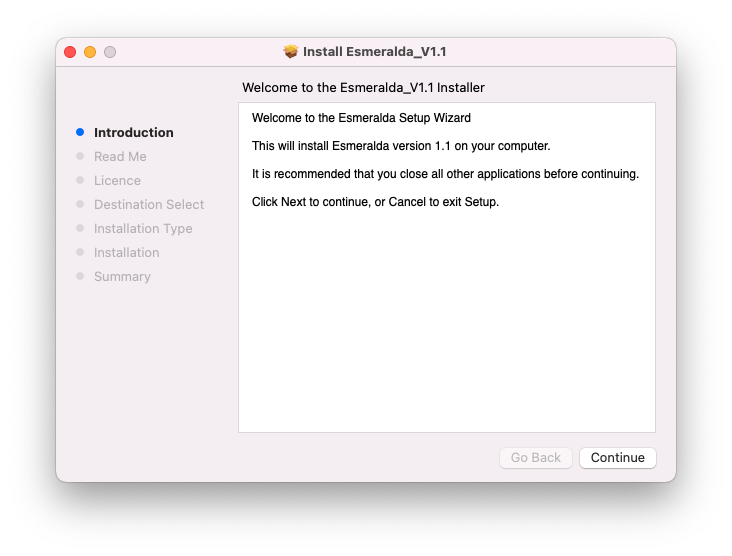
3. Click 'Continue'.

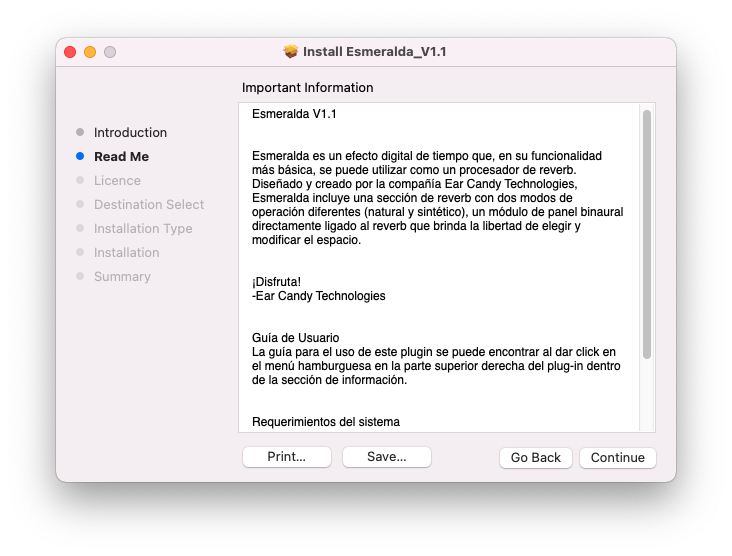
4. Click 'Continue'.

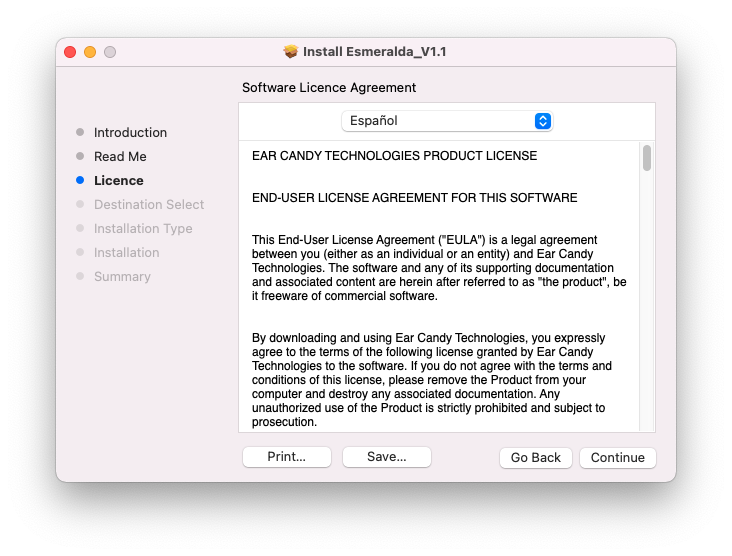
5. Click 'Continue' > Accept the license agreement.

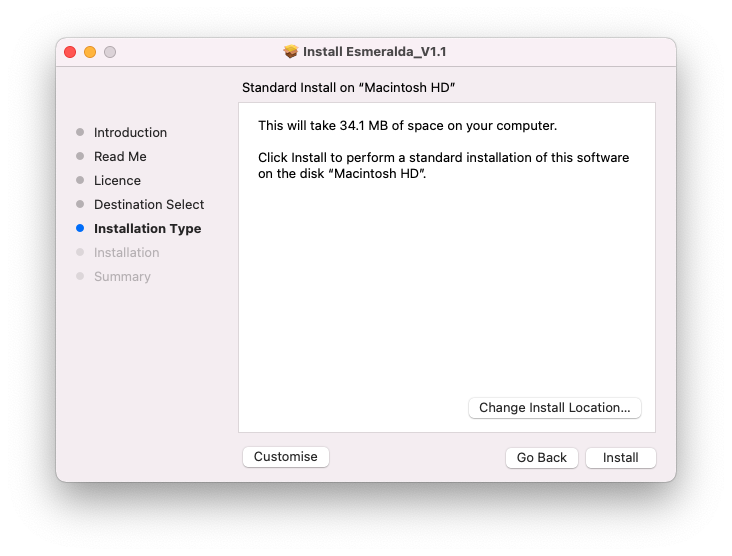
6. Click 'Install'.

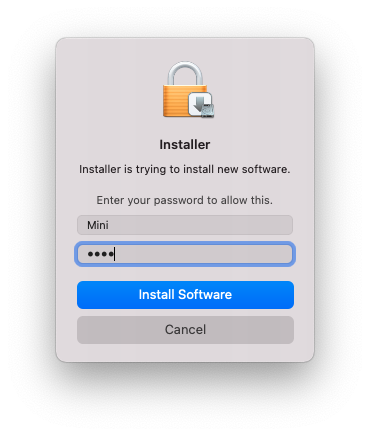
7. Enter your system password > Click 'Install Software'.

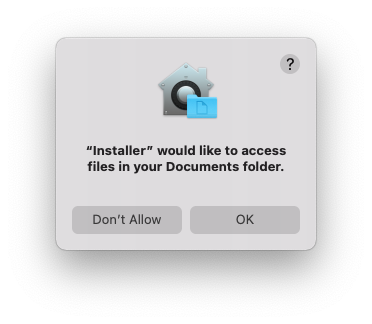
8. Click 'OK'.

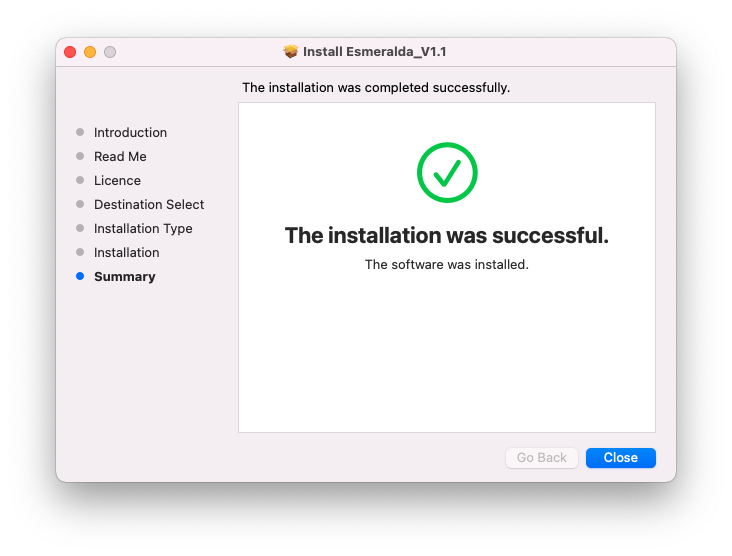
9. Click 'Close'.

10. Launch your DAW > Insert Esmeralda on a new audio track.

Esmeralda is now installed and ready to use.

Windows

1. Download the .zip folder from your Plugin Boutique User Account > Double-click it to open and extract the installer file > Launch the .exe installer file.

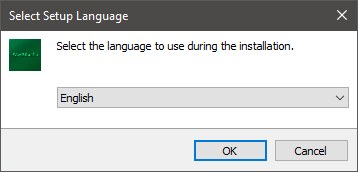
2. Select your setup language > Click 'OK'.

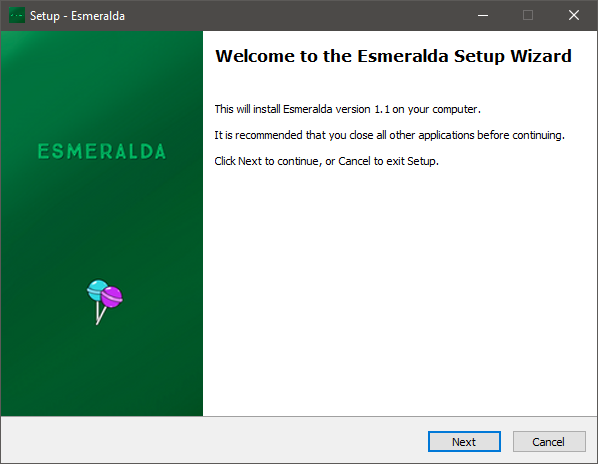
3. Click 'Next'.

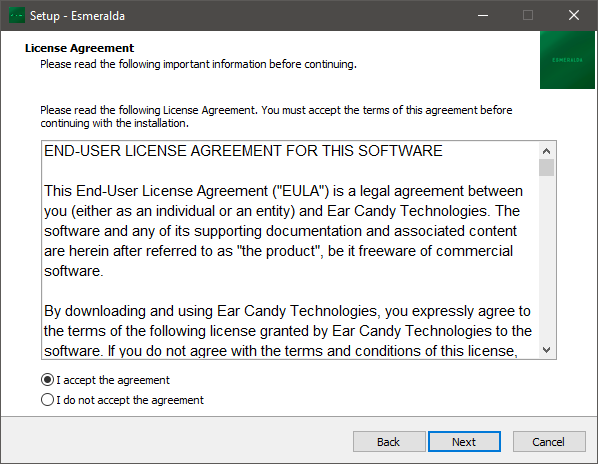
4. Select 'I accept the agreement' > Click 'Next'.

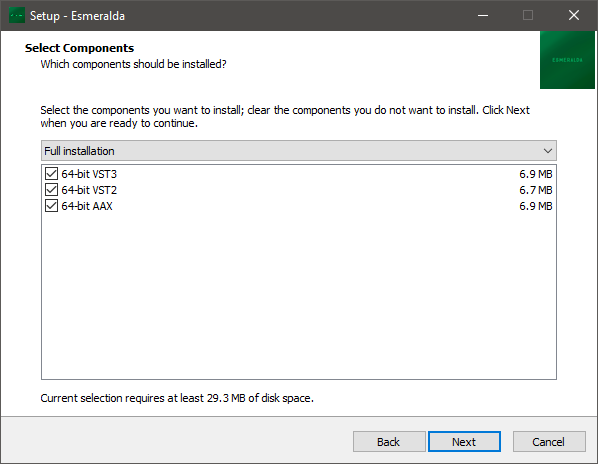
5. Select components for installation > Click 'Next'.

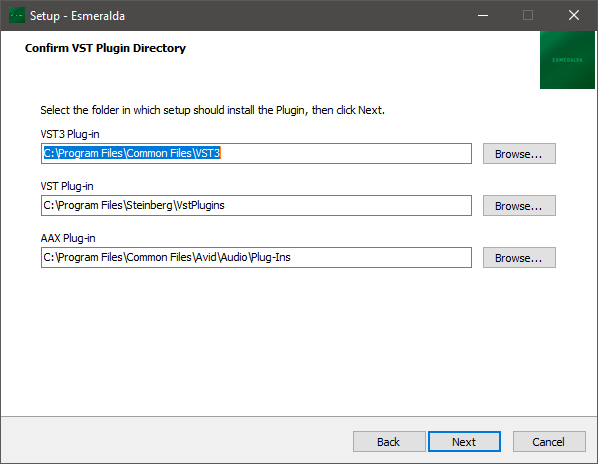
6. Confirm the correct directory for installation > Click 'Next'.

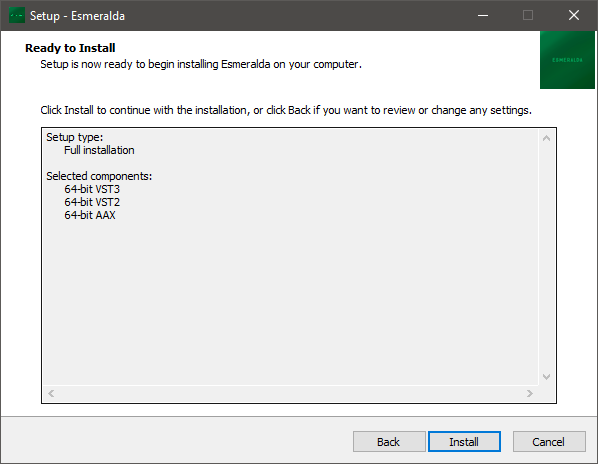
7. Click 'Install'.

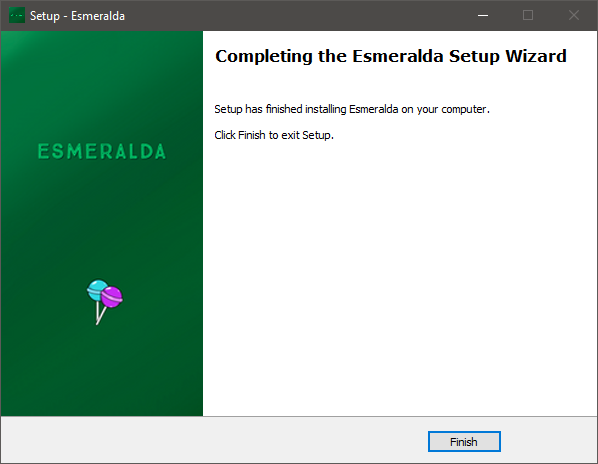
8. Click 'Finish'.

9. Launch your DAW > Insert Esmeralda on a new audio track.

Esmeralda is now installed and ready to use.

Plugin Boutique Rewards

Discover the most rewarding loyalty programme among all plugin retailers.

  • Free Loopmasters Samplepacks
  • Discounts on products and courses
  • Extra Virtual Cash claimed immediately at checkout
Find out more

Follow us:

X (Twitter) Facebook YouTube Instagram
Logo Logo

Plugin Boutique Limited, Part of the Beatport Group LLC.

Copyright © 2011-2025 Plugin Boutique. All rights reserved