


 Log In
Free gifts available with your purchase
Product information

Reverb. Made Easy.
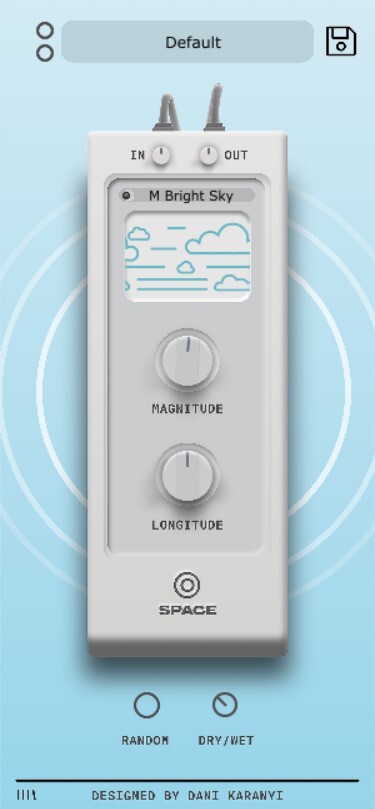
Meet Space, Karanyi Sounds' reverb effect focusing on unique, but naturalistic and clean reverberations. Similarly to its big brother Poly Space, Space combines pristine DSP algorithms and vivid impulse responses in order to offer a wide variety of studio-quality presets from large halls to small simulated places.
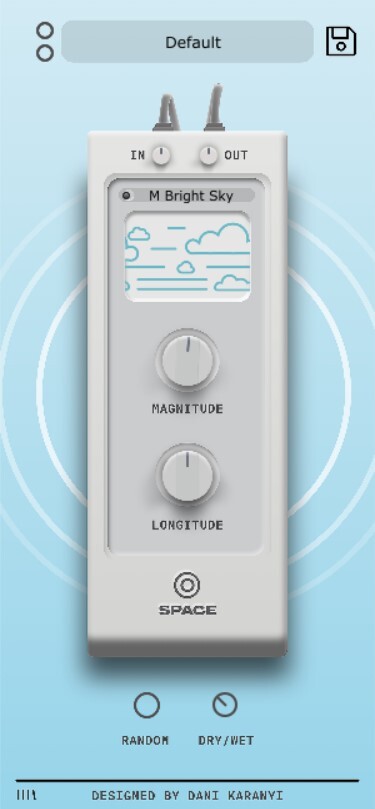
The modern and lean interface hides a real workhorse for adding depth and space to your sounds.
Features
- Comes equipped with exciting and variable factory presets
- Focusing on clean, natural spaces
- Streamlined interface with just 2 main controls
- Smart Random button on board for instant inspiration
- Dry/Wet and In-Out knobs for ease of use in mixing situation
- Supports major DAWs, including Ableton Live, FL Studio, Logic Pro, Cubase, Reason, Studio One, BitWig, Reaper, etc. (Pro Tools and Maschine are NOT supported)
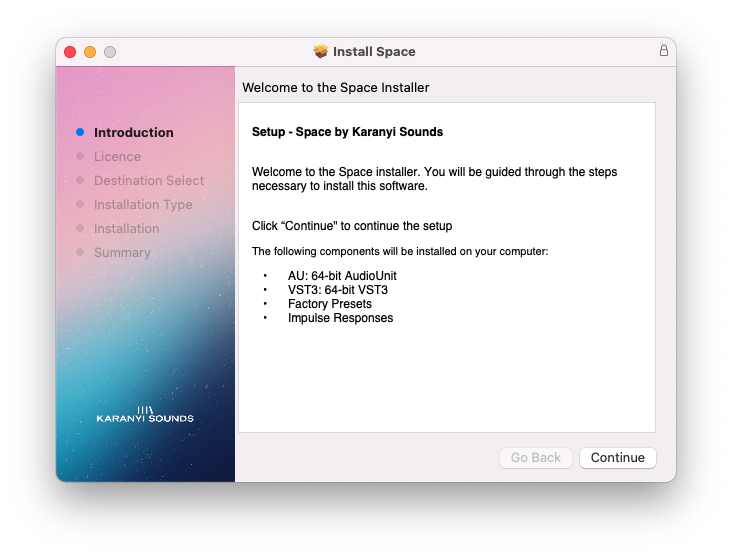
- Available in AU, VST3 (64-bit) formats
System Requirements
- macOS 10.11 or higher is recommended (M1 Apple Silicon native not supported - but compatible via Rosetta)
- Windows 7 or higher
- 4 GB of RAM, 8 GB is recommended
- 2 GHz CPU with at least 4 cores
- 64-bit DAW
- 100 MB of Free Disk Space
Installation Instructions
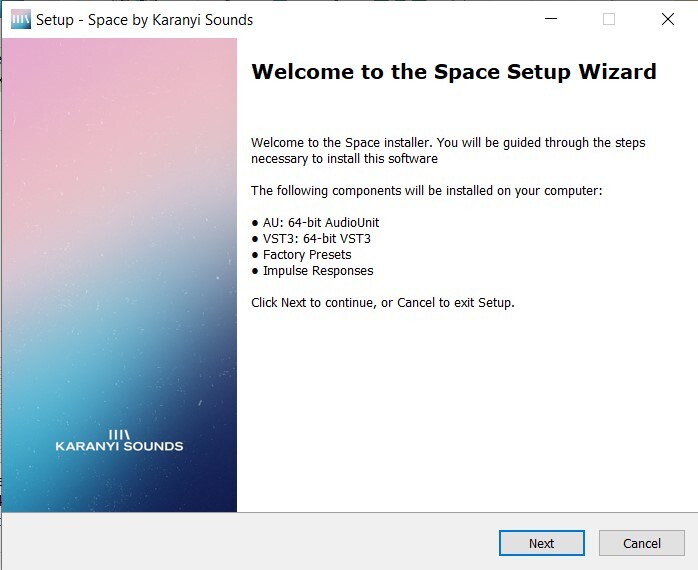
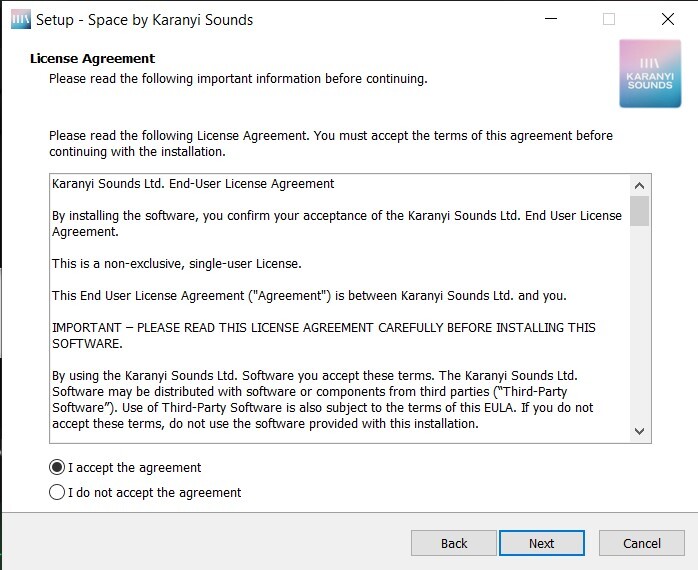
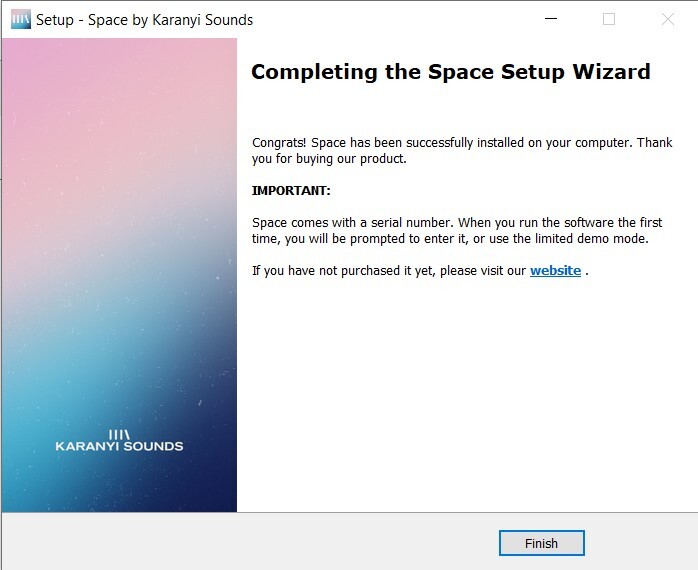
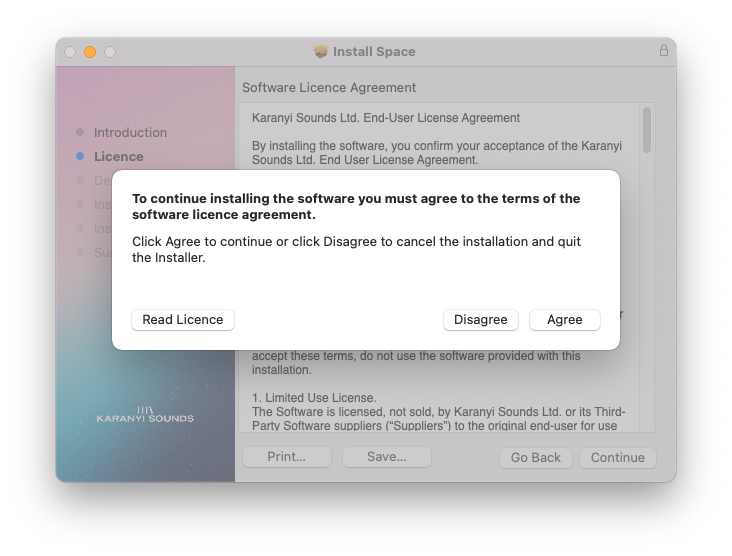
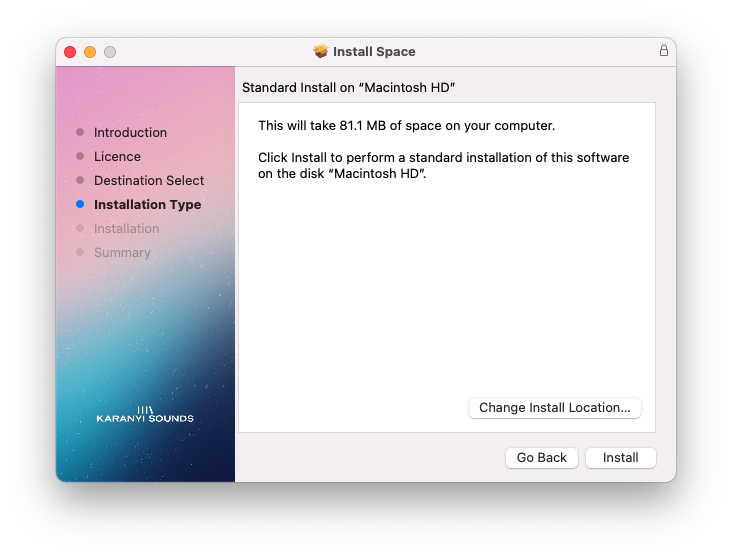
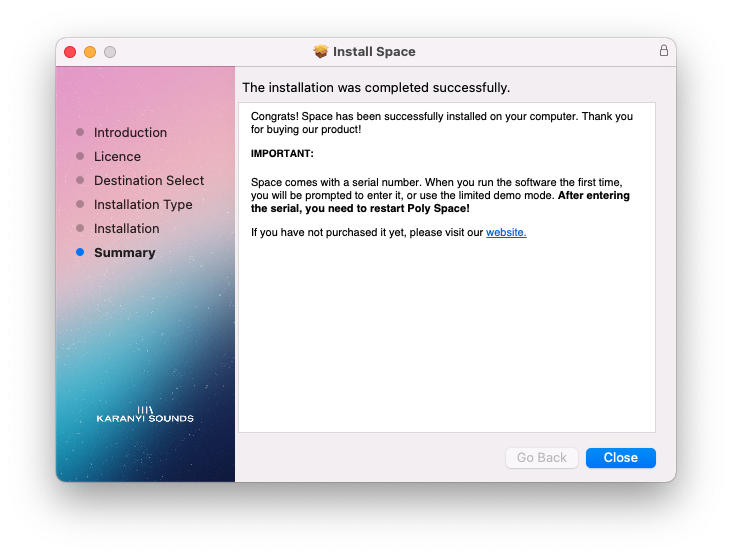
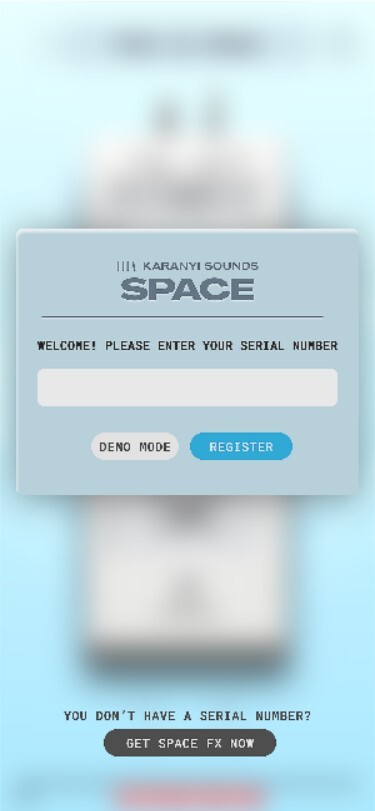
Customer Reviews
(3)


