Log In

Free gifts available with your purchase
Product information
Kiive Audio is proud to release the ADC1 Compressor / Limiter!
Inspired by 2 of the most iconic compressors / limiters made during the 50’s and 60’s, The ADC1 Compressor / Limiter gives you so much spank and gooey compression, perfect for mix bus, slamming drums, vocals and so much more!
Features
- Aggressive compression and saturation!
- The ultimate drum and mix bus compressor
- Other features include Mix knobs for each chanel, A/B, undo, I/O trim, resizable GUI
- Stereo, mid /side, dual mono, and mono modes
- Available in AAX, VST3, and AU formats.
- Compatible with macOS X 10.7 & higher (M1 and Monterey native), Windows 7 & higher (Pro Tools 11 and above).
- 14 day Free trial version
System Requirements
Mac
- Mac OS X 10.7 or higher (macOS 10.14 or higher recommended) (64-bit only)
- Compatible with M1 Native
- Processor: 1 GHz Intel Dual Core or higher
- 4 GB RAM
- Screen Resolution - 1024 x 768 or higher
- Formats - VST, AU, AAX
Windows
- Windows 7 and above (64-bit only)
- Processor: 1 GHz Intel Dual Core Processor or AMD equivalent
- 4 GB RAM
- Screen Resolution - 1024 x 768 or higher
- Formats - VST, AAX
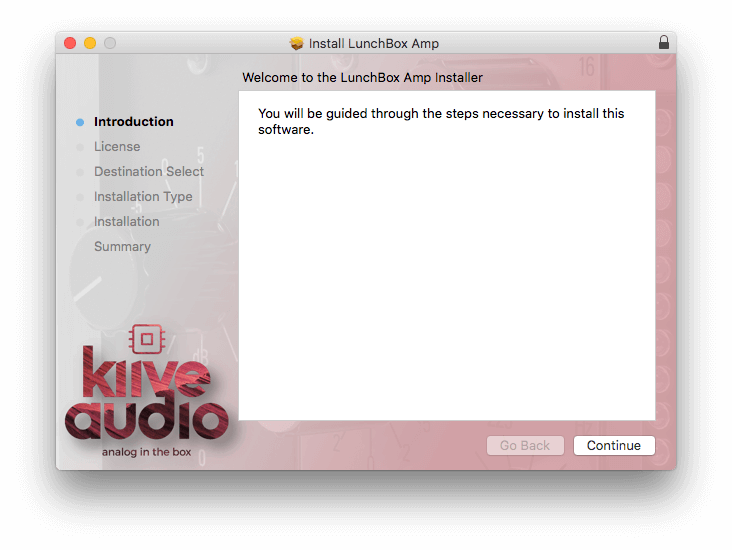
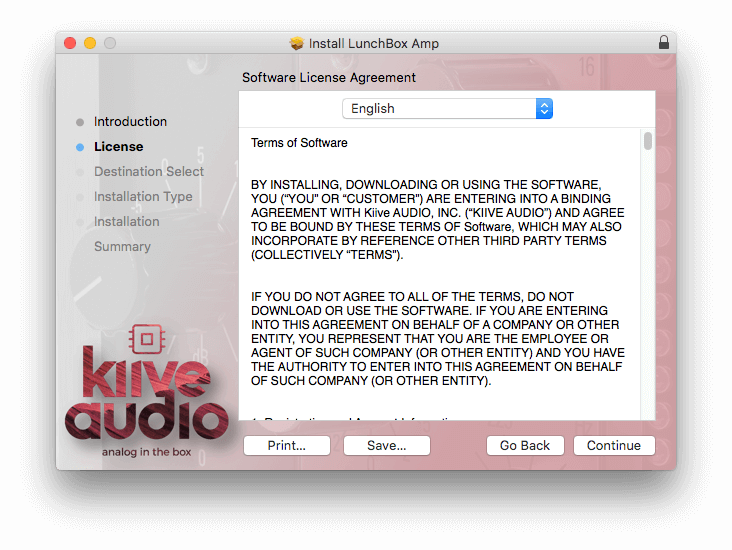
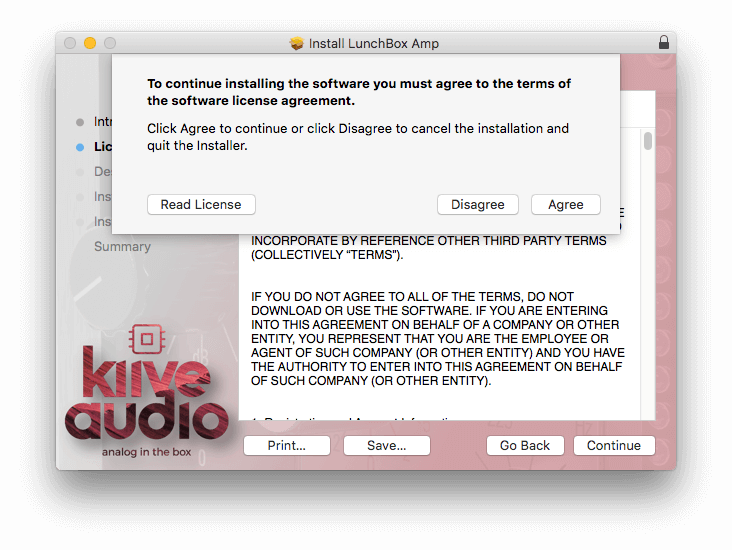
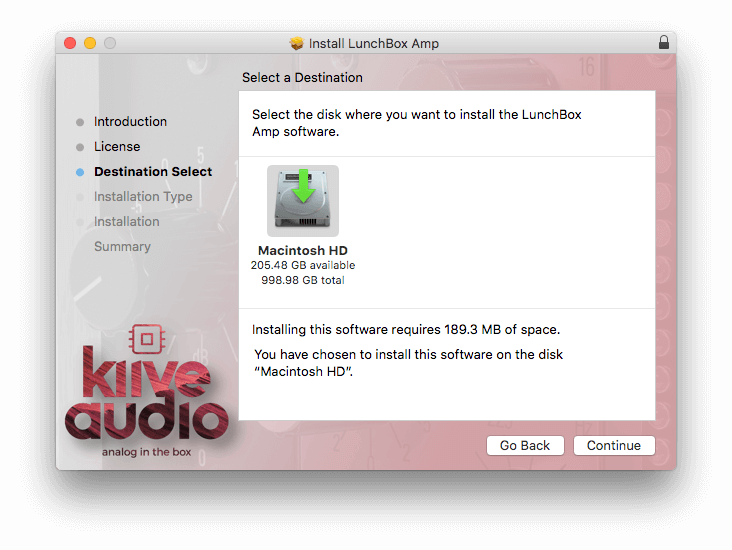
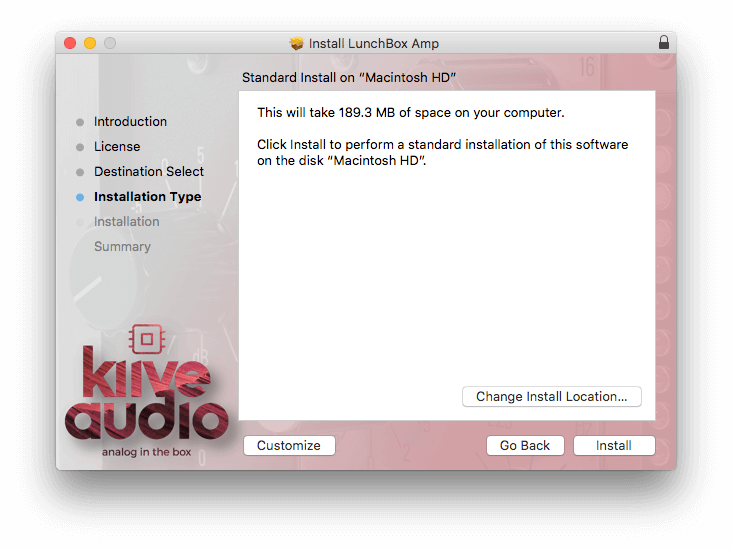
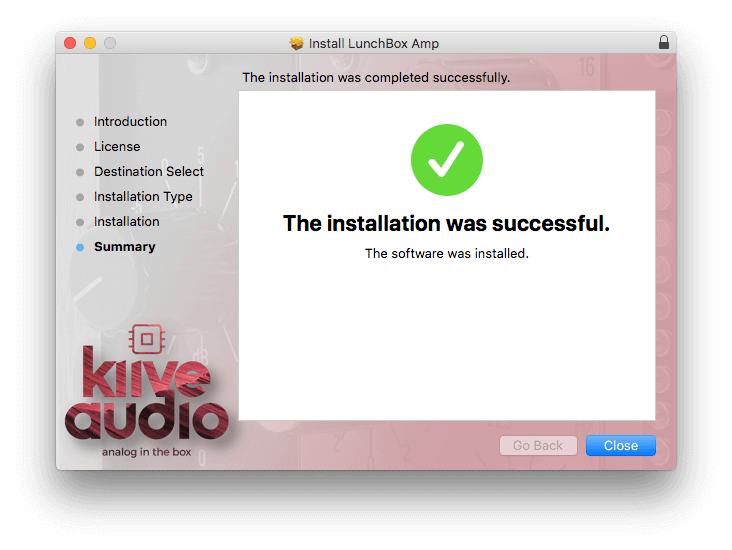
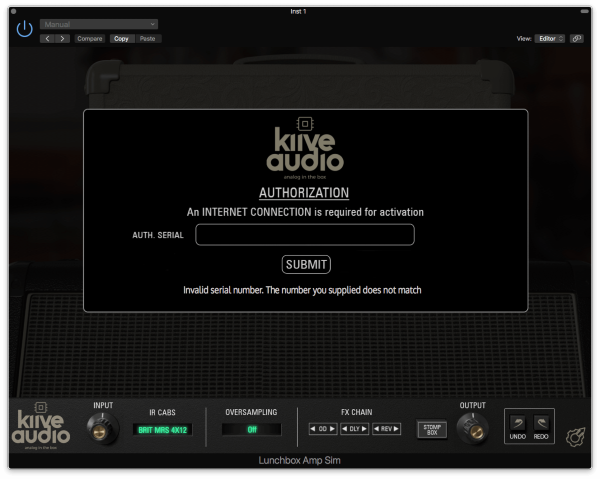
Installation Instructions