Log In
Free gifts available with your purchase
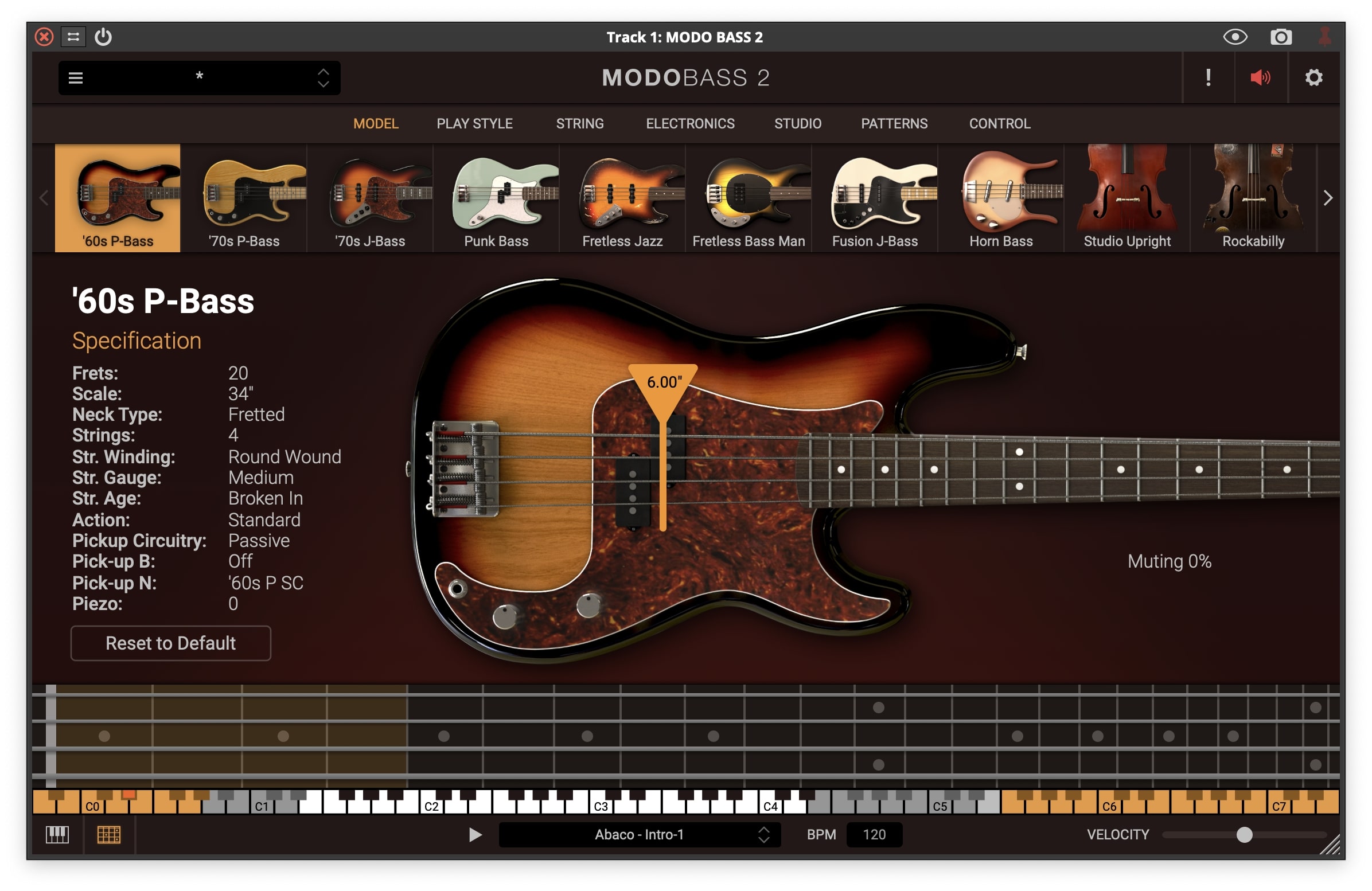
The Thunder Bass has been a rock icon since its release in 1963. It’s strongly characterized by an extensive low end and very long sustain, and is much appreciated in rock music because of its ability to fill the gap between overdriven guitars and hard-hitting drums.
Specifications
- Body: Mahogany
- Neck: 9-ply Mahogany/Walnut
- Fretboard: Rosewood
- Scale: 34”
- Frets: 20
- Circuitry: Passive
- Bridge Pickup: Thunder BHB
- Neck Pickup: Thunder NHB
The Mojo of MODO
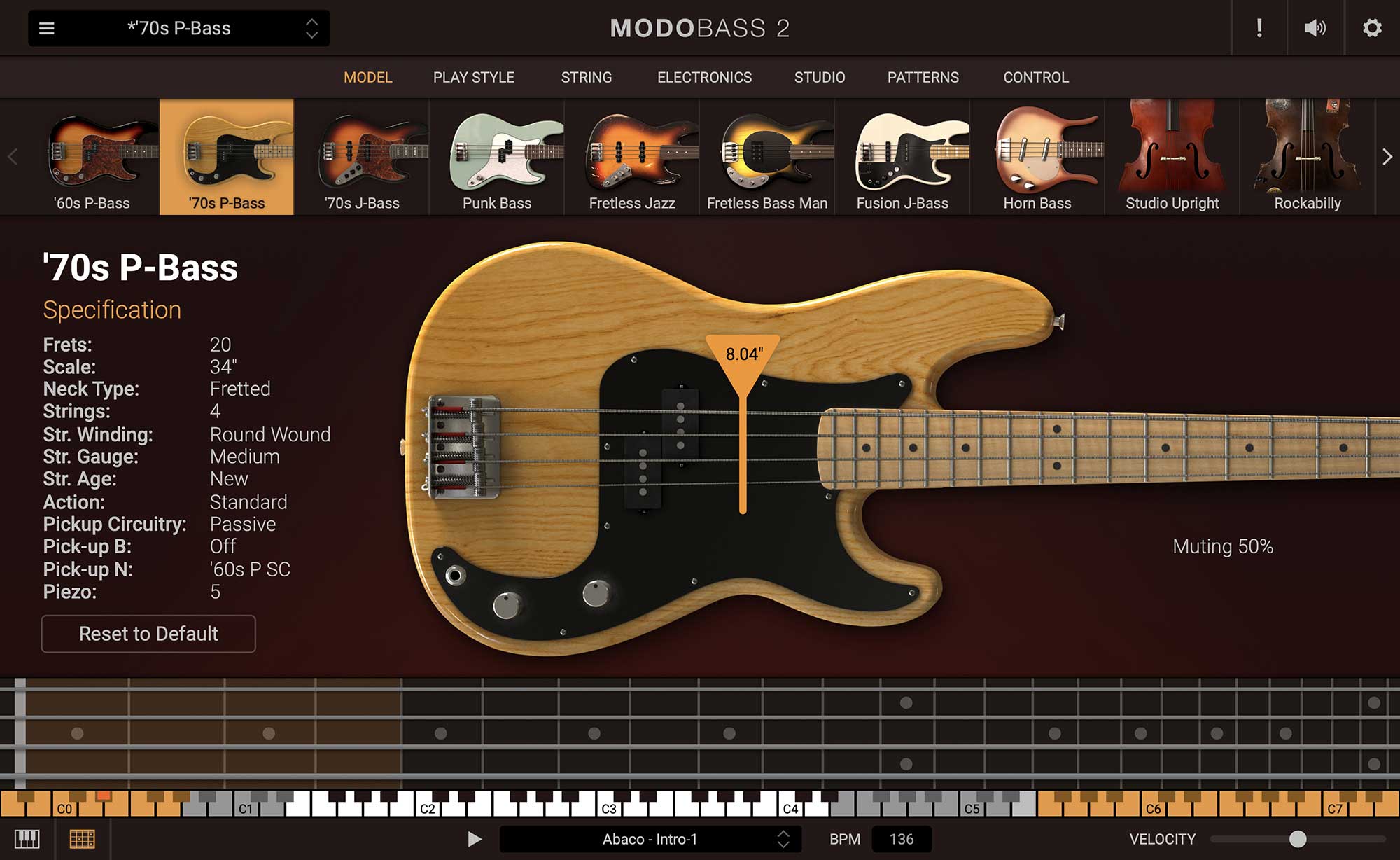
Still the first and only technology that models the entire process of playing bass, MODO BASS recreates each string’s response to the action of the “player” and the interaction of the string with the fretboard, body and pickups of the bass instrument. Then using IK’s analog modeling expertise, the amp and effects of an electric bass rig are added to the sound chain.
All of this gives MODO BASS the ability to create sound in real time providing you the ever-changing, hyper-realistic bass sound your music needs to reach the next level. And since each individual bass doesn’t use samples, there’s more hard-drive space dedicated to recording your masterpieces.
System Requirements
Mac® (64-bits)
- Minimal: Intel® Core™ 2 Duo or Apple M1, 4 GB of RAM (8 GB suggested), macOS 10.13 or later.
- Runs natively on Apple’s M1 processors.
- Supported Plug-in formats (64-bit): Audio Units, VST 2, VST 3, AAX.
Windows® (64-bits)
- Minimal: Intel® Core™ 2 Duo or AMD Athlon™ 64 X2, 4 GB of RAM (8 GB suggested), Windows® 10 or later. Requires an ASIO compatible sound card.
- Supported Plug-in formats (64-bit): VST 2, VST 3, AAX.
Installation
1. Go to https://www.ikmultimedia.com/products/productmanager/#download or click 'Download' in your Plugin Boutique User Account.
2. Download the relevant installer by clicking on the Windows or Mac download buttons.

3. Install the IK Multimedia Product Manager > Open once installed.
4. Click 'Create Account' > If you already have an IK Media account, skip to step 7.
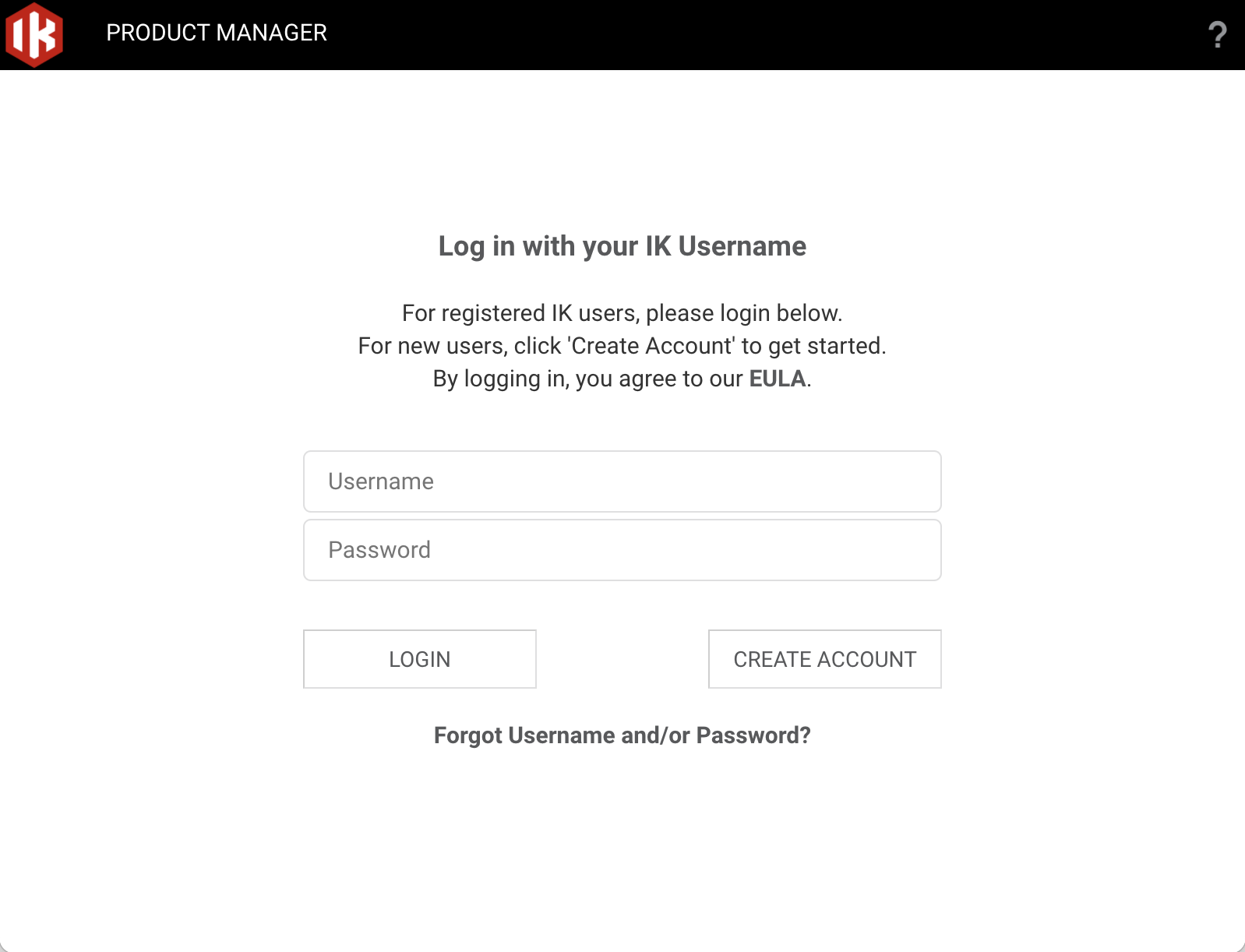
5. Enter the requested information > Click 'Register'.
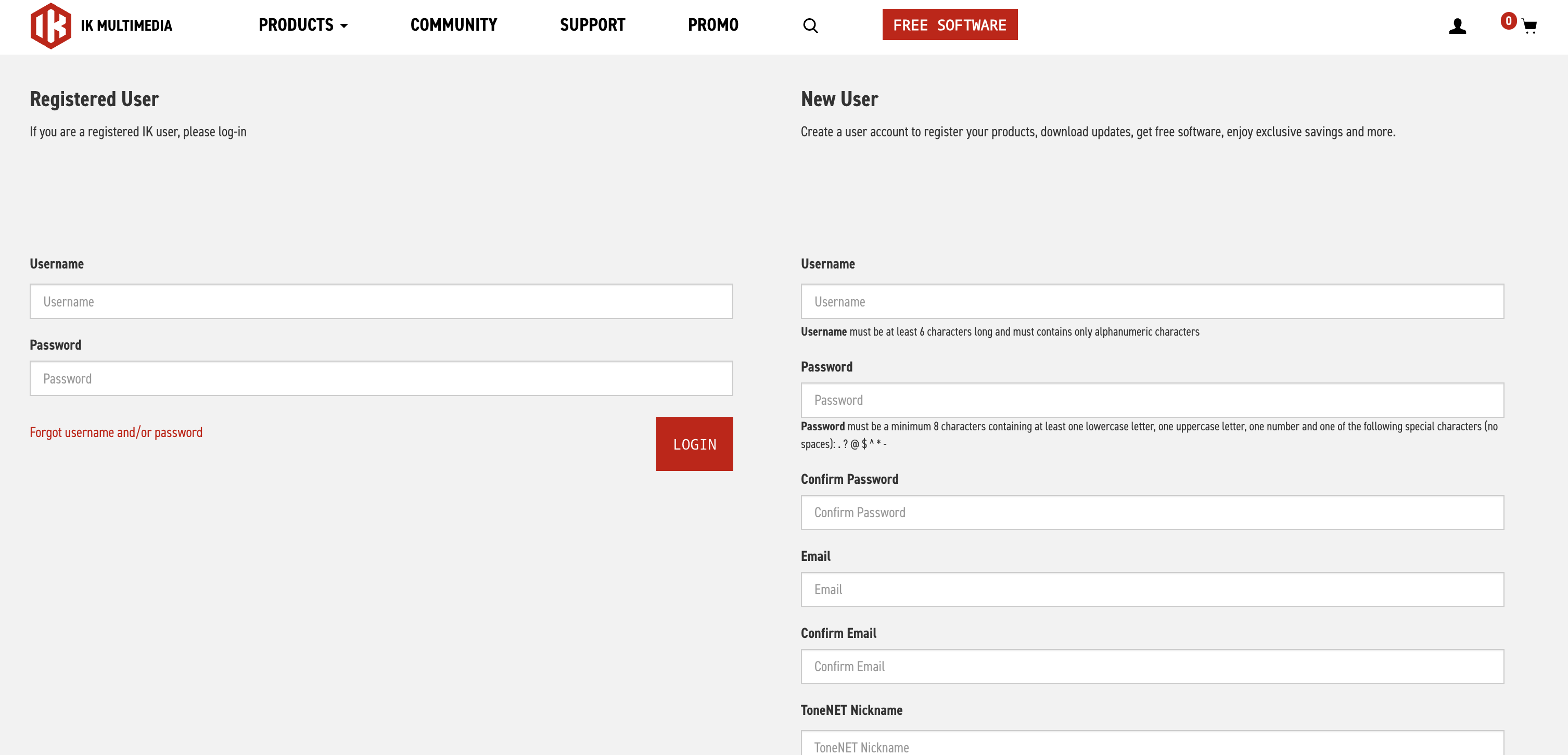
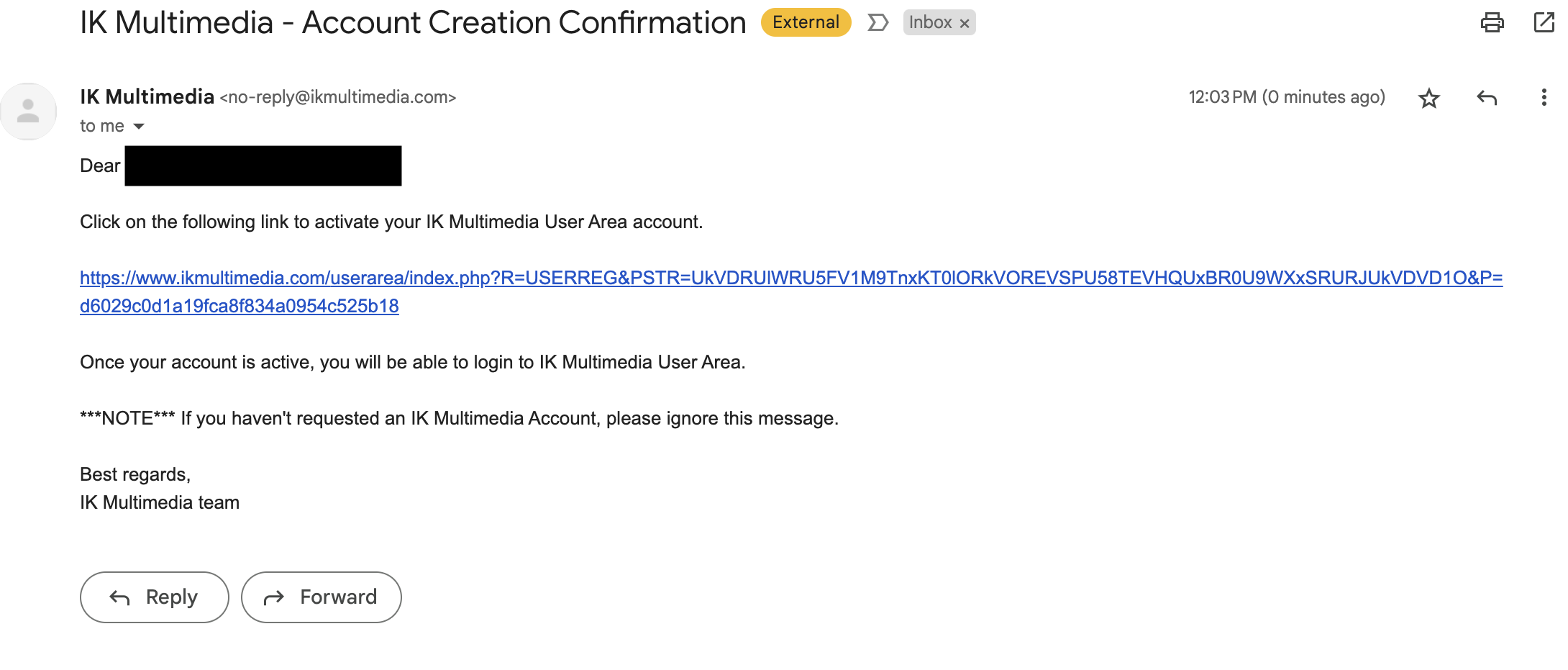
6. Open your email and locate the conformation email from IK Multimedia > Click the conformation link.
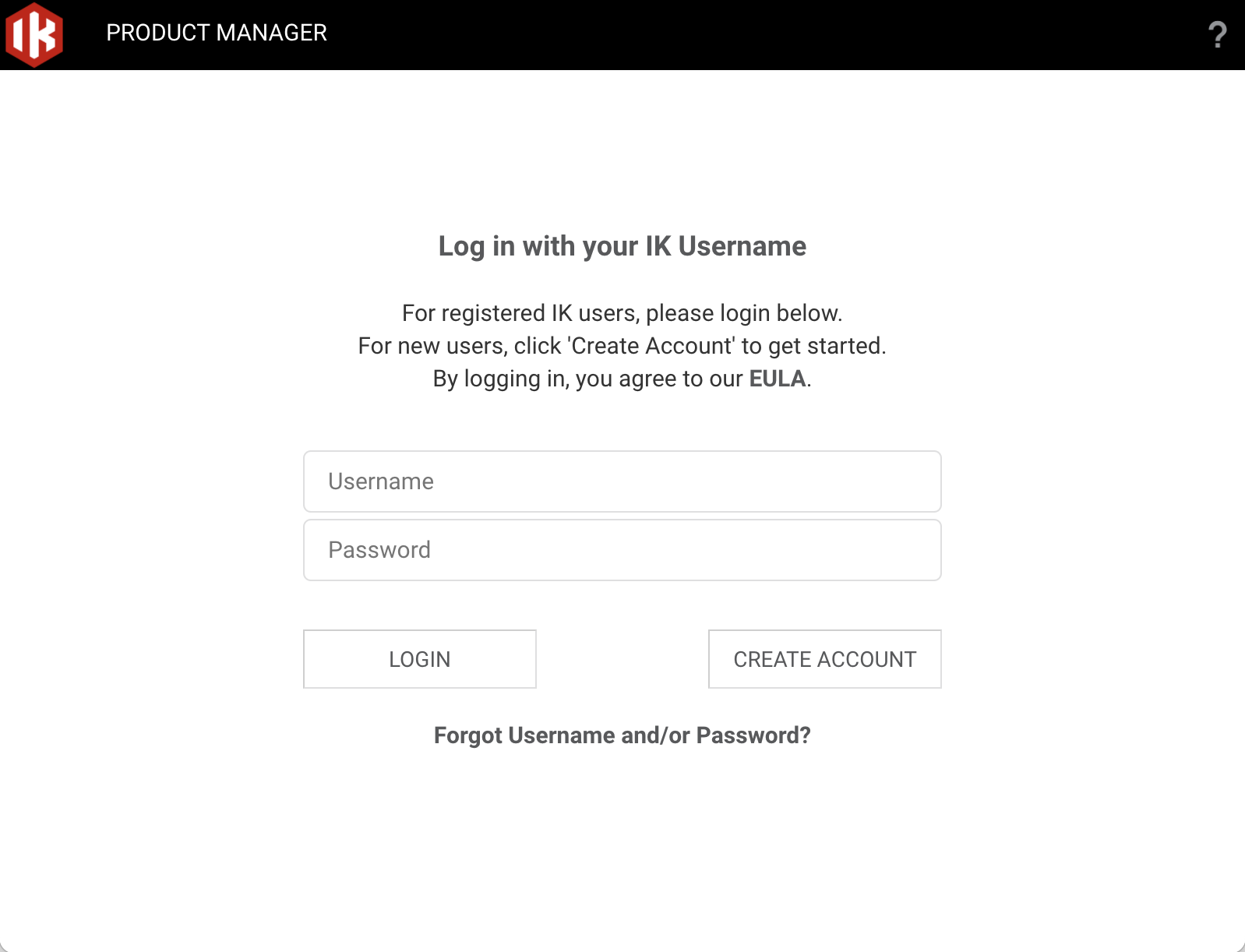
7. Head back to the Product Manager and log in with your newly created account details.
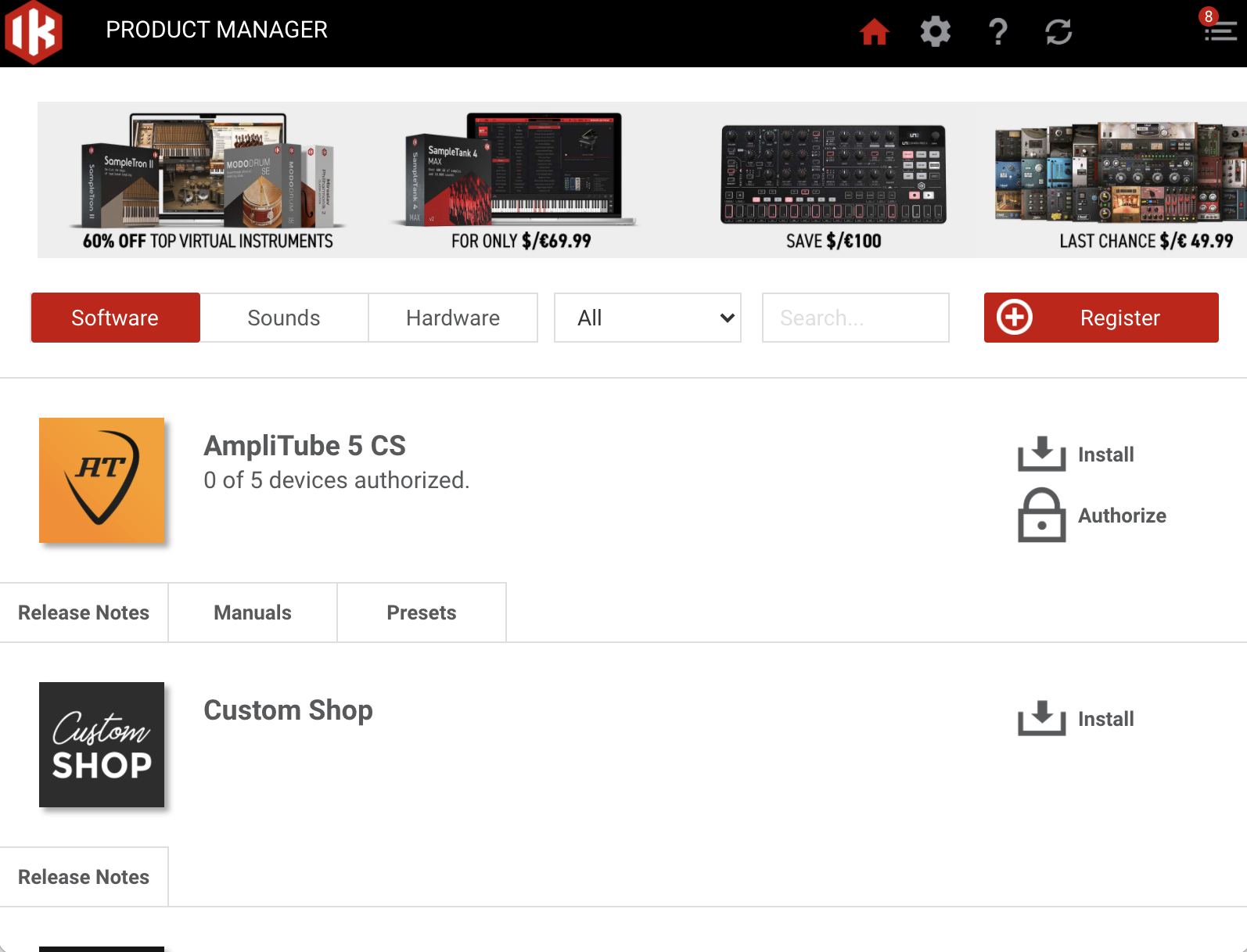
9. Click 'Register'.
10. Enter the Serial Number in your Plugin Boutique User Account > Click 'Register'.
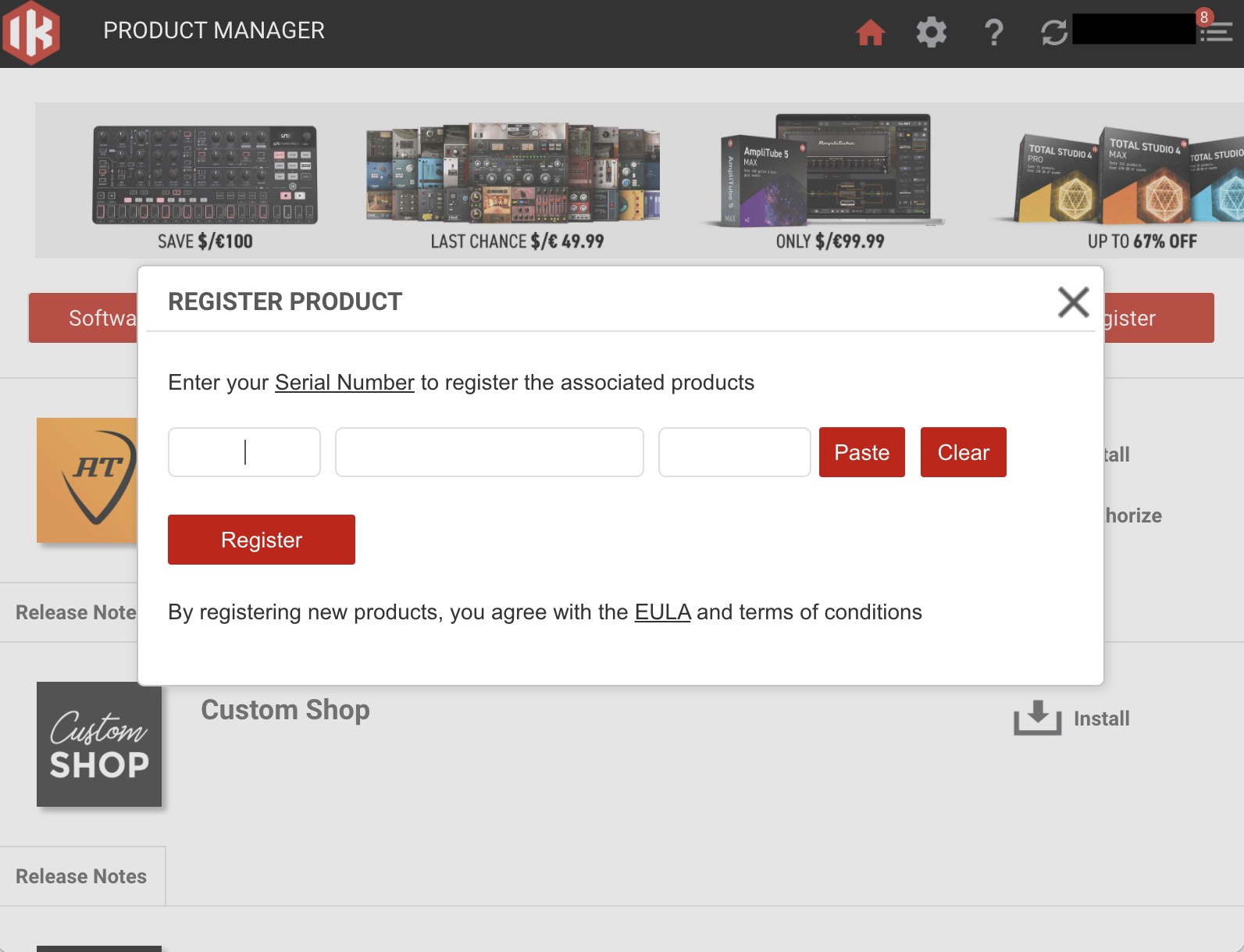
11. Click 'Install' on the plugin you wish to install.
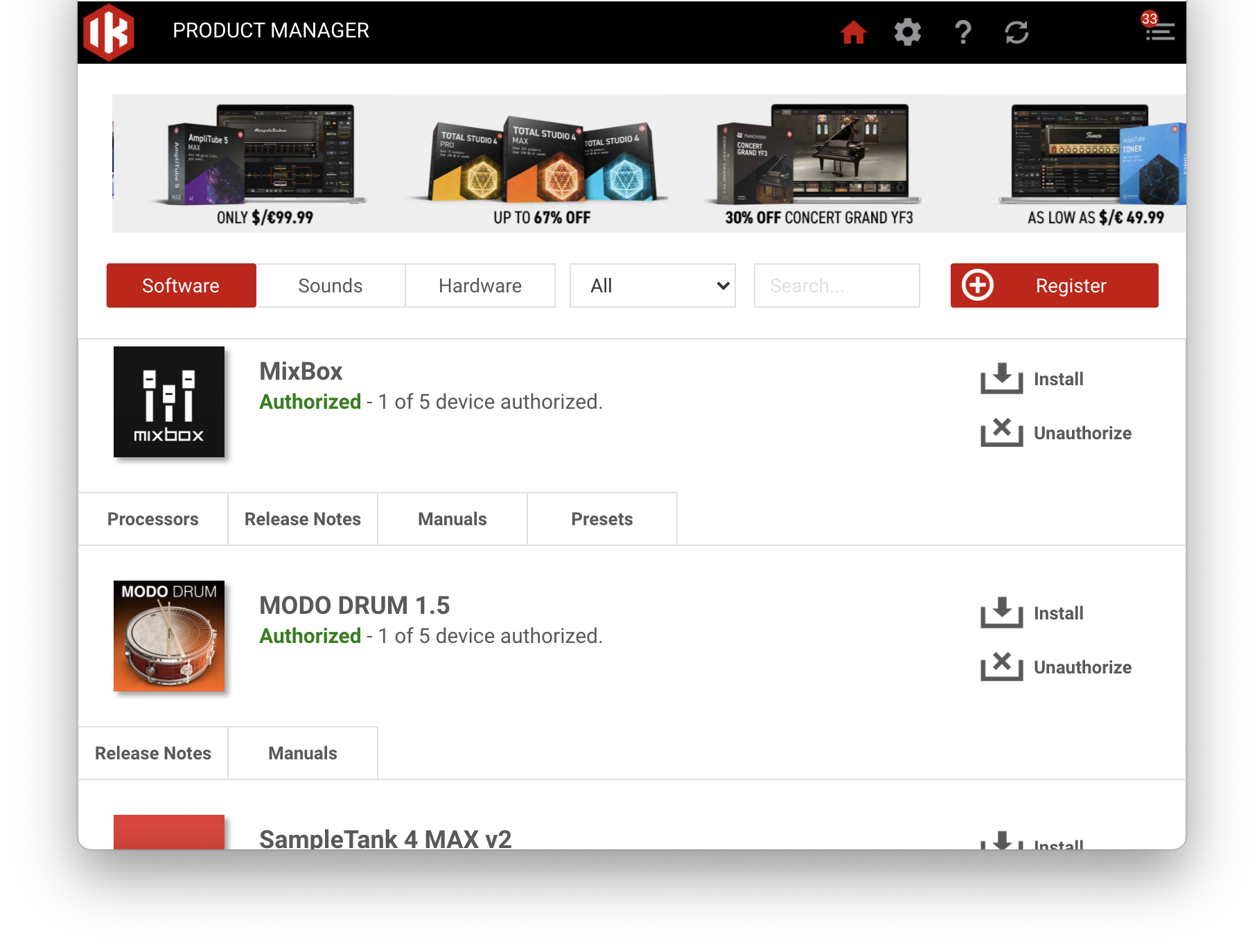
Your plugin is now installed and ready to be used within your DAW!