Log In

Free gifts available with your purchase

4 Oscillator Subtractive Synthesiser Featuring Informative Displays, Editable Step Sequencer, Vocal Filter, Multi Unison, Integrated Distortion and Analog Control
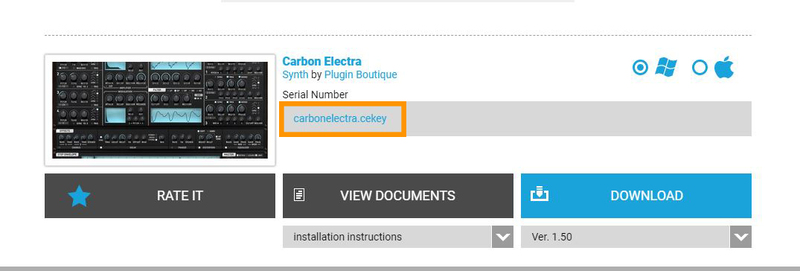
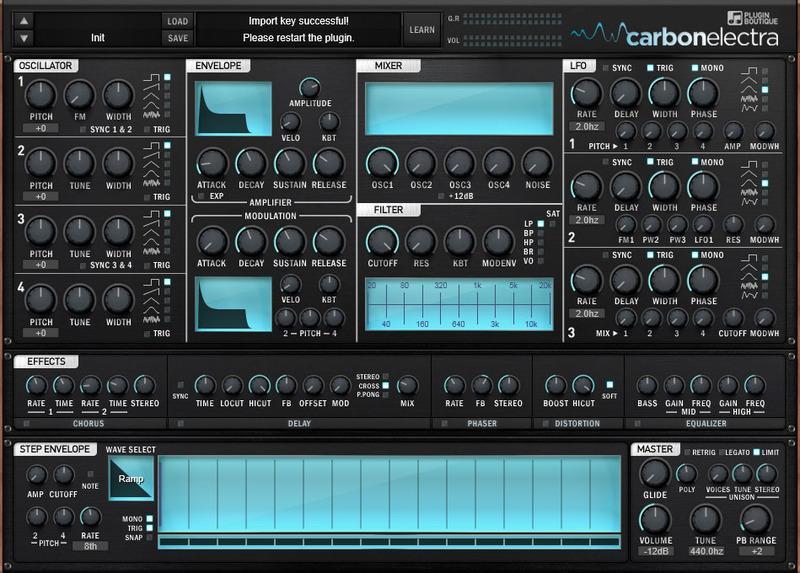
Plugin Boutique present Carbon Electra. Carbon Electra is a powerful and intuitive synth built by producers, for producers. It’s a four-oscillator subtractive synth with a modern feature set. It has been developed as an advanced learning tool whilst also being a powerful and easy-to-program synth. Being based on vintage analogue routing and featuring flexible modulation options including an editable stepper and note performer.
The graphical displays act as a comprehensive information tool as well as an accurate guide to each parameter change. Best of all, it sounds incredible.
Features
- Powerful synth engine that is easy to learn and use with no hidden menus
- 4 Analog style sync-able oscillators with adjustable pulse width, frequency modulation, oscillator unison and multiple wave types including pitch-able noise
- Ability to run the amp section "too hot" into the built-in optional limiter at the main output, creating a modern hyper-compressed sound
- Super flexible unison control ranging from subtle warmth to massive super saw or super square sound
- Multiple stereo width parameters allowing high precision control of the stereo field
- Ability to faithfully recreate classic analog sequences and acid lines with a modern twist by using note sequencer, editable nodes and unique filter modes
- Create aggressive tones with the all-new distortion modes and oscillator unison
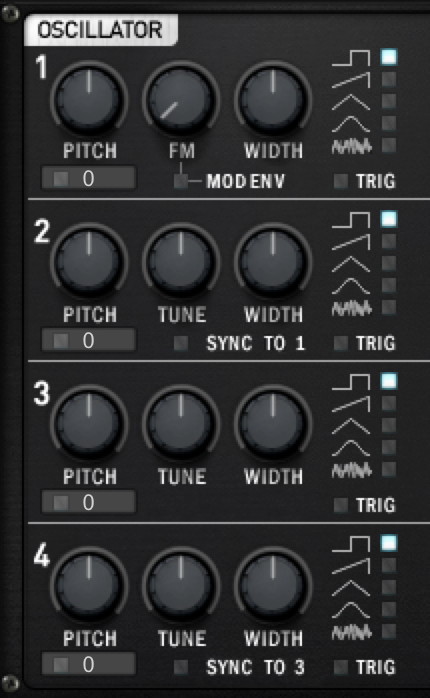
Informative Physics Based Graphics Displays with Comprehensive Info Pane

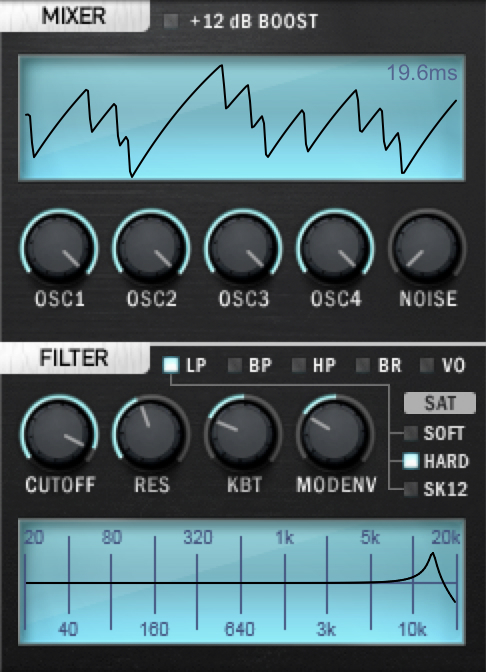
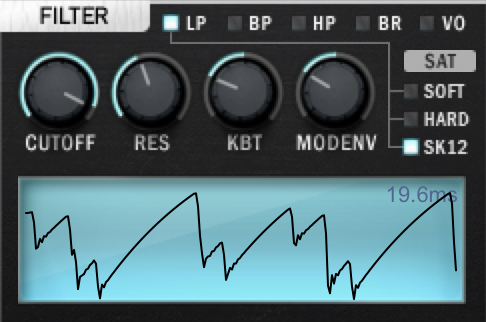
6 Filter Types (with different modes) Including Powerful Vocal Filter with Filter Drive and various saturation types
Simple, Incredibly Usable and Useful FX Section, Like Having a Bunch of Great Guitar Pedals

Editable Step Sequencer Can be Assigned to Note (allowing rests, ties and slides), Pitch, Volume and Cut-Off with Various Wave Types & Edit Mode Allowing Node Creation and Line Curve

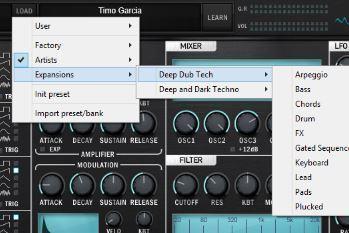
Over 800 Factory Presets Covering Sequences, Acid, Chords, Motions, Bass, Leads, Keys, Pads & Effects
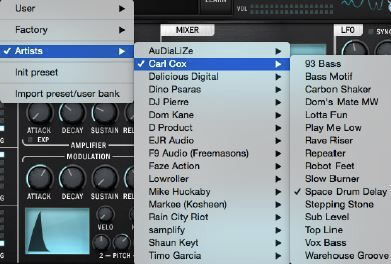
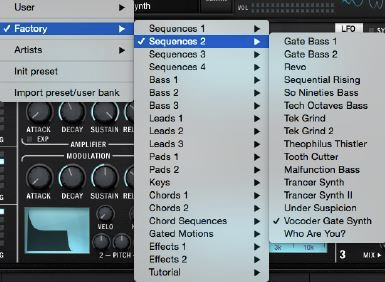
Onboard Artists Presets By:
- Mike Huckaby
- Kosheen
- Freemasons
- Carl Cox
- DJ Pierre
- D Product
- Rob Lee
- Dom Kane
- Timo Garcia...and more!
New Features in Version 1.5
- New sequencer function for step envelope: Includes an extended 28 semitone range and rests with support for pitch sweeps, legato glide and envelope re-trigger. Create analog style note recordings with a modern twist.
- All new classic analog style filter modes: Sallen-Key 12dB Low Pass Filter, 6dB Band Pass Filter and 6dB High Pass Filter and Soft OTA 24dB Low Pass Filter. New filter modes allow a wider range of tones from smooth crunchiness to screaming self-oscillation.
- True filter bypass: It is also now possible to bypass (disable) the filter for raw oscillator timbres.
- New Distortion mode: Provides brighter, harsher and in-your-face distortion without overdrive muddiness.
- Oscillator 1 FM modulation switch: Easily create classic FM sounds.
- Step Envelope Menu: Step Envelope context menu (right-click on Step Envelope text) with copy, paste and other features eases graph editing and makes it possible to easily copy data between presets.
- Over one hundred and fifty new presets: Exclusive to Carbon Electra 1.5 - new presets using all the new features and including ACID, SEQUENCE, LEAD AND FX banks
- Mousewheel functionality implemented on MacOS
Review Quotes:
- 'A very powerful synth with a character of its own, the envelope step sequencer is one of the most clever additions I’ve seen.' Producer Spot
- 'A digital beast perfectly easy to approach, yet complex for your sound design needs. A focused instrument geared for the modern producer.' Ask Audio Mag
- 'Carbon Electra has a sonic richness, the raw oscillators are fat, buzzy and especially delicious in the lower octaves. The precision and clarity of modern VA synthesizers with the wild aggressive nature of an analogue beast.' Bedroom Producers Blog
- 'The synth’s sounds definitely cut through mixes. Basses really bring the bottom end of mixes to life and some of the leads and incidental effects add angles to tracks I can only dream of.' MusicTech
- 'An easy to use synth with stunning visuals and incredible sound.' Computer Music Academy
- 'Directly from a future: a modern aggressive sound with best step sequencer ever and lots of presets from star producers.' Sound Bytes Mag
- ‘Carbon Electra steps up the game. This synth is a goldmine. Lush pads, wicked bass and leads that melt your brain.' Nine to Five
- ‘Carbon Electra is a great sounding, versatile, powerful and easy-to-use synth with a massive library of presets that will be an asset to anyone aiming to create interesting electronic music — it's great for novices and pros alike.’ DJ Mag
- ‘Carbon Electra does a great job on combining analogue features and modern graphical tools within one interface. Programmers should be able to create a wide range of vintage-style noises with it.' Sound On Sound
Carbon Electra Expansion Packs Available!
There is a great collection of bespoke, genre-inspired Expansion Packs specifically designed and available for Carbon Electra!
System Requirements
Mac
- OS X 10.7 or later (64-bit only)
- Carbon Electra can run natively as an AU plug-in with M1 / Apple Silicon hosts including Ableton Live, Machine, Studio One 6 and Logic Pro X. The VST2 is not compatible with M1 / Apple Silicon)
Formats:
- AU - Audio Units (64-bit)
- VST 2.4 (64-bit)
Windows
- Windows 7 SP1 (Direct2D) or later (64-bit only)
Formats:
- VST 2.4 (64-bit)
Important notes:
- This software is 64-bit only and will not function on 32-bit systems.
- Carbon Electra is not available in AAX format. It is compatible with most major VST and AU DAW platforms and is available for both PC and Mac computers.
Awards


Lowroller
"I love its integrated distortion and edgy sound".
Freemasons
"Amazingly Tough".
Mike Huckaby
‘"This thing is loaded".