Log In
.jpg)
Free gifts available with your purchase
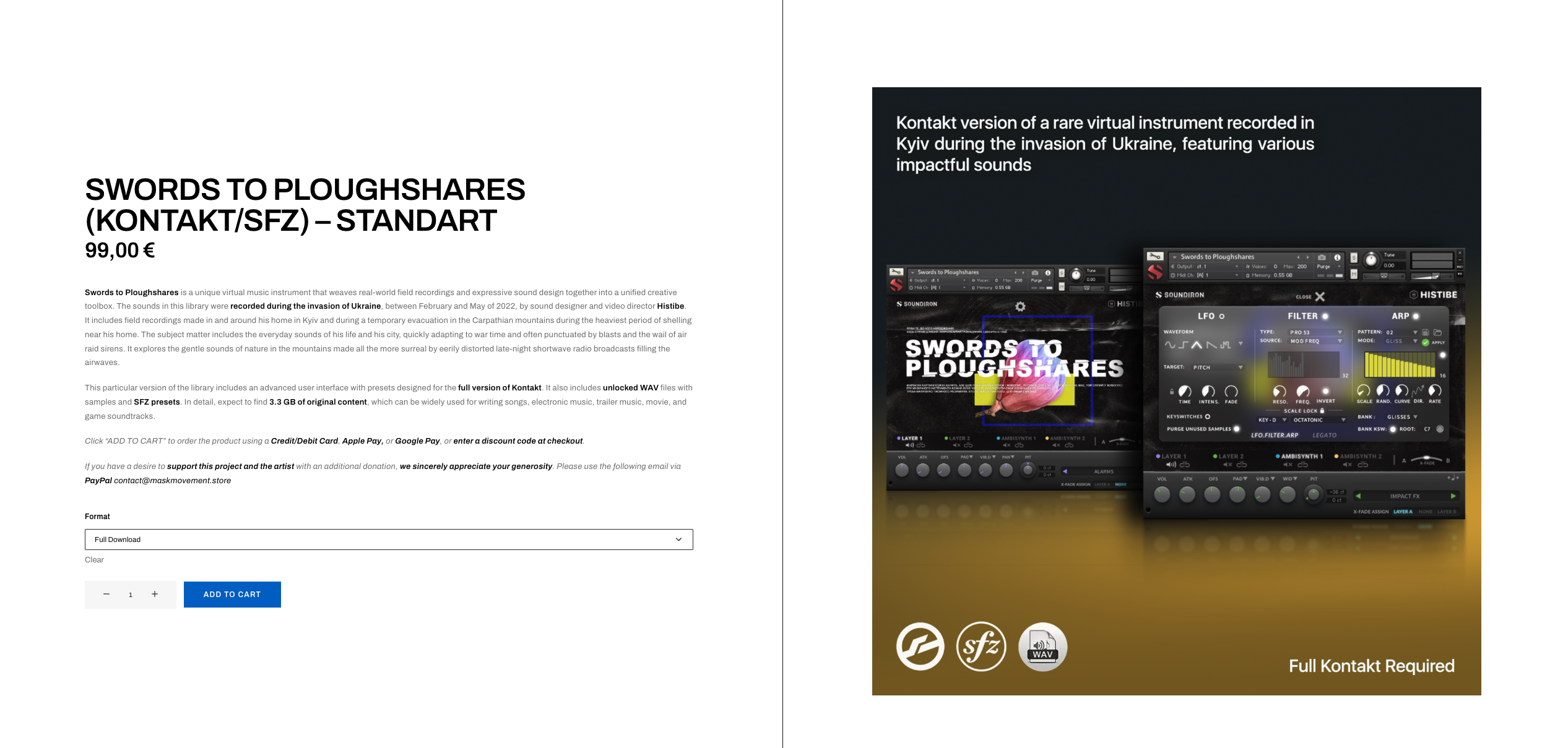
Swords to Ploughshares is a unique virtual music instrument that weaves real-world field recordings and expressive sound design together into a unified creative toolbox.
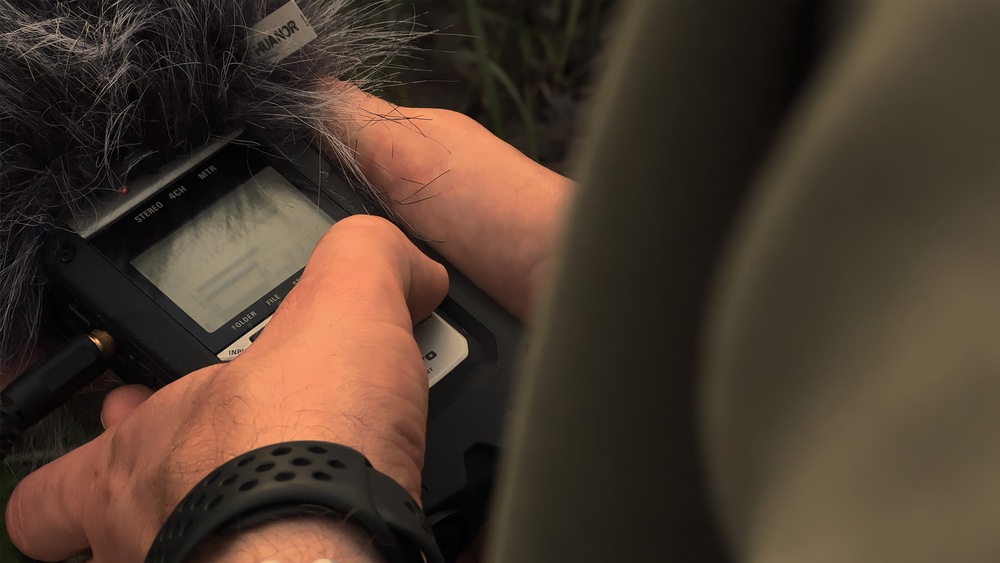
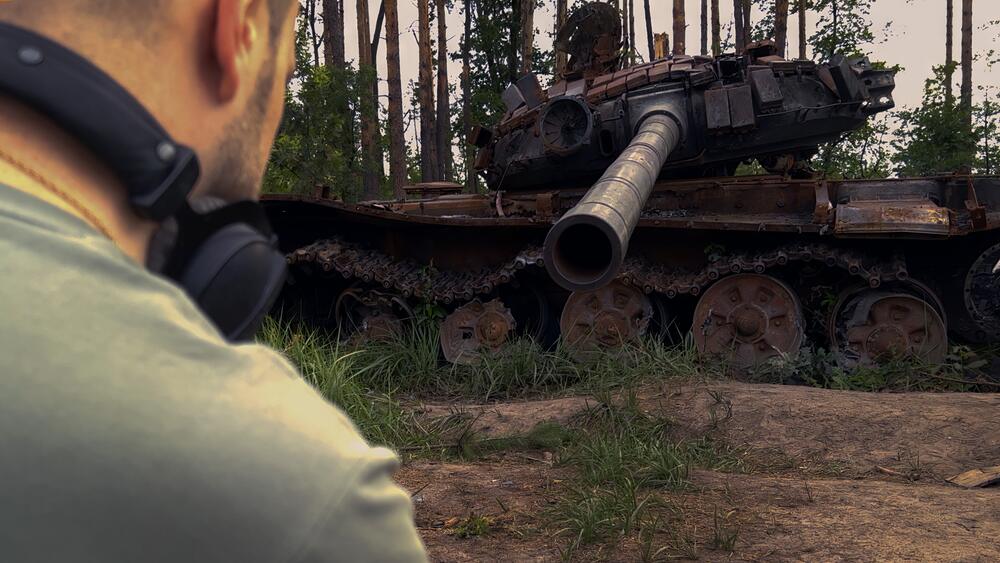
The sounds in this library were recorded during the invasion of Ukraine, between February and May of 2022, by sound designer and video director Histibe. It includes field recordings made in and around his home in Kyiv and during a temporary evacuation in the Carpathian mountains during the heaviest period of shelling near his home. The subject matter includes the everyday sounds of his life and his city, quickly adapting to war time and often punctuated by blasts and the wail of air raid sirens. It explores the gentle sounds of nature in the mountains made all the more surreal by eerily distorted late-night shortwave radio broadcasts filling the airwaves.
This library includes an advanced user interface with presets designed for Native Instruments’ Kontakt platform. It is compatible with the free Kontakt Player and the NKS standard.
In detail, expect to find 5.44 GB of original content which can be widely used for writing songs, electronic music, trailer music, movie and game soundtracks. Unlocked WAV files are included for maximum customization.
ABOUT CREATOR
Histibe is a Ukrainian composer, producer, video director and sound designer. He has been creating original content since 2005, experimenting with electronic music and visuals in the name of art during the age of digital evolution. From his Kyiv-based studio, he delivers video production, music scoring, foley and sound design services for a great number of local and international clients.
Histibe has worked with artists such as Joe Perez, Balkansky, Jared Nickerson, Subsets, Mervin Mathew, and others. He loves to experiment with sound design and combine it with modern electronic music, vocals, synthesizers, and various field recordings. His sounds and music have been used in commercial videos, films, animations, broadcast networks, fashion shows, mobile applications and other art projects.
Being an independent artist, he released three music albums, over twenty sample packs, and ten official music videos. You can see and hear his work for companies such as Soundiron, Image-Line FL Studio, M-Audio, Loopmasters, Arturia, Output, CAD Audio, Panasonic, GoPro, and more. His audiovisual works have been featured on Billboard, AskAudio, Future Music Magazine, Complex Magazine, Producer Hive, and UKF.
WHAT’S INSIDE
With a thoughtful concept, Swords to Ploughshares includes a wide range of categories of sounds, such as: Alarms, Sirens, Blasts, Boomers, Falls, Hits, Risers, Stingers, Impact FX, Animal FX, Nature FX, Tool FX, Transport FX, Ambient Tones, Grooves & Textures, Radio Tones, Voices & Textures, City & Mountains Environments, Klaxons, Sub-Synth Sustains & Staccatos. At the same time, they are transformed into notes to create modern melodies by playing on a MIDI keyboard.
This is not a Hollywood-style war SFX collection, or a traditional instrument or sound library. These sounds were recorded in uncontrolled real-world city and forest environments, by an ordinary person, under less-than-ideal conditions, using basic hand-held recording equipment, under war time conditions. Needless to say, some of the edges remain naturally rough. The field-recorded sound effects and live environmental soundscapes captured in this library allow a glimpse into our observer’s unique frame of reference at a specific place and time in the world. The sound-designed content follows the artist’s mental journey from that subjective experience as they mentally process and re-articulate it from raw kinetic energy into more musically constructive forms.
Using this tool, you can mix different layers of original field recordings to create complex melodies, textures, solo instruments, and synthesizers. It also allows you to craft unique percussion and cinematic drum sounds. The virtual instrument comprises 170 unique .NKI presets divided into two folders: “Custom FX and Sound Design” and the “Future Ploughshares (Presets Expansion Pack)” update. These presets were collaboratively designed by Maks Histibe along with talented sound designers and musicians from various countries, including Mike Peaslee (USA), Dave Section 63 (Germany), Peter Tomlinson (New Zealand), Lukas Lösking (Germany), Franklly Thallyson (Brazil), Zac Jacobsen (USA), Peter Edsbacker (Sweden), Pete Checkley (UK), Eneas Mentzel (Belgium), Brian Poulsen (Canada), Arman Mkhitarian (Armenia).
This library offers the artist’s unique vantage point during a transformative place and time in their life and the world around them. His goal is to transmute an act of oppression into a tool for expression. It is not meant to be a definitive, unbiased, unvarnished or complete representation of the artist’s entire experience or those around him. It is intended as a work of constructive and reusable sonic art. It is a dim and hazy window into another human’s personal experience, crafted with the simple hope that it serves and inspires your own creative process.
TECH DETAILS
The development of the interface for the instrument was made possible through a collaboration between Histibe and one of the world’s leading virtual instrument developers, Soundiron. Native Instruments has also provided generous direct support to integrate this plugin into their NKS platform and the greater Native Access ecosystem so that it’s more accessible to everyone.
The “Glide” control slider allows you to play legato and portamento leads. You’ll also find an adaptable LFO system, with selectable LFO shape, modulation target parameter, speed, intensity, tempo-syncing and fade-in time. You can also apply your choice of 13 low-pass, high-pass and FX filter, with assignable modulation control options, including velocity, mod-wheel, expression, after-touch, key position and step-sequencer table control.
You can also use our customizable arpeggiator, with a built-in velocity sequencer table and control over arp direction, note timing, swing, randomization and duration. The user interface controls are rounded out by our modular FX rack tab, with 18 different DSP effect modules that you can assign in any of 10 slots, in any order you wish. You’ll find classic phase, flanger, delay, distortion, amp and cab simulators, compressors, EQ, rotator and more.
The Reverb effect includes 119 of our own convolution reverb impulse response presets, for a huge variety of different rooms, halls, chambers, outdoor environments and creative special effect impulses to completely transform the sound and take this rare synth into strange new territory.
For non-Kontakt users, we’ve named each WAV file clearly by category and keywords and organized them by category for easy browsing and direct use in cinematic sound design, video games and media post-production work.
Features
- One master NKI instrument bank made for Kontakt Player 7;
- 70 Custom Sound-Designed FX, Drums, Melodic, and Ambient presets;
- 24 bit / 48 kHz uncompressed PCM wav samples;
- 1,274 stereo samples;
- 5.44 GB Installed;
- Flexible and intuitive multi-layer user interface controls, with LFO, filter, glide, and arpeggiator;
- Full FX rack with convolution reverb with custom rooms, halls, chambers & FX environments;
- Made for the free Kontakt Player (version 7), Komplete Kontrol, all S-Series Keyboards and NKS software and hardware by Native Instruments;
- Works with the Kontakt “Libraries” browser and Native Access.
System Requirements
- This Powered-By-Kontakt Player Edition is supported by version 6 or later of the free Kontakt Player (VST, AU, AAX) and the special “Libraries” rack.
- Windows 7 or higher required for PC.
- OSX 10.9 or higher required for Mac.
- Dual-Core CPU, 3+ GB System Ram, SATA or SSD hard drive recommended for this library.
- This software is delivered as a digital download, so a broadband connection is required.