Buy KHORDS, get a free gift with purchase:

KHORDS is a focused instrument that brings sampled personality and classic character to your productions. With 550 inspirational chord presets at your fingertips, it’s never been easier to get mix-ready tones straight into your tracks.
The huge sound library is stocked with stabs, plucks, strums, pads, atmospheres and tons more creative sources, letting you instantly inject new feeling into any genre of music. With the diversity and quality of Loopmasters' sampling pedigree onboard, Khords is guaranteed to hit the spot every time.
Choose from major, minor and single note categories, and browse for any instrument combination that works for you. Khords’ random selector keeps with the same major/minor feel, so you can try new setups without losing tonality.
Khords’ synth engine is intuitive but powerful, offering real-time audio warping to control the pitch and timing of samples, 12 filter types, amplitude and filter ADSR, LFO, and effects to bring extra character to your sound.
Features
- Choose from 315 inspirational chord and note samples
- 550 diverse presets to get you started
- Determine your feel with Major, Minor and Root/Open categories
- Timestretch & Shift formants to change a sample’s character
- Randomise samples within the same category to keep major/minor feel
- Chord samples re-pitch up and down the keyboard for a classic sampling feel
- 12 types of filter with Pre-Drive, Resonance and Key Tracking
- Filter ADSR Envelope and Filter LFO with Amount, Rate, Shape, Phase and Trigger
- Six Chorus algorithms, three Delay types and six Reverb environments
- Set four Mod Wheel destinations from a comprehensive list of choices
- VST/AU plugin Instruments for PC and Mac
System Requirements
Mac
- macOS 10.12 - macOS 11 Big Sur (officially tested macOS platforms) - (Apple Silicon not supported)
Formats:
- AU (64 bit only)
- VST (64 bit only)
Windows
- Windows 7, 8 and 10
Formats:
- VST 2.4 (64 bit only)
Important Notes:
- KHORDS is NOT currently available in AAX format.
- Please download the demo to ensure it works on your system before making a purchase.
- VST2 not compatible with the DAW 'Waveform PRO'
There’s no real hiding what Khords is from the outset. This is a sample-based virtual instrument that plays chords in various categories all based on a 400MB collection of 315 samples. Where it gets interesting is with this source material and what you can then do with it. It’s much like Loopm...
Read MoreKHORDS is a sample-based virtual instrument plugin that uses a large bank of sounds and presets. It has an easy interface and workflow that allows you to quickly create quality sounds that are suitable for many genres. There are 550 presets, which are well put together. Different types of soun...
Read MoreRe-Imagining an Old-School Technique Verdict - For lovers of old-school dance music and the production techniques that defined it, KHORDS is utterly unmissable. Pros Superb sample library Chord layering approach works well Four easy mod wheel assignments Authentic ‘chord samplin...
Read MoremacOS:
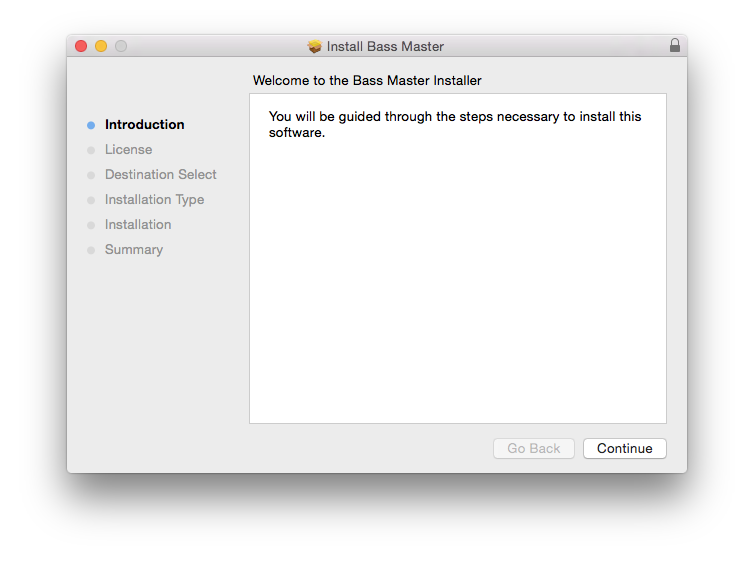
1. Download the .pkg file from your Plugin Boutique User Account > Double-click it to begin the installation.
2. Click ‘Continue’.

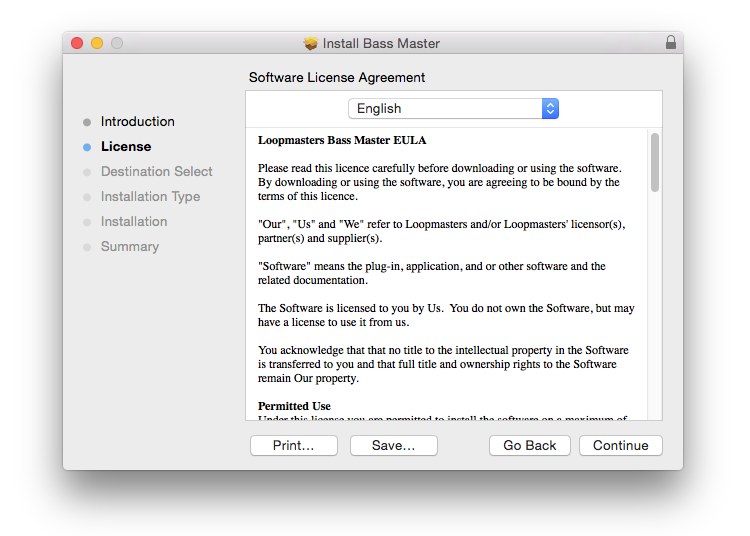
3. Read the Software License Agreement > Click ‘Continue’.

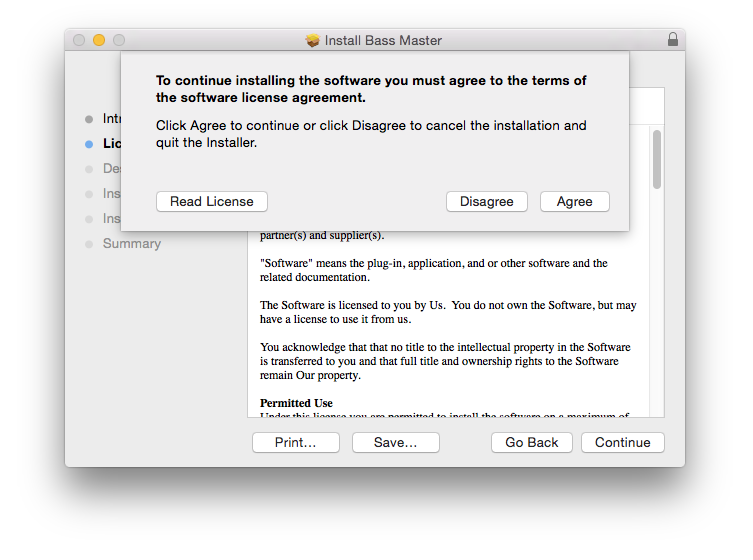
4. Click ‘Agree’.

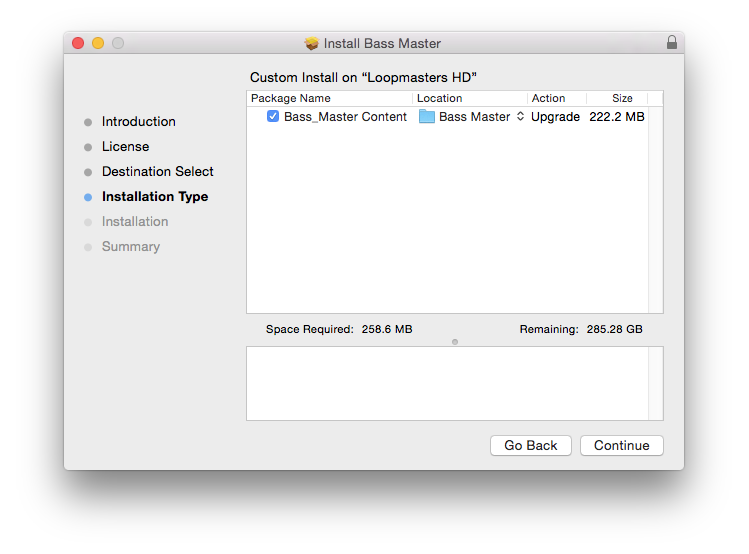
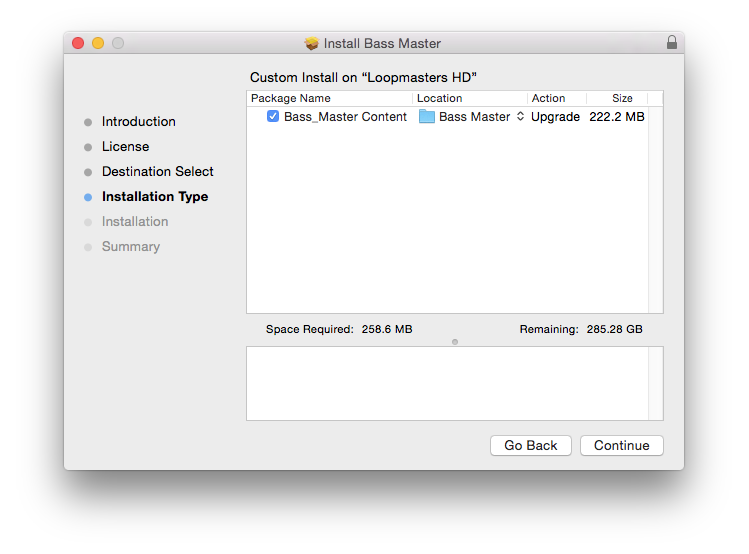
5. Select the contents you wish to install > Click ‘Continue’.

6. Click ‘Install’.

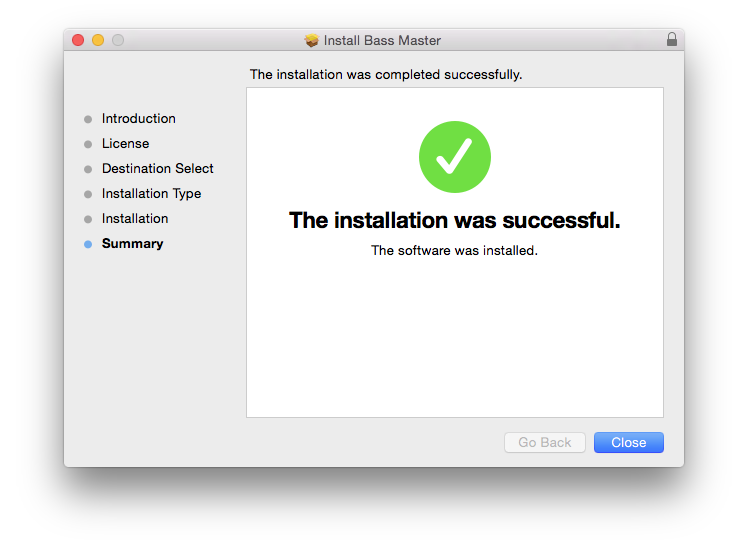
7. The installation is complete > Click ‘Close’.

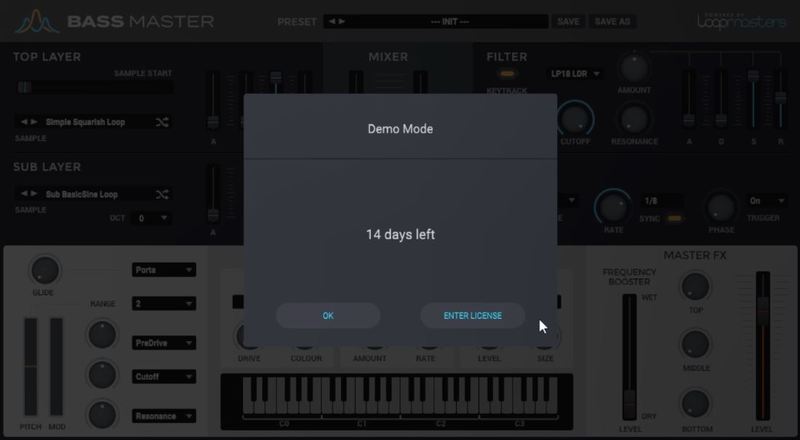
9. Open/restart your DAW and open an instance of Bass Master > click 'Enter Licence'.
Note: Rescan your DAW's plugin list if the software fails to appear.

10. Copy the serial code from within your User Account, ensuring to include the ---START--- and ---END--- lines.
Example Serial...
---START---
32472140400000
"garry@pluginguru.com"
"Garry PluginGuru"
tctycbcu76d5hs8hxbxxe5a27fadcbc95d4b26ec01e631bcd756f81a69a
be88ffcd6902cf884c35b50c064e6adcc4ec46fd45112d32e84b6ce2c05
jxucycycyycycy8f1bd020c00ffe96542bfa37db1a1934a21a7ee7e6326
duididididididididi77777199b7398cc3f2760f98deaf453724098183
04f860926df40c1dc659
---END---
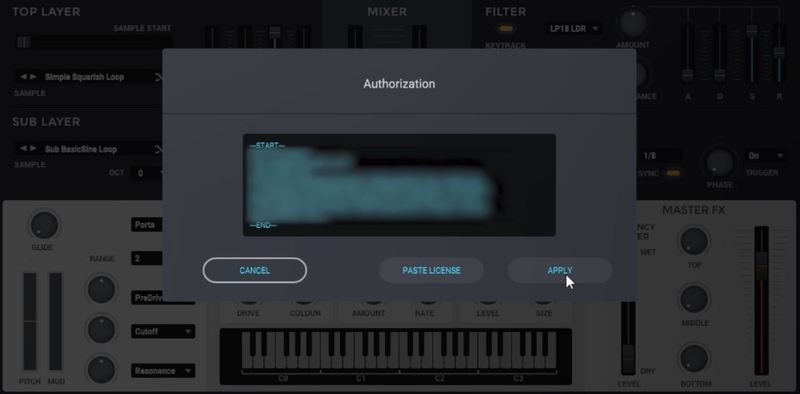
11. Click 'Paste License' then select 'Apply' to activate the software.

Bass Master is now Ready for Use!

Windows:
1. Download the .zip file from your Plugin Boutique User Account > Double-click it to extract the contents.
2. Double-click the .exe file to begin the installation.
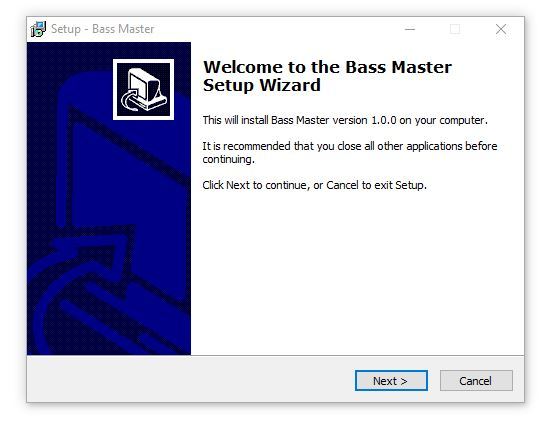
3. Click 'Next'.
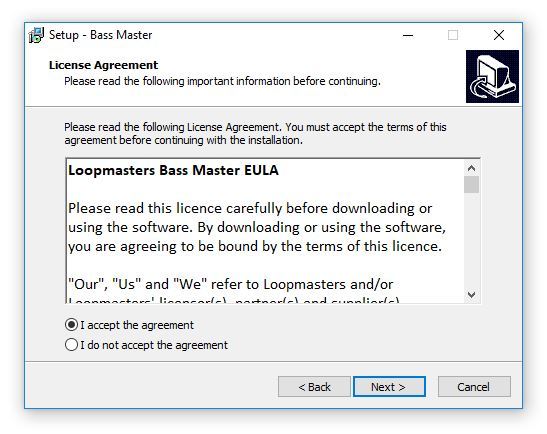
4. Read the license agreement > Select 'I accept the agreement' and click 'Next'.
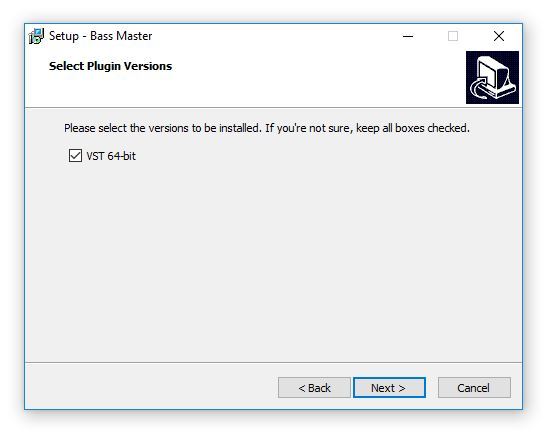
5. Select the versions you wish to install > Click 'Next'.
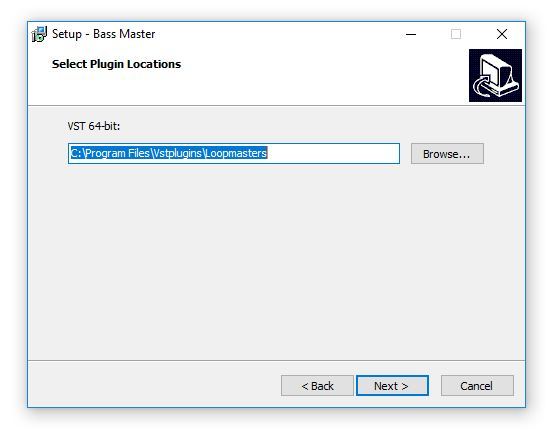
6. Select the installation location > Click 'Next'.
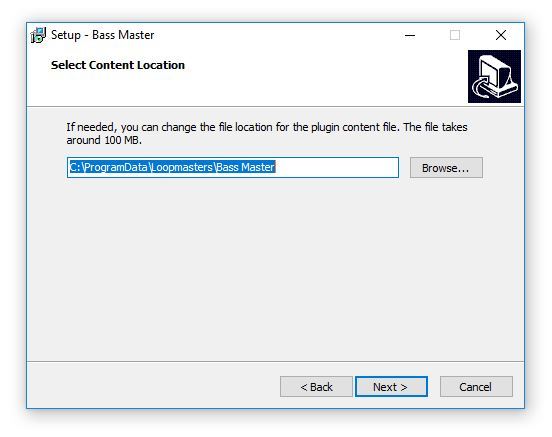
7. Select the content location > Click 'Next'.
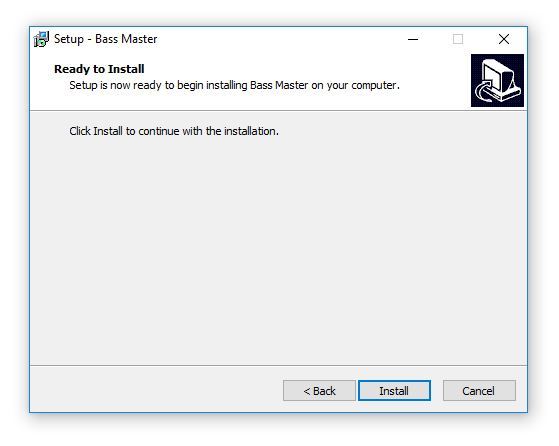
8. Click 'Install'.
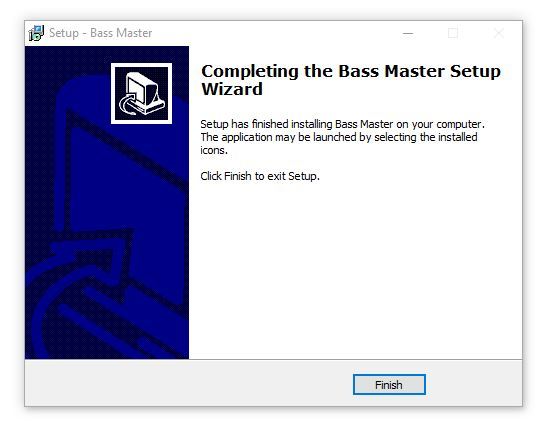
9. The installation is complete > Click 'Finish'.
10. Open/restart your DAW and open an instance of Bass Master > click 'Enter Licence'.
Note: Rescan your DAW's plugin list if the software fails to appear.

11. Copy the serial code from within your User Account, ensuring to include the ---START--- and ---END--- lines.
Example Serial...
---START---
32472140400000
"garry@pluginguru.com"
"Garry PluginGuru"
tctycbcu76d5hs8hxbxxe5a27fadcbc95d4b26ec01e631bcd756f81a69a
be88ffcd6902cf884c35b50c064e6adcc4ec46fd45112d32e84b6ce2c05
jxucycycyycycy8f1bd020c00ffe96542bfa37db1a1934a21a7ee7e6326
duididididididididi77777199b7398cc3f2760f98deaf453724098183
04f860926df40c1dc659
---END---
12. Click 'Paste License' then select 'Apply' to activate the software.

Bass Master is now Ready for Use!