


 Log In
Free gifts available with your purchase
Classic Organic Tone and Color with Authentic Controls
Classic Organ Sounds with Hands-On Control
Smooth, polished, vibrant—that’s what you’ll hear from the new Organ! Whether you’re playing jazz, R&B, gospel, rock, or hip-hop, the Organ plugin adds the perfect warmth and tone to your tracks. With nine drawbars, ten incredible tonewheel sets, and built-in effects like scanner vibrato, rotary speaker simulators, and drive settings, the Organ plugin will have you making brilliant music in minutes.
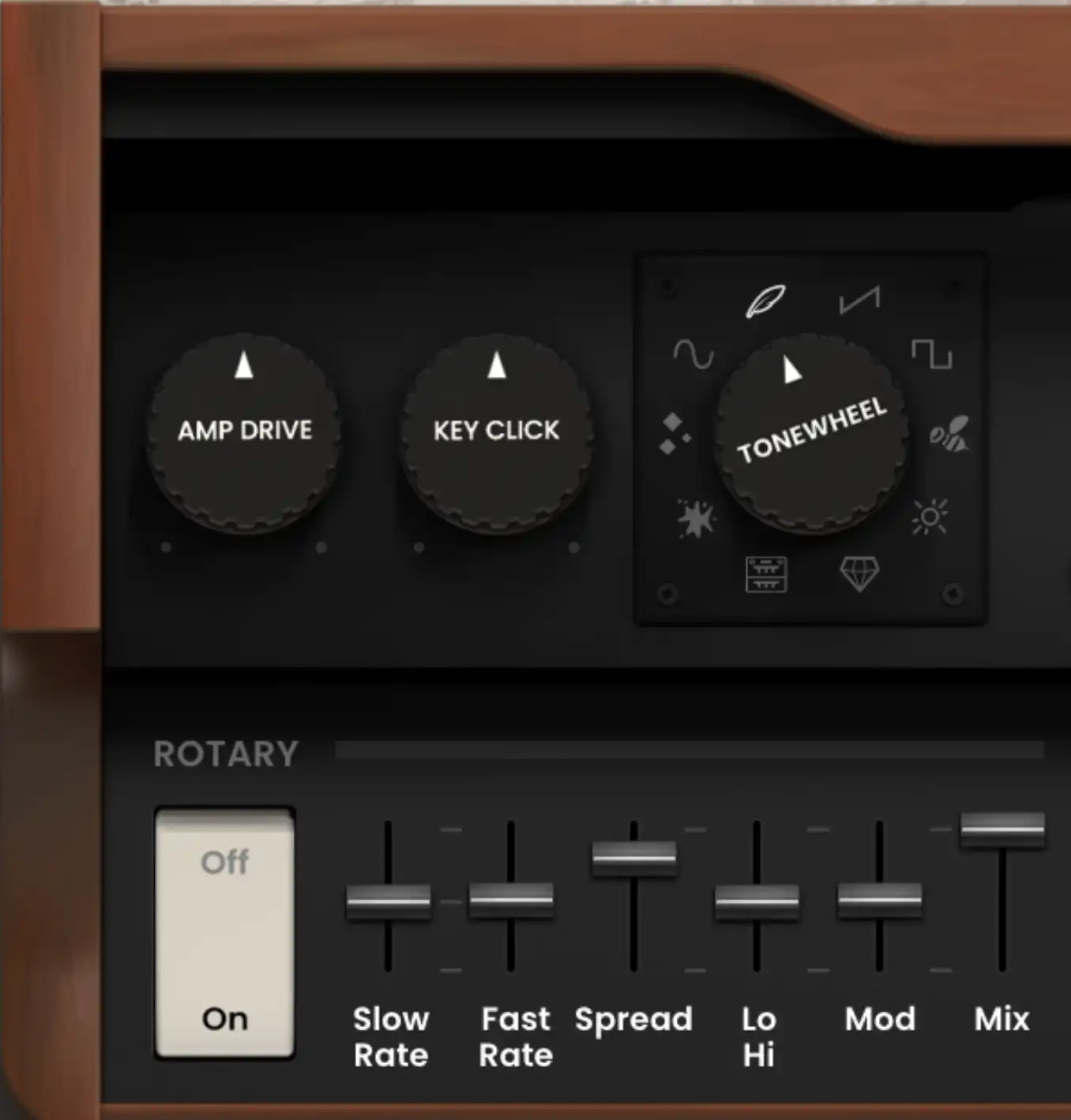
Sculpt the Perfect Organ Tone
The AIR Organ instrument brings you a rich, expressive experience built inside a stunning user interface. Adjust Amp Drive, Key Clicks, and choose from 10 tone-wheel settings to dial in your favorite organ sounds.
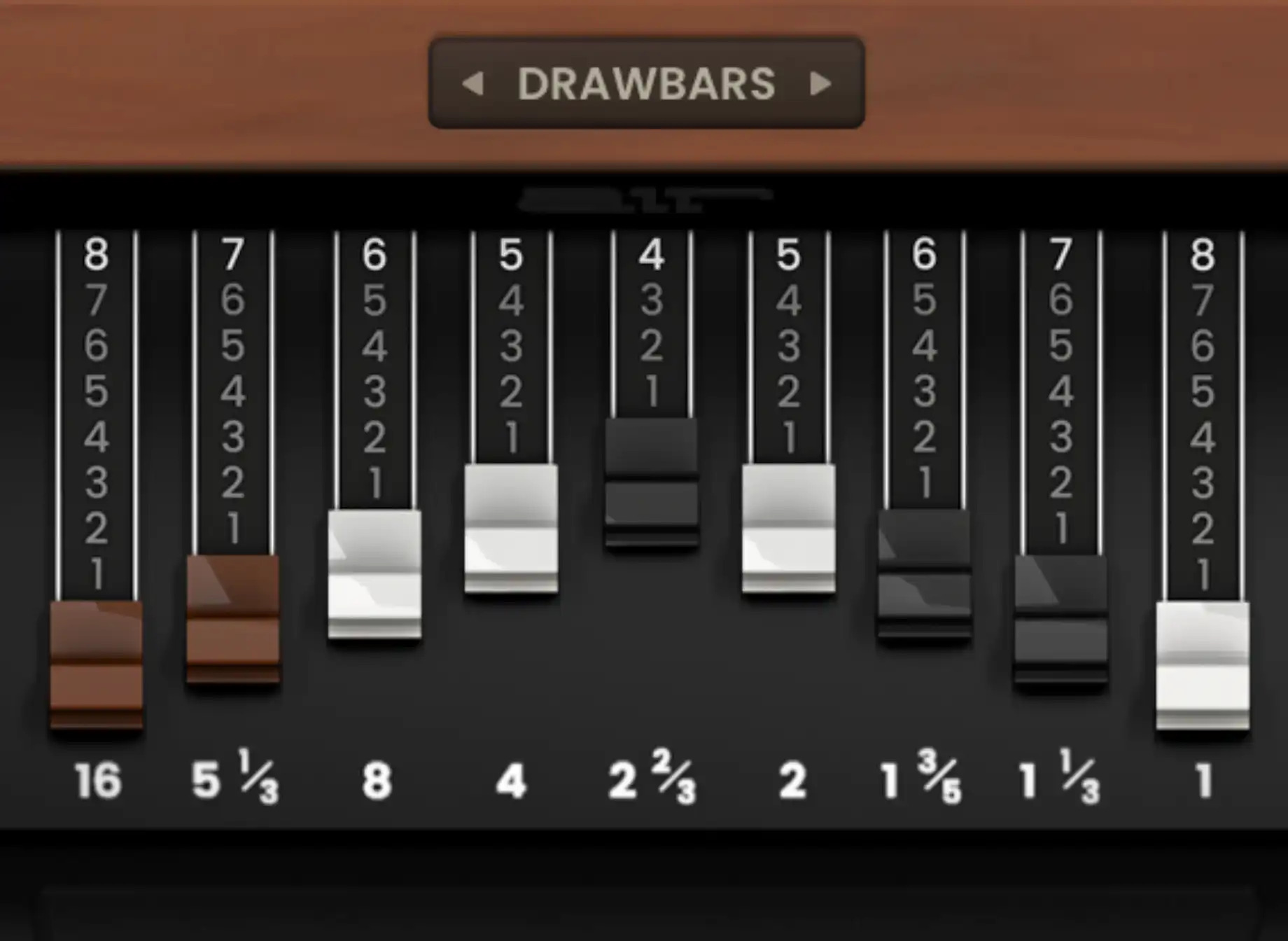
9 Drawbars for Authentic Tones
Classic organs are the original “Additive Synthesis”—by using the drawbars, you can add various harmonics to your tone to expand it and give it more fullness and color.
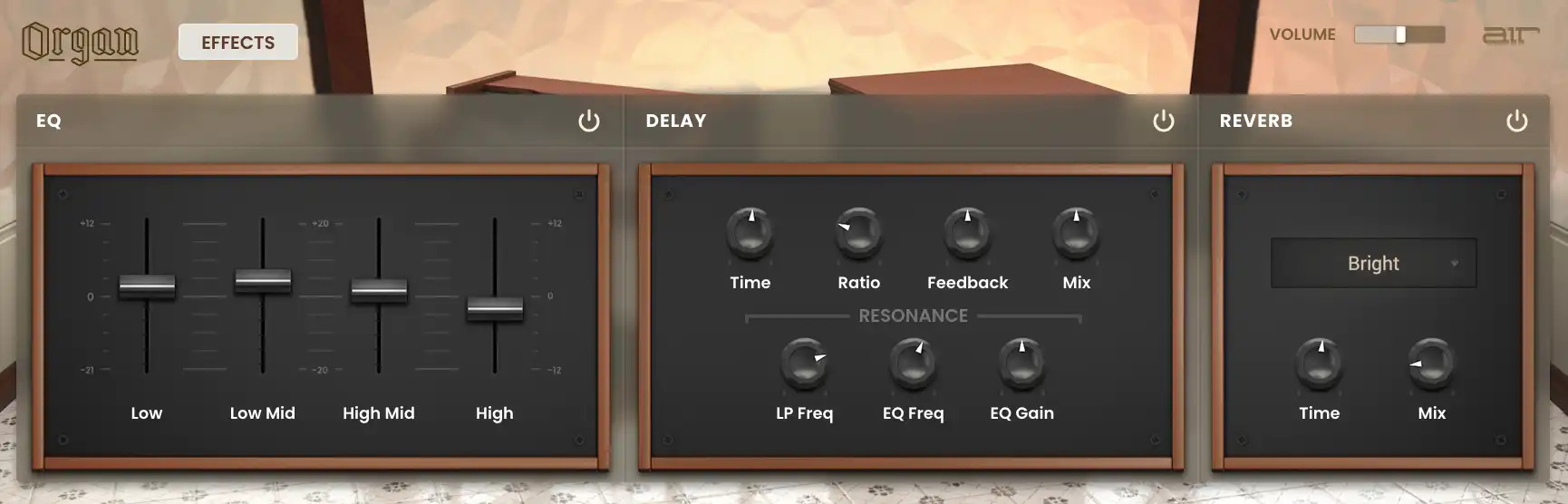
Stylize Your Organ Sound with Built-in Effects
Organ includes multiple effects like rich reverbs, delays, and EQ. Create deep and warm organ patches with tons of life and realism by using the built-in effects included with the instrument. Delay effects allow you to adjust time, ratio, feedback, mix, and resonance filtering. Reverb models include Soft, Bright, Studio, Chamber, Hall, and Ambient, all with feedback and mix controls.

The Ultimate Rotary Emulation
The swirling speaker effects of Organ come from AIR Music Technology’s award-winning rotary emulation engine, allowing you to dial in an authentic organ sound. Adjust slow and fast rate, stereo spread, hi/lo tone, modulation, and the overall wet/dry mix. You can then adjust the speed of the rotary to get that modulated organ sound!
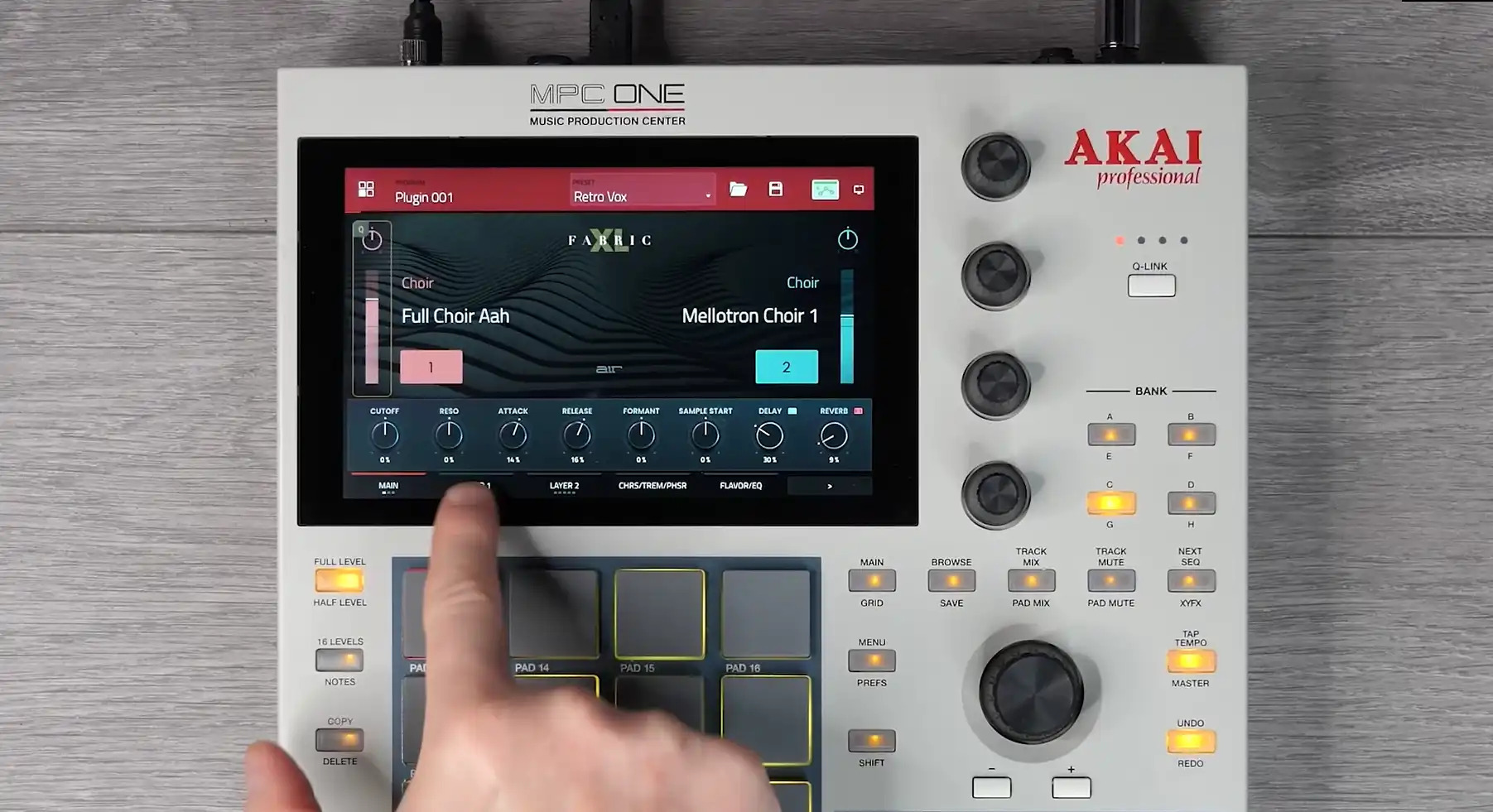
Unlock these sounds in Akai MPC/FORCE for FREE
Purchase this plugin and you’ll get the ability to unlock it within your Akai Professional MPC / FORCE Standalone hardware as well as using within your favorite DAW. Seamlessly move productions from standalone hardware to your DAW with the same great sounds.
Features
- Ten tonewheel sets including Real, Dirty, Clean, Rich, Bright, Buzz, Square, Saw, Soft, and Sine
- Nine traditional organ drawbars for sculpting tone
- Add scanner vibrato and Leslie rotary speaker emulation for a classic organ sound
- Built-in effects including EQ, delay, and reverb
- Purchase unlocks plug-in on three devices including PC, MAC (VST, AU, AAX) and Standalone (MPC & FORCE)
System Requirements
Mac
- macOS 12, 13, 14, 15 (Intel & Apple Silicon)
- 2GB free disk space (20GB for all content)
- 4GB RAM (8GB recommended)
- Dual-core 2.5GHz CPU
- VST 2/3 Plugin compatible host
- AAX plugin compatible host
- AU plugin compatible host
Windows
- Windows 10 - Windows 11
- 2GB free disk space (20GB for all content recommended)
- 4GB RAM (8GB recommended)
- Dual-core 2.5GHz CPU
- VST 2/3 compatible host
- AAX plugin compatible host
Important notes:
- An internet connection is required to authorise this software.



















