Log In
Free gifts available with your purchase
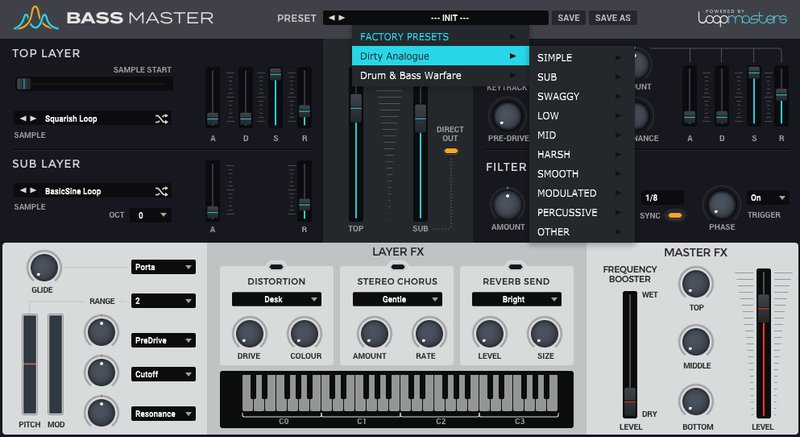
Loopmasters Instruments are proud to present Proxima Bass Annihilation, a brand new expansion pack for Bass Master.
Proxima Bass Annihilation is a collection of 53 dark and destructive bass tones designed by the legendary producer Proxima and are specifically designed to be the centrepiece of your bass music productions especially if you produce DnB, Dubstep or Future Bass. The raw samples are crunchy, aggressive and heavily processed so expect pure sound system devastation. Expect to hear angry growls, punchy subs, sinister synths and chunky percussive sounds to expand your Bass Master palette. The Collection also features 100 expertly crafted and expressive bass presets for instant gratification. If you like your bass fat, Loopmasters have you covered!
In detail, expect to find 53 brand new waveforms, broken down into 7 High Sounds, 14 Low Sounds, 13 Mid Sounds, 8 Percussive Sounds, 5 Simple Sounds, 6 Sub Sounds. 11 Sub Presets, 22 Low Presets, 16 Mid Presets, 7 Harsh Presets, 9 Smooth Presets, 10 Modulated Presets, 4 Percussive Presets, 8 Rythmic Presets, 13 SFX Presets.
Features
- 53 Waveforms
- 100 Presets
System Requirements
- Bass Master 1.1.3 is required to run this software.
Important Note: Bass Master must be updated to at least version 1.1.3 in order to install the Bass Master expansion packs.