Log In
Free gifts available with your purchase
Loopmasters are proud to present Vintage House; a brand-new expansion pack for Khords.
Vintage House offers a collection of 50 deep and crunchy synth presets designed to complement Khord’s already impressive collection of stock sounds. If you’re looking to enhance your sound library with the lofi flavor of vintage samplers then look no further. You’ll find nostalgic textured synth sounds & crunchy sampled instruments alongside deep pads and retro-inspired chords.
The warm and dusty flavors found in Vintage House were made possible by sampling directly into a vintage mono-channel hardware sampler. The 12bit resampling process will help you to accurately capture those sought-after old-school vibes.
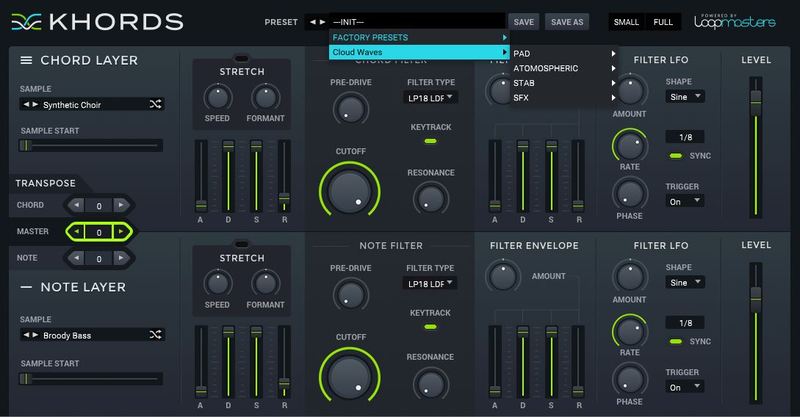
Vintage House also features 100 professionally sculpted presets that take full advantage of the new sounds included. Inside you’ll find thumping bass, expressive pads and smooth synth sounds all ready to compliment your tracks.
In detail expect to find 50 brand new waveforms; broken down into 11 Major feel chords, 33 Minor feel Chords, and 6 Root Or Open note Sounds. Also included are 100 incredible presets designed to take full advantage of the sounds included.
Features
- 50 Synth Sounds
- 100 Presets
System Requirements
- KHORDS 1.0.4 or higher
Note: This software requires a copy of KHORDS. Please ensure you have updated KHORDS to version 1.0.4 or higher before installing your expansion pack.