Log In
Free gifts available with your purchase
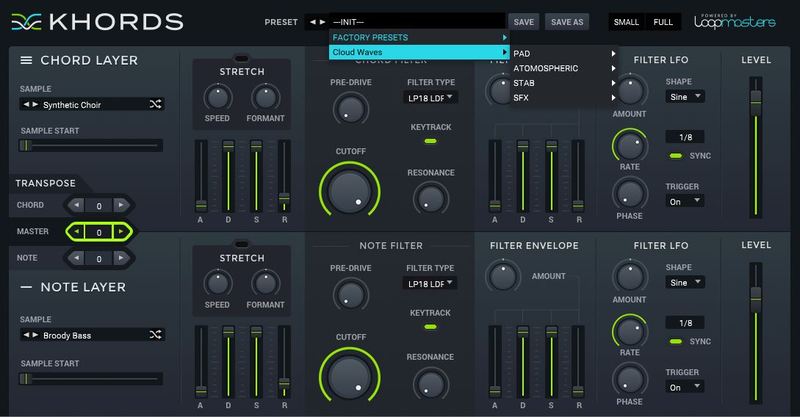
Loopmasters are proud to present Cosmic Soul, a brand - new expansion pack for KHORDS.
Cosmic Soul features a collection of 50 all-new chord preset sounds and 100 incredible presets for the modern Soul and RnB producer looking to add musical spice to their tracks. Expect to hear a beautifully smooth collection of RnB chords dripping in secret sauce, including soulful keys, vibey trills, smooth pads and emotive synths. Whether you’re making Future Soul, Dreamy Pop or Modern RnB or just about any other current genre, Cosmic Soul will have you covered.
In detail, expect to find 50 all-new waveforms, broken down into 20 major samples and 20 minor samples, and 10 root / open samples. You’ll also find 100 top-notch presets separated into 10 bright presets, 19 mid-range presets, 9 high presets, 12 atmospheric presets, 20 rolled presets, 25 hit presets and 5 vocal presets.
Features
- 50 all-new waveforms
- 20 major samples
- 20 minor samples
- 10 root / open samples
- 100 top-notch presets (separated into 10 bright presets, 19 mid-range Presets, 9 high presets, 12 atmospheric presets, 20 rolled presets, 25 hit presets and 5 vocal presets)
System Requirements
-
KHORDS 1.0.4 or higher
Important Note: This software requires a copy of KHORDS. Please ensure you have updated KHORDS to version 1.0.4 or higher before installing your expansion pack.