/ Amp Simulator / Ampknob BDM 800 - Badboy
Bogren Digital

Ampknob BDM 800 - Badboy

4.8 (9 Reviews)
$24.50 $49.00

50% off until Dec 08

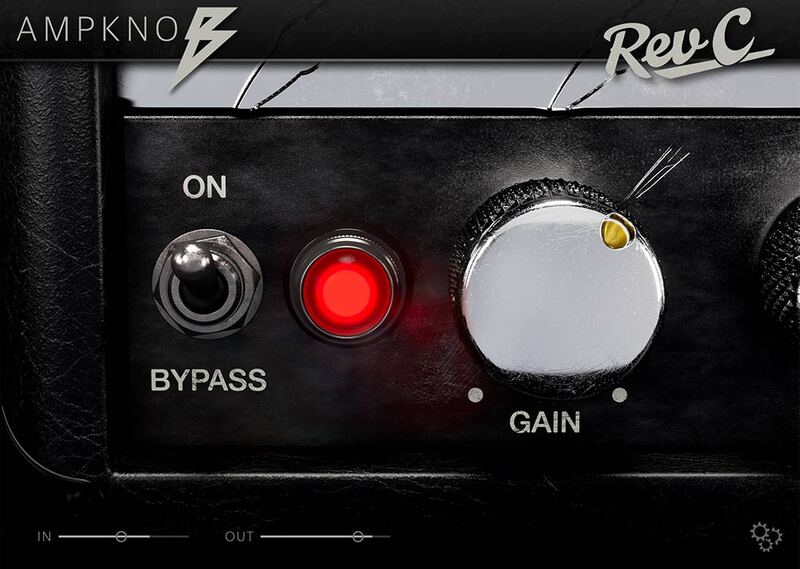
AmpKnob BDM 800 Badboy - GUI
Buy Now
Product information

Emerging from the depths of the 80s, this is potentially the most iconic amp of all time. The 800 Badboy offers both a classic rhythm tone, and an unforgettable lead tones heard on countless hit records.

However, this is not just any old 800. Nicknamed "Badboy", this is an amp from the personal collection of guitarist Euge Valovirta. With military-grade 6550 tubes and a custom 140-watt transformer from Finland, this amp is literally bursting with character, tone, and depth.

Toggle the "FX" switch on, select the Lead cab, and you’ve got a dialed-in lead tone with delay and reverb – perfect for shredding your next solo.

The BDM 800 Badboy is truly the ultimate all-rounder. No wonder it’s been a guitar-tone staple for the last 40 years!

Cabs

Pick your cab: Modern, Vintage, Lead, or load your own IR for ultimate tone versatility.

Effects

Itching to fine tune the delay and reverb? Clicking on the front panel's “FX” tape reveals additional settings for adjusting the details of the reverb and delay effects.

Plug In, Rock Out

As with all Bogren Digital’s Ampknob series plugins, the three Ampknob BDM plugins are extremely easy to use and provide a distraction-free path to album-ready sounds. Jens Bogren has poured his 20+ years of experience into crafting sounds that just work, allowing you to focus on the music.

IRDX Included

The cabinet section is powered by Bogren Digital’s IRDX technology, which adds a true-to-life dynamic response to the included speaker models. In fact, IRDX affects any cabinet IR you load into the plugins, so they will have a more vivid and dynamic response compared to using them in your standard IR loader.

System Requirements

  • Available as Standalone / VST3 / AU / AAX
  • Windows 10 or newer
  • Mac OS 10.13 or newer (Intel & Apple Silicon Native)

Installation Instructions

Mac

Installation

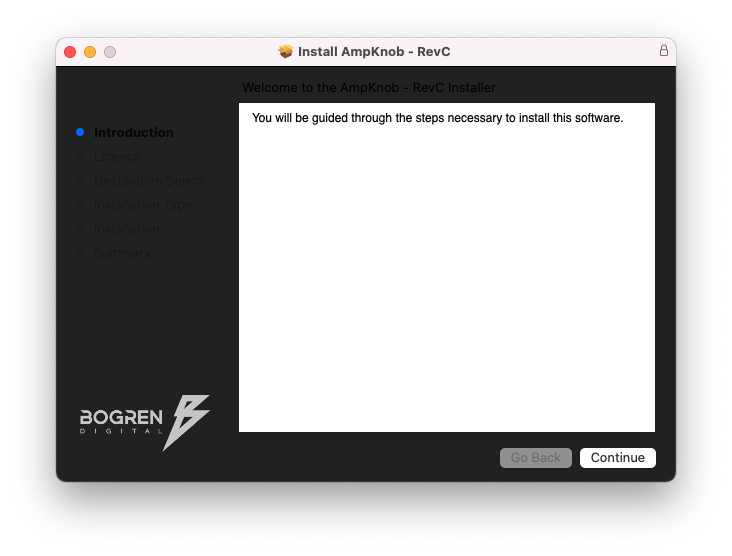
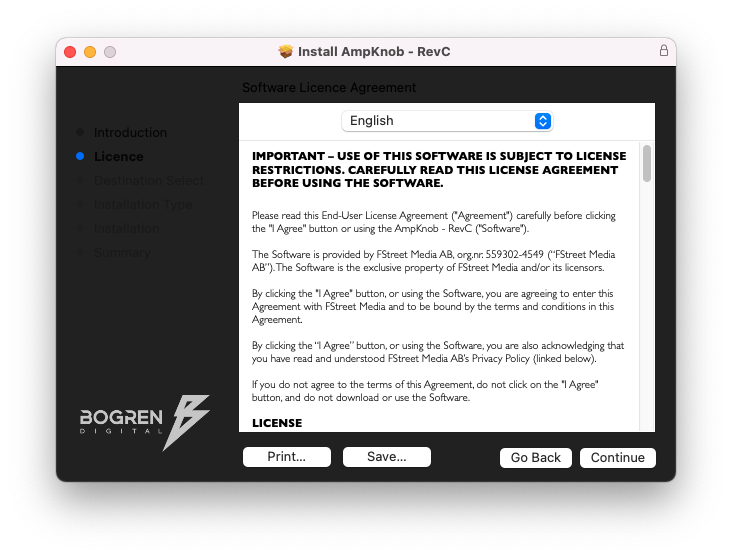
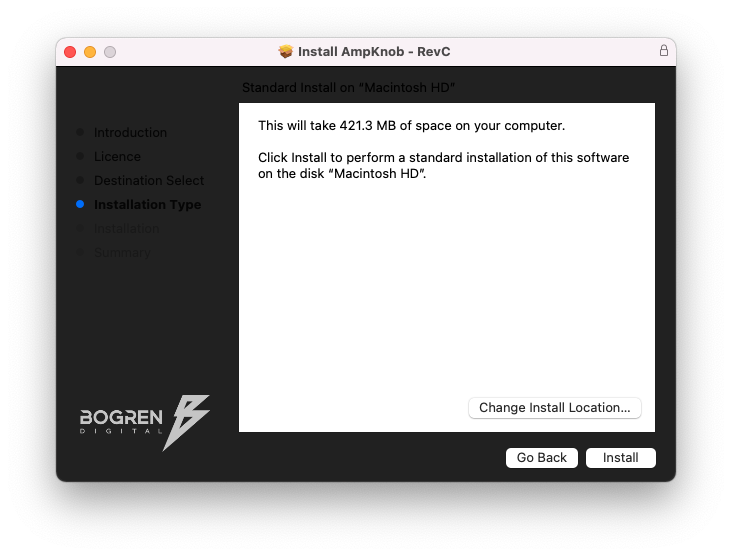
1. Download the .zip folder from your Plugin Boutique User Account > Double-click it to open and extract the installer file > Launch the installer file.

2. Click 'Continue'.

3. Click 'Continue'.

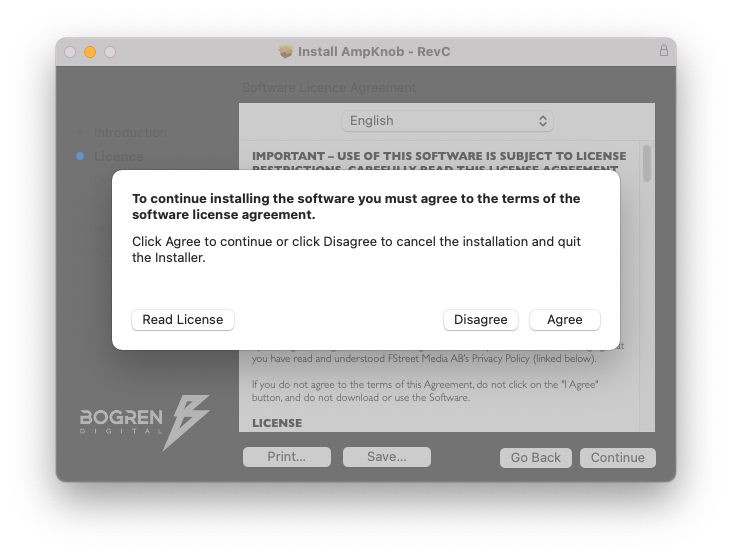
4. Click 'Agree'.

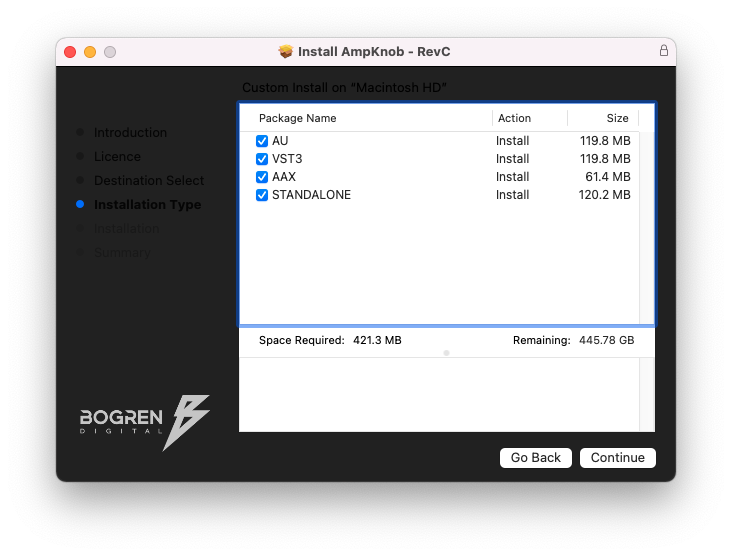
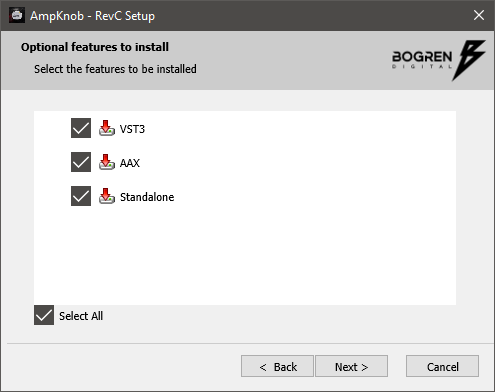
5. Select the appropriate installation types > Click 'Continue'.

6. Click 'Install'.

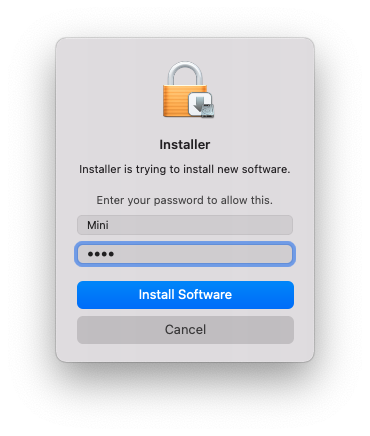
7. Enter your system password > Click 'Install Software'.

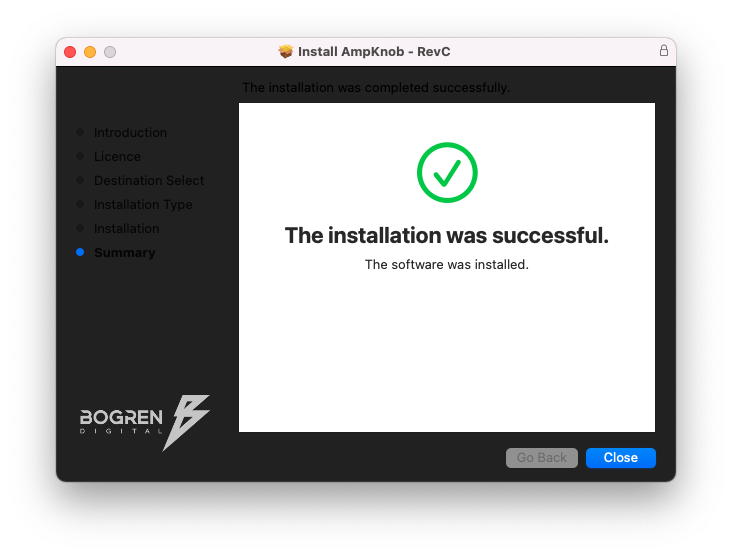
8. Click 'Close'.

Activation

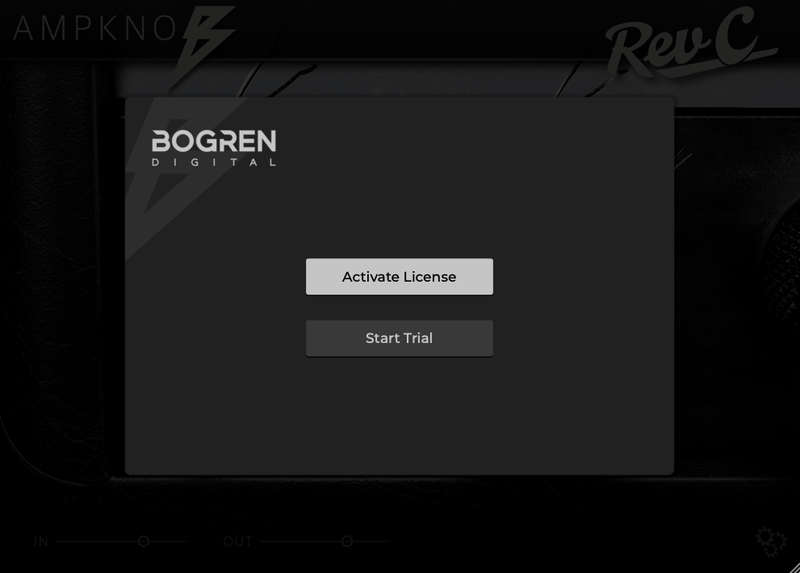
1. Launch your DAW and insert AmpKnob on a new track > Click 'Activate License'.

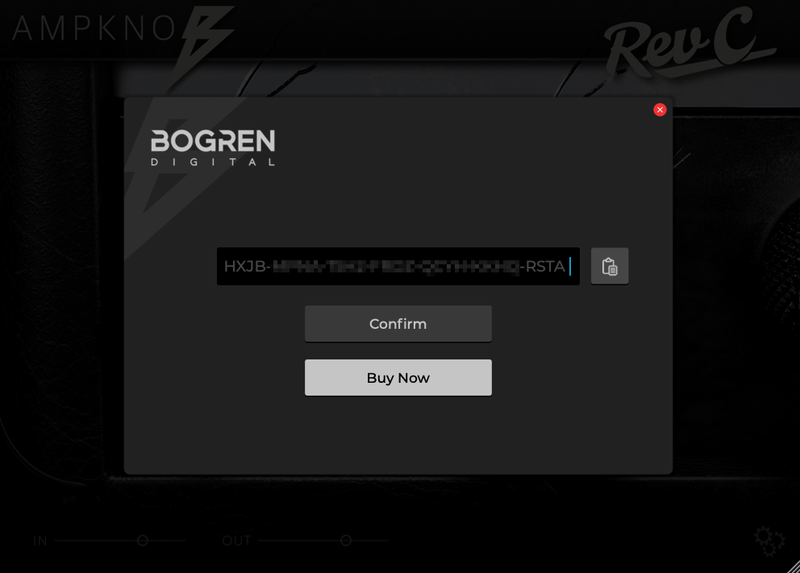
2. Enter your serial number found within your Plugin Boutique User Account > Click 'Confirm'.

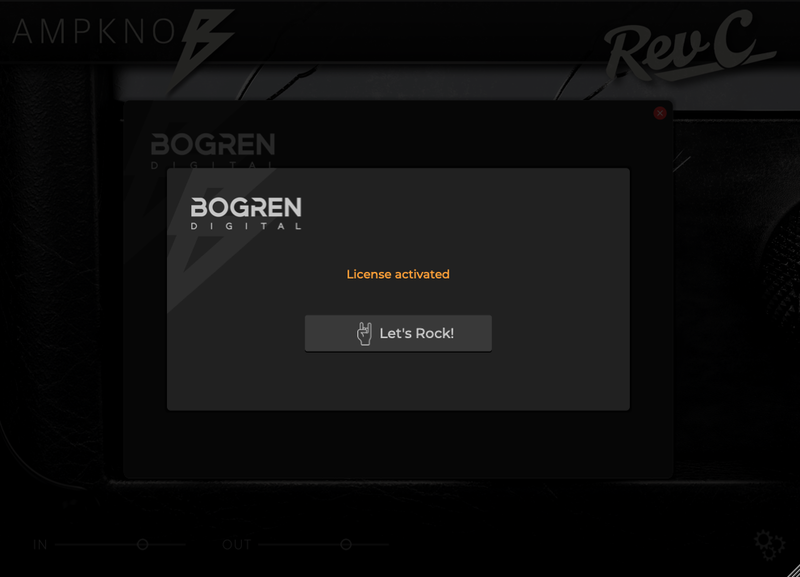
3. Click 'Let's Rock!' to close the activation window.

Your software is now installed and ready to use.

Windows

Installation

1. Download the .zip folder from your Plugin Boutique User Account > Double-click it to open and extract the installer file > Launch the installer file.

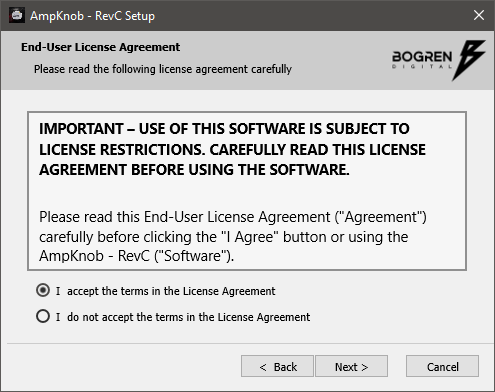
2. Accept the License Agreement > Click 'Next'.

3. Select the appropriate installation types > Click 'Next'.

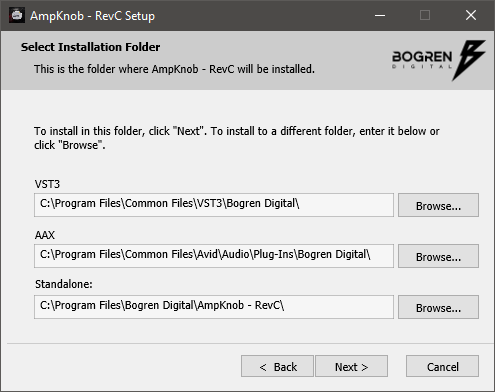
4. Select the installation location (default is recommended) > Click 'Next'.

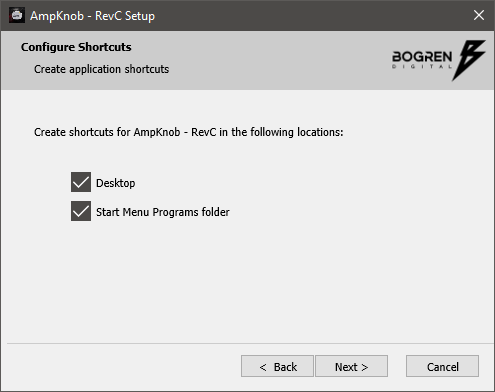
5. Click 'Next'.

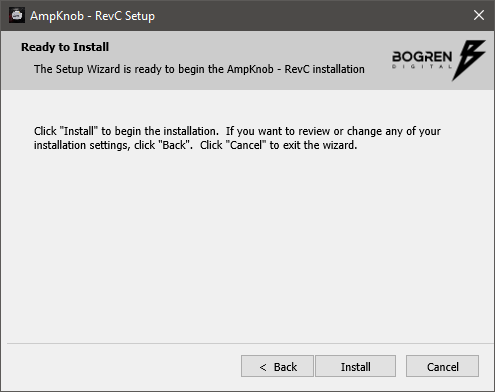
6. Click 'Install'.

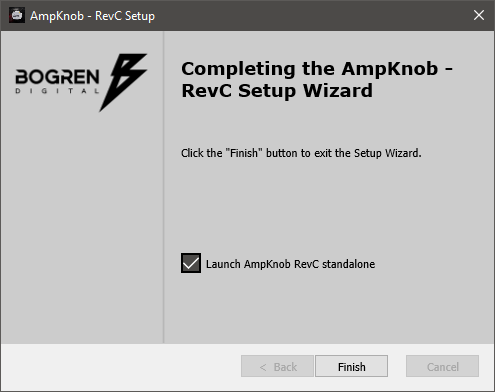
7. Click 'Finish'.

Activation

1. Launch your DAW and insert AmpKnob on a new track > Click 'Activate License'.

2. Enter your serial number found within your Plugin Boutique User Account > Click 'Confirm'.

3. Click 'Let's Rock!' to close the activation window.

Your software is now installed and ready to use.

Bundle & Save

AmpKnob BDM Bundle
$49.00
$98.00 (50% off)

Plugin Boutique Rewards

Discover the most rewarding loyalty programme among all plugin retailers.

  • Free Loopmasters Samplepacks
  • Discounts on products and courses
  • Extra Virtual Cash claimed immediately at checkout
Find out more

Follow us:

X (Twitter) Facebook YouTube Instagram
Logo Logo

Plugin Boutique Limited, Part of the Beatport Group LLC.

Copyright © 2011-2025 Plugin Boutique. All rights reserved