Log In
Free gifts available with your purchase
Four channels, two matched cabs, a pedal boost, and reverb – is this the most versatile Ampknob ever released?
The BDM 410 JVH, inspired by the sound of contemporary gold-plated amps, encompasses the tone of this iconic British company in the 21st century.
The amp captured is a tried and true tone monster – used extensively on Opeth’s Watershed. Offering pristine cleans to buttery leads and everything in between. BDM 410 JVH is the go-to amp for modern British guitar tones.
This modern amp has it all: clean, crunch, overdrive. When high gain is not high enough, kick into the fourth mode for an extreme overdrive.
Cabs
Two, perfectly matched cabinets captured at Fascination Street Studios: Modern and Vintage.
Plug In, Rock Out
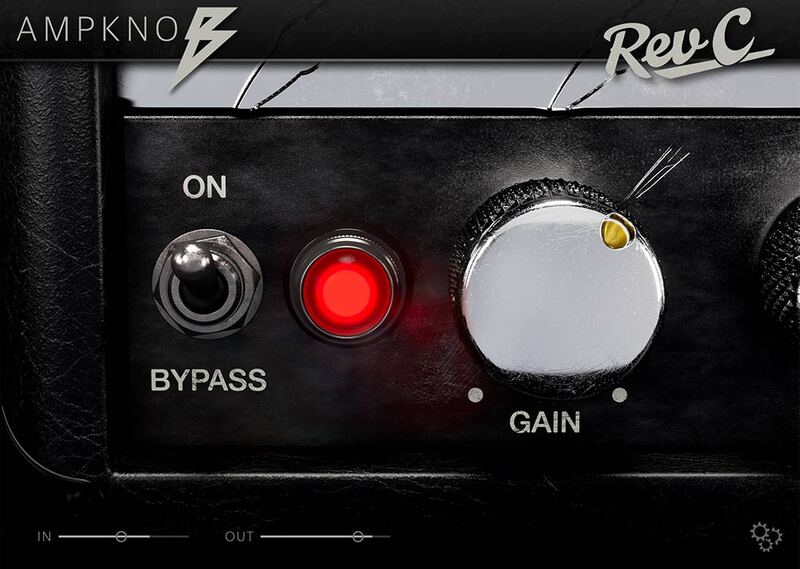
As with all Bogren Digital’s Ampknob series plugins, the three Ampknob BDM plugins are extremely easy to use and provide a distraction-free path to album-ready sounds. Jens Bogren has poured his 20+ years of experience into crafting sounds that just work, allowing you to focus on the music.
IRDX Included
The cabinet section is powered by Bogren Digital’s IRDX technology, which adds a true-to-life dynamic response to the included speaker models. In fact, IRDX affects any cabinet IR you load into the plugins, so they will have a more vivid and dynamic response compared to using them in your standard IR loader.
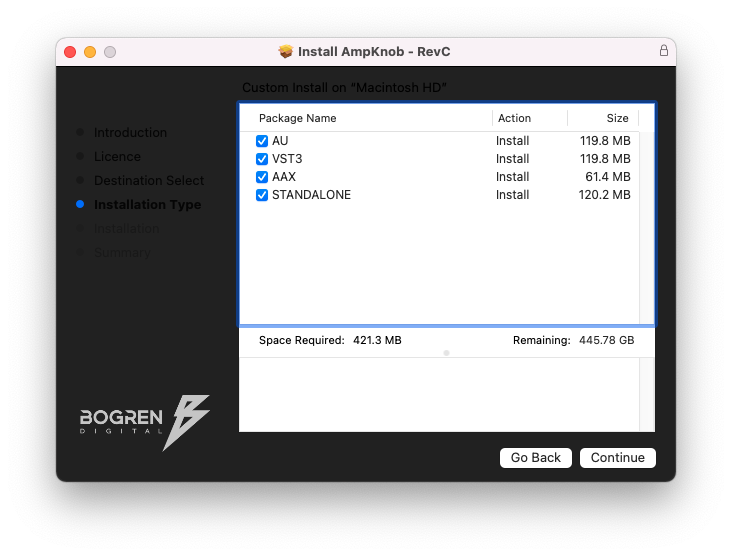
- Available as Standalone / VST3 / AU / AAX
- Windows 10 or newer
- Mac OS 10.13 or newer (Intel & Apple Silicon Native)