


 Log In

Free gifts available with your purchase
Four Voice Polymetric Sequencer
Building on the foundation and logic of 510k's flagship sequencer SEQUND, POLYLLOP pushes things further into polyphonic and polymetric territory. Designed for those who want to go beyond simple step sequencing, POLYLLOP lets you sequence up to four independent voices—each with their own rhythm, melody, duration, and velocity lanes.
Whether you're sketching out evolving arpeggios, layering chords, or exploring shifting textures, POLYLLOP gives you plenty of control—without slowing you down.
POLYLLOP is not a synth and doesn’t generate sound—it outputs MIDI, making it ideal for controlling both soft synths and hardware setups. It integrates smoothly with all major DAWs, with clear routing instructions and a minimal interface that keeps the focus on creativity.
From chord progressions to rhythmic pulses, POLYLLOP adapts easily to a wide range of creative tasks in your production workflow.
Features
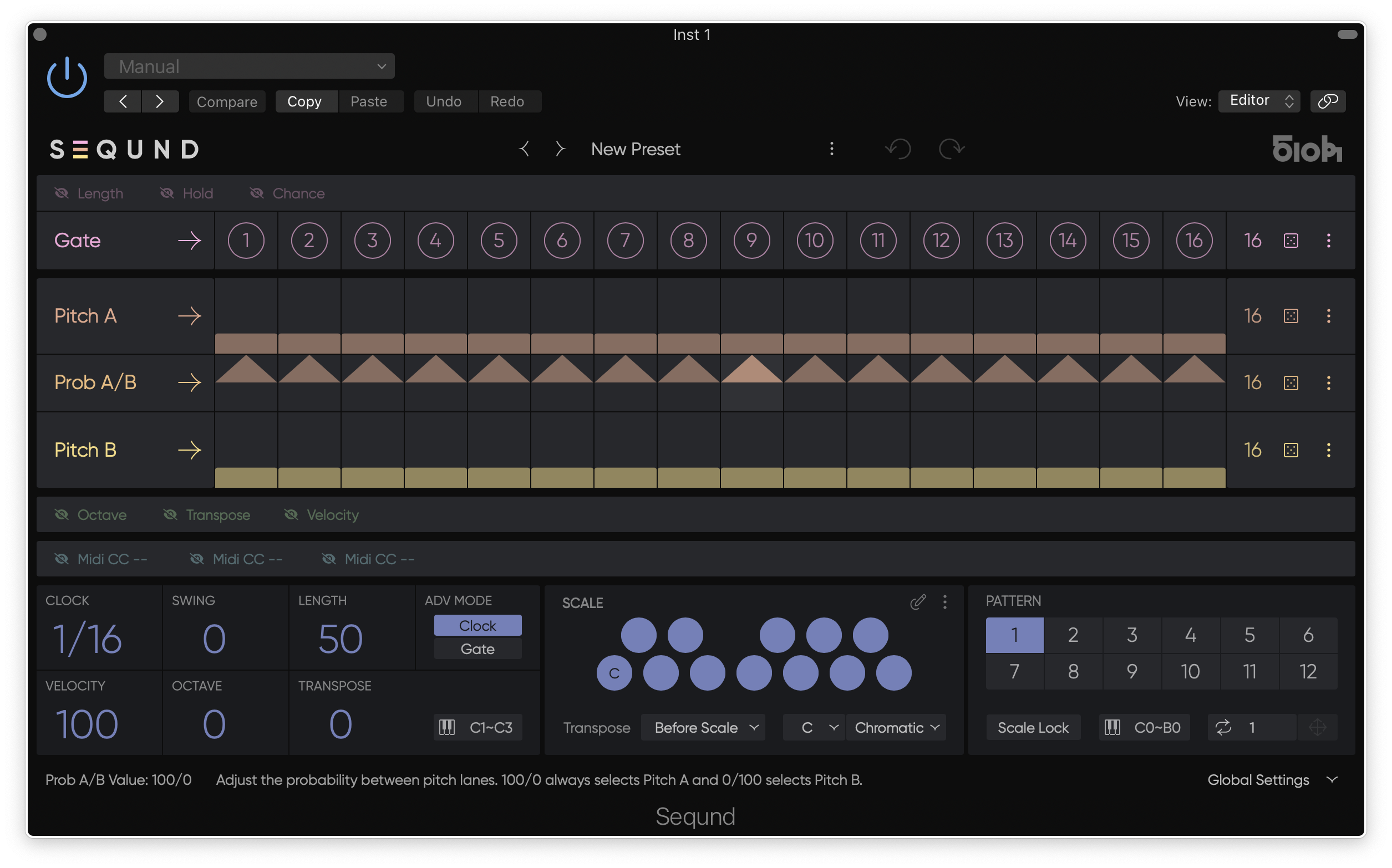
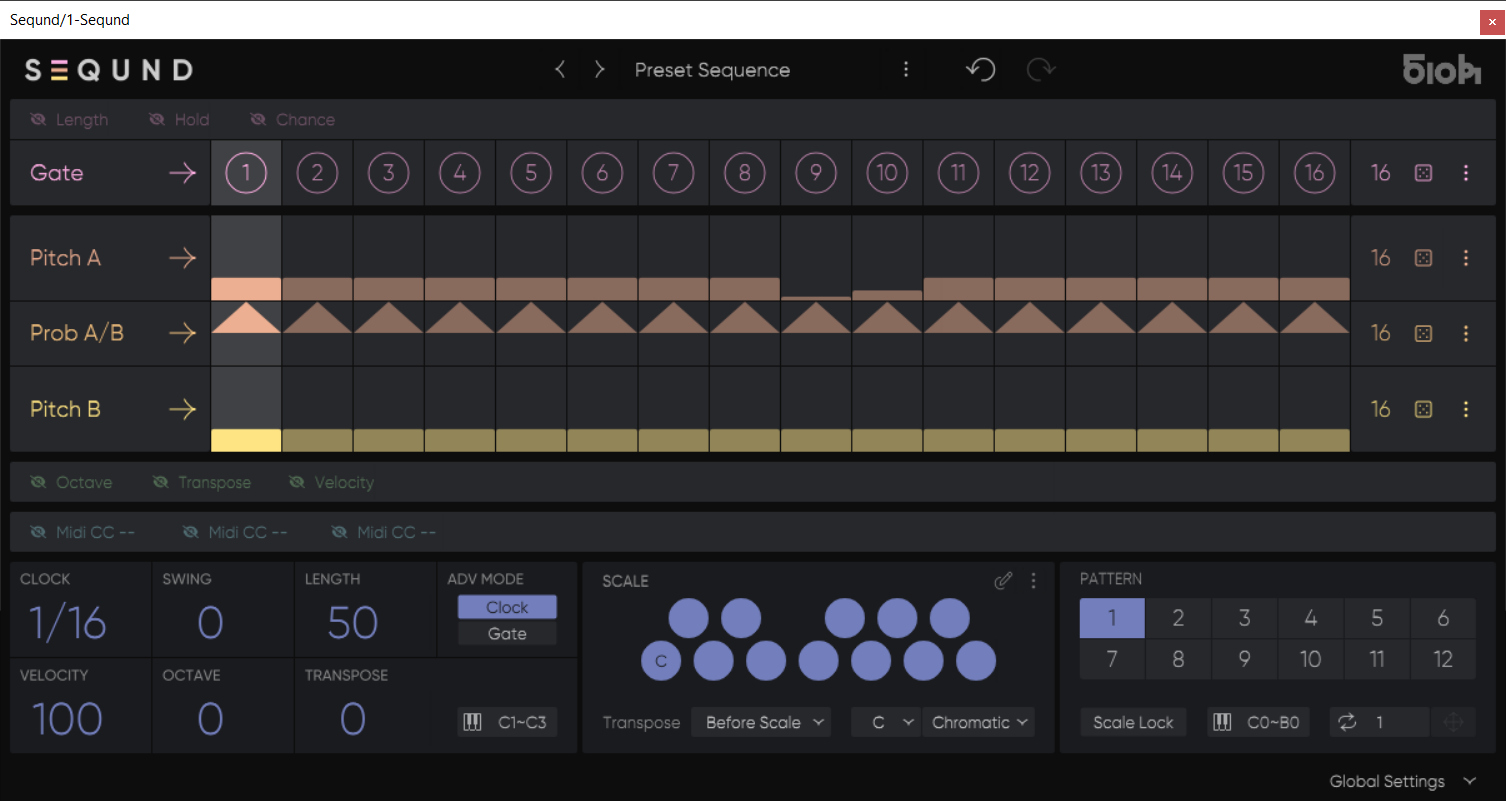
- Four independent lanes for Gate, Pitch, Length, Hold, and Velocity — each with adjustable length and playback modes.
- Polymeter sequencing — set different step counts per lane to create rich, evolving polyrhythms and shifting patterns.
- Real-time MIDI Transpose — shift sequences chromatically or in scale degrees via MIDI input for expressive live use or DAW automation.
- Scale Quantization — keep everything in key or go fully chromatic; custom user scales and root shift support included.
- Advanced Play Modes — Forward, Backward, Pendulum, Bi-directional, Random (x2), for each lane independently.
- Step Lock — protect steps from randomization and reset for precise control over evolving patterns.
- Integrated randomization and density control — apply controlled chance to notes, rhythms, and dynamics per lane or globally.
- Pattern system — up to 12 patterns per preset, instantly switchable via MIDI notes for live performance or quick variation.
- Export to MIDI — drag sequences directly into your DAW if live MIDI recording isn’t supported.
- MIDI Advance Mode — drive POLYLLOP’s step progression from your MIDI keyboard or clip for free-form rhythmic control.
- Expanded Transpose Options — including Scale-Dependent and Classic modes.
- Easy UI Workflow — intuitive handling of blocks, lanes, and presets.
System Requirements
Mac
- Mac OS 10.14 or higher (Intel / Apple Silicon supported (64-bit only)
Windows
- Windows 10 (64-bit only)
Important Notes
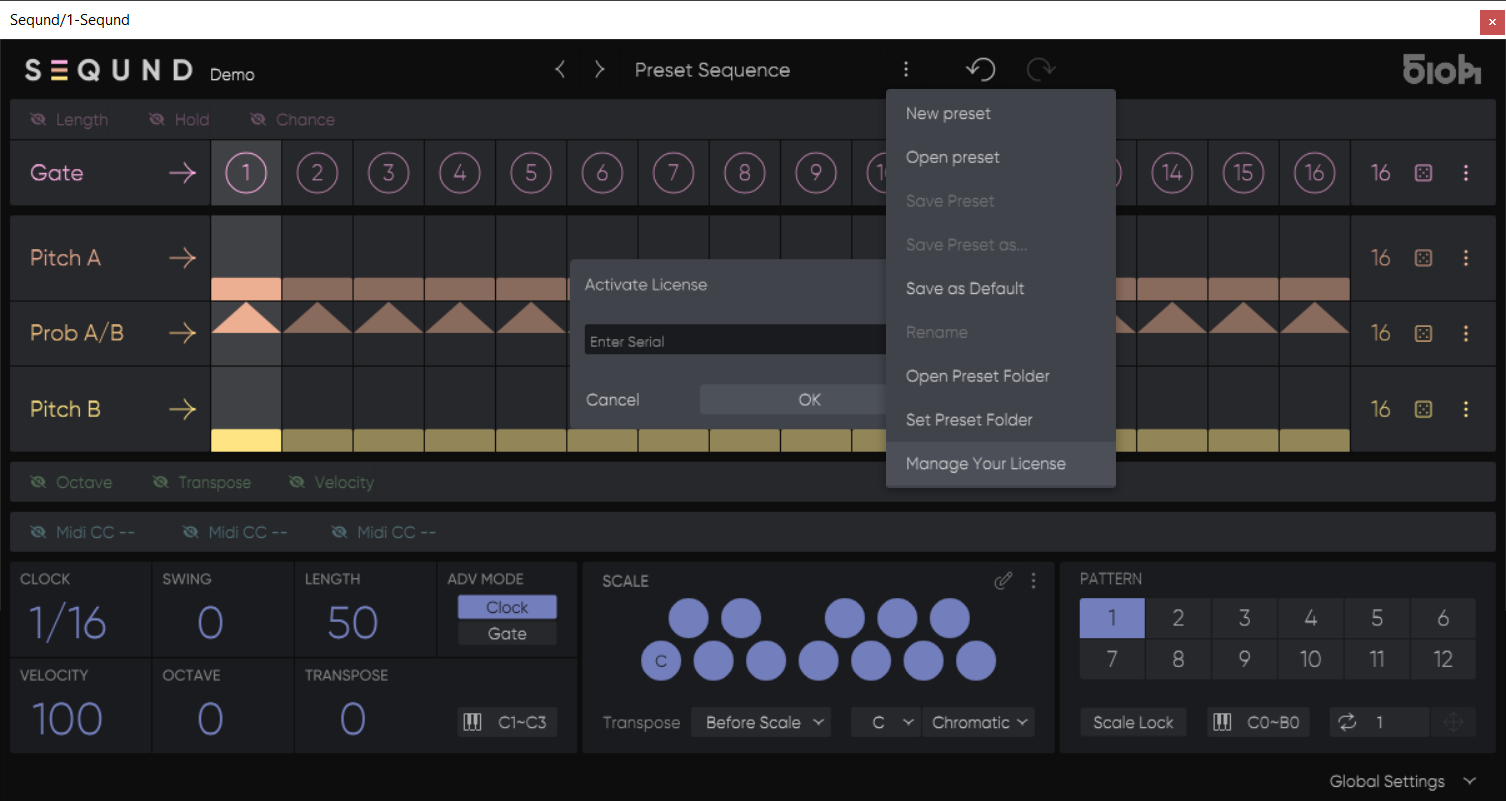
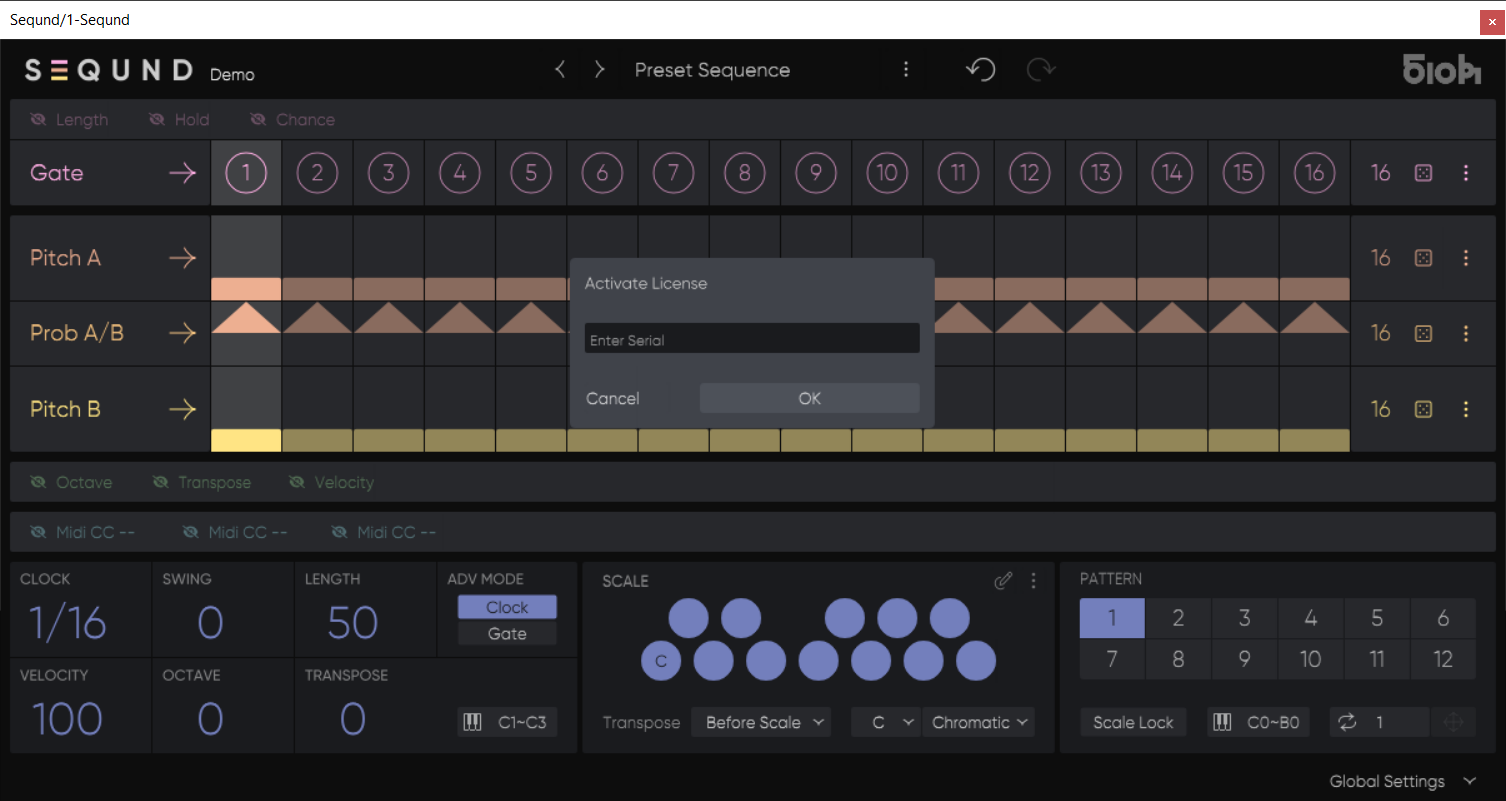
- An internet connection is required to validate the serial key during activation and occasional rechecks.
Reviews Summary
While it aims to provide a helpful overview, it may not capture every perspective or detail. We encourage you to read individual reviews to make an informed decision.
Users consistently praise this polyphonic sequencer as a fun and creative tool that helps break writer's block, generate inspiration, and produce interesting, evolving musical patterns.


