


 Log In

Purchase option
One-time purchase
Rent to Own
Free gifts available with your purchase
Product information

12-in-1 Legendary Stompbox Plugin
You can never have enough guitar pedals — but owning dozens of real stompboxes is neither practical nor necessary. That’s why Audified built MultiDrive PRO: a single plugin that brings 12 iconic stompbox tones straight into your DAW. It’s overdrive, distortion, fuzz and boost — all modelled to feel and react like real hardware.
Features
- TS-808 (Tube Screamer) — smooth mid-boost overdrive, perfect for sustain and pushing a tube amp.
- TS-9 — a brighter-sounding variant of the Tube Screamer with a more open output.
- Blues Driver (BD-2) — creamy, warm overdrive that works beautifully for both blues and rock.
- OD-1 — vintage overdrive with asymmetric clipping, highly responsive to playing dynamics.
- SD-1 (Super OverDrive) — smooth overdrive, often used as a boost for tube amps.
- DS-1 — classic sharp distortion with strong attack and long sustain.
- RAT — unmistakable, versatile drive/distortion for heavy rhythm parts and soaring leads.
- Distortion+ — compact, ‘80s-style biting distortion.
- Metal Zone (MT-2) — legendary wide-band, high-gain distortion with huge sustain and 3-band EQ.
- Fuzz Face — probably the most famous fuzz, with organic, thick saturation.
- Big Muff Pi — wide, sustaining fuzz tone with its signature mid-scooped character.
- Treble Booster — simple but musical boost that lifts the highs and helps solos cut through the mix.
System Requirements
Windows
- VST3 64b, AAX 64b
- Windows 10 and newer
- 150 MB of disk space
- At least 4GB of memory
Mac
- VST3 64b, AAX 64b, AU 64b
- Apple Silicon Native
- macOS 10.15 and newer
- 270 MB of disk space
- At least 4GB of memory
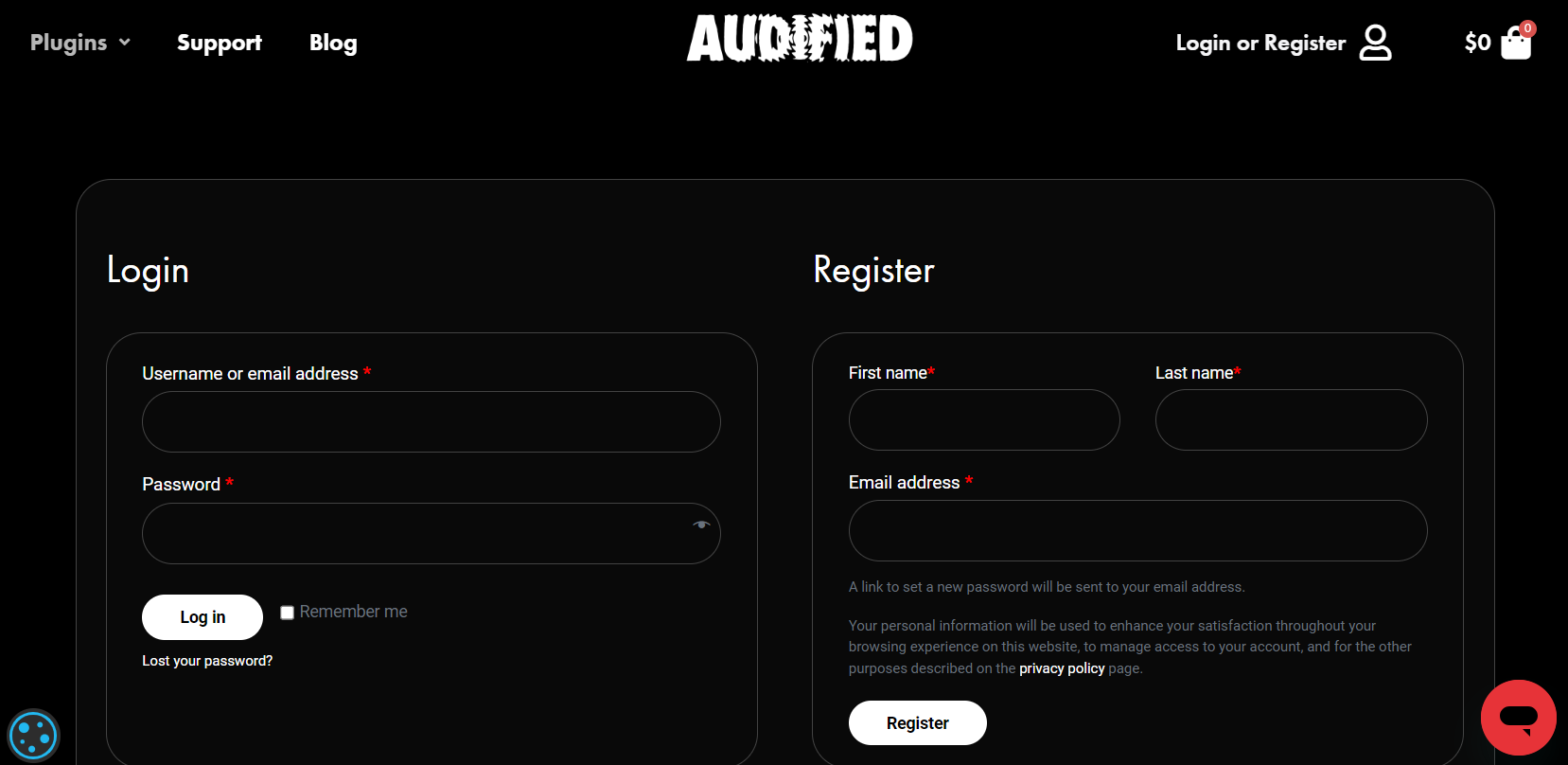
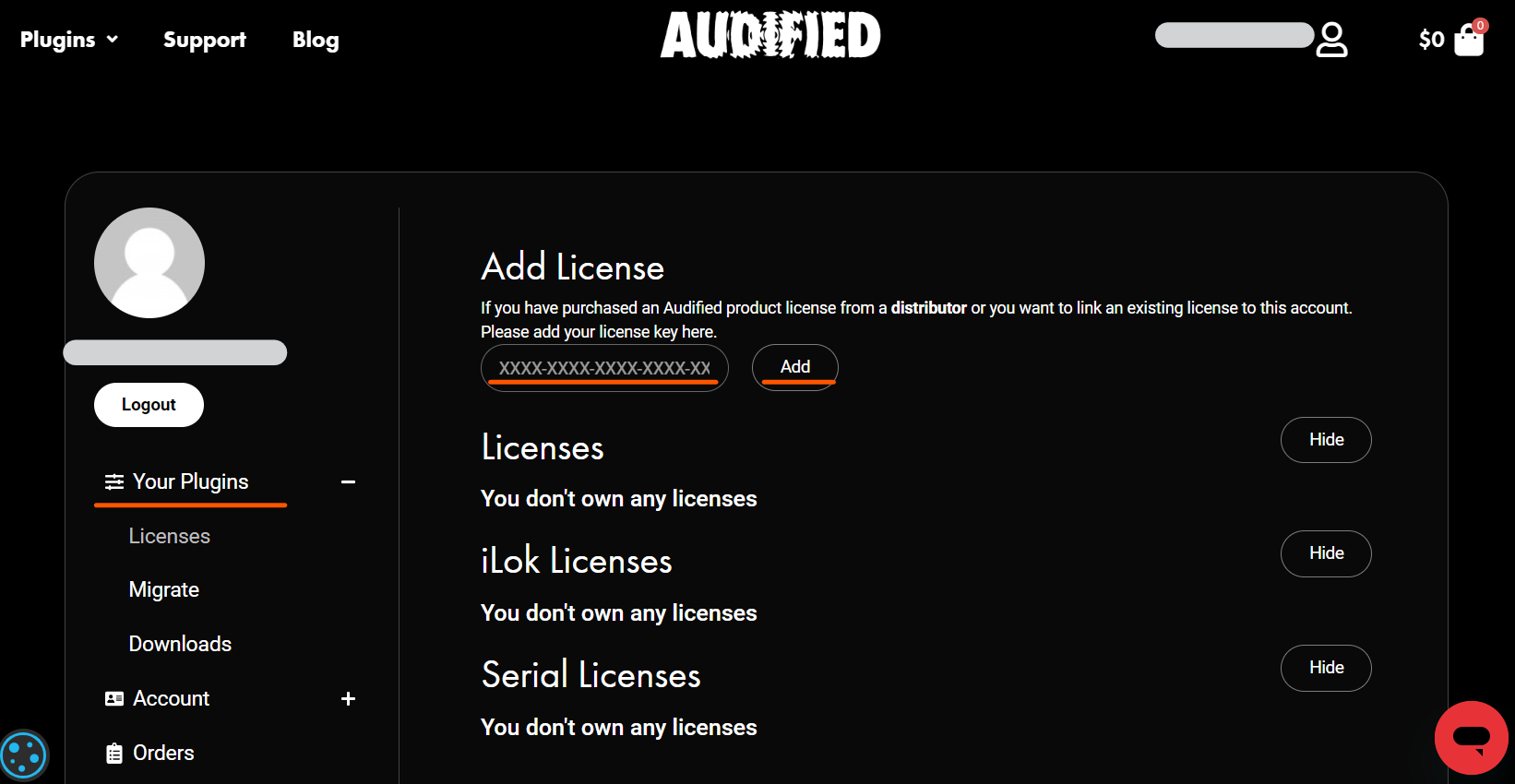
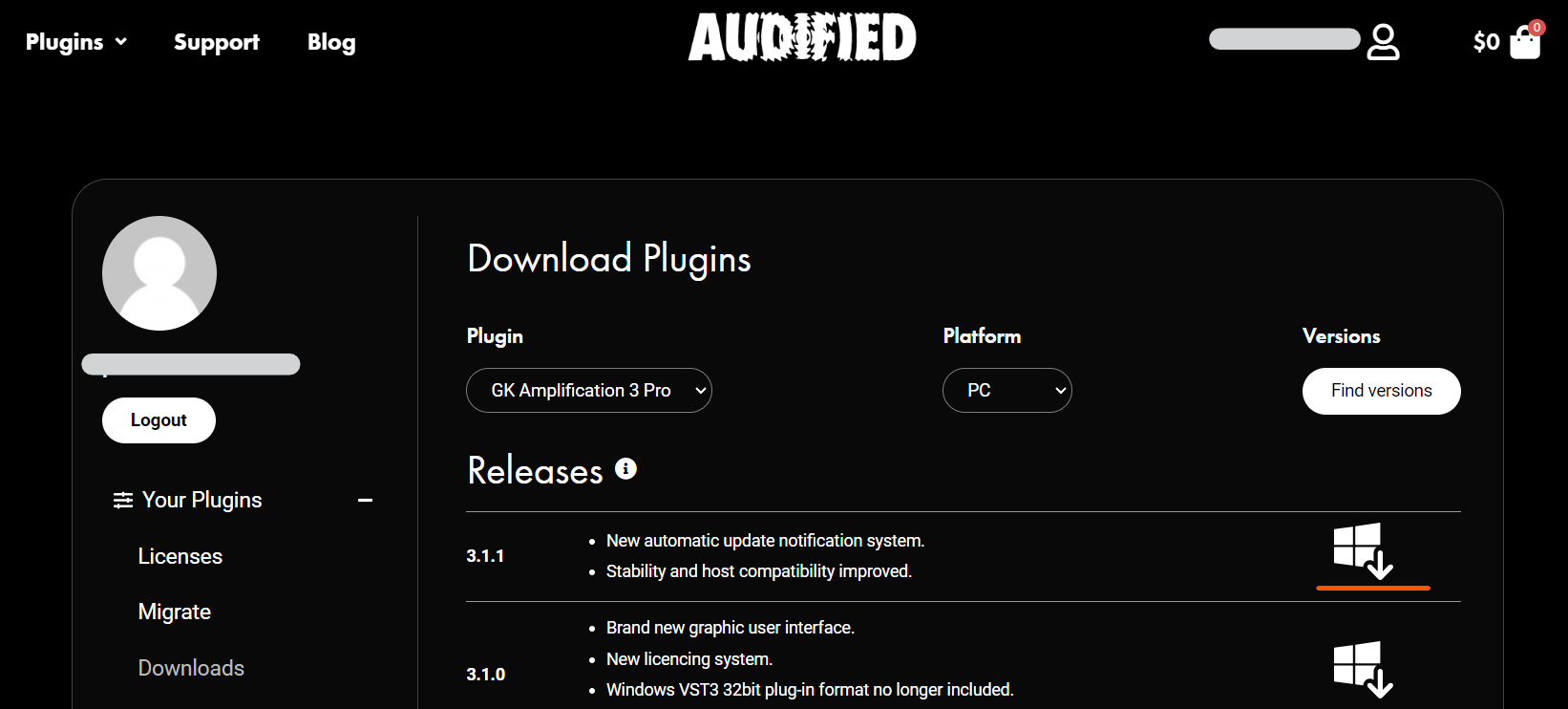
Installation Instructions
Customer Reviews
(1)


