Log In
Free gifts available with your purchase
It just got even easier to put the world's best AI mastering engine right in your DAW. Introducing a new, streamlined version of the revolutionary AI mastering plugin—LANDR Mastering Plugin Standard Edition. Start using your new favorite plugin today as part of LANDR Studio.
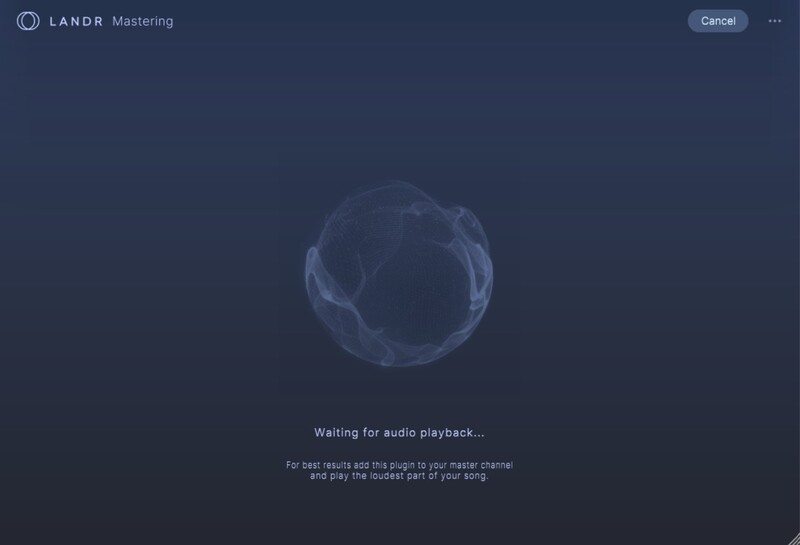
The LANDR Mastering Plugin SE gives you fast, pro-level AI masters while you work in your DAW and make revisions without disrupting your workflow. The LANDR Mastering Plugin SE runs in real time on your mix bus to let you always hear how your mix affects the master.
LANDR’s AI technology analyzes your track and delivers three uniquely conceived professional masters. Beyond simple Presets, each master is sculpted to your specific track. Release songs using the AI master as is, or use advanced controls that empower you to personalize the master even further.
Trusted by music industry heavyweights
LANDR is the only AI mastering service that is used by top audio engineers to produce pristine, release-ready masters for major labels and artists such as Lady Gaga, Gwen Stefani, Snoop Dogg, Seal and more.
Fast, simple AI mastering
Now everyone has the power to create pro-level mastered versions of their tracks. LANDR Mastering Plugin integrates with any major DAW to deliver fast, reliable AI mastering results you can trust every time.
A workflow game-changer
Real-time processing in the plugin lets you hear your mastered sound as you perfect your mix. Avoid time-consuming bounces out of the DAW and revise track versions on-the-fly.
Features
- OVER 10 YEARS of AI MASTERING TECHNOLOGY – Refined by a decade of research and innovation using actual mastering engineers
- SOUNDS GREAT EVERYWHERE – Exceptional audio quality in any listening environment
- PERSONALIZED MASTERING – Audio processing that adapts to the unique characteristics of your track
- FAST AI ANALYSIS – Make great masters in less time
- REALTIME PROCESSING – Hear the effect of on-the-fly mix adjustments to your masters
- SPECTRAL DISPLAY – VIsualize frequency changes between the original track and master
- COMPRESSION – Adjust the overall dynamic range of your track and bring up low-level elements
- LOUDNESS – Control overall loudness and use the LUFS Meter to target a desired loudness
- SATURATION – Thicken your track with more harmonics as found with tube and transformer gear
System Requirements
Mac
- macOS 10.14 and higher (64-bit)
- VST3, AU, AAX
- The LANDR Mastering Plugin SE is compatible with DAWs that support AU, AAX and VST3 plugins.
Windows
- Windows 10 or higher (64-bit)
- VST3, AAX
- The LANDR Mastering Plugin SE is compatible with DAWs that support AU, AAX and VST3 plugins.