


 Log In

Free gifts available with your purchase
Creative Effects to Transform Your Vocal Tracks
AutoTune EFX+ 10.0 combines the core features of AutoTune with the powerful EFX modular multi-effects rack.
New AutoTune EFX+ 10.0 Updates
- Seven New Effects - (Breath, Reverb, Echo, Chorus, Compress, Lowpass, EQ)
- Four New Reorderable Modular EFX Slots
- New Presets from Top Artists
- Refreshed User Interface
Introducing AutoTune EFX+ 10.0
The most creative edition of the most iconic vocal effect ever has evolved. AutoTune EFX+ 10.0 is a proven vocal effects powerhouse designed to generate inspiration.
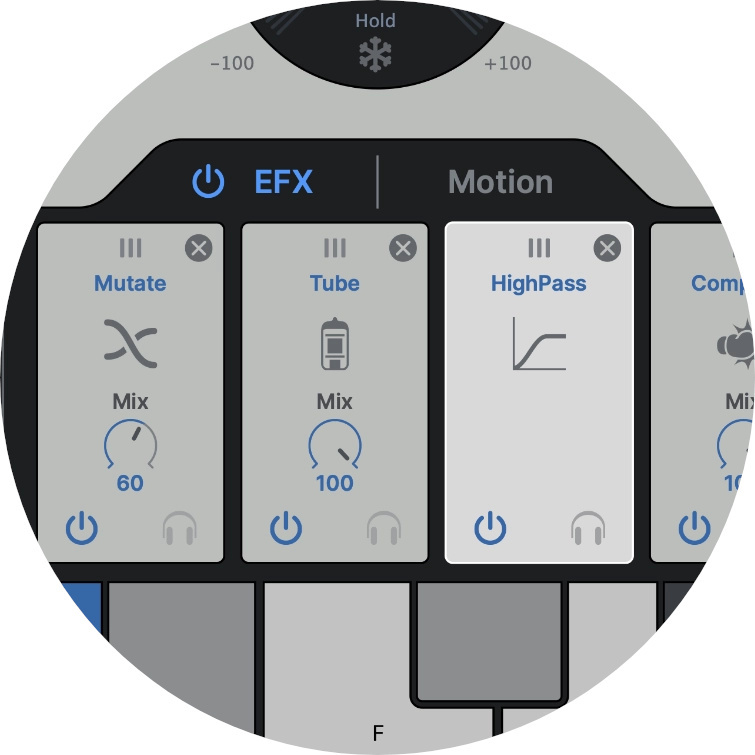
Endless Effects
Built-in modular multi-effects rack and versatile melodic motion generator means endless creative choices.

Real-Time Pitch Correction
Professional-quality AutoTune pitch correction with low latency processing for real-time performance.
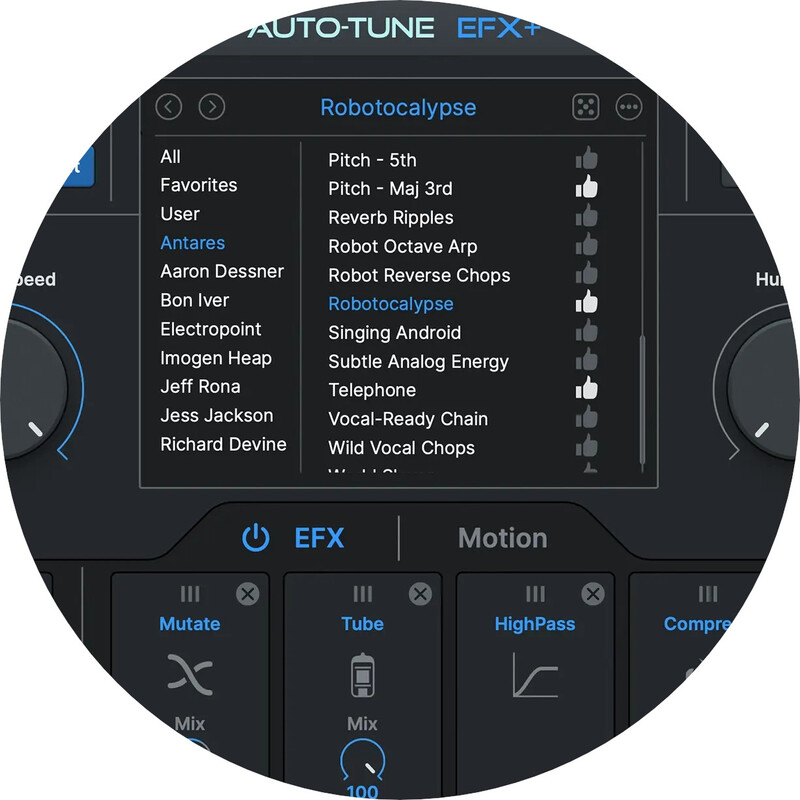
Artist Presets
Custom creative presets from innovative artists make it easy to get started.
Why AutoTune EFX+?
With over 100 effects, AutoTune EFX+ delivers all the tools you need to craft professional and ready-to-publish vocal tracks. Some of the effects included have been designed specifically for AutoTune EFX+ by worldwide-known artists and audio engineers, and the seamless compatibility with AutoKey makes AutoTune EFX+ the perfect tool for all music makers. Pitch and formant shifting in real-time on AutoTune EFX+ are ideal for live performances, as well as lightning-fast audio editing in the recording studio. With the Auto-Motion pitch-shifting melodic pattern generator, you can pitch-shift your vocals and create new melodies in seconds without re-recording your track. Finally, the legendary AutoTune pitch correction effect is included.
What is a Vocal Production Tool?
A vocal production tool is an effect or plug-in whose purpose is to correct, improve and enhance voice recordings. Some of the most popular vocal production effects include real-time tuning, compression EQ, noise removal plug-ins, and more. Vocal production tools are essential pieces of equipment for audio engineers and music producers, as they improve the audio signal’s quality dramatically and bring to life industry-standard audio productions.
How Does AutoTune EFX+ Work?
Just add the AutoTune EFX+ plug-in to your vocal track and choose between the over 100 vocal effects available in the effect’s library. Some of the most popular vocal effects include a high-pass filter, audio mutation effect, realistic doubling, vocoder emulation, tube distortion, warmth enhancer, and much more. After applying the desired effect, you can use the Mix control knob to choose how to blend the natural vocal sound and the EFX+ Effect.
Features
- Core AutoTune Features
- Powerful EFX Multi-Effects Rack
- Auto-Motion Pitch Shifting Melodic Pattern Generator
- Professional Quality AutoTune Pitch Correction
- Low Latency Processing
Imogen Heap
"Really enjoyed making these presets for EFX. I decided to selfishly make some Heap-esque vocal effects for a solo voice, that I could conveniently have to hand (or glove) for live performance, recording and production. Super fun!"
Bon Iver
"I’ve had a reinvigoration of using the voice in new ways with the EFX+ plug-in. It’s a fast, easy, expansive way to do things with vocals that weren’t really possible before."
Aaron Dessner
"Antares Auto-Tune has been a vital part of my production work in the studio for years. The latest version, Auto-Tune EFX+, marks a dramatic upgrade to an already essential tool, with an easy-to-use, intuitive user interface, multiple built-in effects options, and a motion feature that enables incredibly surprising and innovative results."
Mac
-
AAX Native
- Pro Tools 2018.1 or later
- macOS 11 and higher as required by your version of Pro Tools
-
VST3
- A compatible VST host program that supports VST3 format
- macOS 11 and higher as required by your host
-
Audio Units
- A compatible host program that supports the AU format
- macOS 11 and higher as required by your host
Windows
-
AAX Native
- Pro Tools 2018.1 or later
- Windows 10 / 11
-
VST3
- A compatible host program that supports the VST3 format
- Windows 10 / 11
Important Note
- No iLok dongle is required to run this software - only a FREE iLok account/Manager is required for authorisation.
Note: Before starting the installation, you are required to create a FREE iLok user ID and install the iLok License Manager.
Please take a look at this Help Centre Guide for more information.
Note: AutoTune Slice is used as an example.
Mac
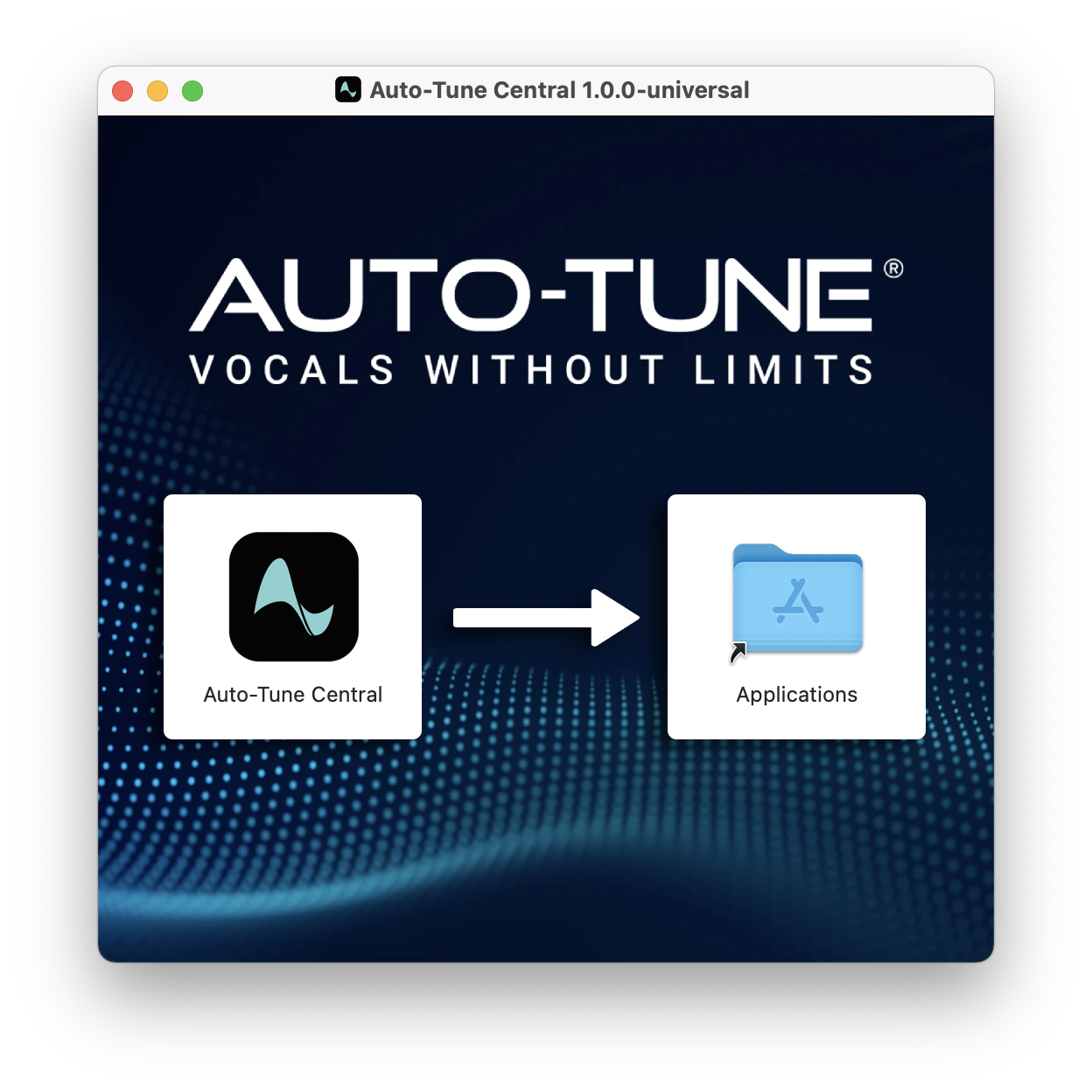
1. Download the .zip file from within your Plugin Boutique account and double-click it to extract the contents > Double-click the .dmg file to launch the installer > Drag AutoTune Central into your Applications folder > AutoTune Central will now automatically install.
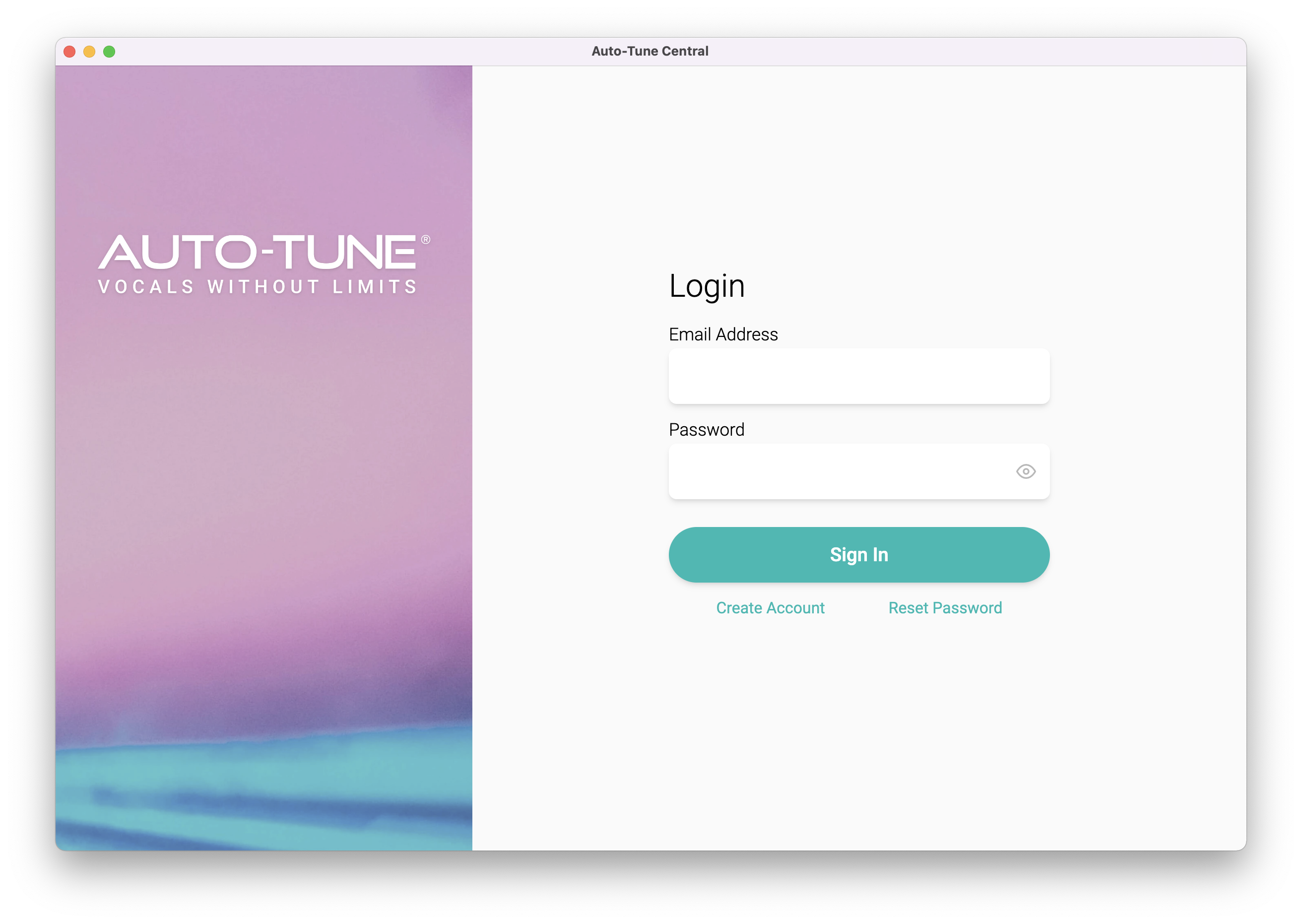
2. Launch Auto-Tune Central > Either create a new account by clicking 'Create Account' or if you already have an account, enter your Antares registered Email Address and Password > Click 'Sign In'.
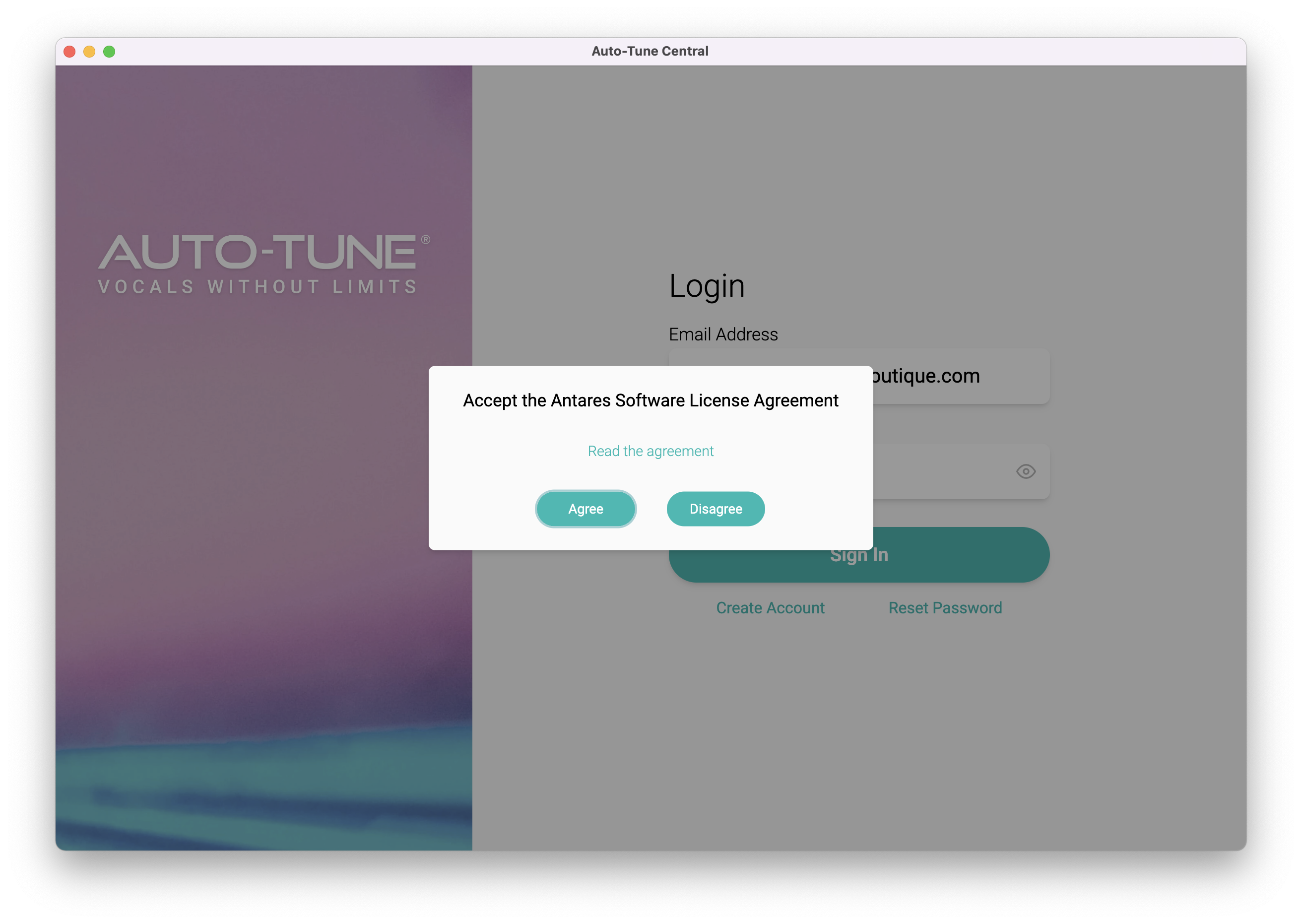
3. Click 'Agree'.
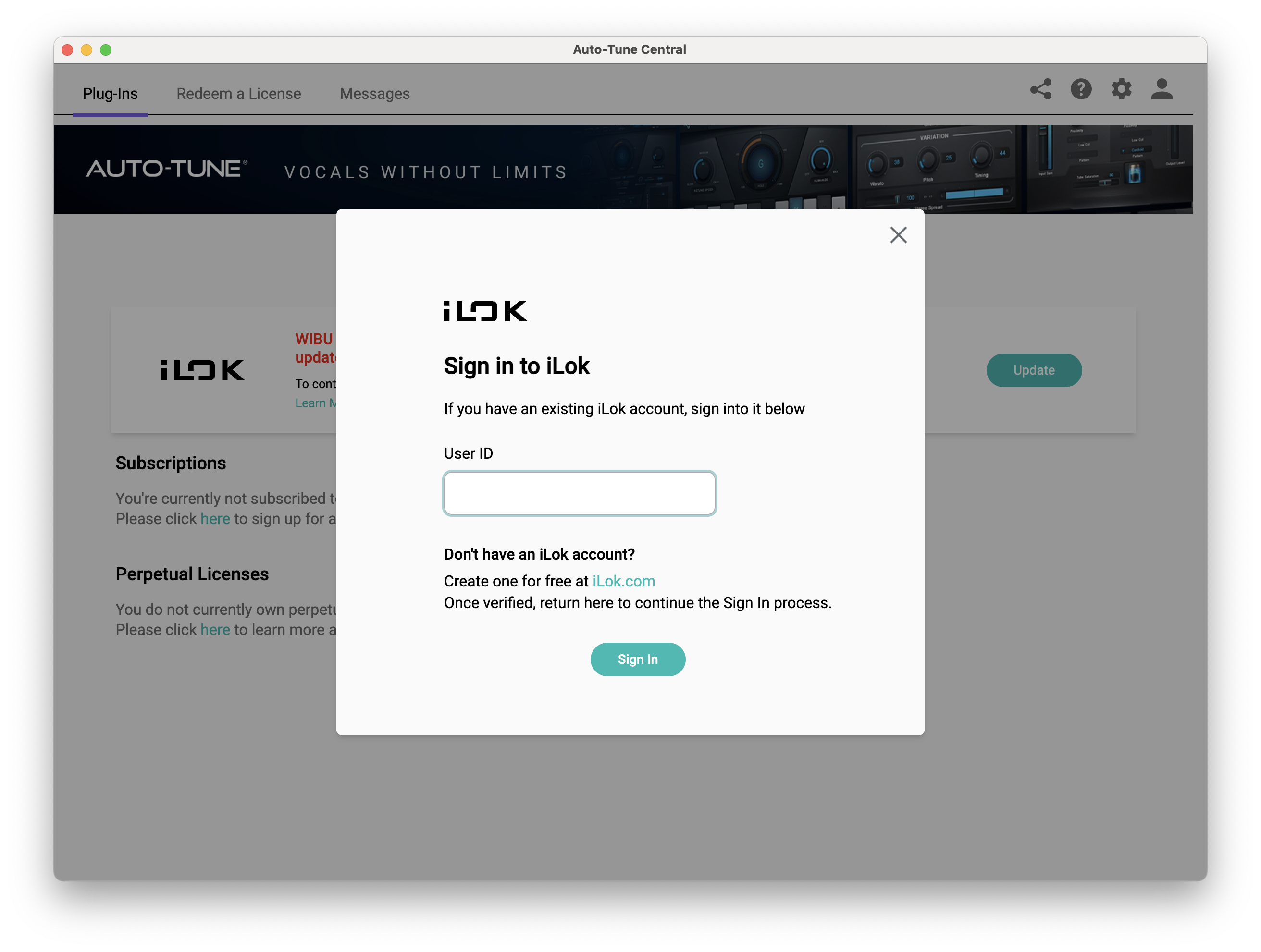
4. Enter your iLok User ID and click 'Sign In'.
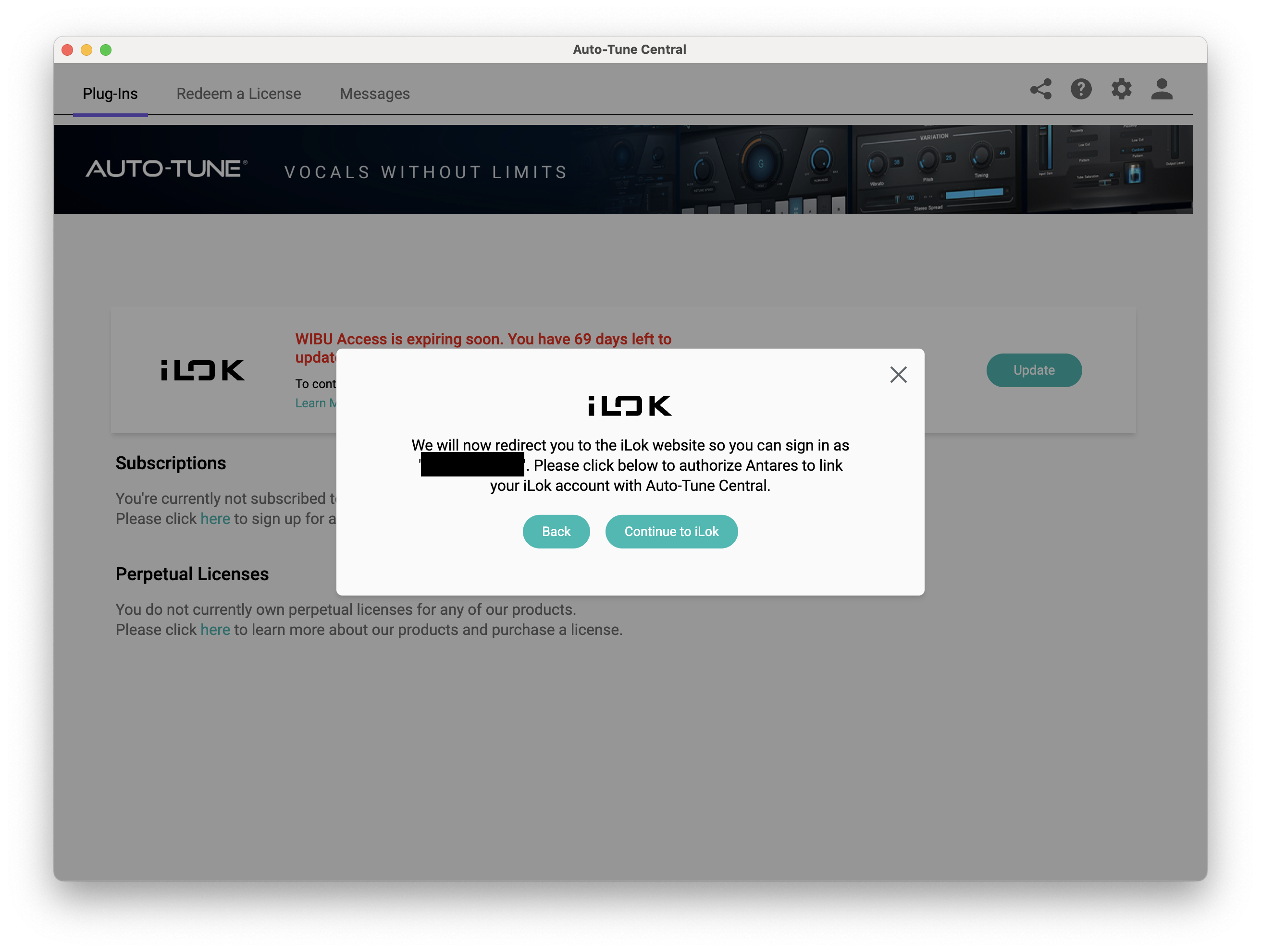
5. Click 'Continue to iLok'.
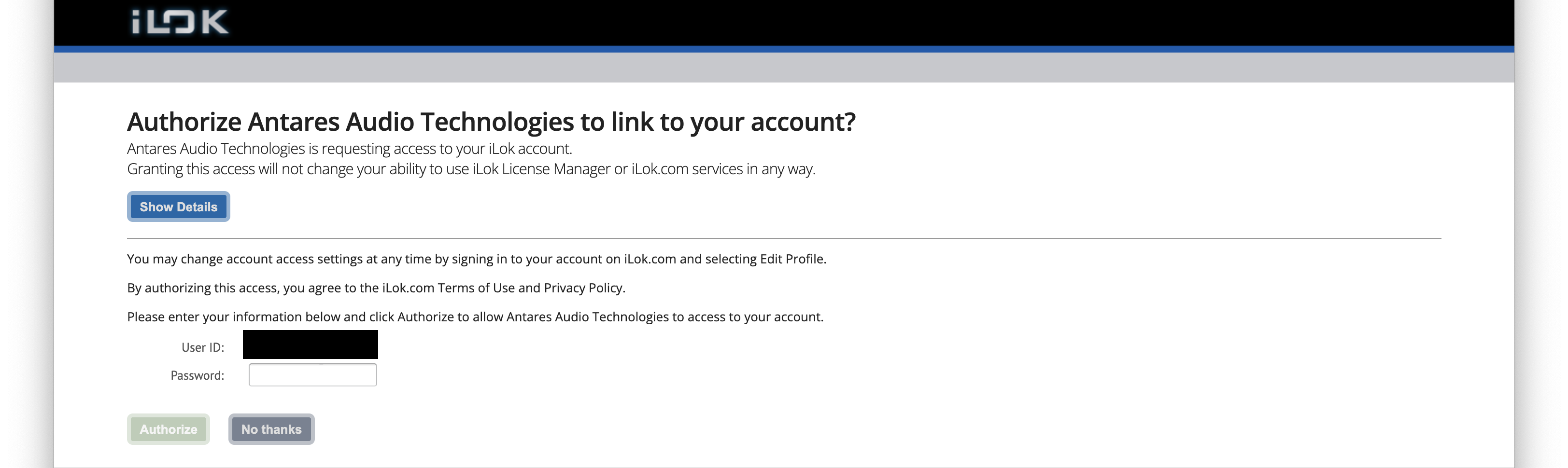
6. Enter your iLok User ID and Password then click 'Authorize'.
7. Your iLok account is now linked > Click 'Close'.
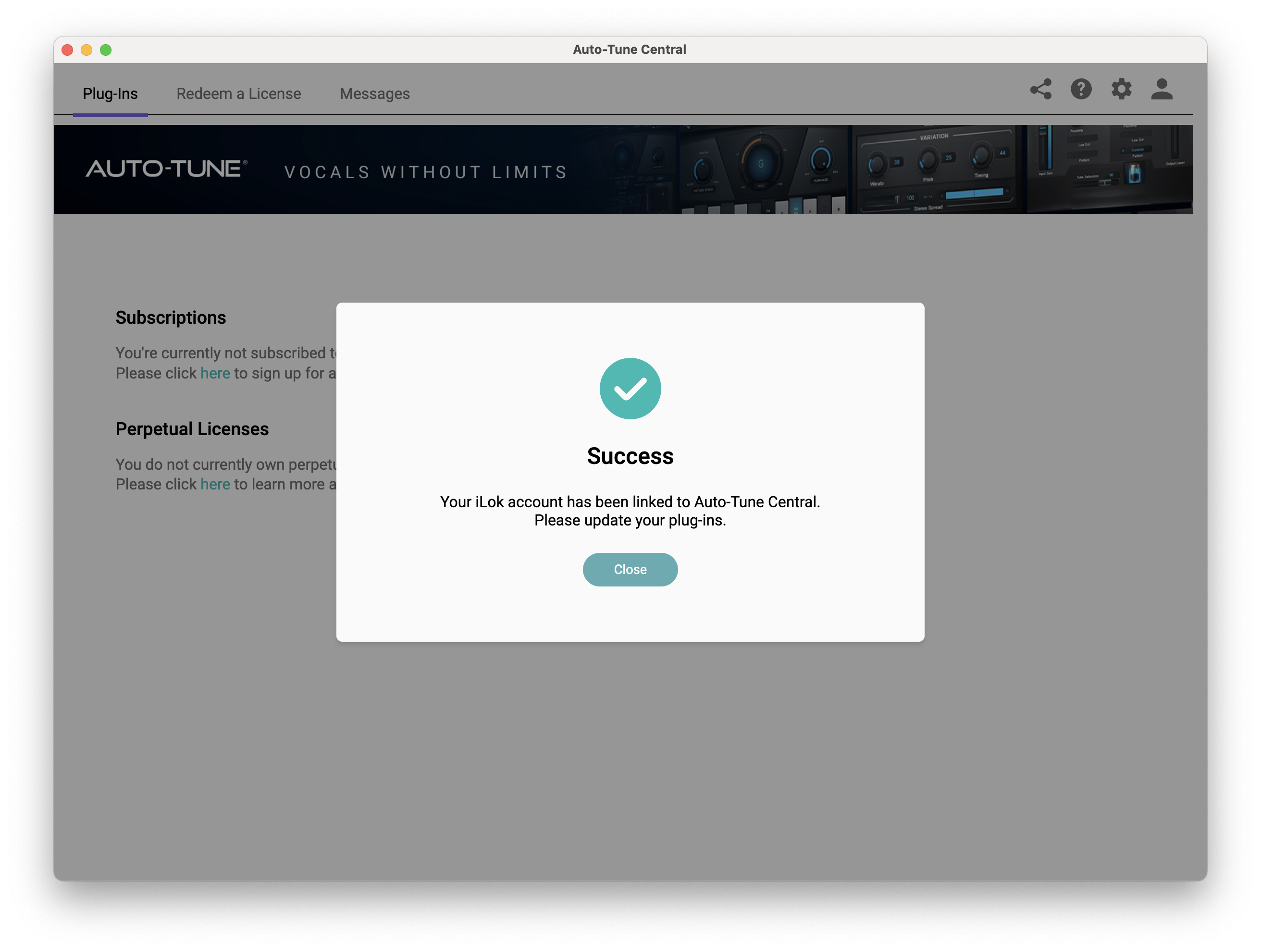
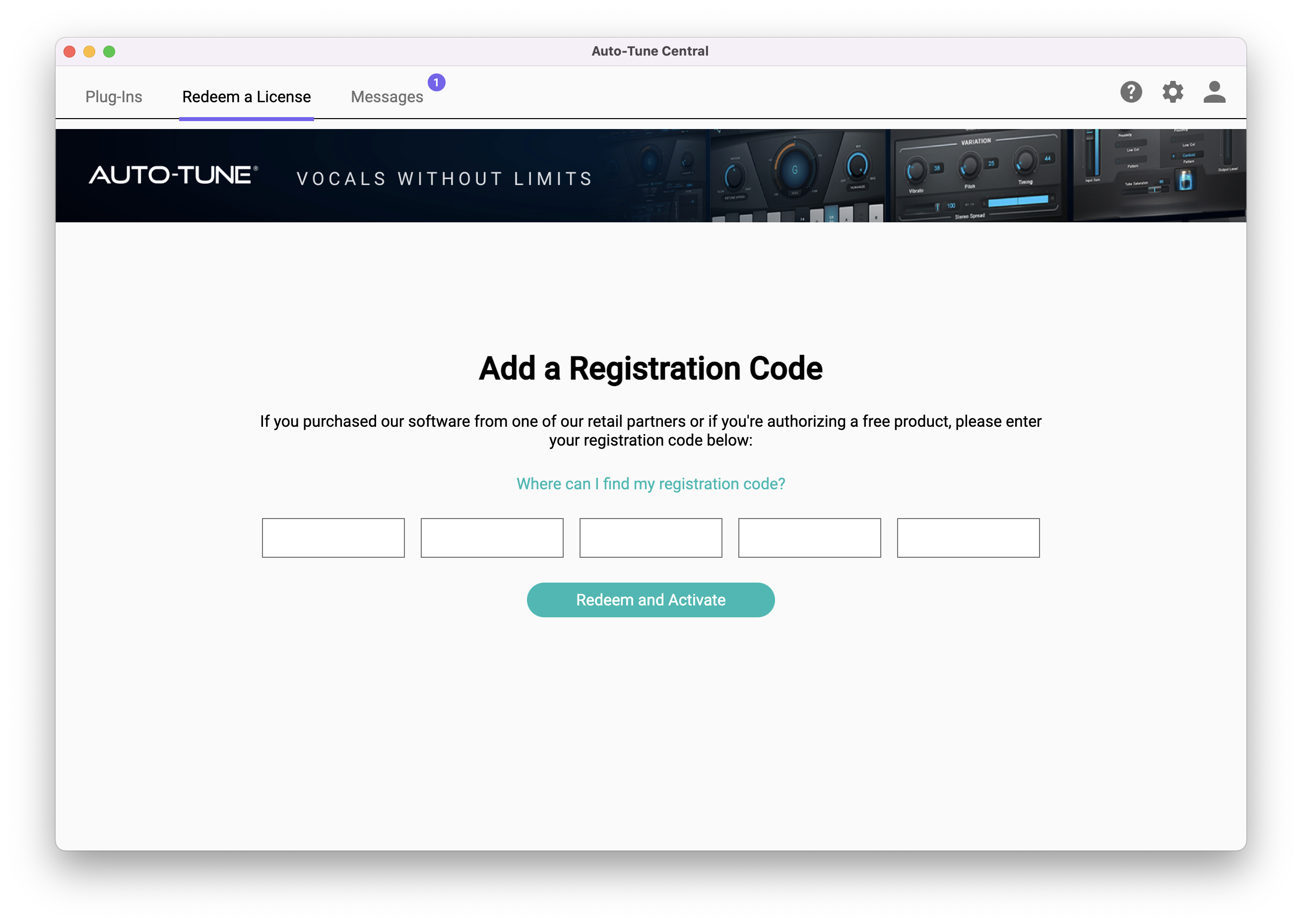
8. Click on the 'Redeem a License' tab > Enter the 25-digit Registration Code, found in the serial number section of your Plugin Boutique account > Click 'Redeem and Activate'.
9. Navigate back to the 'Plug-Ins' tab > Click 'Install' to install your plugin.
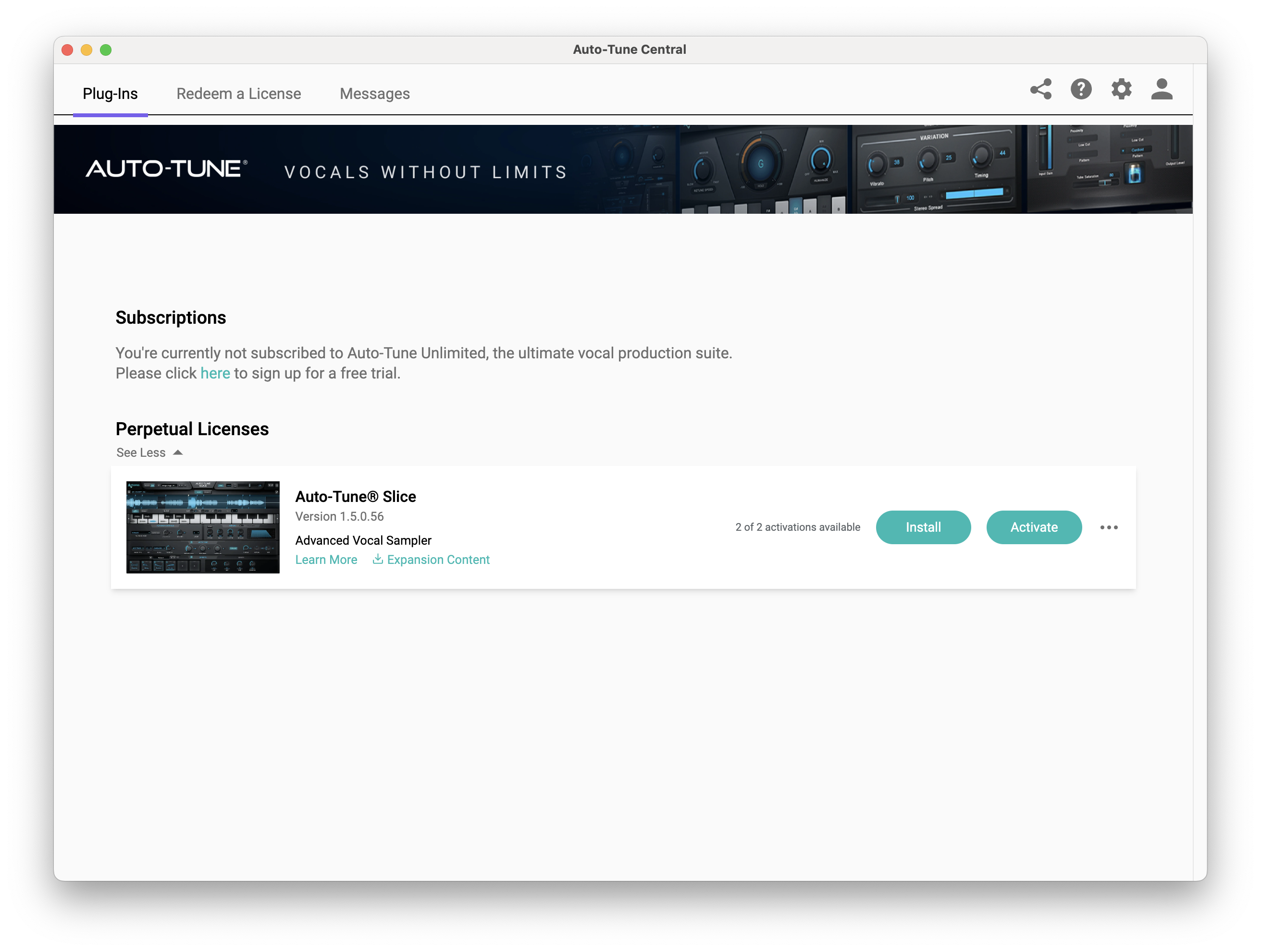
10. Click 'Activate'.
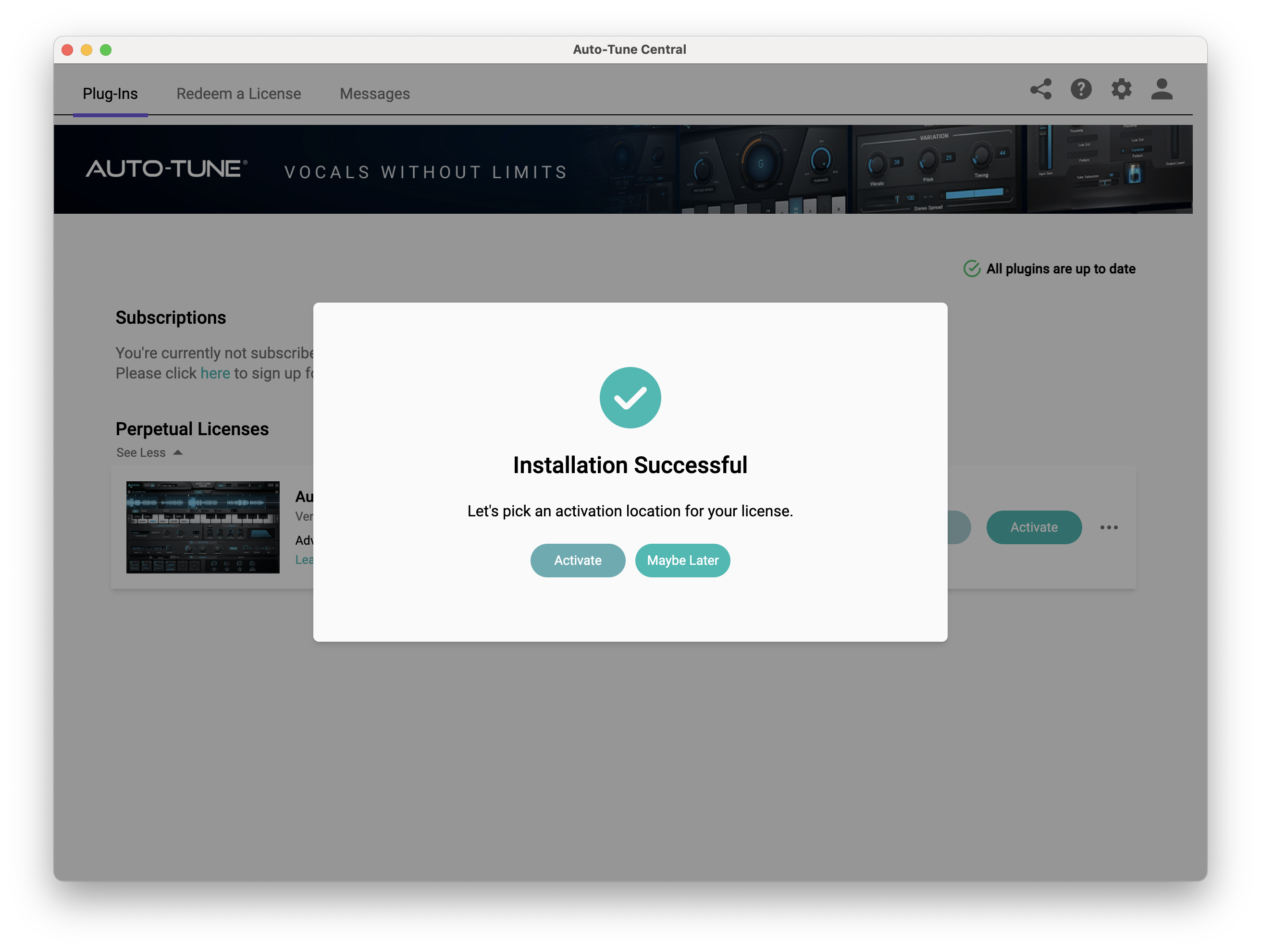
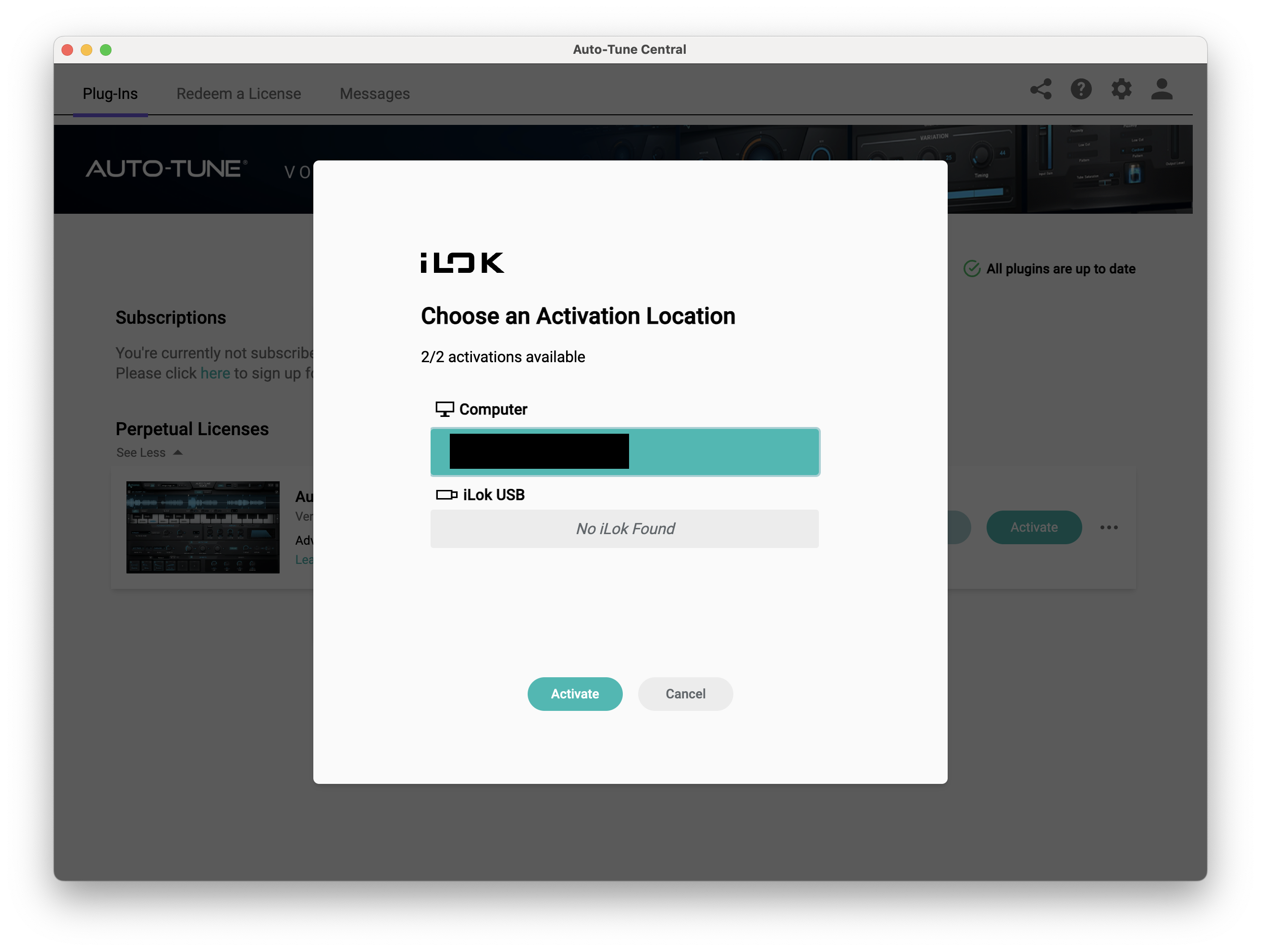
11. Select whether you want to activate the license to your Computer or iLok USB > Click 'Activate'.
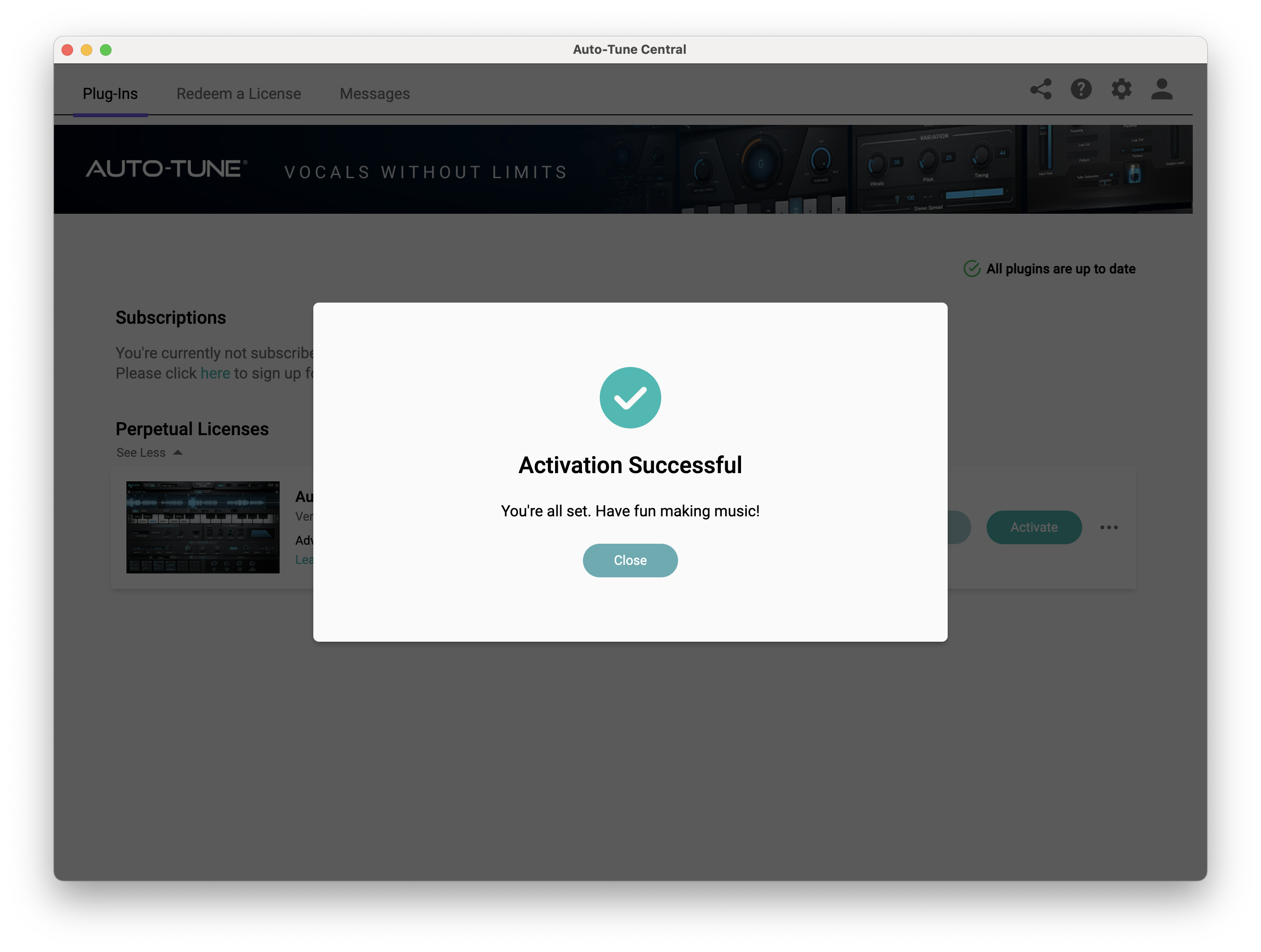
12. Click 'Close'.
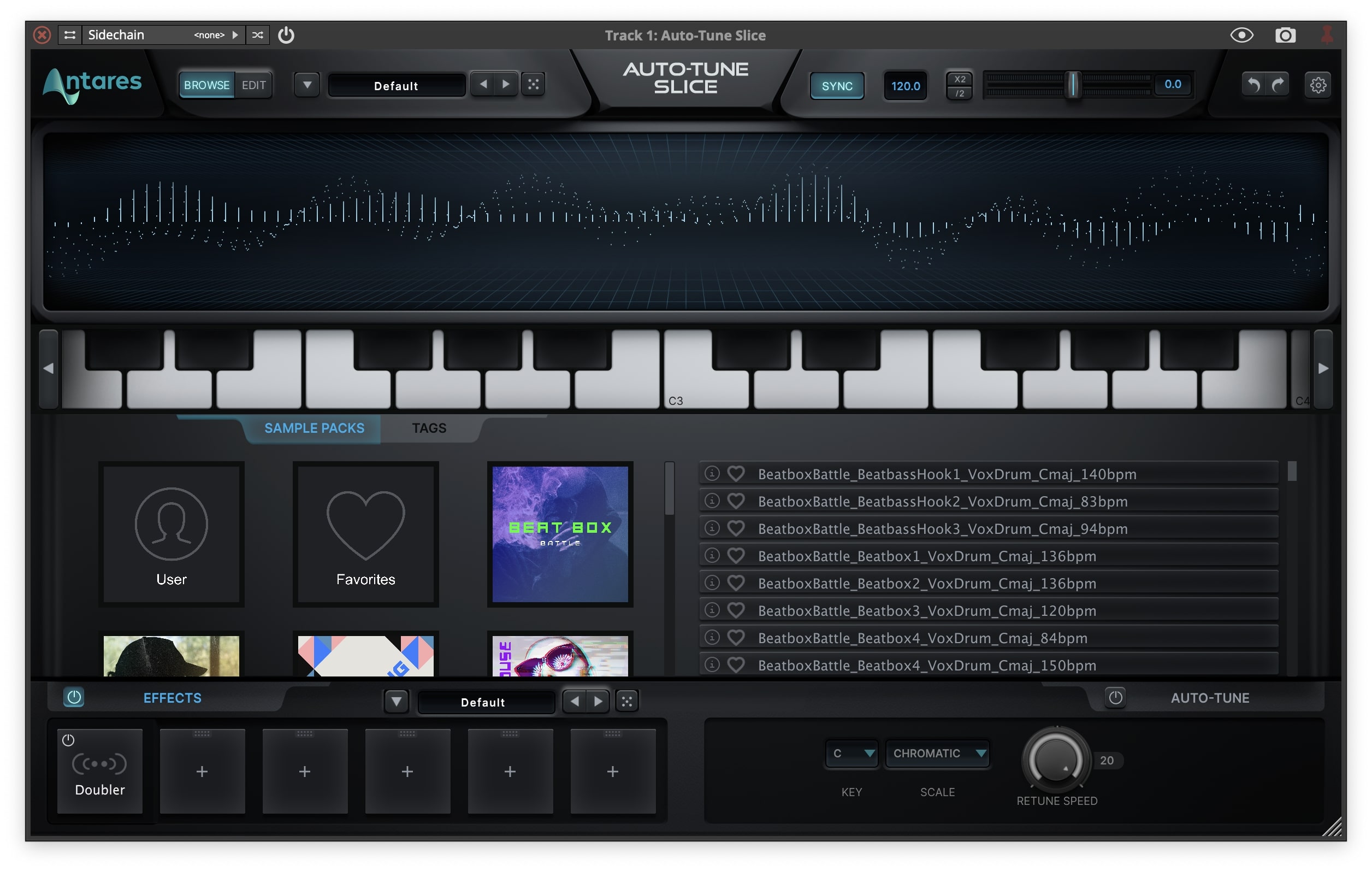
Your software is now activated and ready to use within your DAW.
PC
Windows
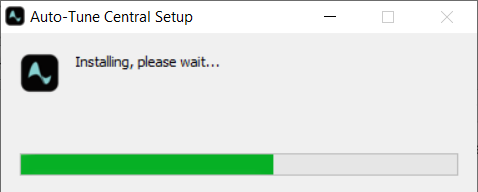
1. Download the .zip file from within your Plugin Boutique account and double-click it to extract the contents > Open the .exe file > Auto-Tune Central will now automatically install.
2. Launch Auto-Tune Central > Either create a new account by clicking 'Create Account' or if you already have an account, enter your Antares registered Email Address and Password > Click 'Sign In'.
3. Click 'Agree'.
4. Enter your iLok User ID and click 'Sign In'.
5. Click 'Continue to iLok'.
6. Enter your iLok User ID and Password then click 'Authorize'.
7. Your iLok account is now linked > Click 'Close'.
8. Click on the 'Redeem a License' tab > Enter the 25-digit Registration Code, found in the serial number section of your Plugin Boutique account > Click 'Redeem and Activate'.
9. Navigate back to the 'Plug-Ins' tab > Click 'Install' to install your plugin.
10. Click 'Activate'.
11. Select whether you want to activate the license to your Computer or iLok USB > Click 'Activate'.
12. Click 'Close'.
Your software is now activated and ready to use within your DAW.


