


 Log In

Free gifts available with your purchase
AutoTune Pro is the most advanced AutoTune edition ever. It includes a Graph Mode for detailed pitch and time editing, Auto Mode for real-time correction, runs natively on Apple Silicon, and has ARA2 support for Logic, Cubase/Nuendo, and Studio One.
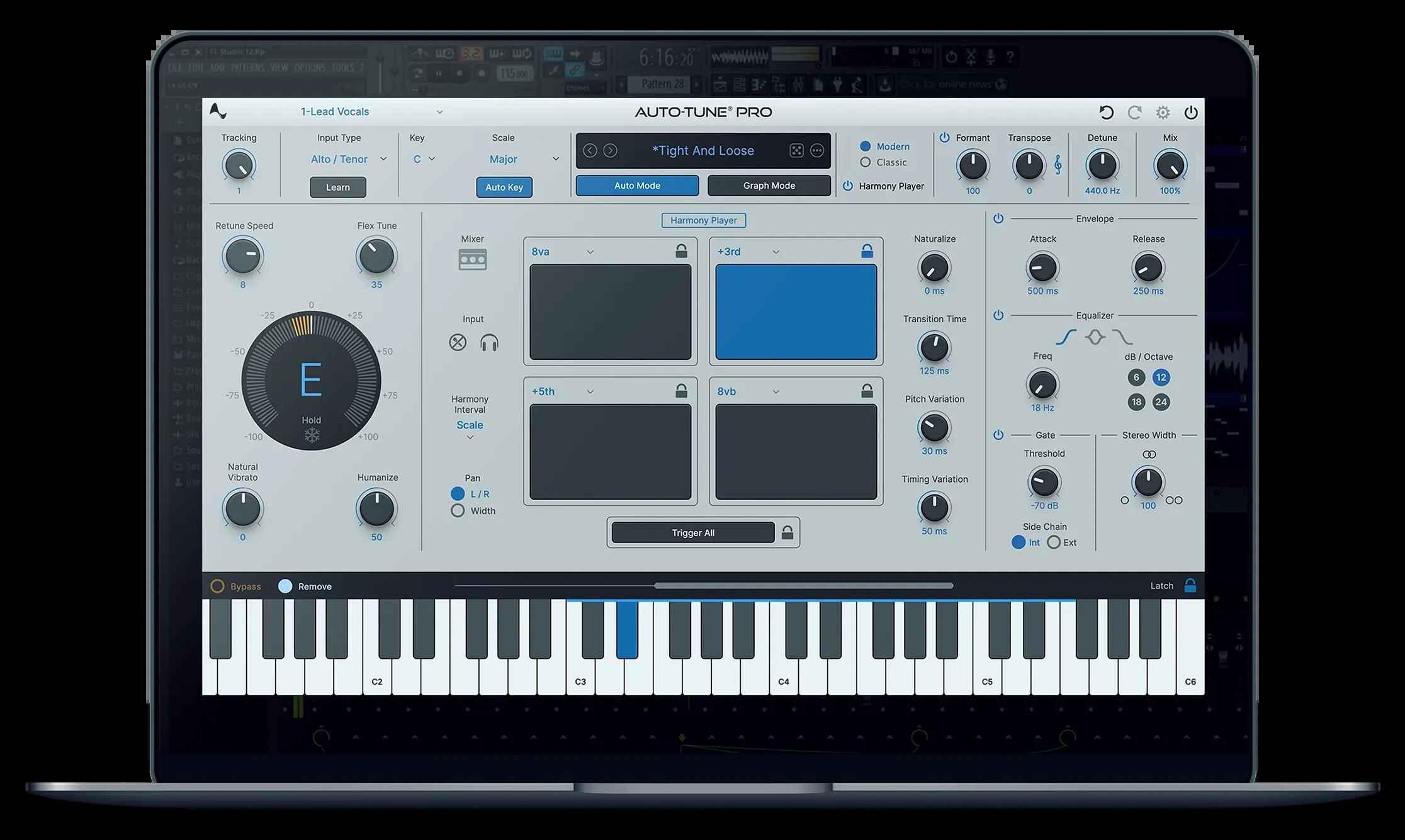
AutoTune Pro 11 is a significant update to the renowned AutoTune Pro plug-in. The latest version introduces a 4-part Harmony Player that enables users to create, tune, mix, and MIDI-trigger four harmonies within AutoTune Pro. The update also includes enhanced MIDI functionality with smart MIDI learning, streamlined Graph Mode tools for improved workflow, and a refreshed user interface for both Auto-Mode and Graph Mode.
Introducing AutoTune Pro 11
AutoTune Pro has set the standard for professional-grade vocal pitch correction for the past 20 years. From precision tuning to lush harmonies, Auto-Tune Pro 11 brings the power you need to every session.
Harmonize Effortlessly
Powered by the famous Harmony Engine, AutoTune Pro 11's Harmony Player unlocks four individual harmonies that can be mixed and MIDI-triggered for instrument-like playability. Crafting your perfect harmony is a breeze with user-friendly controls for formant, pan, and level. Master mix options include EQ, envelope, gate, and stereo width adjustments.
Automatic & Precise
Auto Mode offers effortless real-time pitch correction, while Graph Mode provides precise hands-on pitch correction in a streamlined manner. Easily edit notes with your mouse and adjust the retune speed, vibrato, and formant note by note.
ARA2 Support
AutoTune Pro supports ARA2 for Logic, Studio One and Cubase/Nuendo. This advanced technology allows a DAW and a plug-in to exchange more information such as audio data, tempo, pitch, and rhythm in real-time, for an entire song—not just at the moment of playback.
Smart MIDI Mapping
Mapping your MIDI controller to any function in AutoTune Pro has never been easier. Just right-click on any knob, pad, or button in AutoTune Pro, then move your MIDI controller's physical knob, fader, or pad, and you'll gain instant real-time control of the plug-in.
See More, Do More
Multi-View lets you quickly switch between separate AutoTune tracks in a single window to process multiple vocals, faster.
Artist Presets and Presets Manager
An exclusive collection of artist presets and an updated Presets Manager to fast-track creativity.
Apple Silicon Native
Experience enhanced performance and improved plug-in efficiency with our Apple Silicon Native support. Antares plug-ins are specifically tailored to seamlessly integrate with the latest Apple hardware, providing faster processing and peak efficiency.
Features
- Integrated 4-part Harmony Player - Explore new musical dimensions with a seamlessly integrated 4-part harmony player, enhancing your creative possibilities.
- Revamped MIDI Hardware Mapping - Experience improved MIDI hardware mapping for greater control and precision in your music production workflow.
- New Graph Mode Tools for More Efficient Workflow - Updated zooming and navigation features enable the user to achieve faster editing inside Graph Mode.
- Refined Auto-Mode and Graph Mode GUI - Enjoy a refreshed user interface for Auto-Mode and Graph Mode, designed for enhanced readability and ease of editing based on important community feedback.
System Requirements
- macOS 11 and higher - VST3, AU, AAX Native (Pro Tools 2018.1 or later)
- Windows 10+ - VST3, AAX Native (Pro Tools 2018.1 or later)
Important Note
- No iLok dongle is required to run this software - only a FREE iLok account/Manager is required for authorisation.
Note: Before starting the installation, you are required to create a FREE iLok user ID and install the iLok License Manager.
Please take a look at this Help Centre Guide for more information.
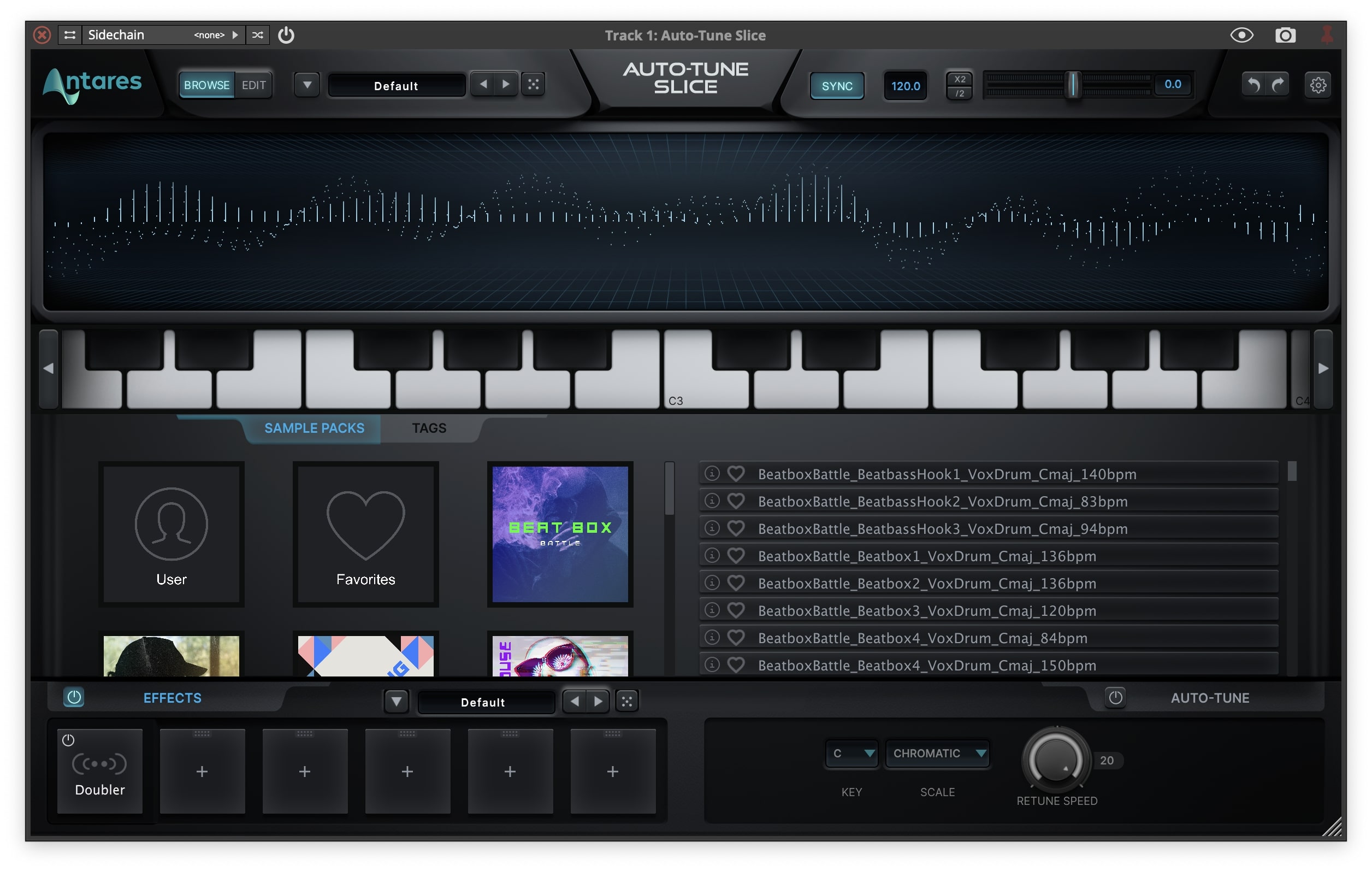
Note: AutoTune Slice is used as an example.
Mac
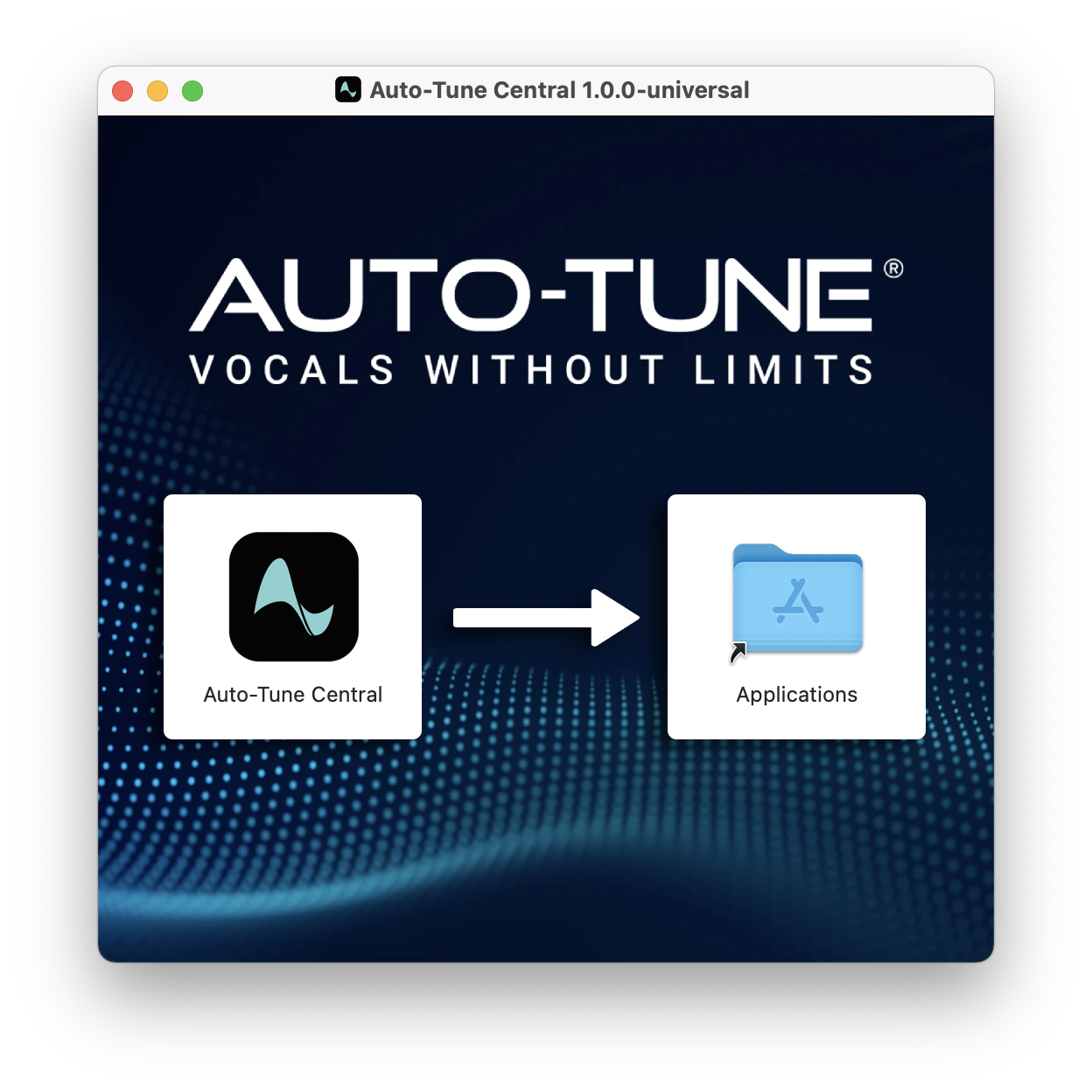
1. Download the .zip file from within your Plugin Boutique account and double-click it to extract the contents > Double-click the .dmg file to launch the installer > Drag AutoTune Central into your Applications folder > AutoTune Central will now automatically install.
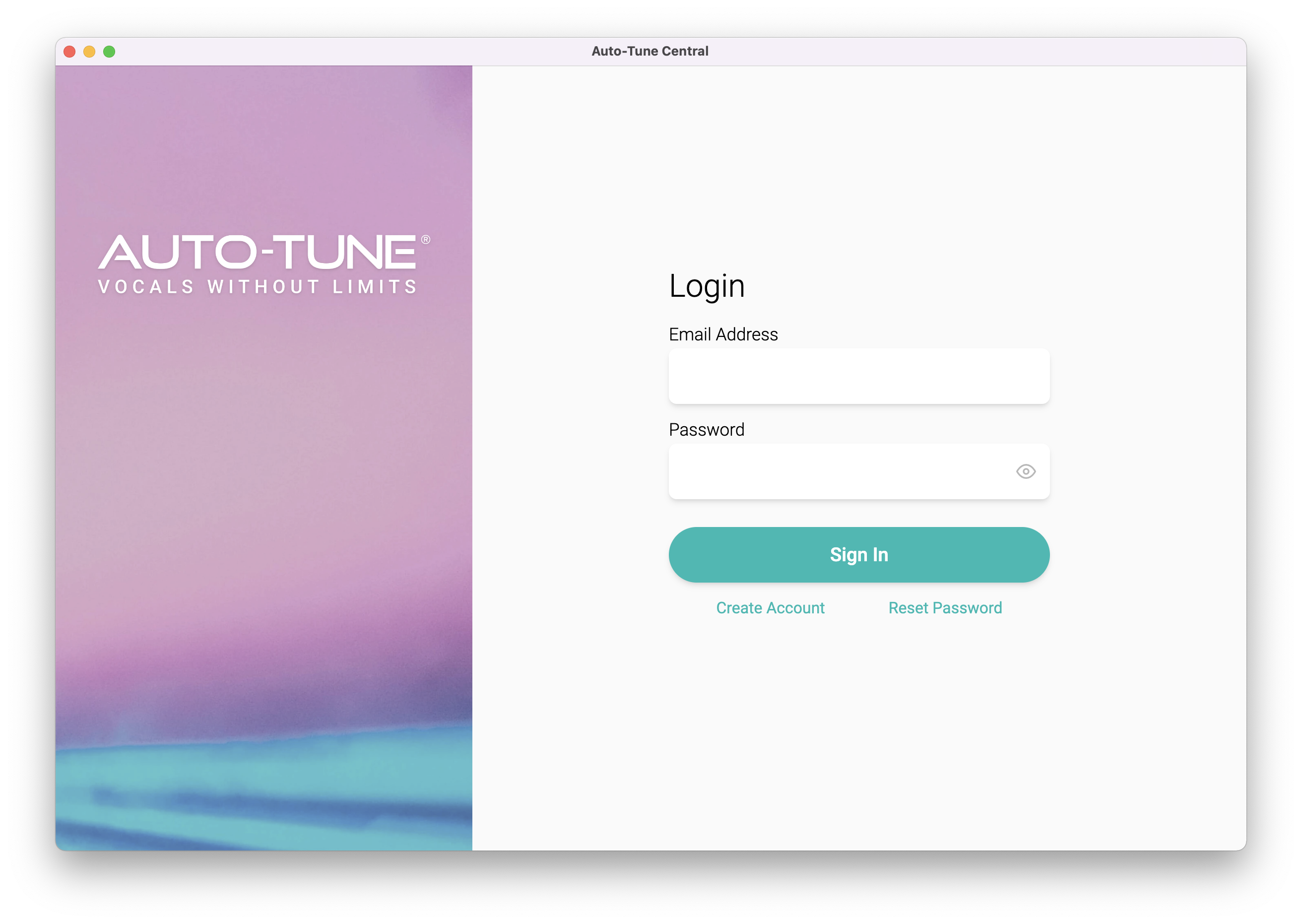
2. Launch AutoTune Central > Either create a new account by clicking 'Create Account' or if you already have an account, enter your Antares registered Email Address and Password > Click 'Sign In'.
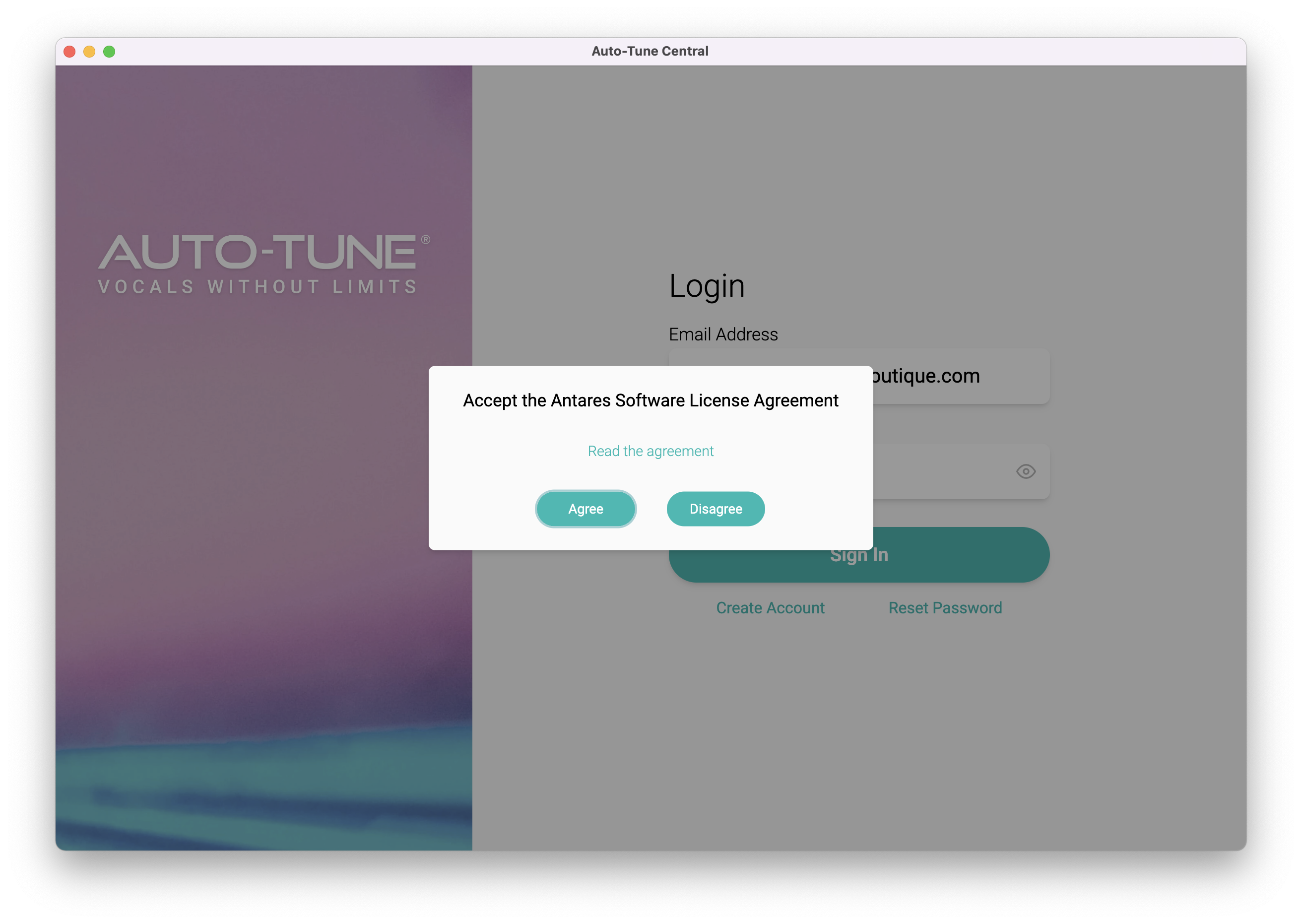
3. Click 'Agree'.
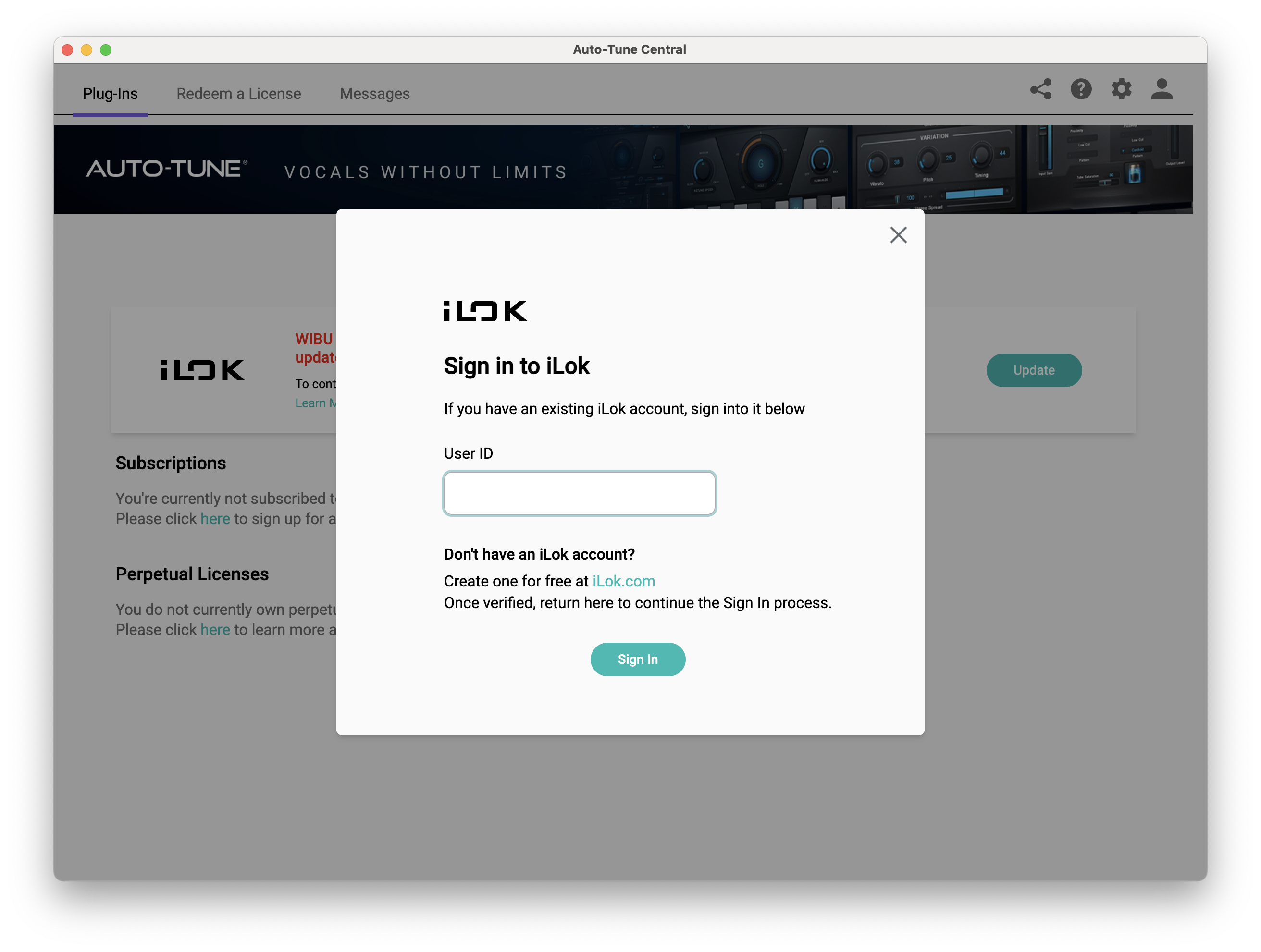
4. Enter your iLok User ID and click 'Sign In'.
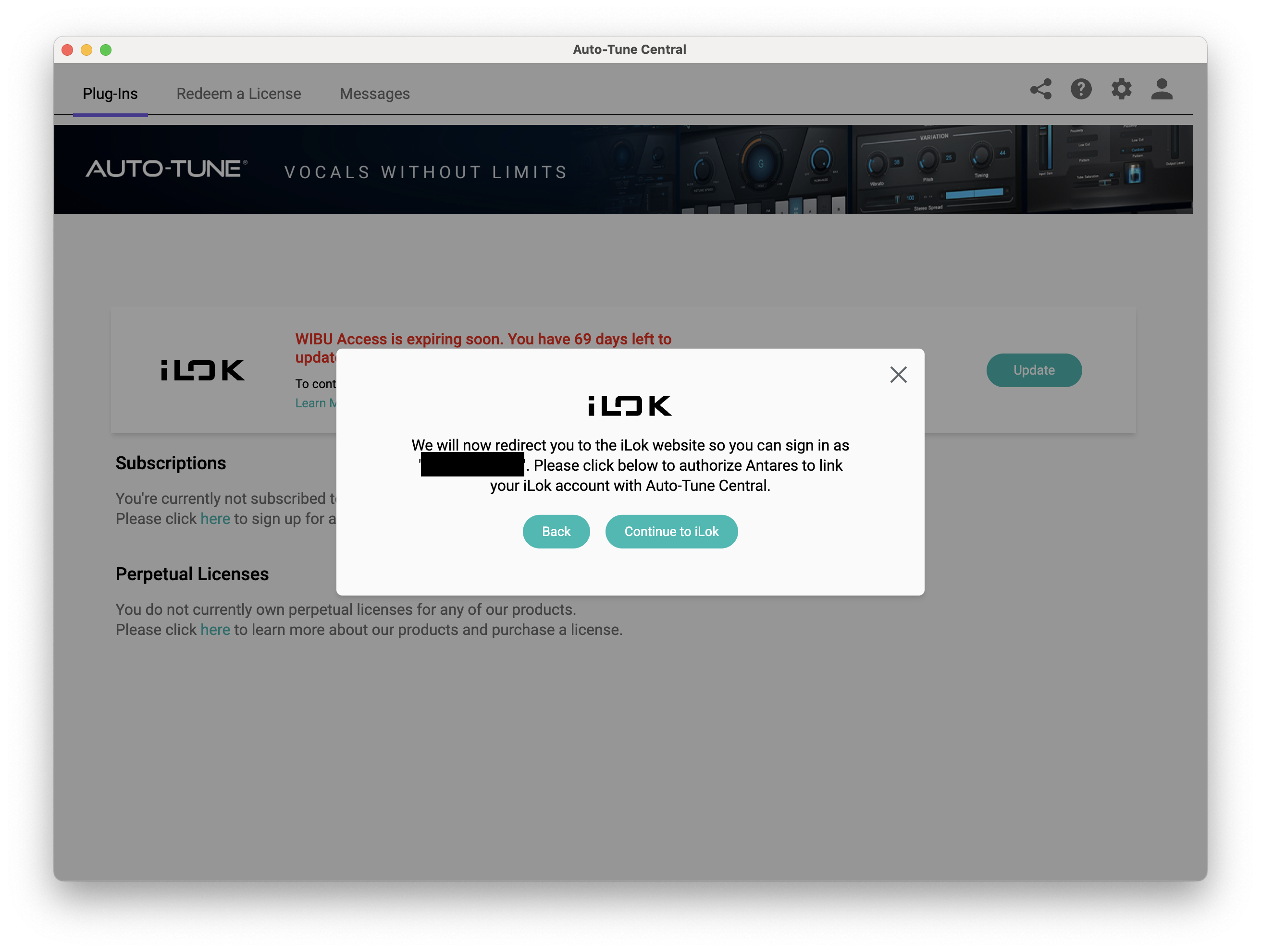
5. Click 'Continue to iLok'.
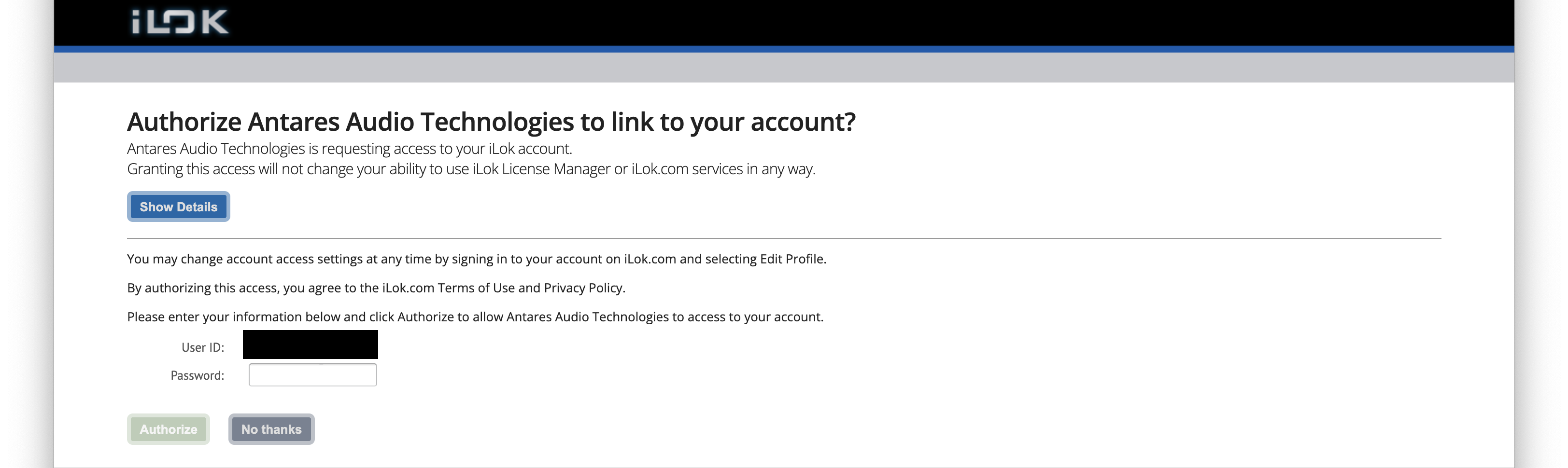
6. Enter your iLok User ID and Password then click 'Authorize'.
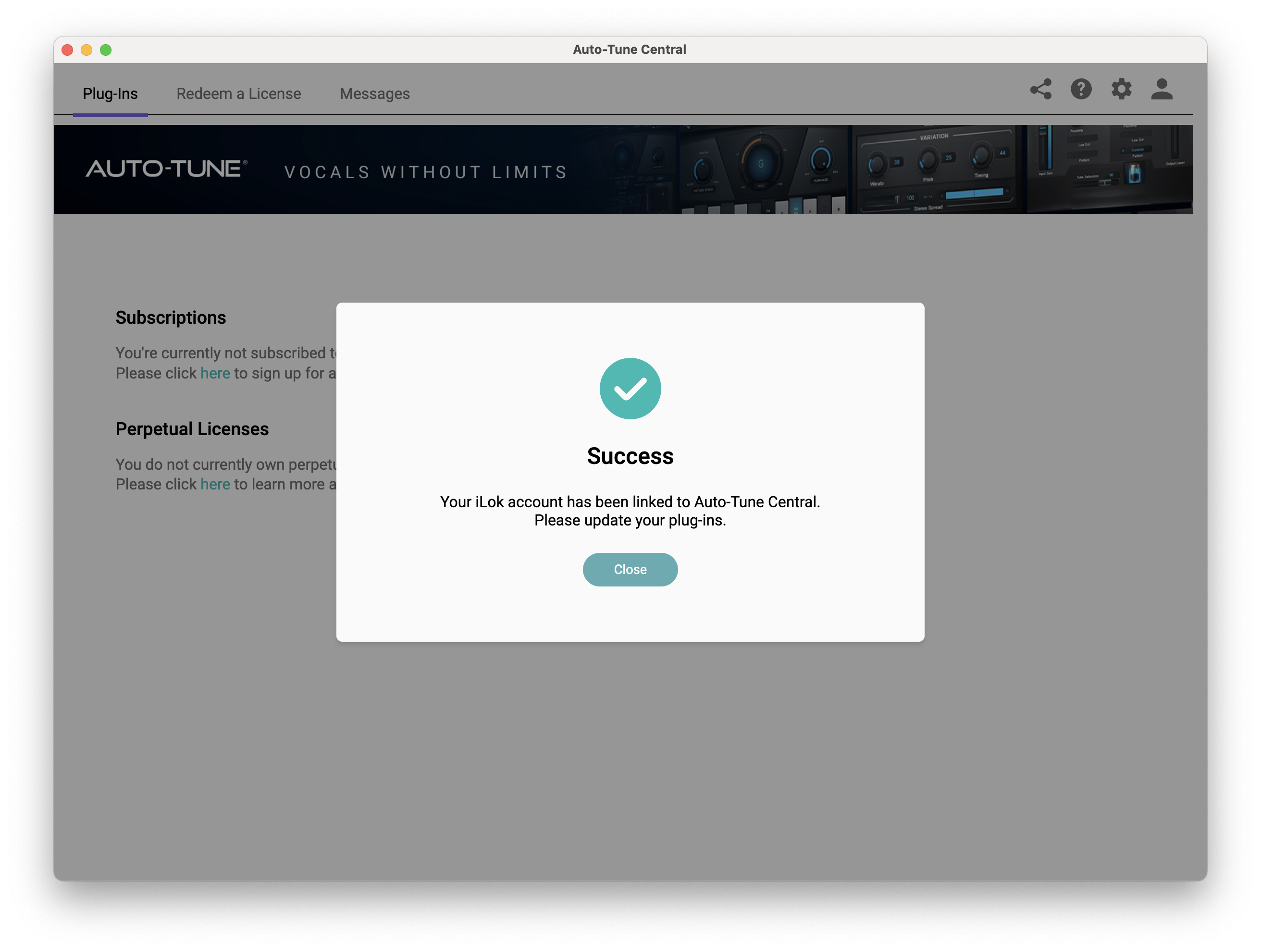
7. Your iLok account is now linked > Click 'Close'.
8. Click on the 'Redeem a License' tab > Enter the 25-digit Registration Code, found in the serial number section of your Plugin Boutique account > Click 'Redeem and Activate'.
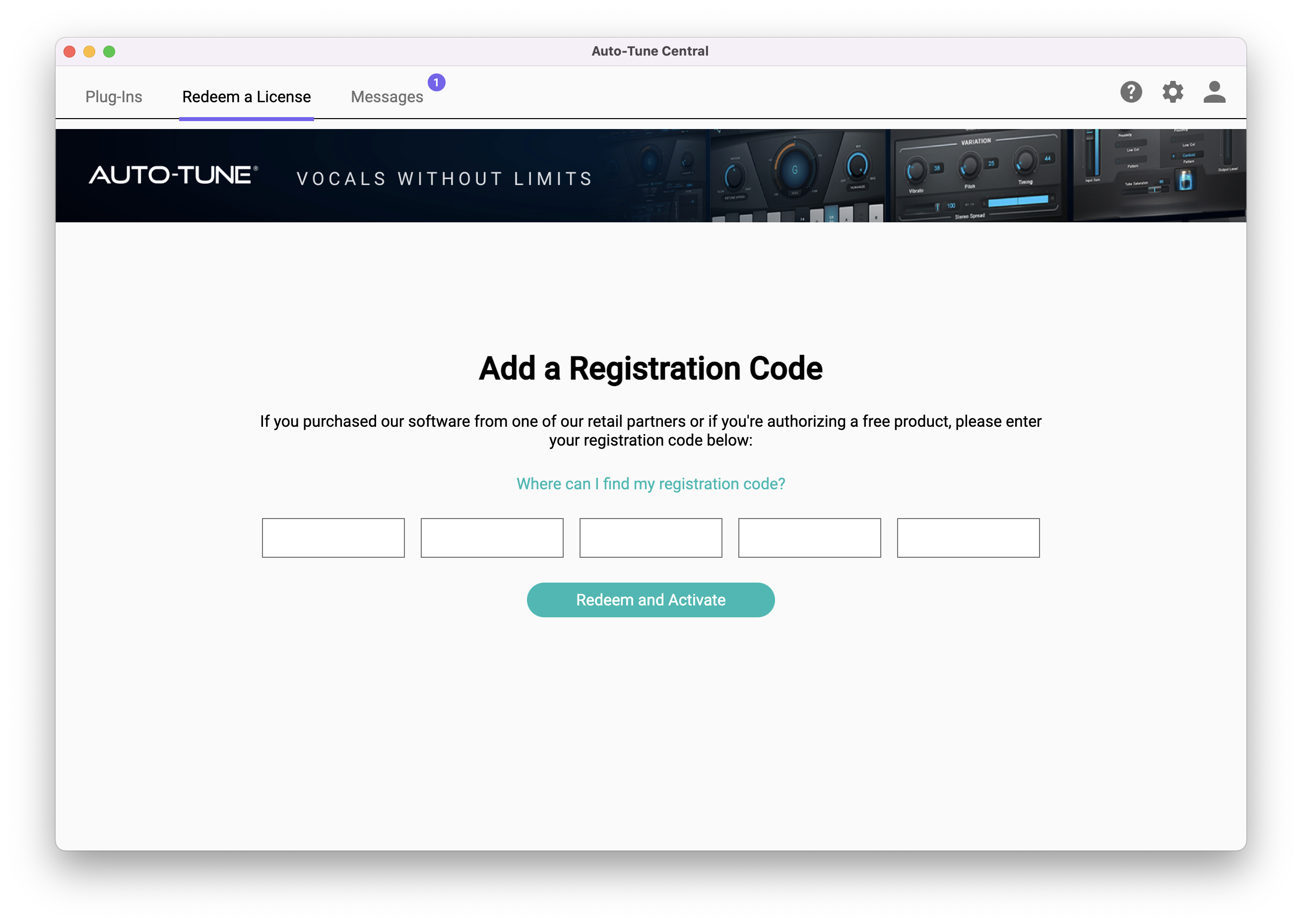
9. Navigate back to the 'Plug-Ins' tab > Click 'Install' to install your plugin.
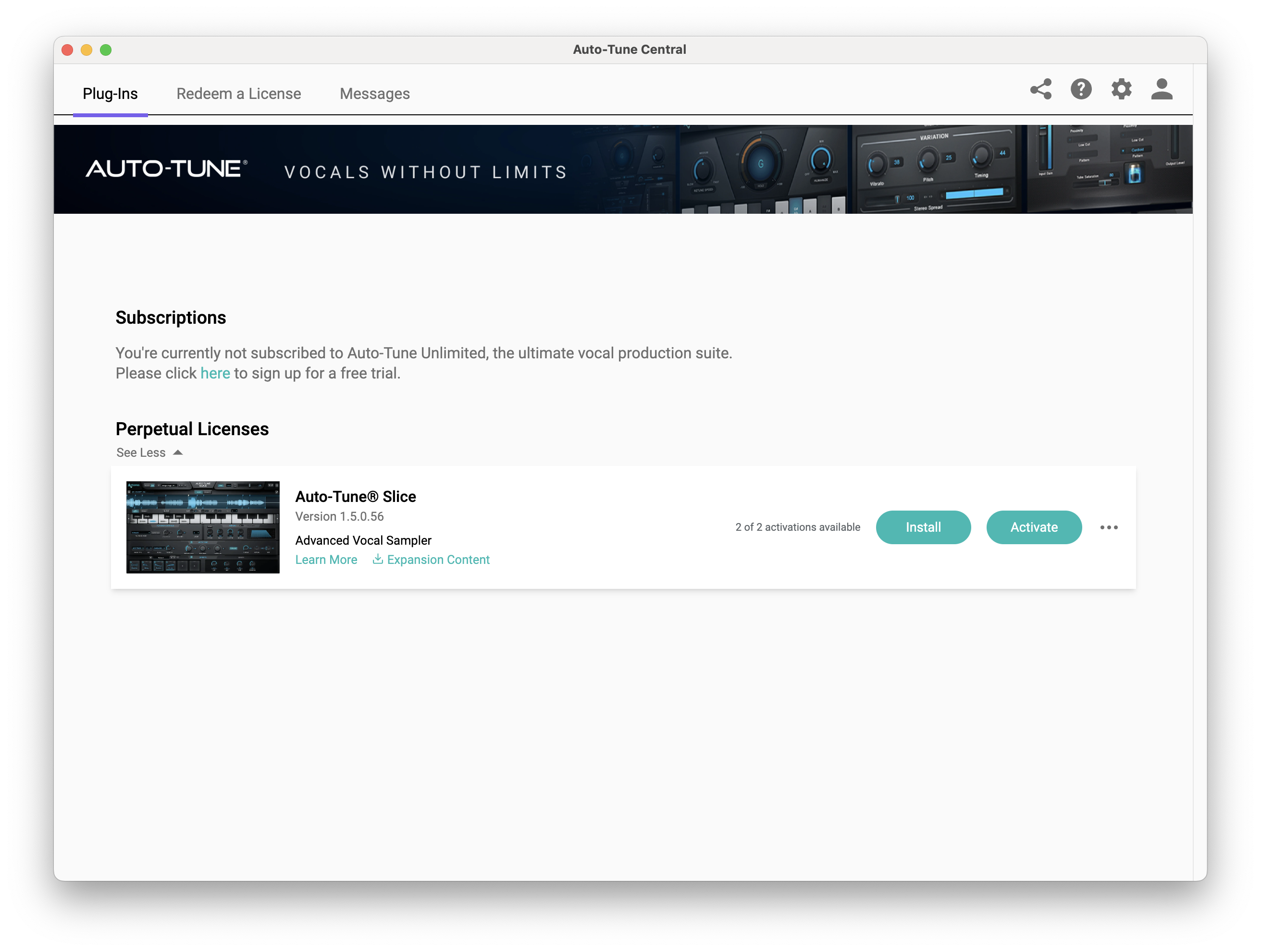
10. Click 'Activate'.
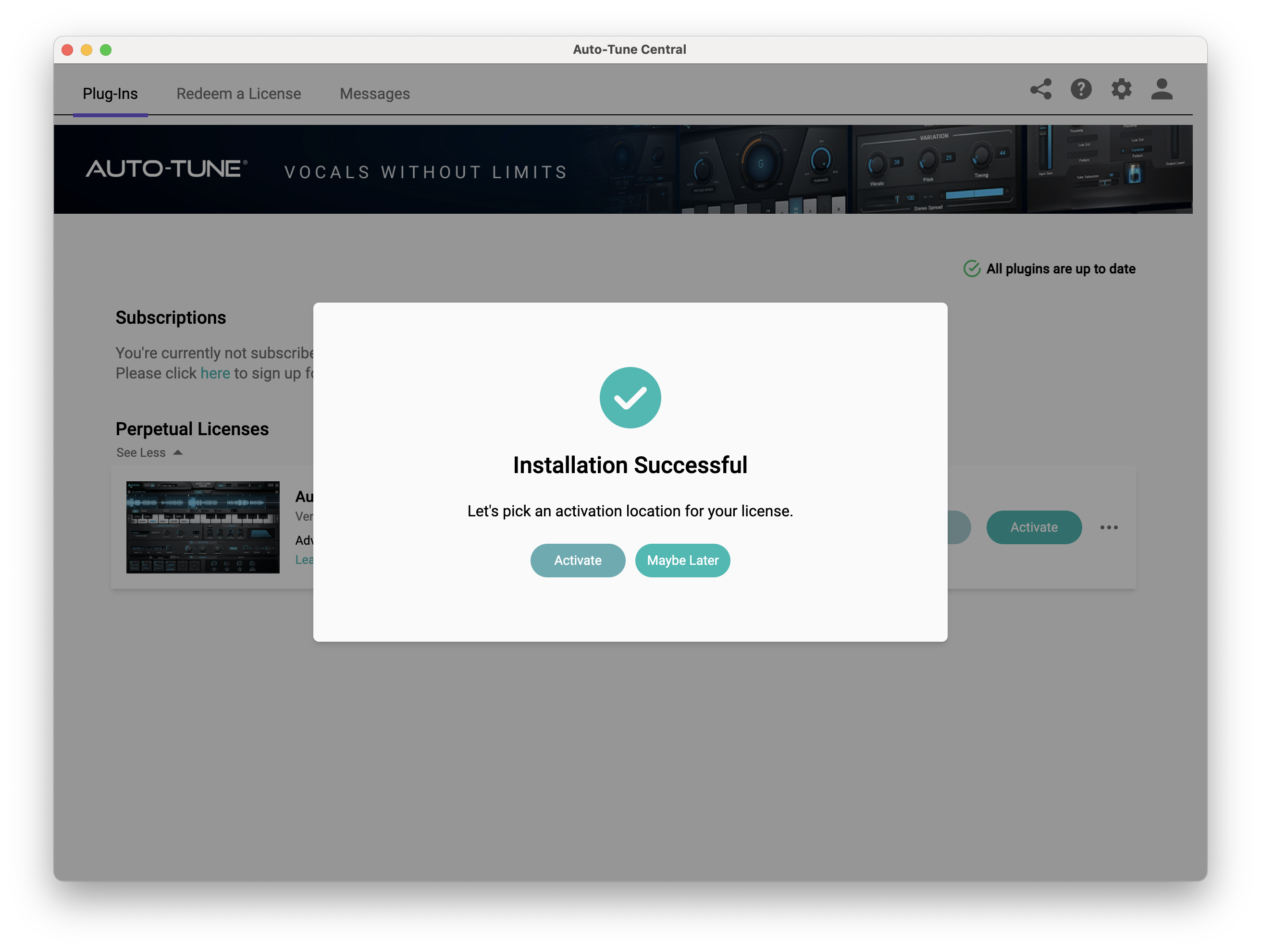
11. Select whether you want to activate the license to your Computer or iLok USB > Click 'Activate'.
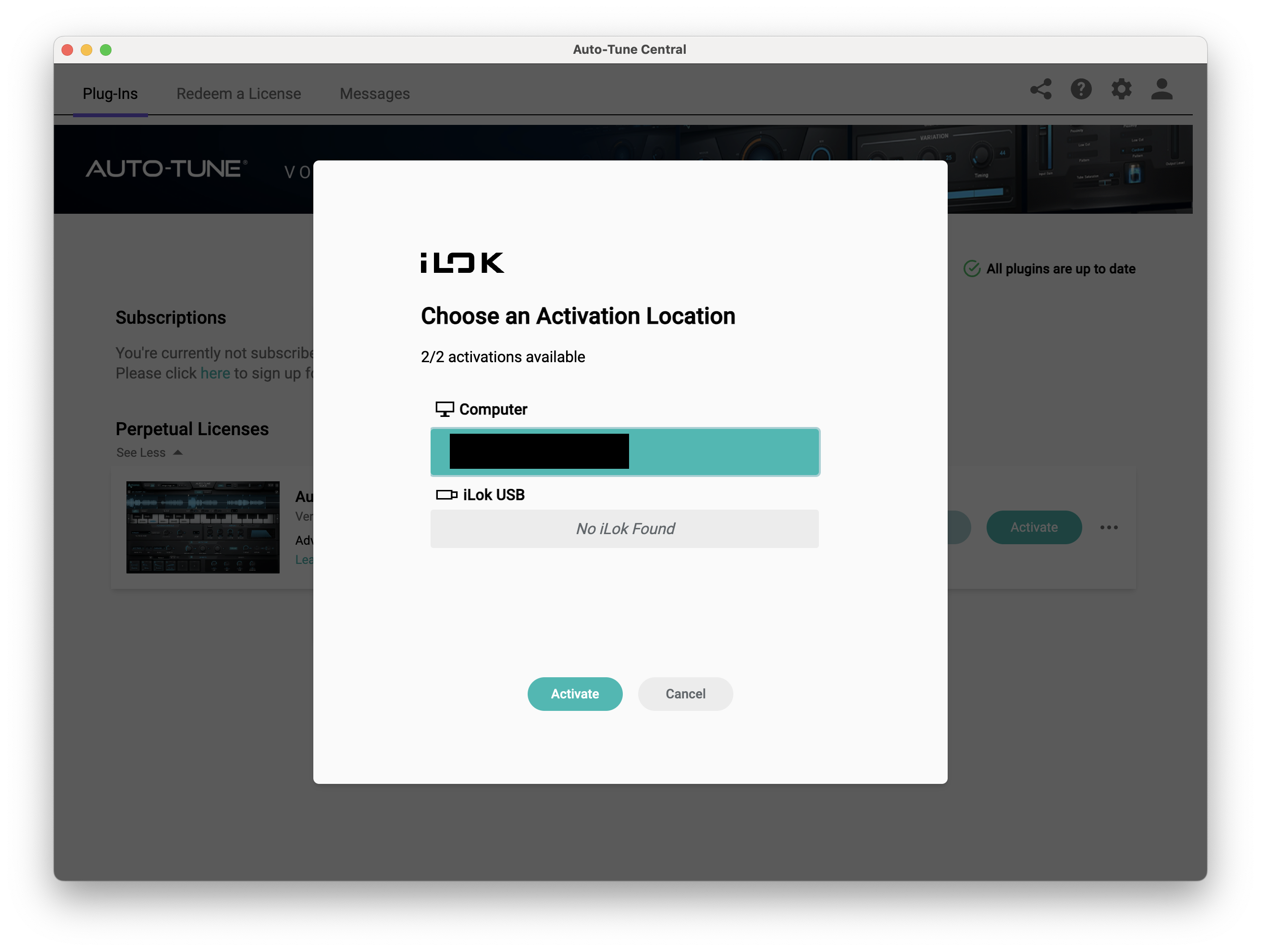
12. Click 'Close'.
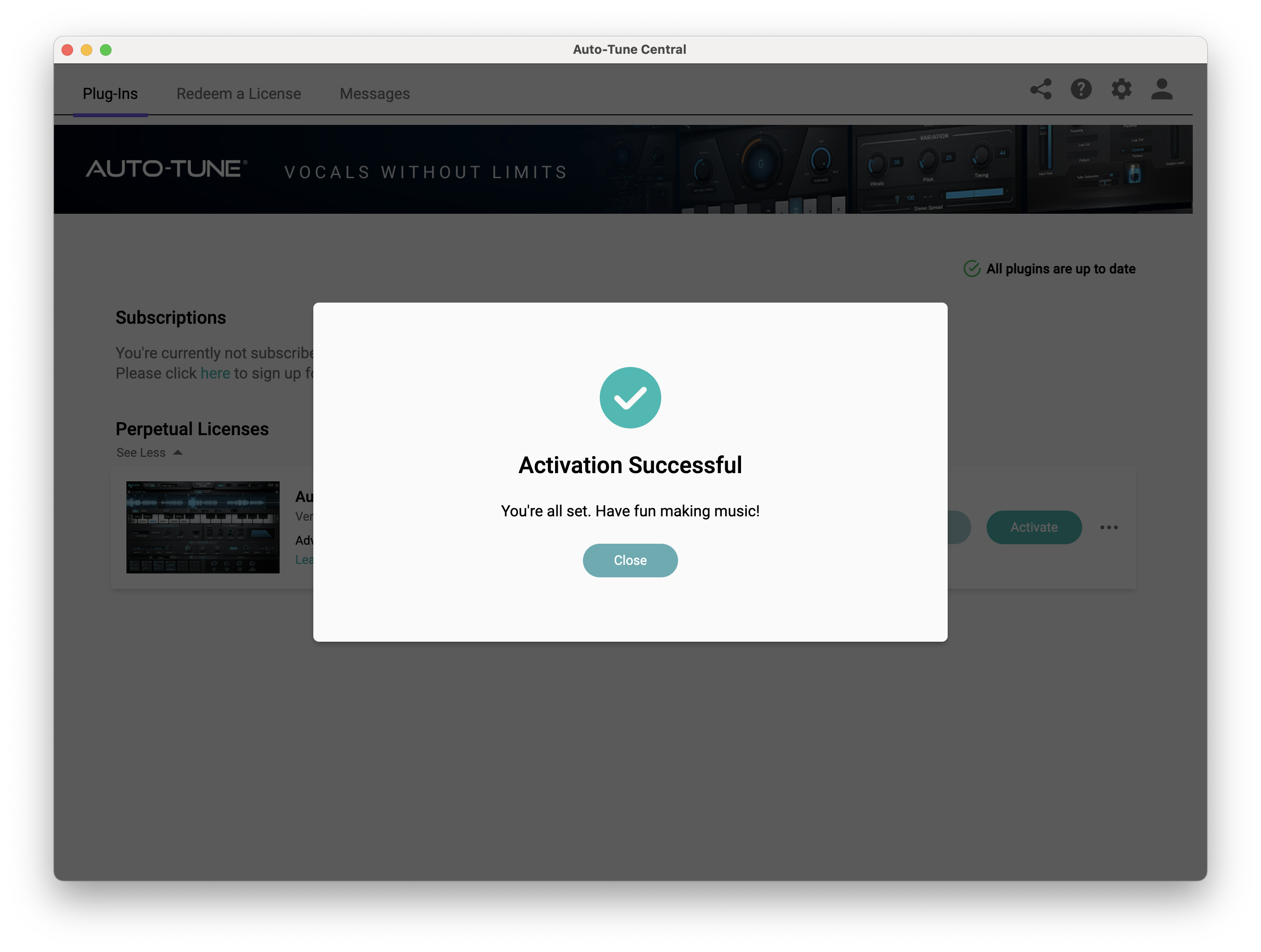
Your software is now activated and ready to use within your DAW.
PC
Windows
1. Download the .zip file from within your Plugin Boutique account and double-click it to extract the contents > Open the .exe file > Auto-Tune Central will now automatically install.
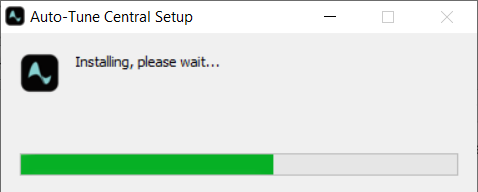
2. Launch Auto-Tune Central > Either create a new account by clicking 'Create Account' or if you already have an account, enter your Antares registered Email Address and Password > Click 'Sign In'.
3. Click 'Agree'.
4. Enter your iLok User ID and click 'Sign In'.
5. Click 'Continue to iLok'.
6. Enter your iLok User ID and Password then click 'Authorize'.
7. Your iLok account is now linked > Click 'Close'.
8. Click on the 'Redeem a License' tab > Enter the 25-digit Registration Code, found in the serial number section of your Plugin Boutique account > Click 'Redeem and Activate'.
9. Navigate back to the 'Plug-Ins' tab > Click 'Install' to install your plugin.
10. Click 'Activate'.
11. Select whether you want to activate the license to your Computer or iLok USB > Click 'Activate'.
12. Click 'Close'.
Your software is now activated and ready to use within your DAW.


