


Buy Duck, get a free gift with purchase:

Perfect Sidechain Ducking
Ducking, or sidechain compression is one of the defining effects of modern music. From classic house to modern EDM, tracks by Daft Punk, Noisia and Eric Prydz ooze that pumping, ducking effect. So, whether you’re producing pumping house or broken beats, Duck delivers in seconds.
Duck makes it easy to design a custom volume shape that repeats at a speed and depth of your choice or use one of 58 presets to find new and inspiring effects. As well as sidechain compression Duck is capable of trance-gating, tremolo and any other volume effect you can think of. For more control, enable split-band mode and adjust the separate low and high-frequency controls. And Duck can be triggered with audio from a sidechain input or by MIDI notes, making it easier than ever for hip-hop and bass music producers.
Using The Crossover - The crossover allows you to process the high and low frequencies of your music separately.
Lookahead - If you are triggering Duck using audio or midi, rather than using the LFO, you can clean up your audio and avoid unwanted clicks with Lookahead.
Gated Reverb with Audio Triggering - Duck has audio input based triggering. This, in conjunction with the Lookahead feature, makes it perfect for the precise designing of gated reverb style sounds. Just place Duck after the reverb on your drum sound, select plugin input from the trigger mode menu in the bottom right, adjust the trigger level, curve shape and lookahead settings until you get your desired gating effect.
Features
- Instant sidechain pumping as soon as you load the plugin
- Cleaner, louder and more exciting mixes
- Groups let you edit the shape of multiple instances of Duck at the same time
- Choose from 8 preset curves or 58 creative and useful Duck patches
- Draw your own curves and rhythms to use now, or save them later
- Set the overall pump, or apply to low and high bands with adjustable crossover
- Run Duck in Repeat mode, or use sidechained audio or MIDI signals to trigger, with optional lookahead for glitch-free audio
- Smoothing control to remove clicks: including super-accurate pre-smoothing algorithm when in LFO mode
- Run Duck on individual tracks, groups or your master bus for different pump effects
- Low CPU usage means you can run Duck on loads of tracks
- Use Lookahead to get more accurate ducking with transient signals
- Solo Low or High band to adjust crossover frequency more accurately
- Group infinite Ducks into one of four groups to edit their curves as one
- MIDI Filtering for MIDI trigger mode sets note range for triggering
- macOS and Windows: VST/AU/AAX plugin
System Requirements
macOS
- OS X 10.9 or later (Intel / M1 Apple Silicon supported) (64-bit only)
- VST, AU, AAX
Windows
- Windows 10 or later (64-bit only)
- VST, AAX
Important Notes:
- DAW with sidechain functionality is required.
- 2 GB of RAM is recommended.
Mac
Installation
1. Download the .pkg file from your Plugin Boutique account > Double-click it to begin the installation.
2. Click 'Continue'.
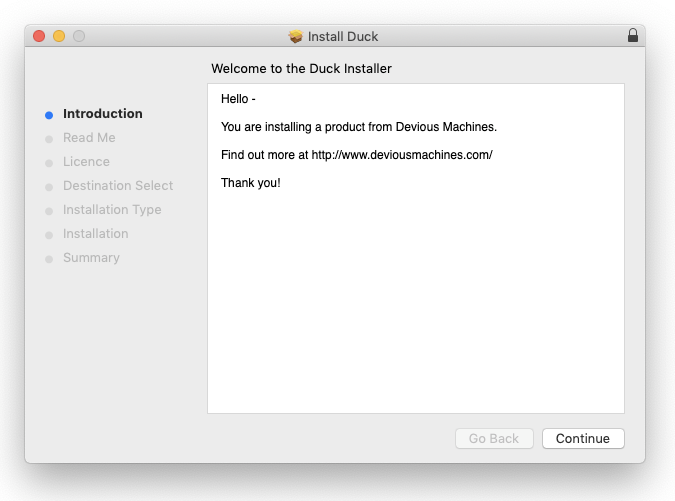
3. Click 'Continue'.
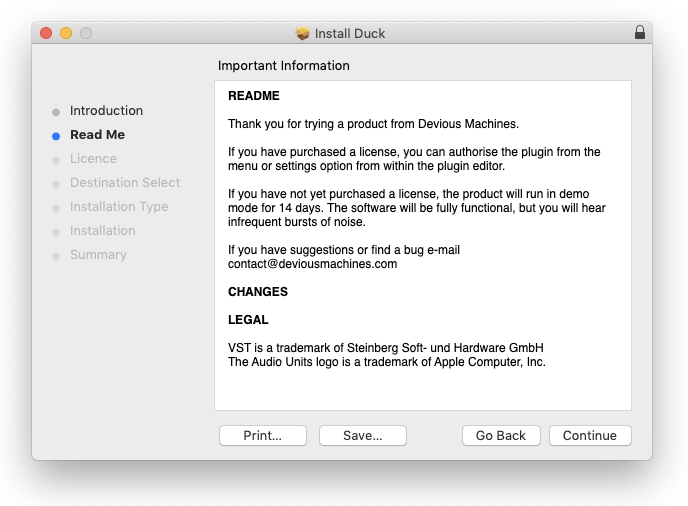
4. Click 'Continue'.
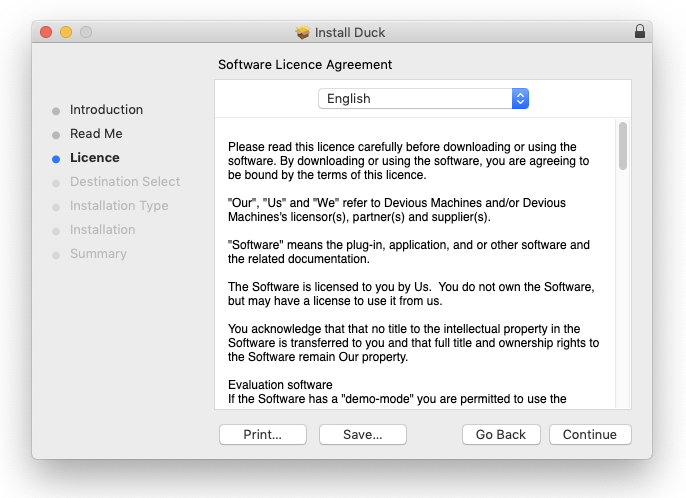
5. Click 'Agree'.
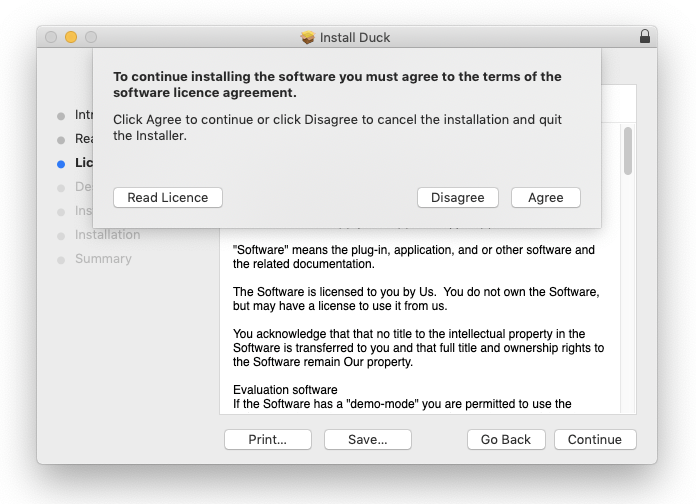
6. Click 'Continue'.
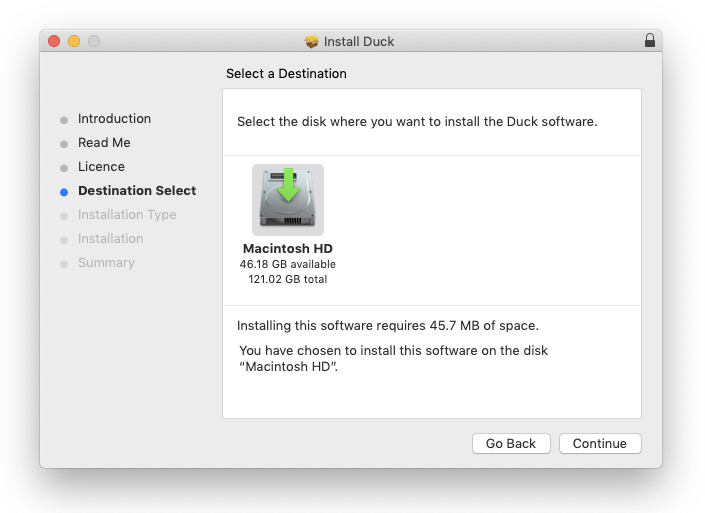
7. Click 'Install'.
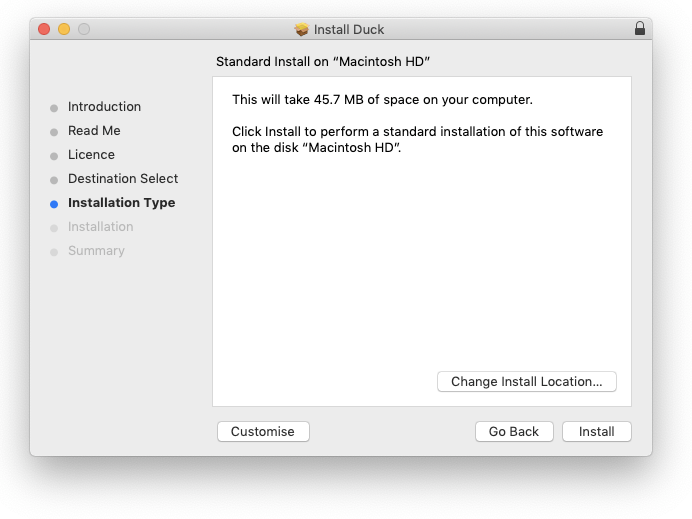
8. Enter your computer username and password > Click 'Install Software'.
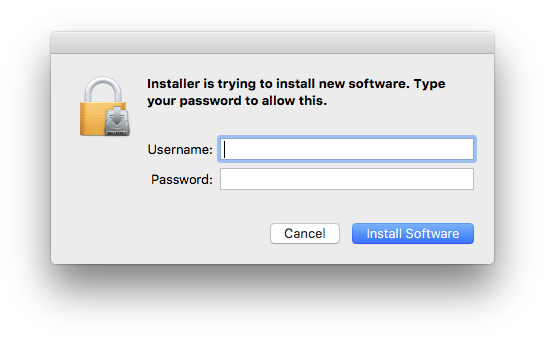
9. Click 'Close'.
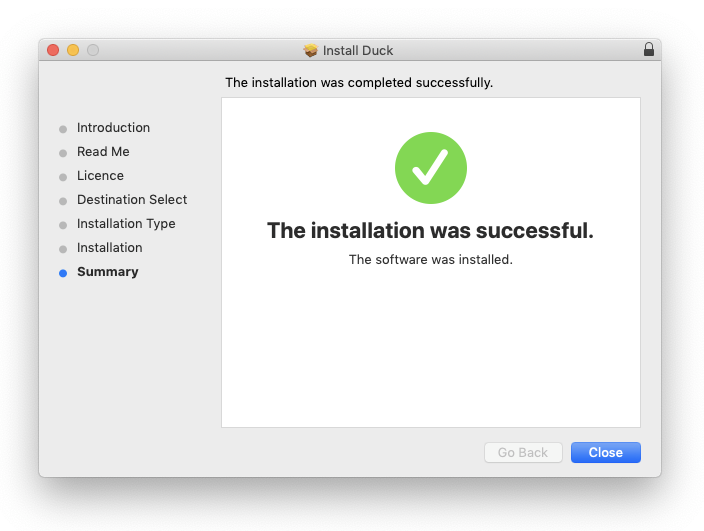
Activation
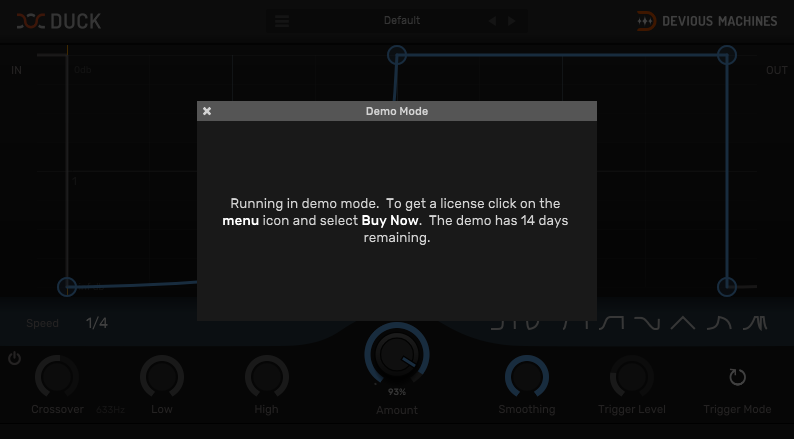
1. Open the plugin in your DAW > Click the 'X' icon.
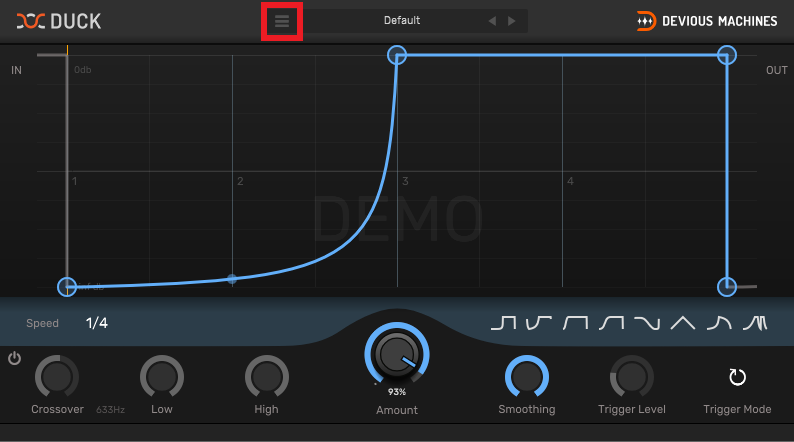
2. Click the menu drop-down icon (located within the red box in the image below) to open the drop-down menu.
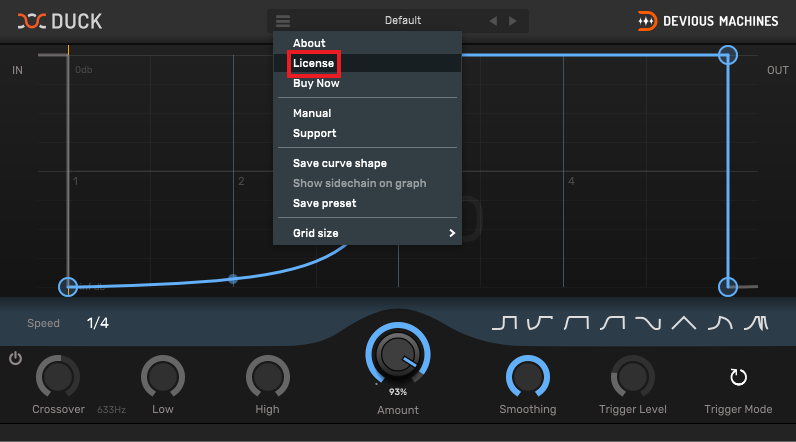
3. Click 'License'.
4. Copy the serial number from within your Plugin Boutique account > Click 'License'.
Note: Be sure to include the ---START--- and ---END--- of the serial number when copying it from your Plugin Boutique User Account.
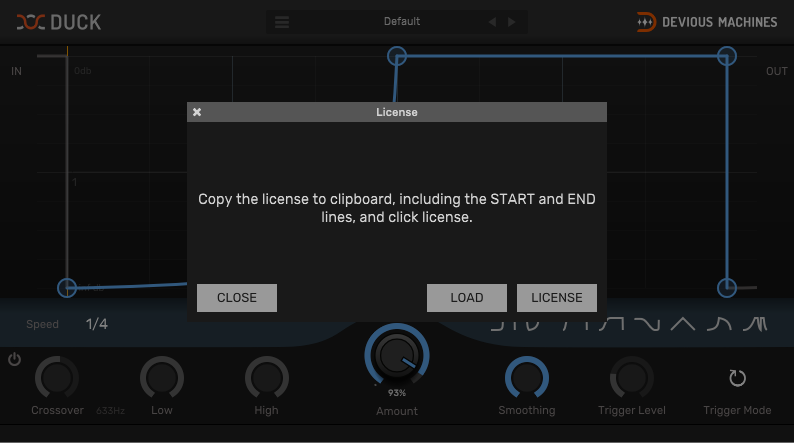
5. Click 'Close'.
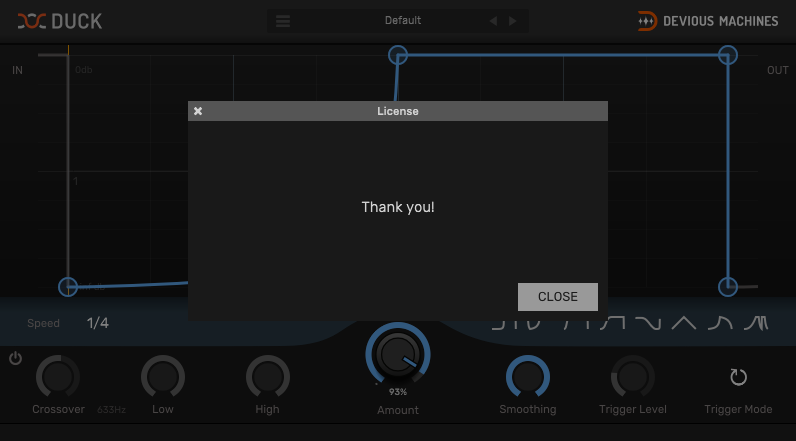
Your product is now activated and ready to use within your DAW.
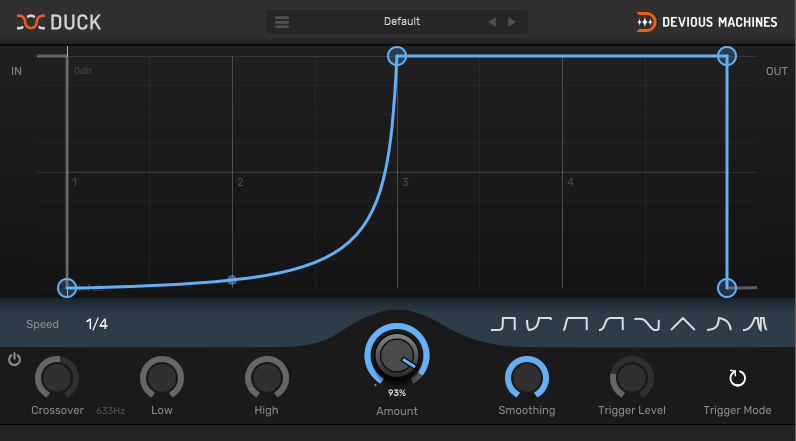
Windows
Installation
1. Download the .zip file from your Plugin Boutique account and double-click it to extract the contents > Double-click the .exe file to begin the installation.
2. Select 'I Accept the Agreement' > Click 'Next'.
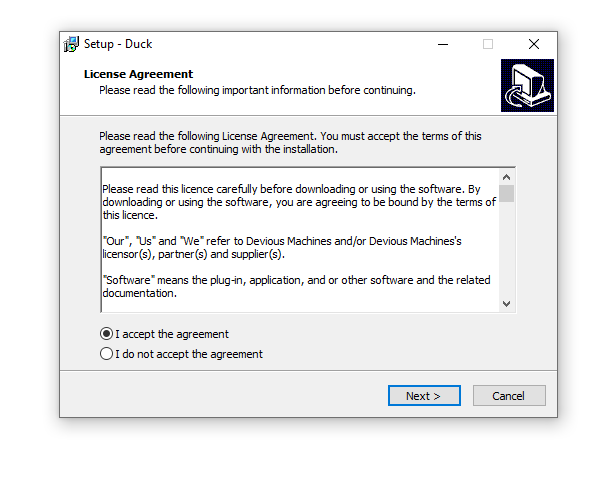
3. Click 'Next'.
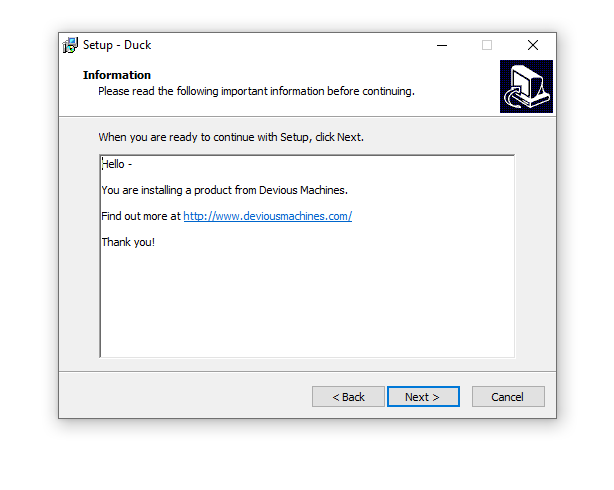
4. Click 'Next'.
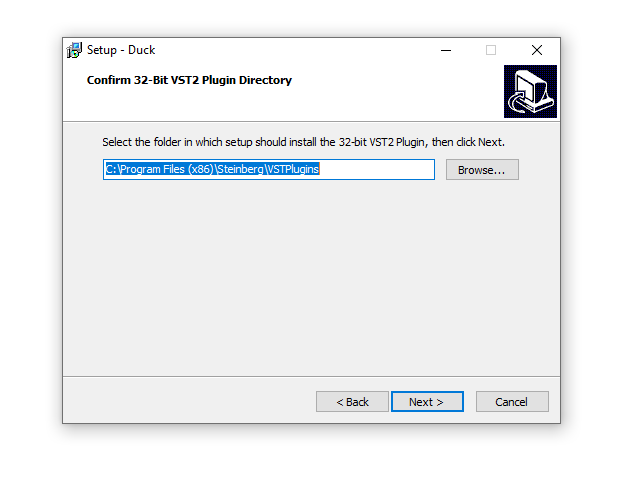
5. Click 'Next'.
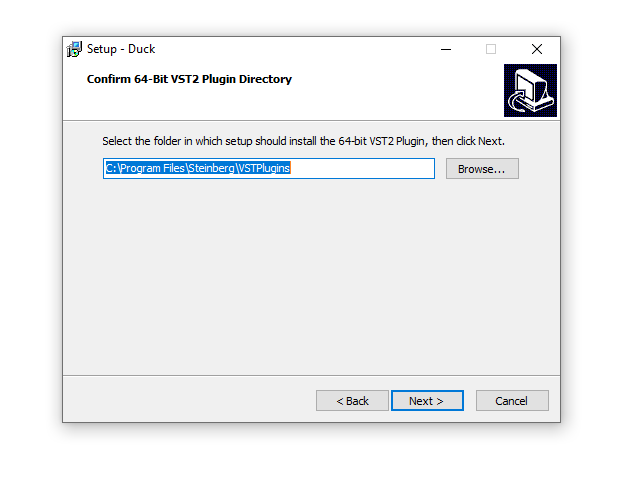
6. Click 'Next'.
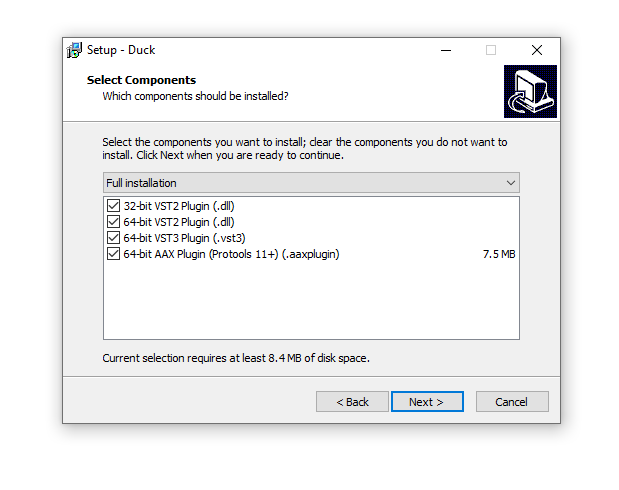
7. Click 'Install'.
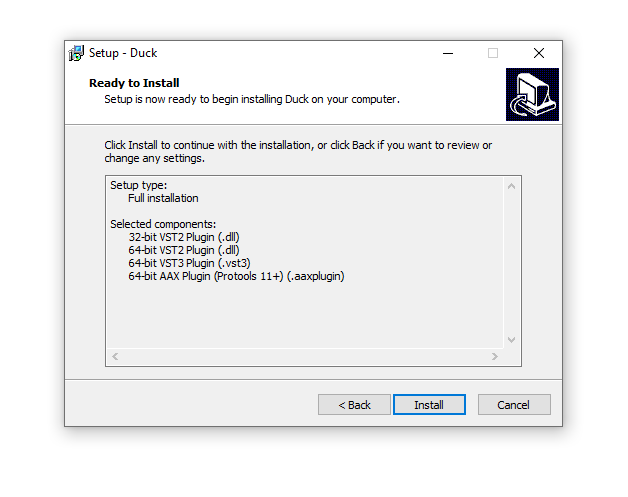
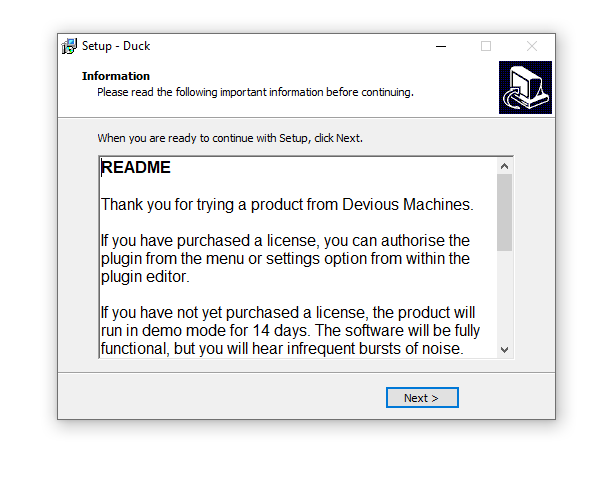
8. Click 'Next'.
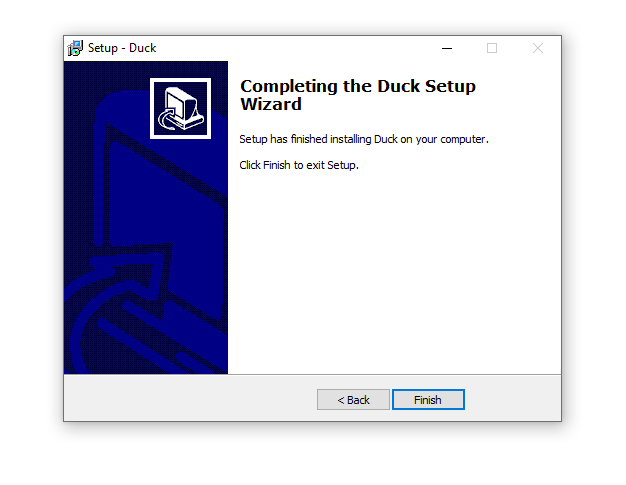
9. Click 'Finish'.
Activation
1. Open the plugin in your DAW > Click the 'X' icon.
2. Click the menu drop-down icon (located within the red box in the image below) to open the drop-down menu.
3. Click 'License'.
4. Copy the serial number from within your Plugin Boutique account > Click 'License'.
Note: Be sure to include the ---START--- and ---END--- of the serial number when copying it from your Plugin Boutique User Account.
5. Click 'Close'.
Your product is now activated and ready to use within your DAW.


