/ Compressor / ToneKnob Compressor
Audified

ToneKnob Compressor

4.5 (2 Reviews)
$9.00 $29.00

68% off until Dec 07

Main Image
Main Image
Buy Now
Product information

Audified are excited to introduce a new member of the ToneKnob series. This time, it's the king of all essential studio effects—the compressor!

The ToneKnob series is an affordable line of effects, designed to be simple to use, with just one knob to twist until you hit your sweetspot. Despite their simplicity, these plugins are sophisticated under the hood, built with all our experience in emulating high-end studio analog hardware. The ToneKnob Compressor is essentially a compact, simplified version of the legendary German Telefunken U73b tube compressor—on steroids. It offers everything from soft, slow-release compression, ideal for bass guitar, vocals, or acoustic instruments, to aggressive, fast smash compression that shines when used as an insert effect for kick drums or snares, giving your drums a punchy and controlled sound.

Since compression is highly dependent on the input source (the type and level of signal you feed into the compressor), Audified have added a calibration feature in the service menu. This lets you fine-tune the compression to meet the exact needs of your track.

The ToneKnob Compressor is perfect for those who appreciate quick, intuitive work, allowing them to focus on their ear and taste rather than tweaking multiple compression parameters. It’s also ideal for new sound engineers who might not be familiar with all the technicalities of compression. Want great compression? Just turn the knob—and you’re there.

System Requirements

Mac

  • macOS 10.11 - macOS 12 Monterey (Intel / M1 Apple Silicon supported) (64-bit only)
  • AAX, AU, VST3

Windows

  • Windows 7 - Windows 11 (32 / 64-bit)
  • AAX, VST3
Installation Instructions

Registration

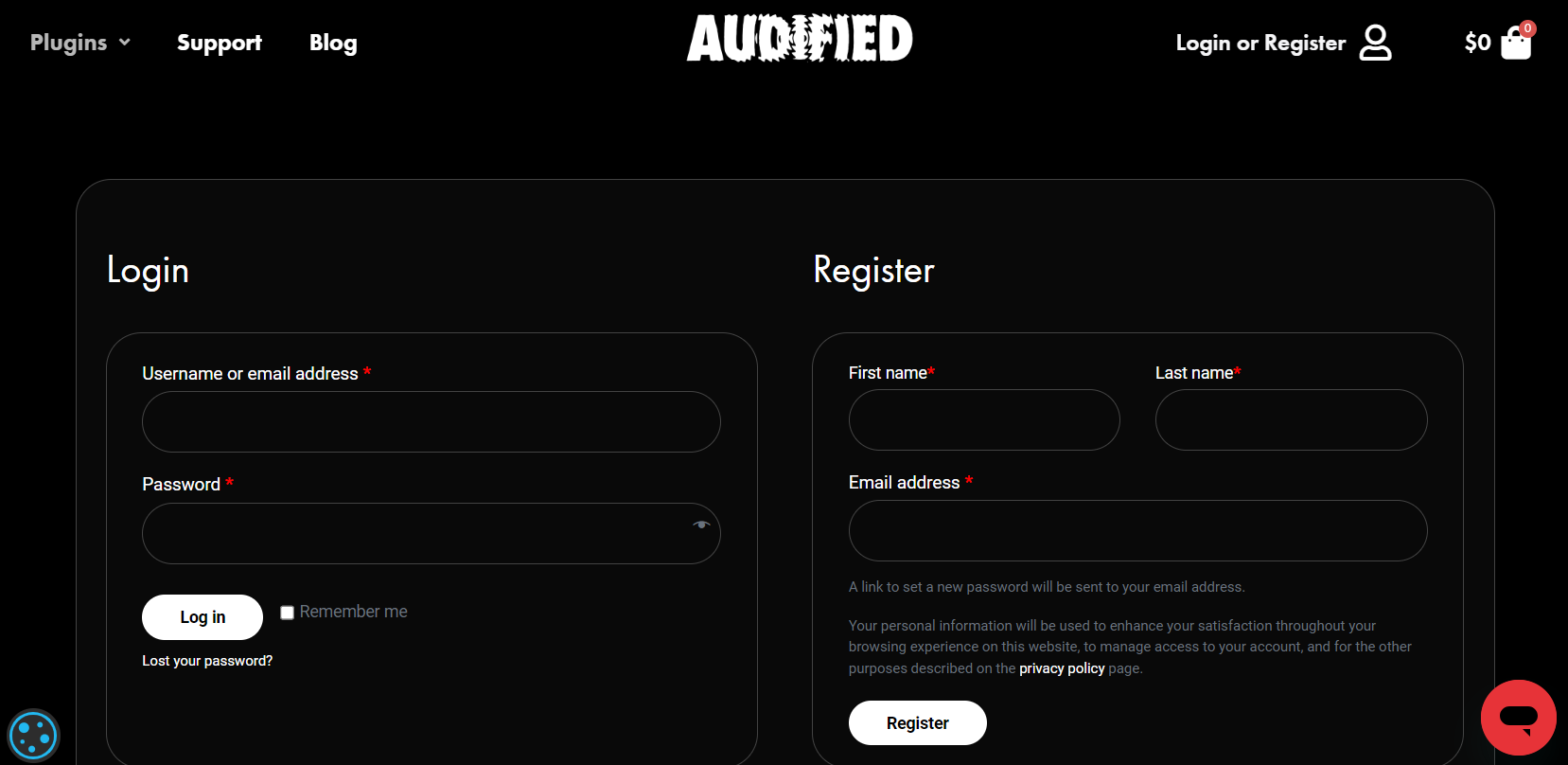
1. Head to https://audified.com/account.

2. Register for an account or Log in

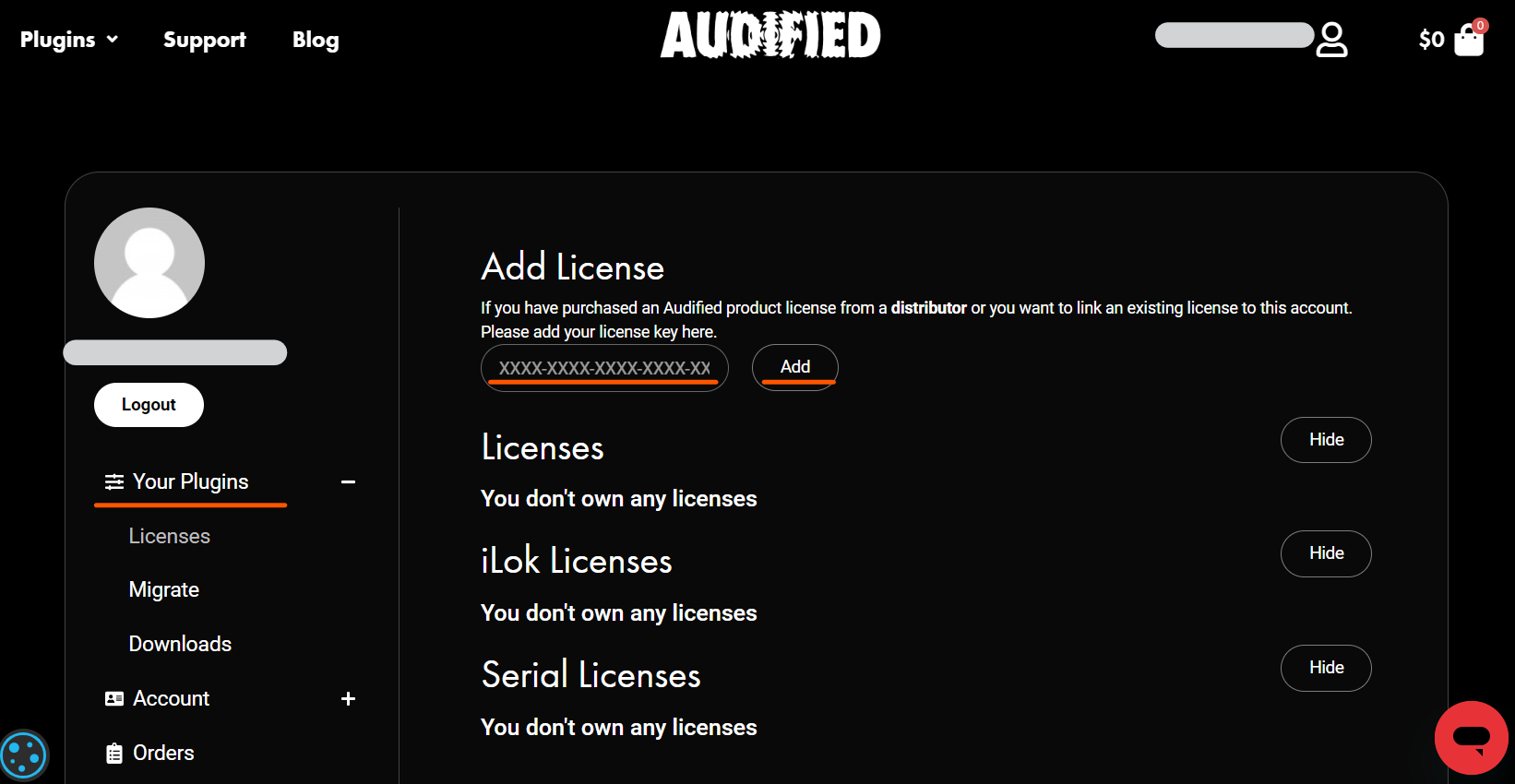
3. Click Your Plugins > enter the serial code found in your Plugin Boutique account > click Add

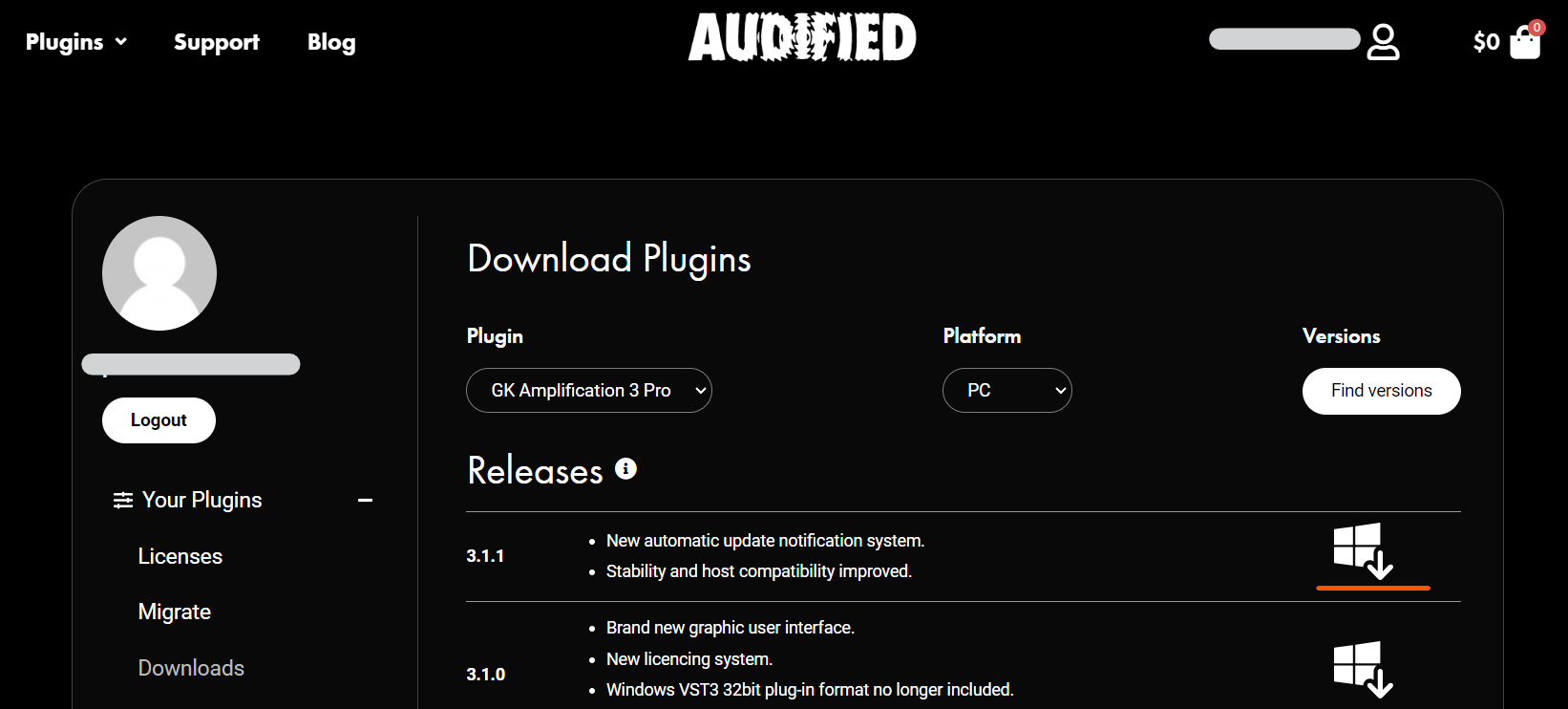
4. Click Downloads > choose the Plugin > choose the Platform > click Find versions > click download icon 

Mac

1. Download the .pkg file from your Audified account.

2. Launch installer > click Continue.

3. Click Continue.

4. Click Agree.

5. Select your chosen method of installation > click Continue.

6. Click Install.

7. Click Close.

8. Open the plugin within your DAW > enter your license key from within your Plugin Boutique User Account > click Buy

Your plugin is now installed and ready to use. Enjoy!

PC

1. Download the .exe file from your Audified account.

2. Read through the Licence Agreement and select I Accept the Agreement > Next.

3. Click Next.

4. Select the folder you would like save your software to > click Next.

5. Select whether you would like to install for all Windows users on your computer, or only the current user > Click Next.

6. Click Next.

7.  Click Install.

8. Click Finish.

9. Open the plugin within your DAW > enter your license key from within your Plugin Boutique User Account > click Buy

Your plugin is now installed and ready to use. Enjoy!

Plugin Boutique Rewards

Discover the most rewarding loyalty programme among all plugin retailers.

  • Free Loopmasters Samplepacks
  • Discounts on products and courses
  • Extra Virtual Cash claimed immediately at checkout
Find out more

Follow us:

X (Twitter) Facebook YouTube Instagram
Logo Logo

Plugin Boutique Limited, Part of the Beatport Group LLC.

Copyright © 2011-2025 Plugin Boutique. All rights reserved