Log In

Free gifts available with your purchase
Four retro-futuristic tone machines, packed with analog magic
Give your recordings the colorful saturation and effects heard on countless hip-hop, lo-fi, electronic, rock, and experimental tracks. Designed for the modern musician, beatmaker, and producer — Verve Analog Machines puts a sandbox of playful analog sounds right in your DAW.
4 Magical Machines to Unleash Your Creativity
With four colorful UA-designed effects, giving you glossy tape warmth to gritty lo-fi saturation, Verve Analog Machines Essentials adds energy to drums, guitars, vocals, synths, or your whole mix.
Included Machines
Sweeten
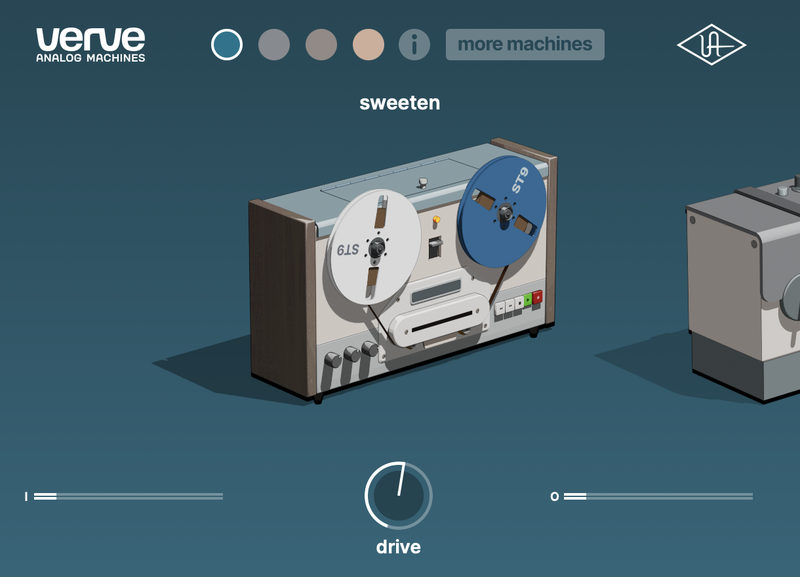
Add warmth to anything with classic reel-to-reel sound that can be gently overdriven.
Great for: Getting studio-grade tape sound on vocals, instruments, or your entire mix.
Warm
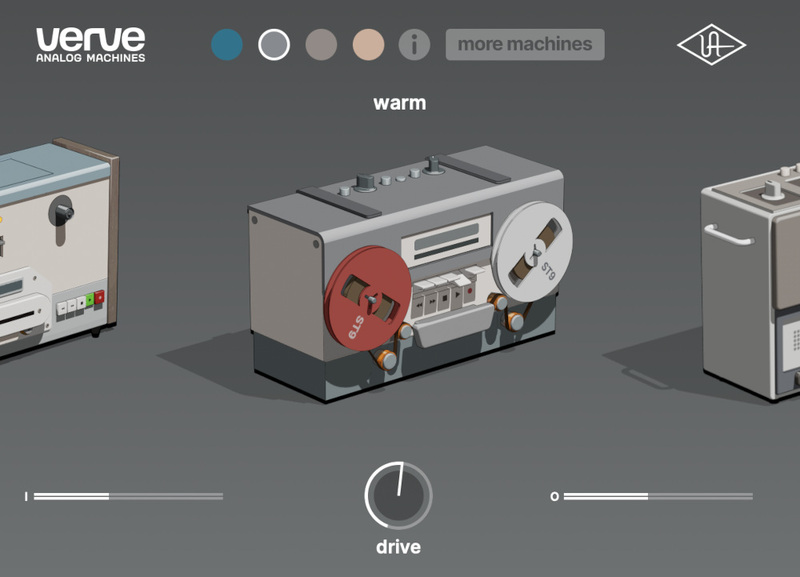
An older and bolder tape machine. It’s similar to Sweeten, but with a deeper warmth and warble.
Great for: Getting tape sound with added movement.
Thicken
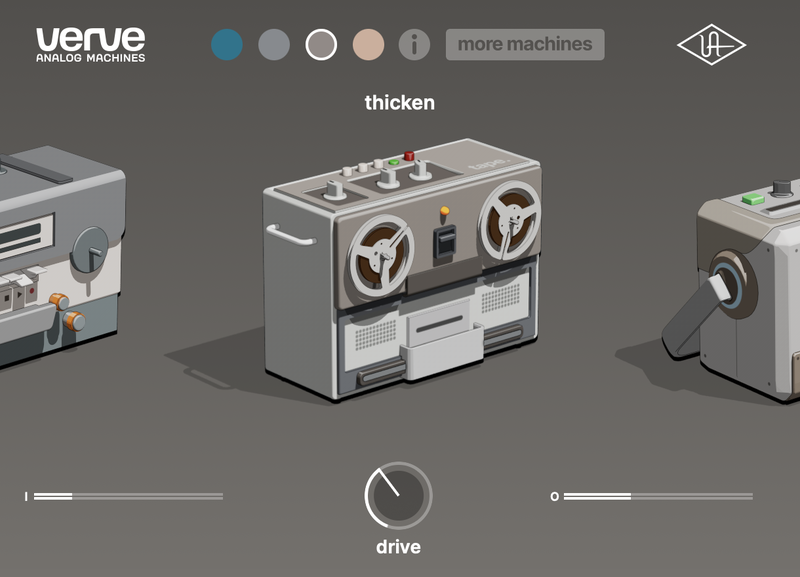
Hop in your time machine and explore gritty lo-fi textures from half a century ago.
Great for: Giving any track some added vibe and dimension.
Vintagize
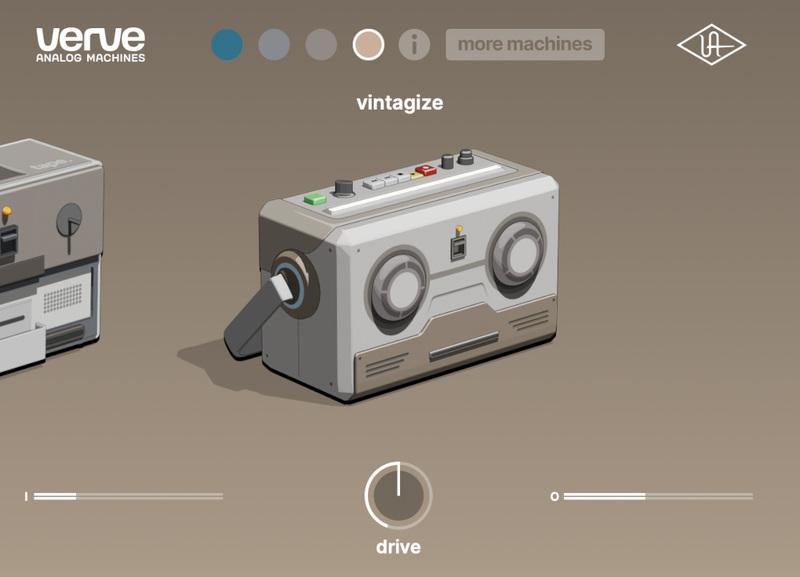
Need a tone that’s all your own? Score thriftstore tape machine sound that’s older than your grandparents.
Great for: Making modern recordings sound old.
Features
- Add analog sound to your recordings with four easy-to-use machines
- Give kicks, snares, and synths gritty tape textures or add warmth to vocals, guitar, bass, or your entire mix
- Make mixes sound instantly more expressive and alive with retro-futuristic analog sounds crafted by UA
- macOS 11 or above.
- Windows 10 or Windows 11 (64-bit only Editions)
- Intel, AMD, or Apple silicon processor
- Internet connection to download software and authorize UADx plug-ins
- Free iLok account with iLok Cloud or iLok USB (2nd generation or higher)
- A physical iLok dongle is NOT required to activate this product
DAW Compatibility
- Pro Tools 2022 (AAX)
- Logic Pro (Audio Units)
- Ableton Live 11 (VST 3, Audio Units)
- Cubase 12 (VST 3)
- Studio One 5 (VST 3)
- LUNA Recording System
You can activate this software on an online system (using iLok Cloud) or an offline system (using an iLok USB):
-
Online: an active internet connection and a FREE iLok account are required to authorise UAD Plug-ins using iLok Cloud
-
Offline: you will need a physical iLok USB (2nd generation or higher) to authorise this software
Important note: UAD plugins do not work in Apple's Garageband DAW
Registration
1. Click the Download button in your Plugin Boutique account or go to https://www.uaudio.com/my/account/redeem/.
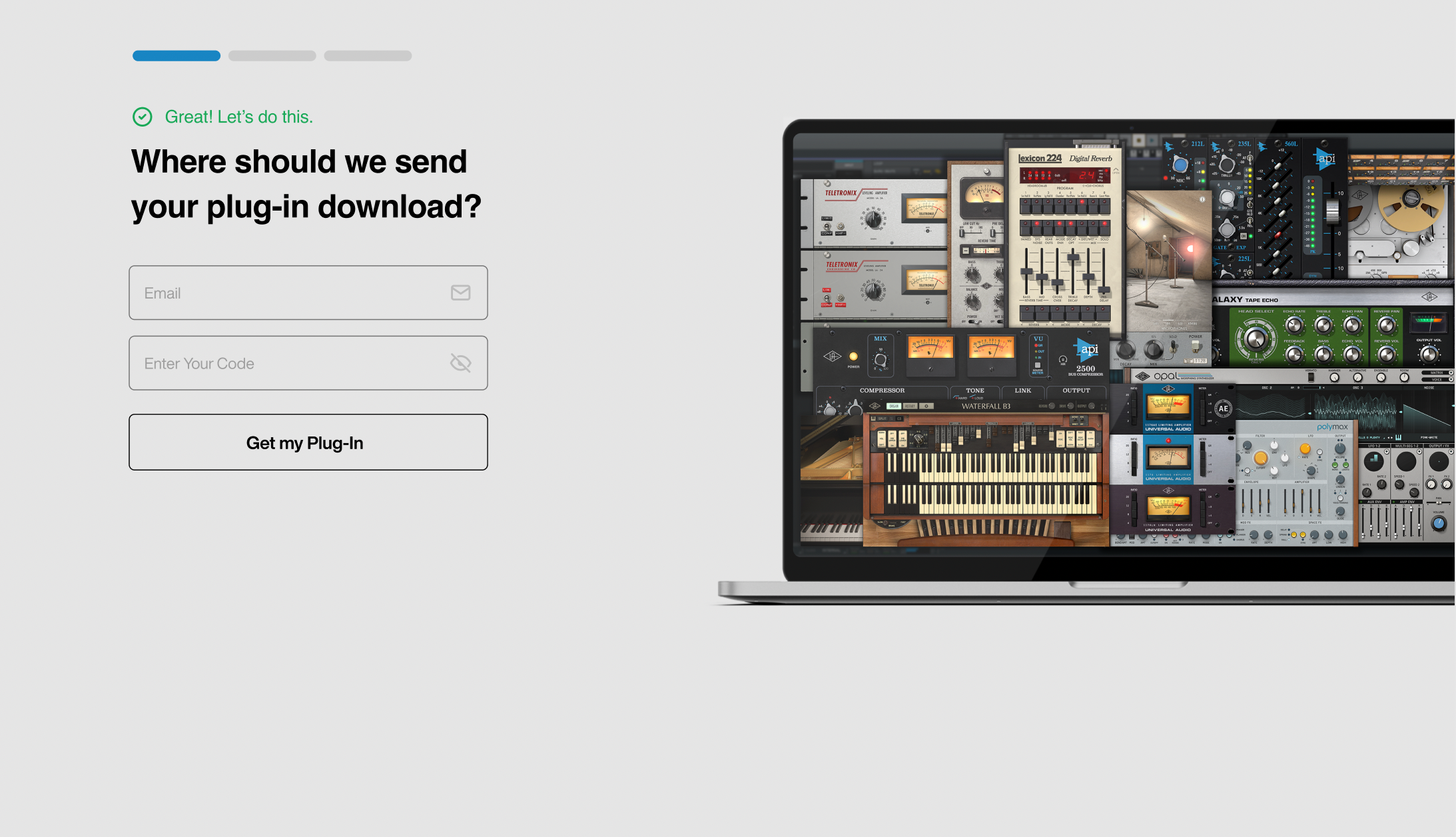
2. Enter your email and the serial code found in your Plugin Boutique User Account > Click 'Get my Plug-in'.
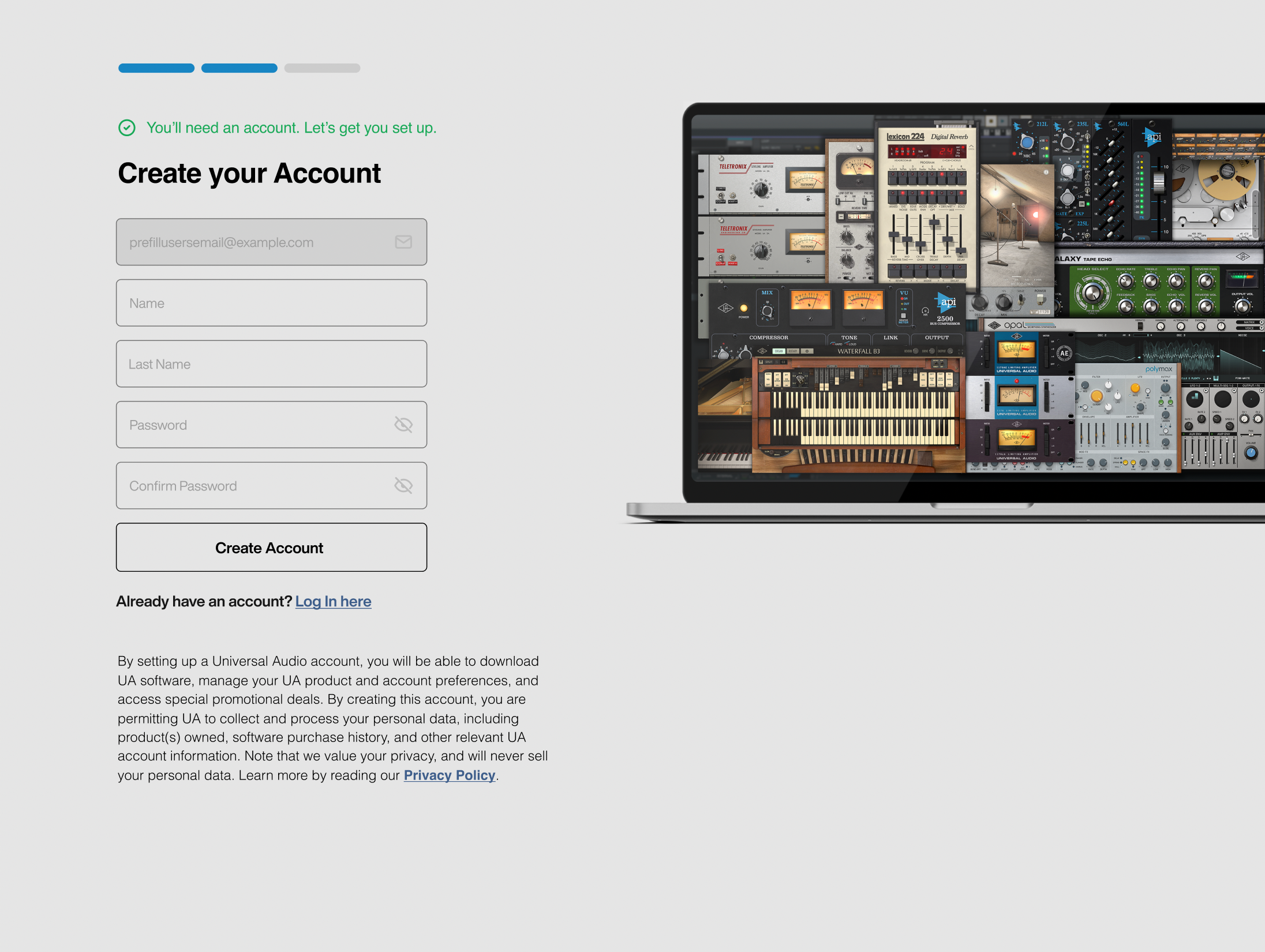
3. Enter the details required to create your Universal Audio account > Click 'Create Account'.
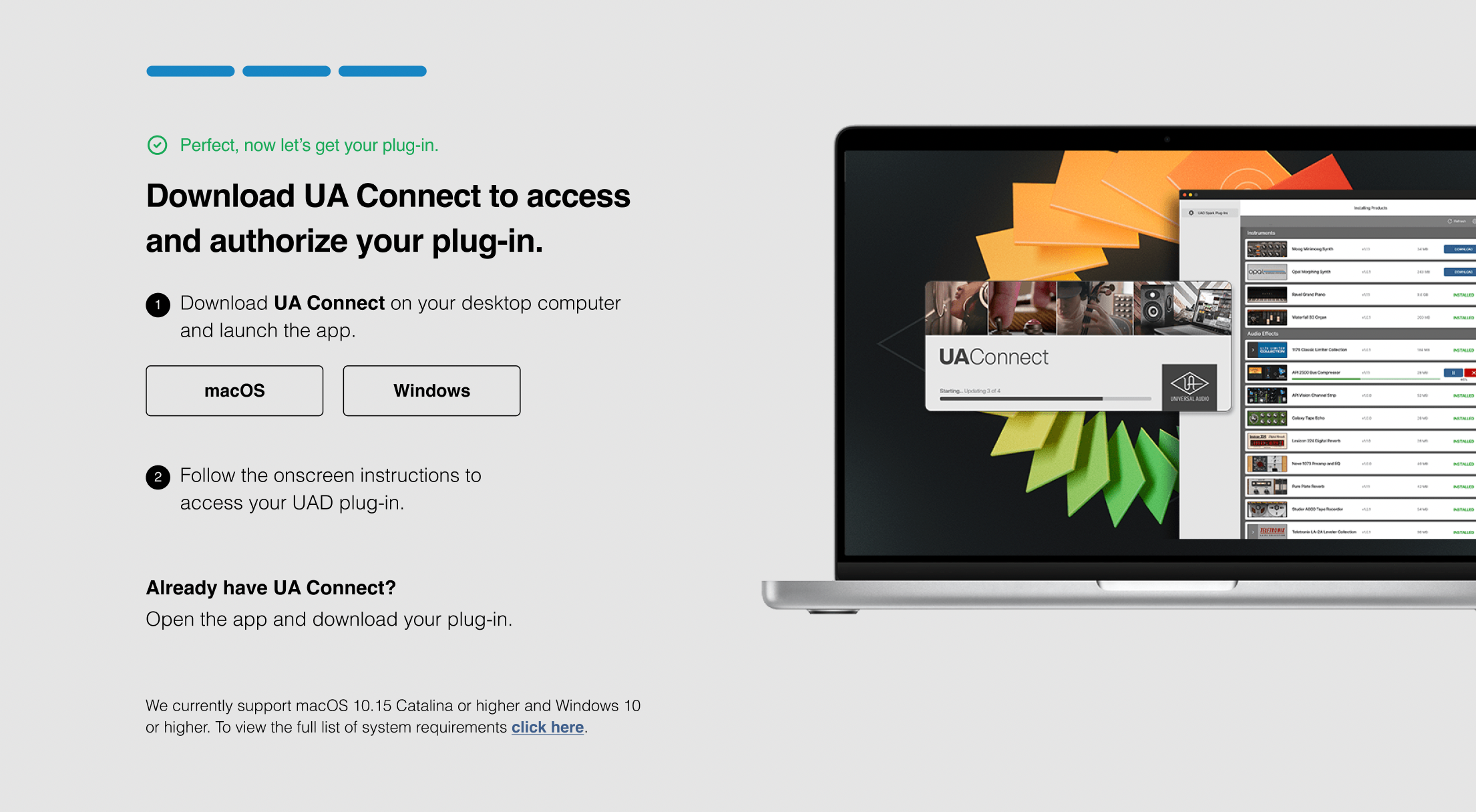
4. Download UA Connect by clicking either 'macOS' or 'Windows' depending on the system you are using.
Windows Installation
1. Once the download is complete, extract and open the ZIP folder you just downloaded > Open the PC folder > Double-click the UA Connect.exe installer file.
2. Read the terms of agreement > Click 'I Agree'.

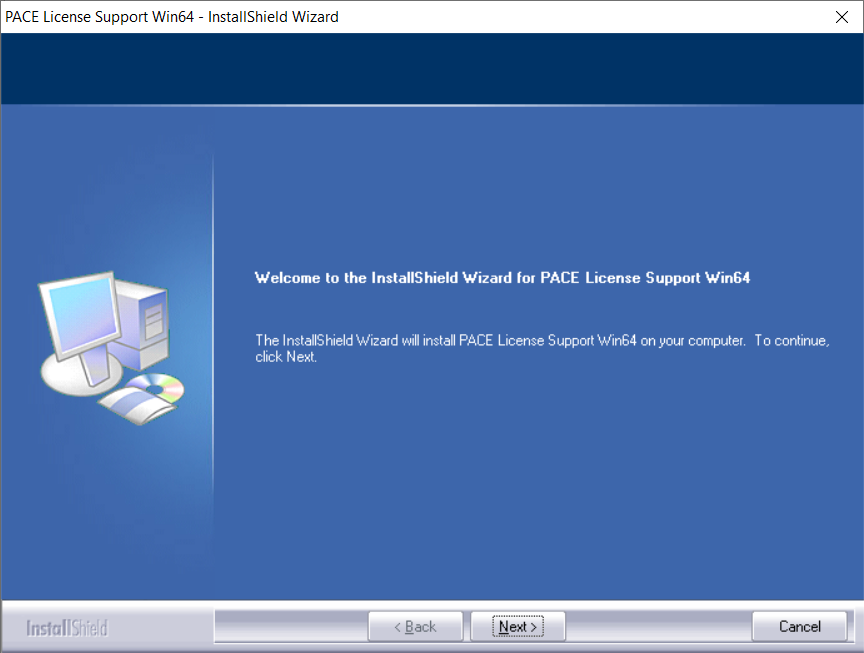
3. The installation of PACE License Support will now begin > Click 'Next >'.
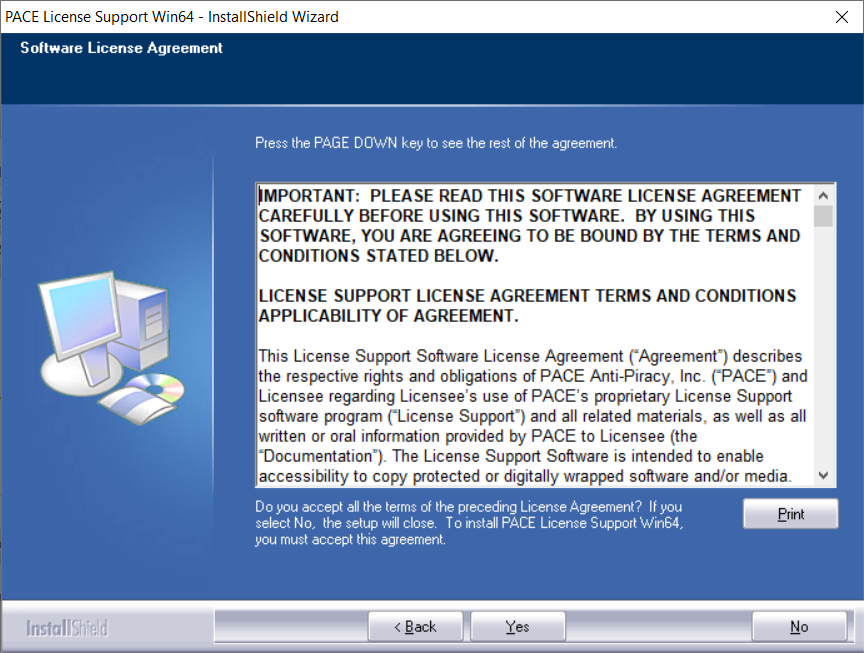
4. Read the license agreement > Click 'Yes'.
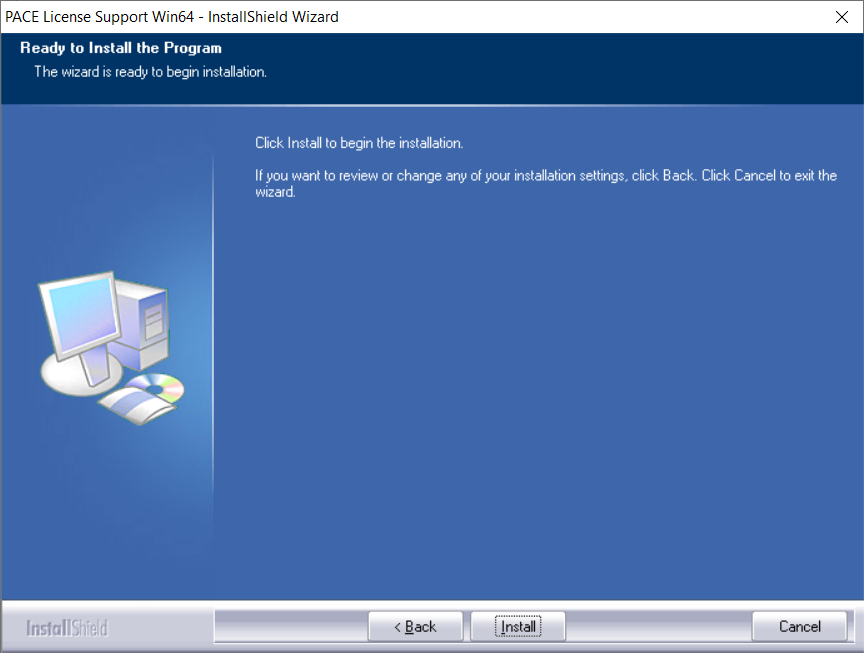
5. Click 'Install'.
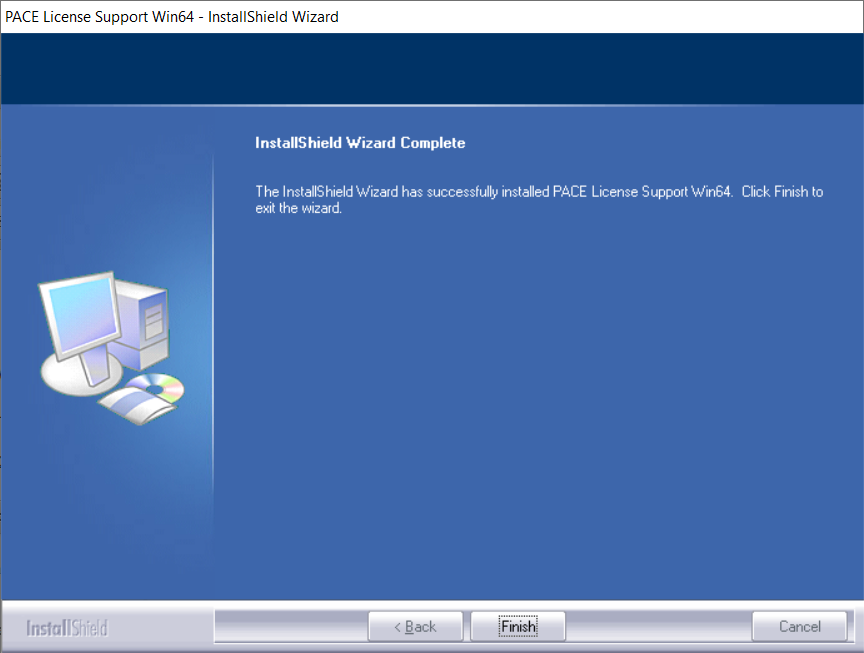
6. Click 'Finish'.
7. Locate and open UA Connect > Enter the email address and password of your Universal Audio account.
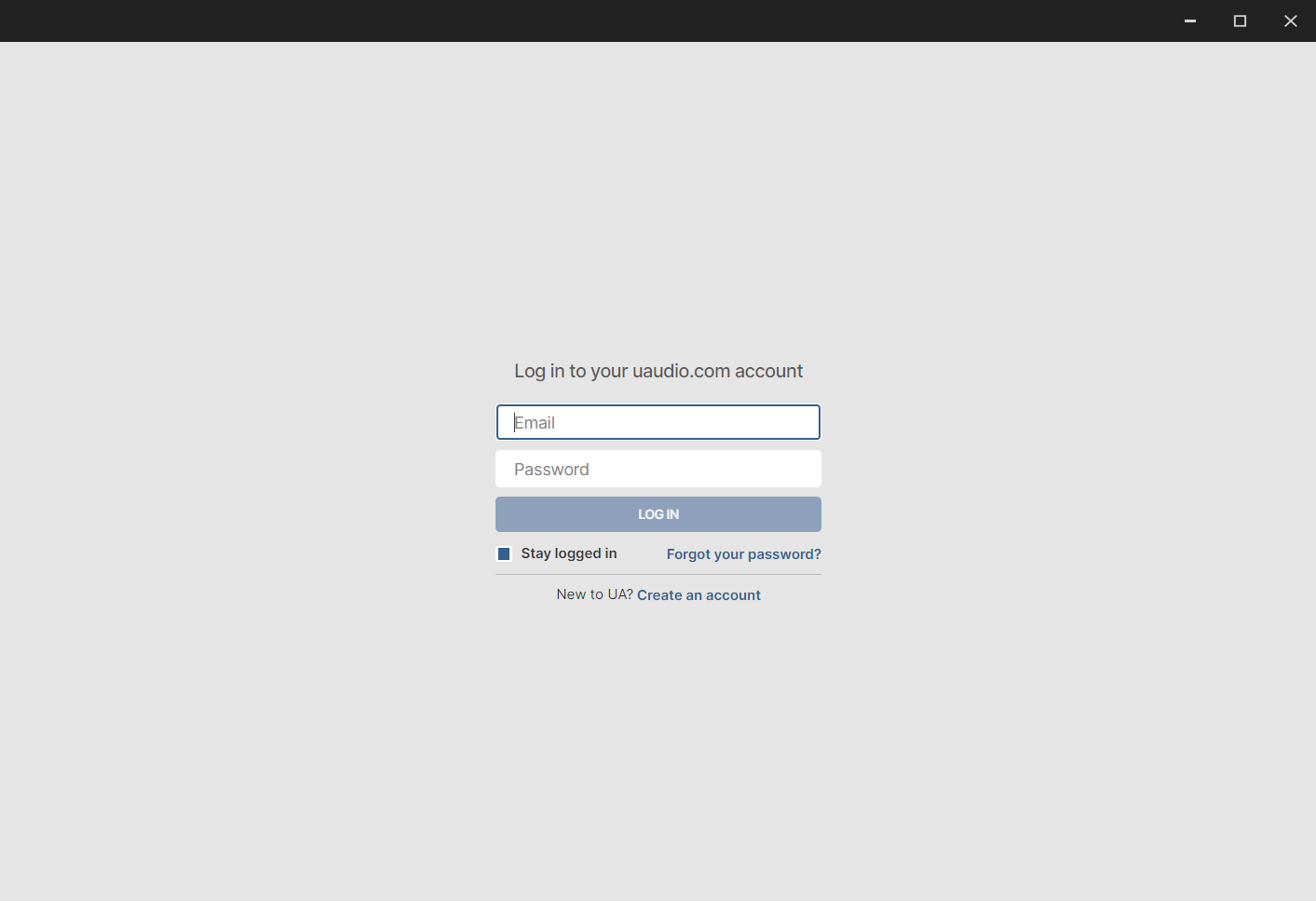
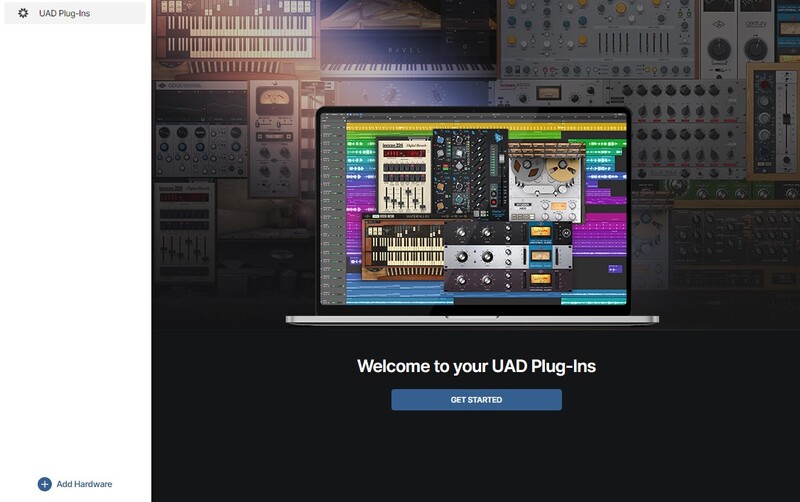
8. Click 'GET STARTED'.
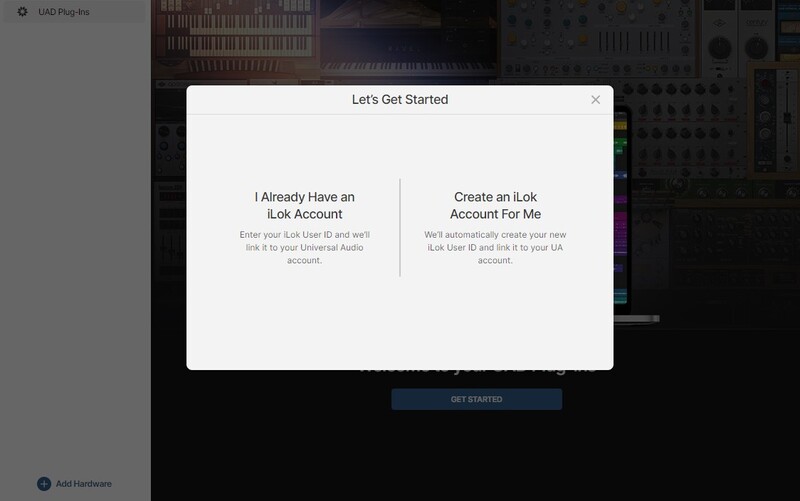
9. Select the option that is relevant to you - either 'I Already Have an iLok Account' or 'Create an iLok Account For Me'.
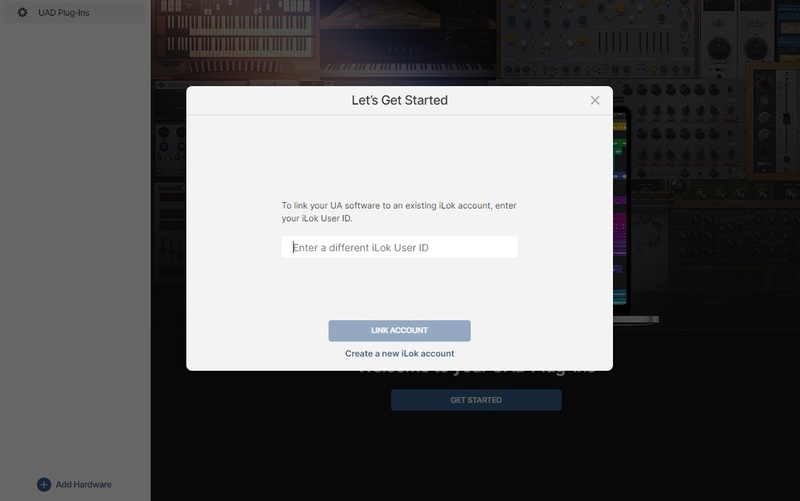
10. Enter your iLok account User ID then click 'LINK ACCOUNT'
 .
.
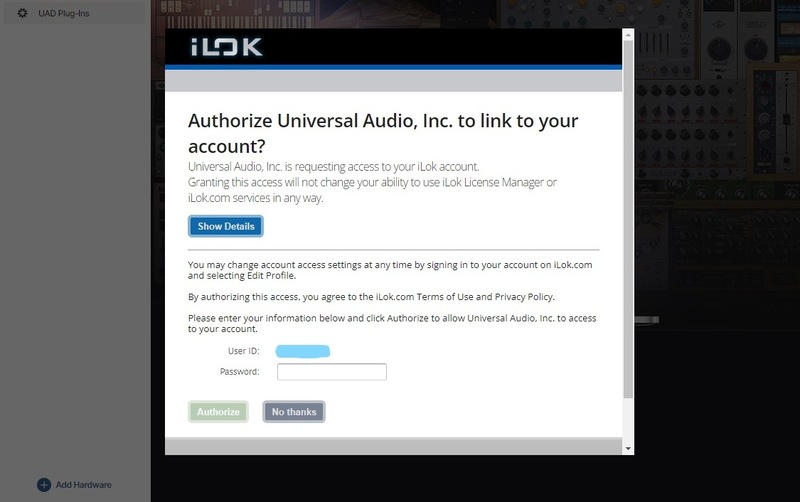
11. Enter the password for you iLok account and click 'Authorize'.
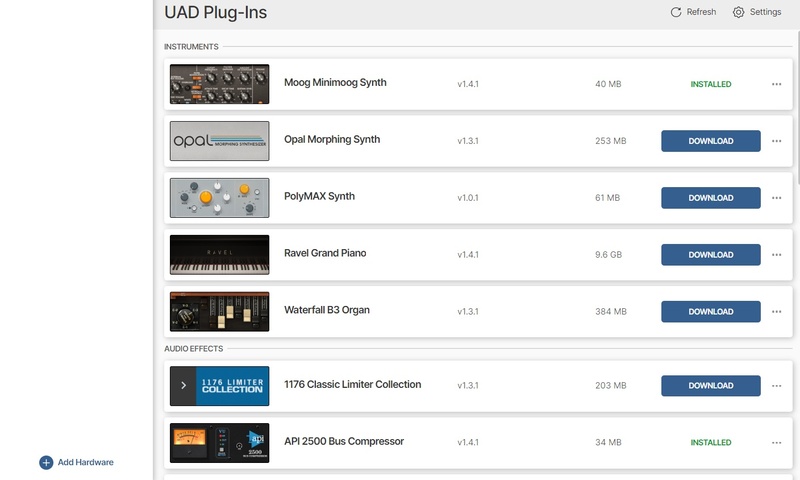
12. Locate the plugin you wish to install > Click 'DOWNLOAD'.
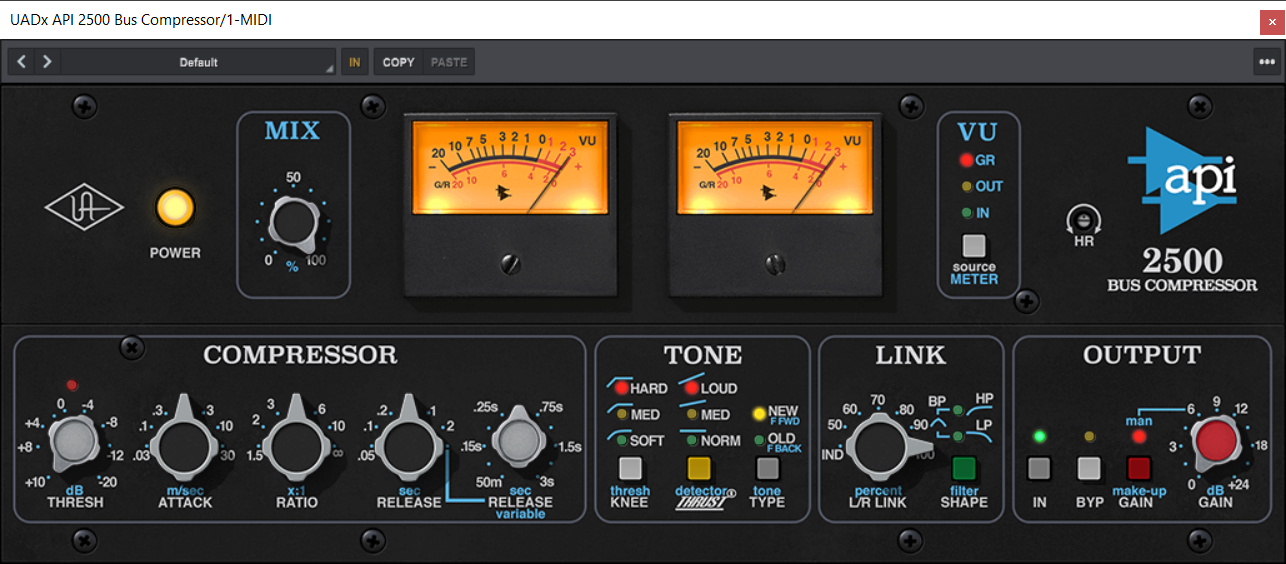
13. Once the plugin has been installed, open your DAW and then the newly installed plugin.
Your software is now activated and ready to use in your DAW!
Mac Installation
1. Once the download is complete, double-click the UA Connect.dmg installer file.
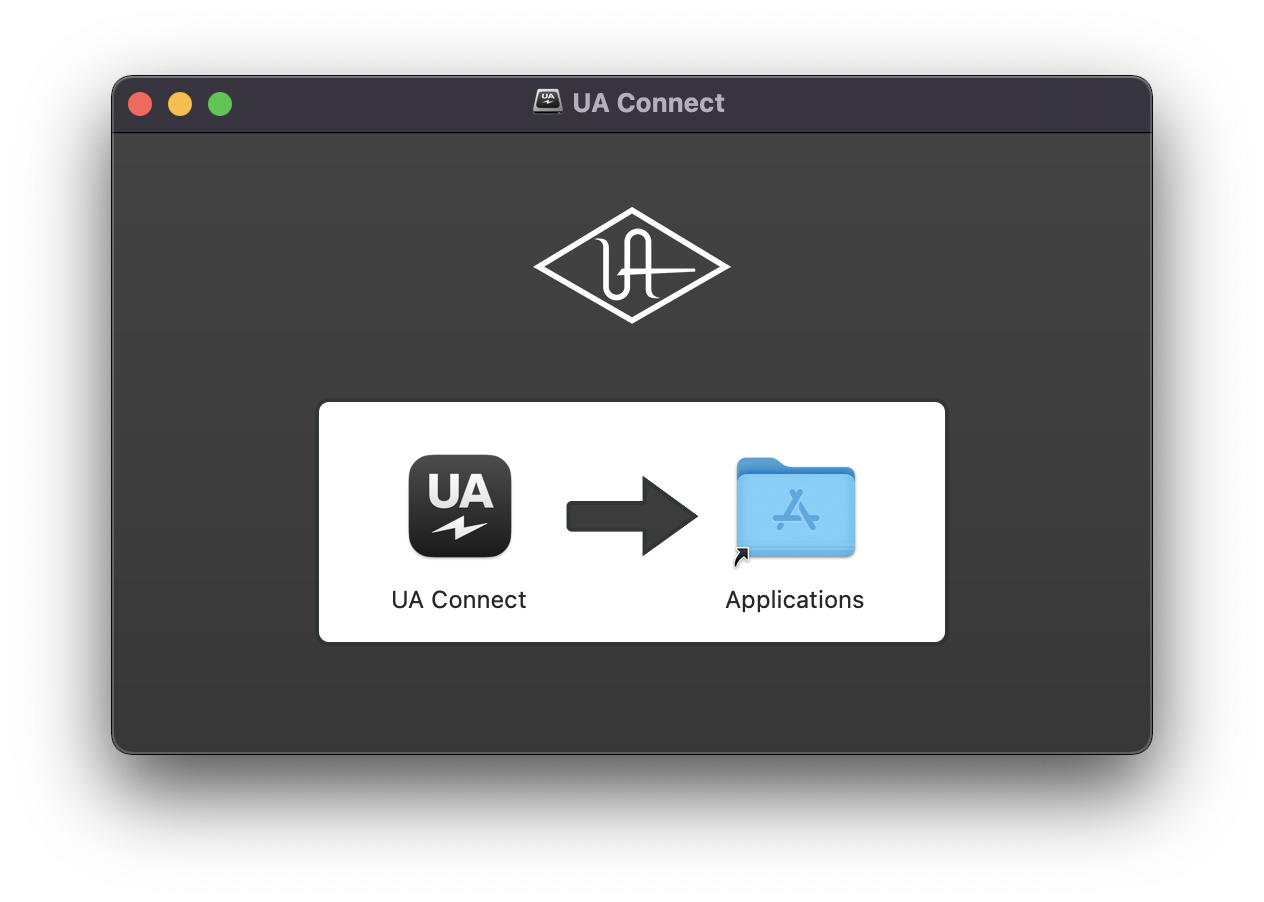
2. Drag UA Connect into your Applications folder.
3. Locate and open UA Connect > Enter the email address and password of your Universal Audio account.
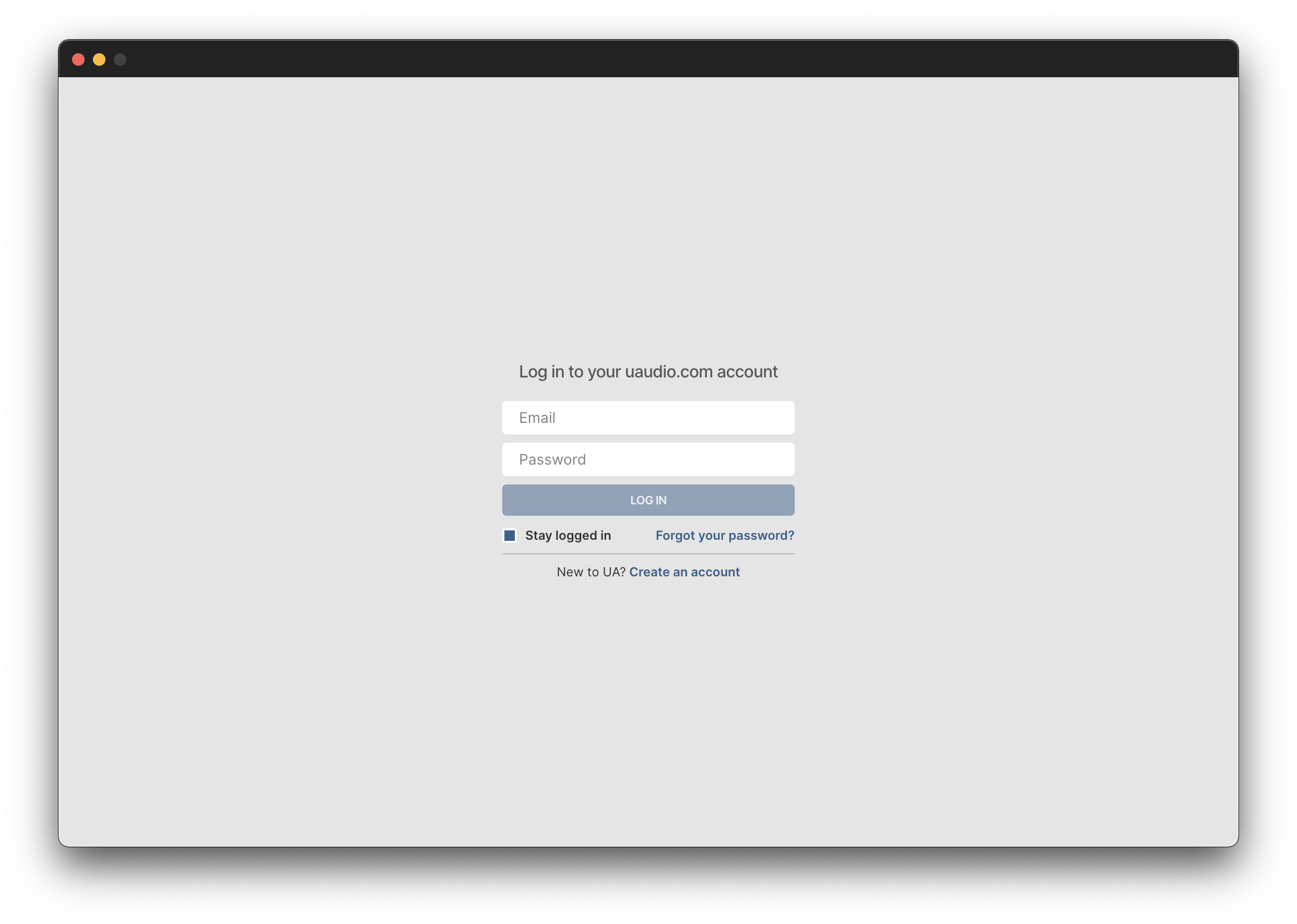
4. Click 'GET STARTED'.
5. Select the option that is relevant to you - either 'I Already Have an iLok Account' or 'Create an iLok Account For Me'.
6. Enter your iLok account User ID then click 'LINK ACCOUNT'
.
7. Enter the password for you iLok account and click 'Authorize'.
8. Locate the plugin you wish to install > Click 'DOWNLOAD'.
9. Once the plugin has been installed, open your DAW and then the newly installed plugin.
Your software is now activated and ready to use in your DAW!