


 Log In


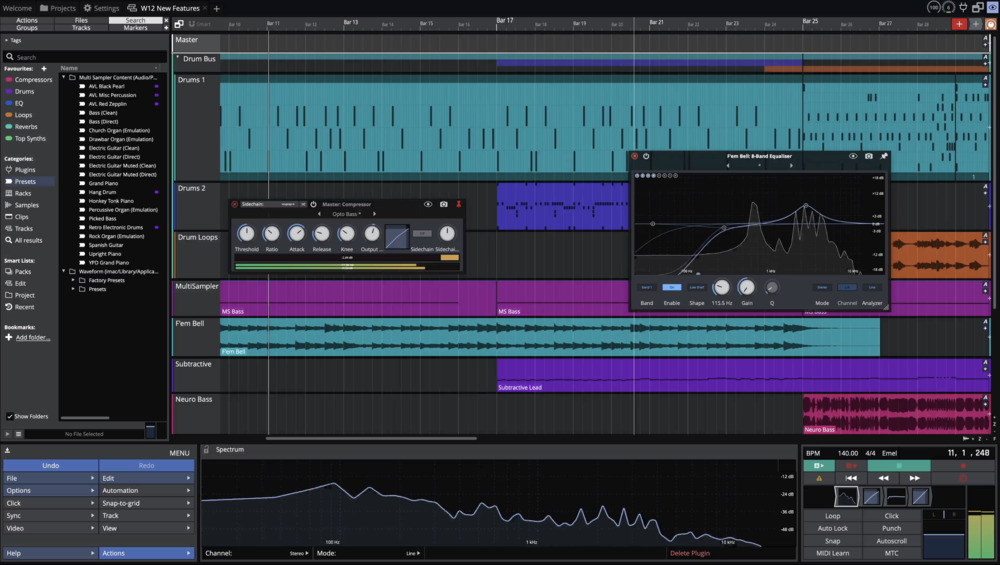
The World's Best, Fully Featured, Completely Unlimited Free DAW for All Music Creators
If you’re looking for a fully featured cross-platform free DAW that doesn’t come with the kind of restrictions that plague other free DAWs or lite versions, look no further than Waveform Free.
With this award-winning DAW you’ll find:
- No track-count limits
- No timeouts or watermarks
- No export/render restrictions
- No 3rd party plugin restrictions
- No saving OR project limitations.
- And no copyright restrictions. The music you create with Waveform Free is yours to upload or sell as you please.
What you get is a highly creative, deep and flexible DAW that just happens to be FREE.
And no matter what you’re trying to achieve, the included audio effects, utility tools and instruments are more than enough to take you from initial idea to final mix.
New in V13
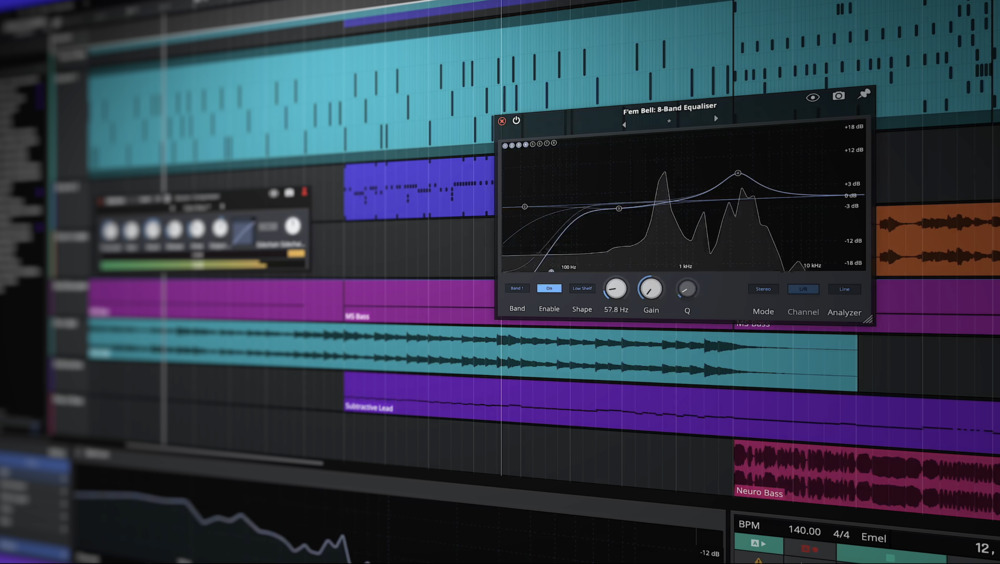
Fresh New Look
The User Interface has undergone a complete refresh, offering new light and dark schemes that perfectly complement Waveform 13's bold, high contrast new look.
To offer further control over the look of the UI, long-term users will welcome the return of an updated and fully customisable colour editor. You can experiment with the 20 plus presets or create and save your very own custom environments.
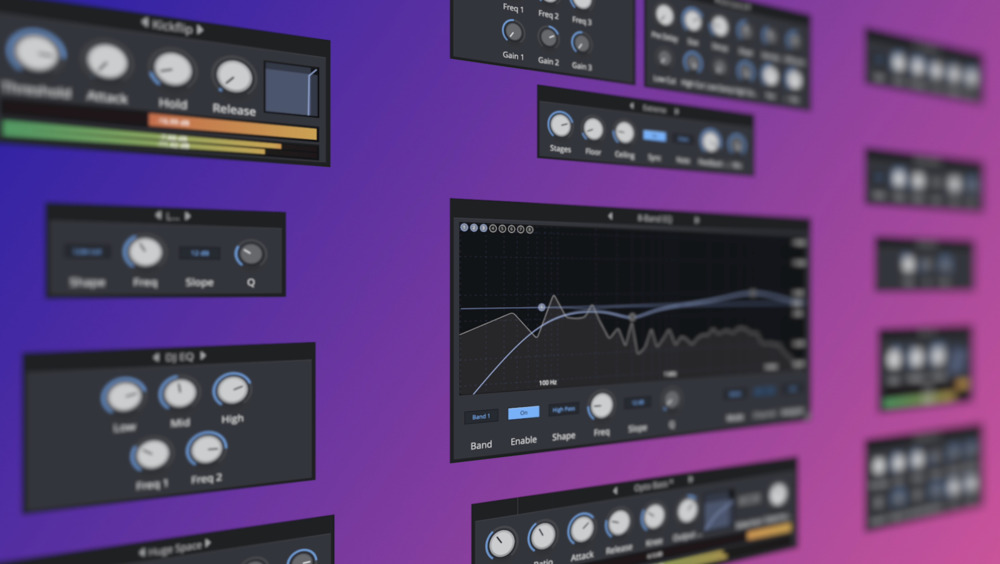
14 Refreshed Audio Effects
Waveform Free's entire collection of stock DSP plugins has been refreshed, bringing much-improved performance, functionality and visual appearance.
These include: Compressor, Gate, Limiter, Chorus, Phaser, Stereo Delay, Distortion, Non-Linear Reverb, Plate Reverb, Natural Reverb, Impulse Response, Phaser, DJ Filter, Single-band EQ, Three-band EQ and an Eight band EQ with adjustable slope and mid/side mode.
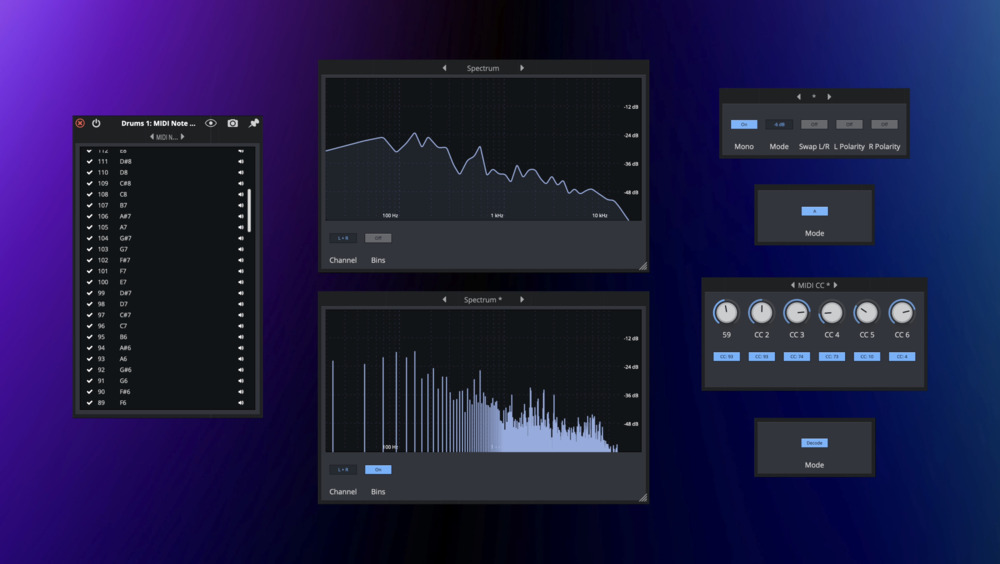
11 Super Handy Utility Plugins
Waveform Free 13 also adds 6 of the most commonly requested utility tools, including:
An AB Switch - A convert to Mono tool - a Mid/Side splitter - a Spectrum analyser - Plus MIDI CC and a MIDI Note Name plugin

Entirely New Browser
Offering tags, favorites and smart lists, the browser has been completely overhauled offering intuitive new ways to browse, audition and organise.
A new categorised approach allows you to select and search by: Plugins, Presets, Racks, Samples, Clips, Tracks or All. Making the search experience both cleaner and more efficient.
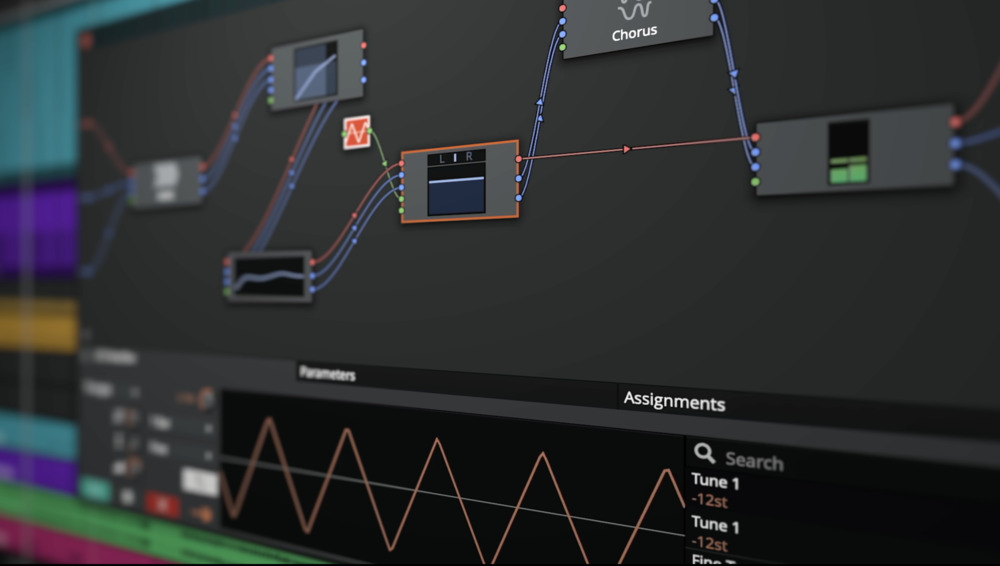
Unified Properties & Dedicated Actions Panel
The Actions and Properties panel have been unified, allowing you to reclaim valuable screen space by using one for all. This refinement speeds up workflows while decluttering the edit window.
To further enhance feature and project navigation, a dedicated actions panel is now offered alongside the regular browser. This can be bought in and out of view via the panel visibility manager or by assigning a quick key.
Completely Rewritten Audio Engine
Tracktion have painstakingly and completely rewritten the audio engine resulting in greatly reduced CPU load, perfect PDC in all routing configurations and better support for modern machines with a higher number of CPU cores.
Features
- 14 built-in audio effects
- 8 MIDI effects
- 11 utility plugins
- 4 built-in instruments
System Requirements
- macOS 10.15 or Later 64-bit Intel or Apple Silicon
- Windows 10, 11 64-bit
Reviews Summary
While it aims to provide a helpful overview, it may not capture every perspective or detail. We encourage you to read individual reviews to make an informed decision.
Overall, users highly praise this free DAW for being surprisingly powerful, beautiful, and easy to use, making it excellent for beginners doing recording and mixing, although some note it is still quite basic.


