/ Utility / RYMCast Genesis VGM Player
Inphonik

RYMCast Genesis VGM Player

4.5 (217 Reviews)
FREE
RYMCAST Genesis VGM Player - User Interface
RYMCast Genesis VGM Player by Inphonik gallery thumbnail
Product information

Genesis VGM Player

Genesis 35:1-15: Revive Us Again

RYMCast is a VGM player for Sega Genesis/Megadrive videogame music files. Based on their work for the RYM2612 Iconic FM Synthesizer, Inphonik's RYMCast is a highly accurate and genuinely sounding cross-platform VGM player. It’s our humble contribution to the Sega Genesis/Megadrive community.
Key Features

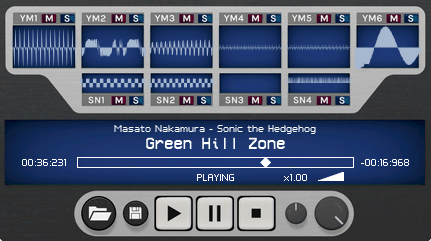
  • Cycle-accurate YM2612 emulation and output modelling, including Ladder Effect and filtering (uses the same audio engine as the RYM2612)
  • Individual scopes for each channel
  • Channel mute and solo
  • VGM stream speed adjust
  • Sequencer-like pause function
  • Audio export to WAV, AIFF & FLAC formats
  • Stereo or multi-track audio export
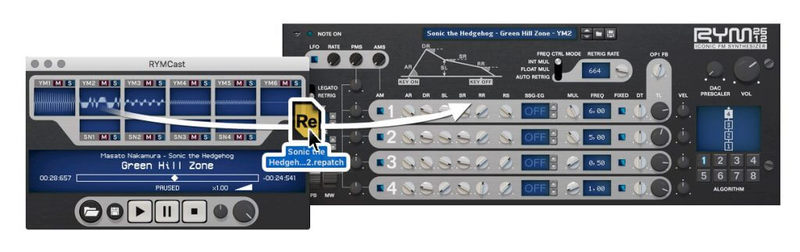
  • Instrument patch extractor (supports RYM2612’s .repatch and Deflemask‘s .dmp formats)

The Perfect Companion App

With a simple drag & drop, extract synth patches from your favourite soundtracks to our RYM2612 Iconic FM Synthesizer.

*Sega and Yamaha brand names are trademarks of their respective owners. This product is in no way affiliated with these companies.
System Requirements

Mac

  • macOS (10.7 and higher)
  • 32-bit & 64-bit
  • VST 2 / VST 3 / AU / AAX

Windows

  • Vista and higher
  • 32-bit & 64-bit
  • VST 2 / VST 3 / 64-bit AAX
Installation Instructions
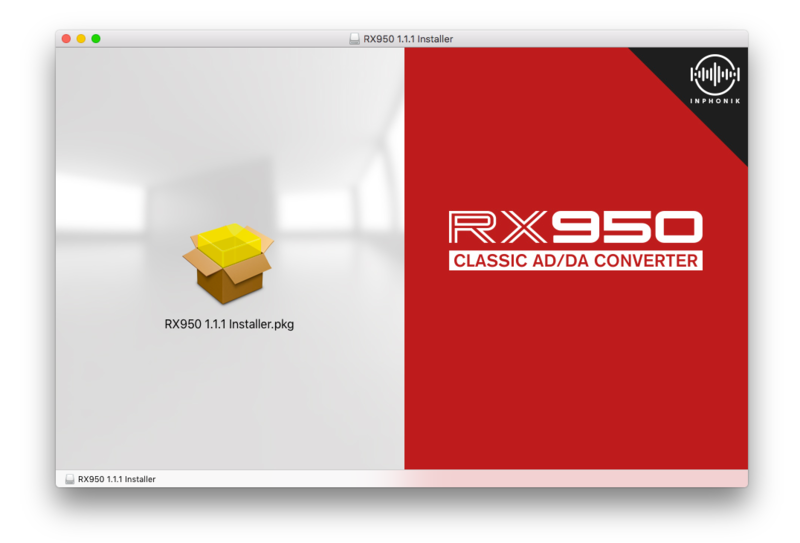
Note: RX950 is used as the example.

Mac

Installation

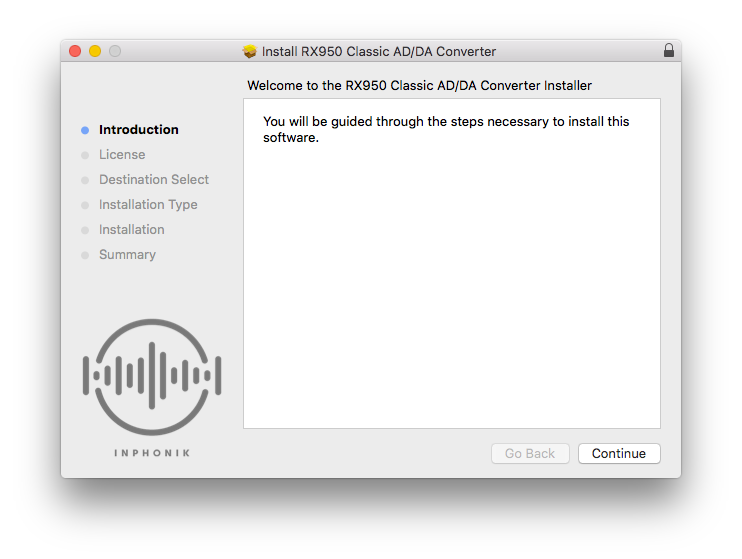
1. Download the .dmg file from within your Plugin Boutique User Account and open it > Double-click the .pkg file to begin the installation.

2. Click 'Continue'.

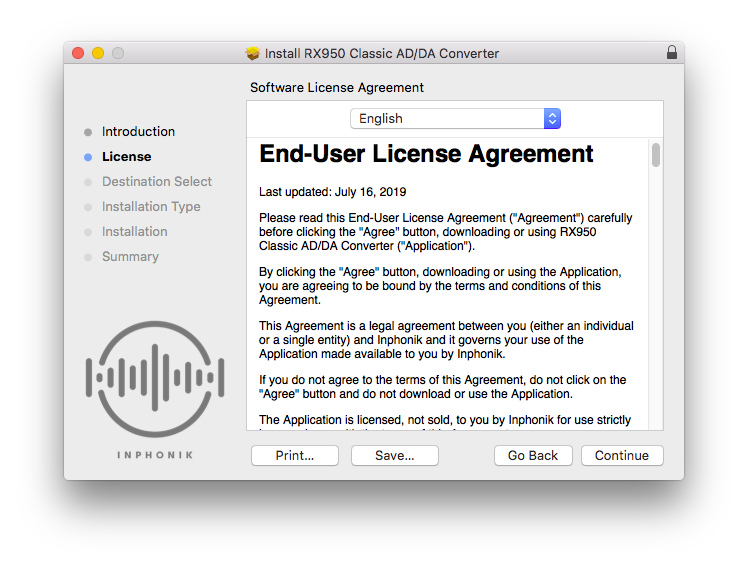
3. Click 'Continue'.

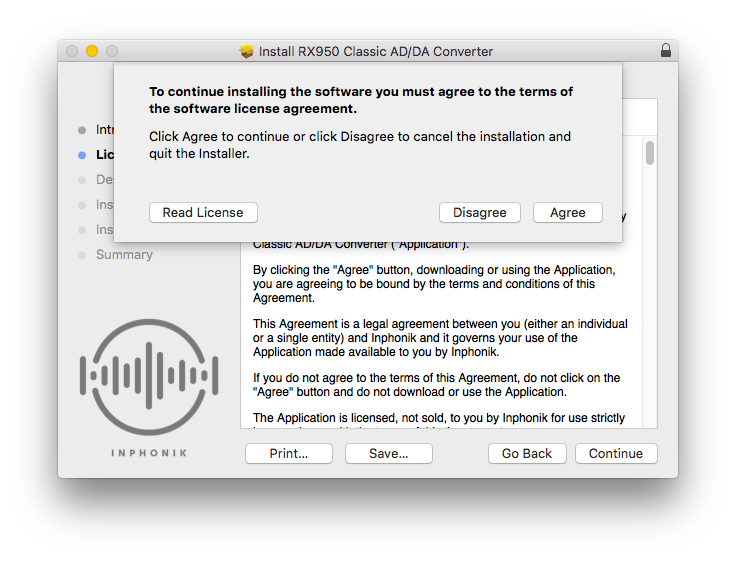
4. Click 'Agree'.

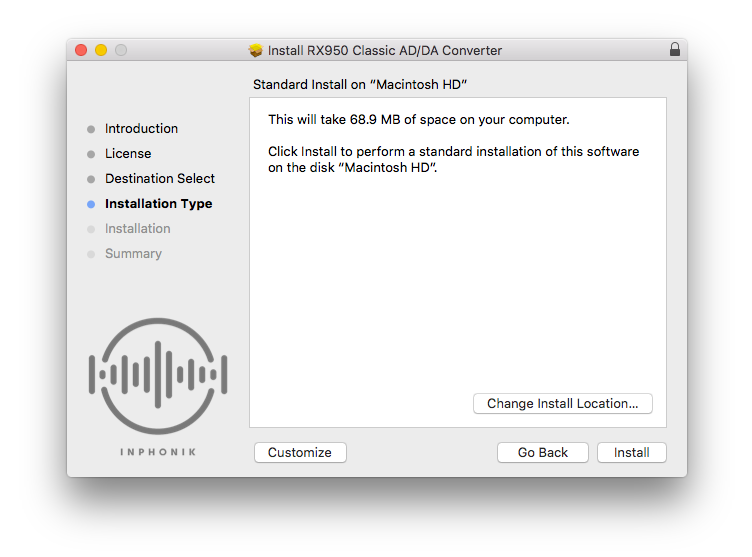
5. Click 'Install'.

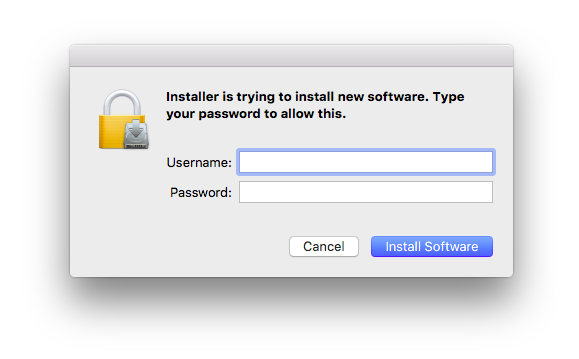
6. Enter your computer Username and Password > Click 'Install Software'.

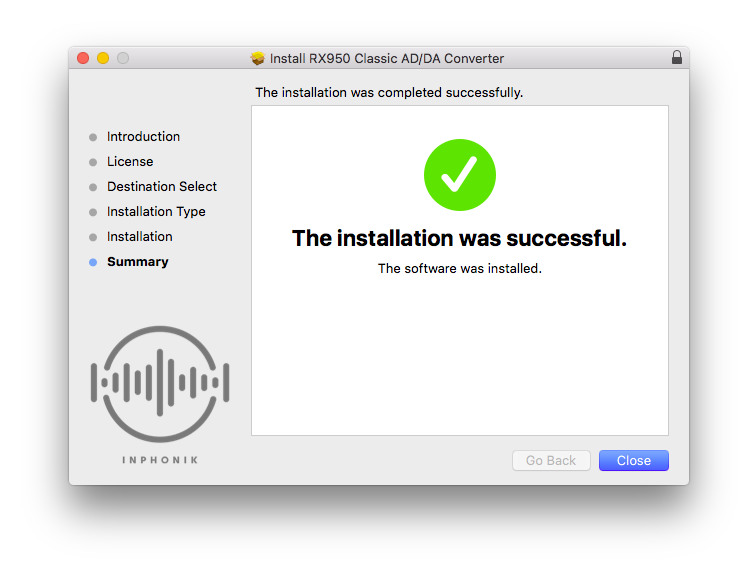
7. Click 'Close'.

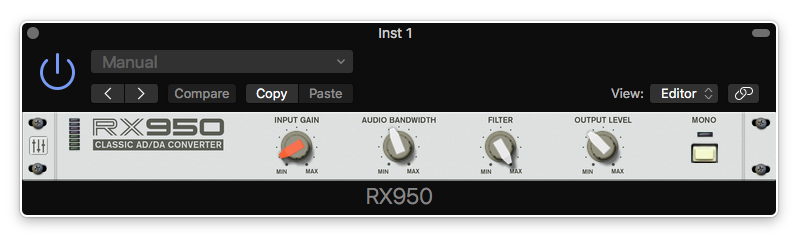
8. Open your DAW > Open your newly-installed plugin.

Note: If your plugin does not appear, rescan your plugin selection within your DAW.

Your software is now installed and ready to use within your DAW.

Windows

Installation

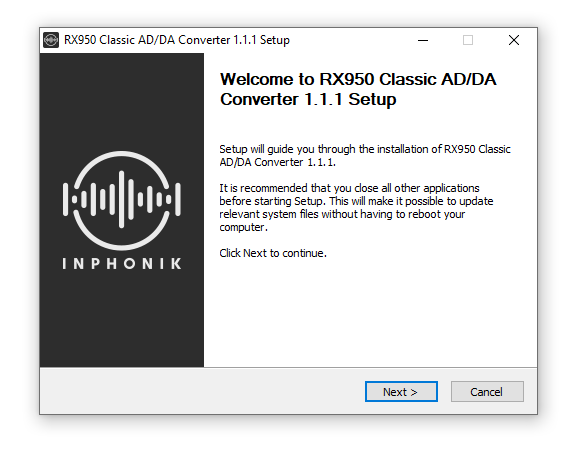
1. Download the .zip file from within your Plugin Boutique User Account and double-click it to extract the contents > Open the .exe file to begin the installation.

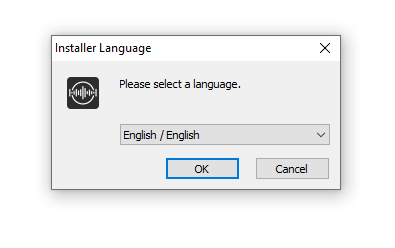
2. Select your language > Click 'Ok'.

3. Click 'Next'.

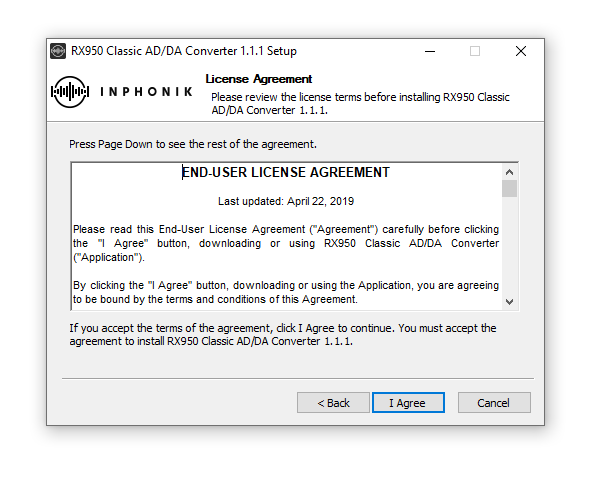
4. Click 'I Agree'.

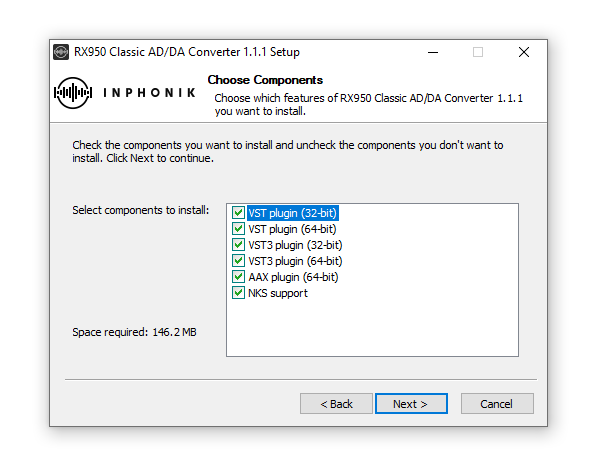
5. Select the components you wish to install > Click 'Next'.

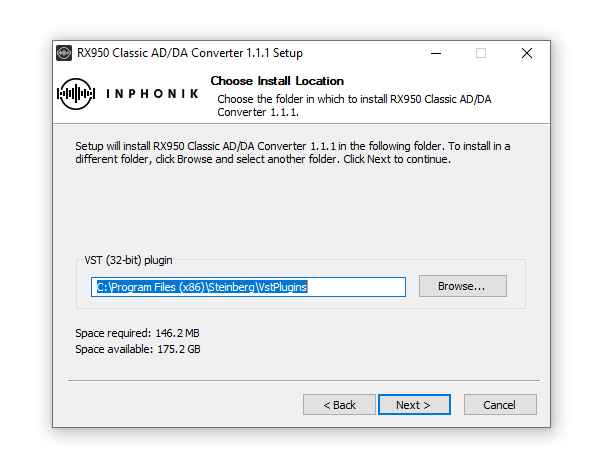
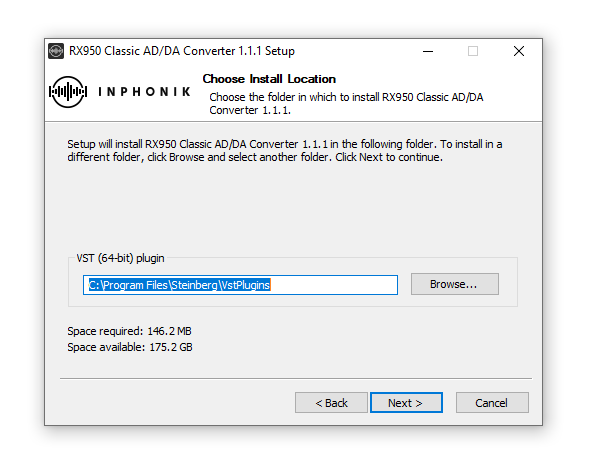
6. Click 'Next'.

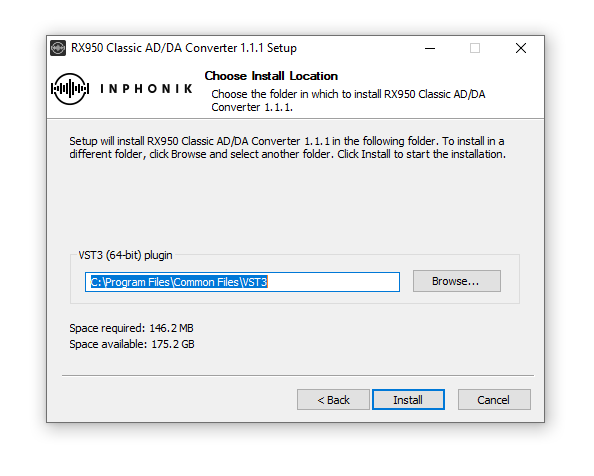
7. Click 'Next'.

8. Click 'Install'.

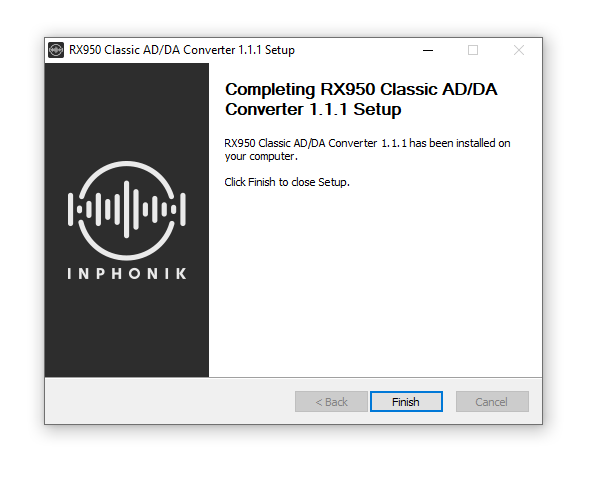
9. Click 'Finish'.

10. Open your DAW > Open your newly-installed plugin.

Note: If your plugin does not appear, rescan your plugin selection within your DAW.

Your software is now installed and ready to use within your DAW.

Plugin Boutique Rewards

Discover the most rewarding loyalty programme among all plugin retailers.

  • Free Loopmasters Samplepacks
  • Discounts on products and courses
  • Extra Virtual Cash claimed immediately at checkout
Find out more

Follow us:

X (Twitter) Facebook YouTube Instagram
Logo Logo

Plugin Boutique Limited, Part of the Beatport Group LLC.

Copyright © 2011-2025 Plugin Boutique. All rights reserved