


 Log In

Free gifts available with your purchase

Unlock Your Music - Intelligent Key & Scale finder
⠀
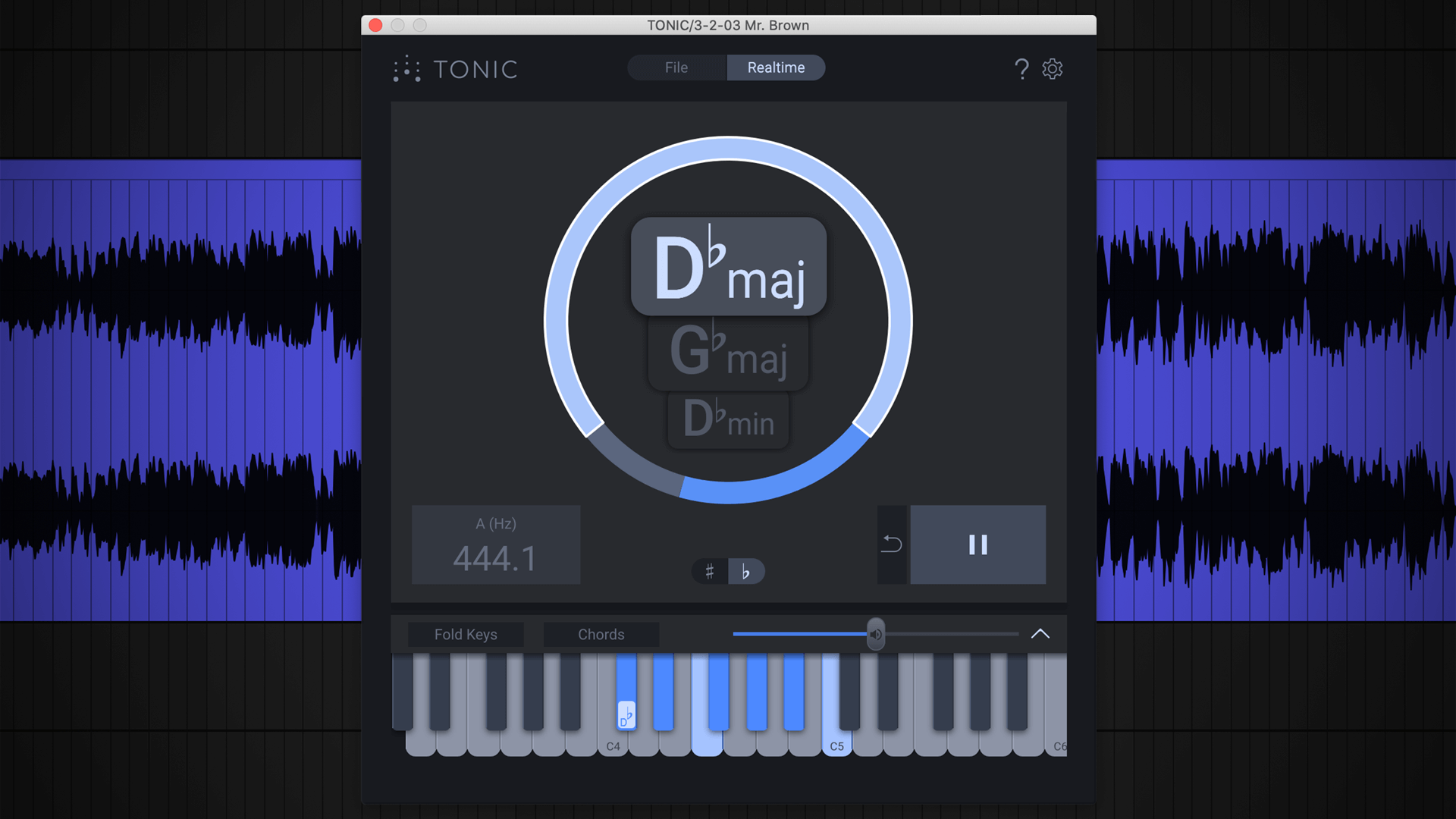
Find the key of your loops, remixes, and song ideas with TONIC by zplane. Use the AI-powered music theory plugin to find the scales and chords that work with your music.
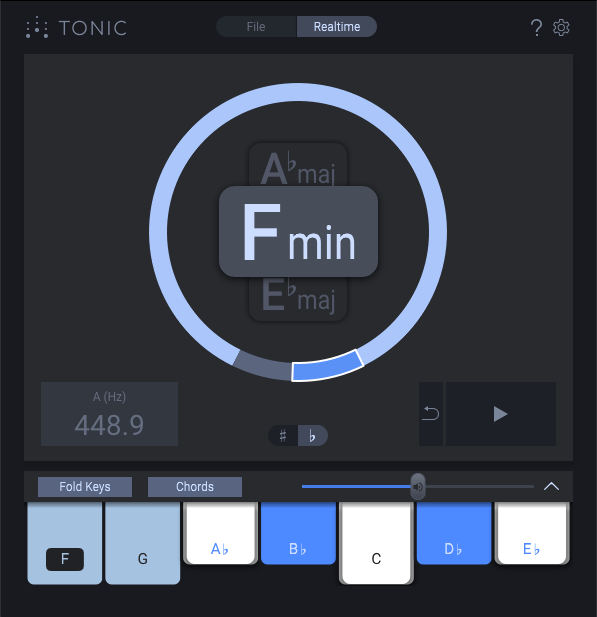
Put TONIC on any audio track and hit play in your DAW. TONIC will analyze the sound in real-time and present you with up to three suggested keys with a graphical representation showing the confidence level. Fold-out the keys panel and try out notes and chords for the suggested keys to find the perfect fit.
Add bass, melody or harmony to your tracks with ease when knowing the key, scale and chords that work well with your recordings and samples.
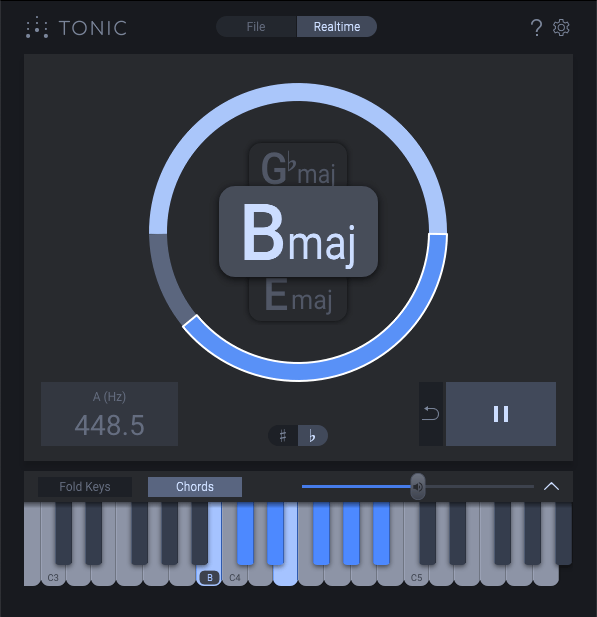
One Size Doesn't Fit All
Sometimes more than one key can fit the audio—see and compare multiple possibilities with TONIC which shows 3 keys listed by probability.
⠀
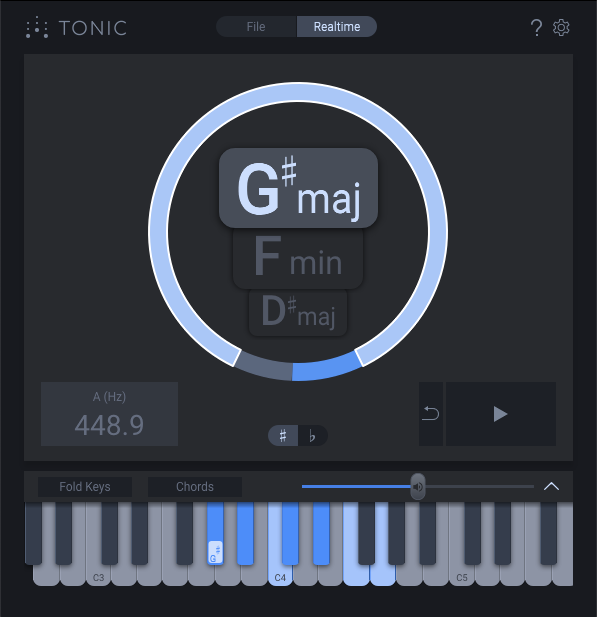
Stay Sharp
Select whether TONIC should display keys using sharp instead of flat enharmonic spellings.
⠀
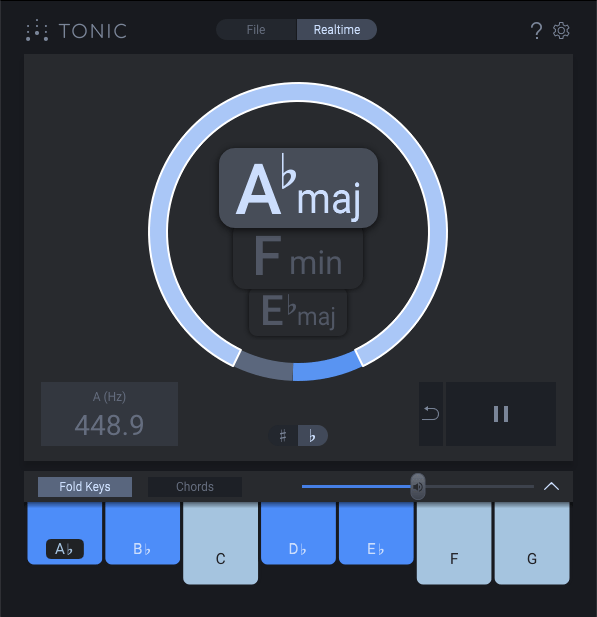
Just The Right Notes
Use Fold Keys to hide all but the correct notes for the selected key—validate the key and learn its scale quickly.
⠀
Chords That Fit
Enable Chords mode to see and hear the various chords that perfectly fit the selected key.
Features
- Detect the key in any audio recording
- Explore the compatible notes and chords with the fold-out Keyboard View
- Mono and Stereo operation
- Reference tuning detection for recordings that deviate from A440
- Offline mode – detect the key before loading audio files into samplers
- MIDI Control
- Resizable User Interface
- Native compatibility with both Intel and M1 Macs
System Requirements
Mac
- macOS 10.15 Catalina or higher (Intel / M1 Apple Silicon supported) (64-bit only)
- Intel or Apple Silicon processor
- VST3, AU, AAX
- 32kHz - 192kHz sample rate
Windows
- Windows 10 - Windows 11 (64-bit only)
- Intel Processor
- VST3, AAX
- 32kHz - 192kHz sample rate
Please note: deCoda is used as an example.
Registration
1. Go to the zplane registration page > Enter your details (make sure to select the privacy policy tick box and select 'I am human') > Click Register. If you already have an account, log in to your zplane account and skip to step 4.
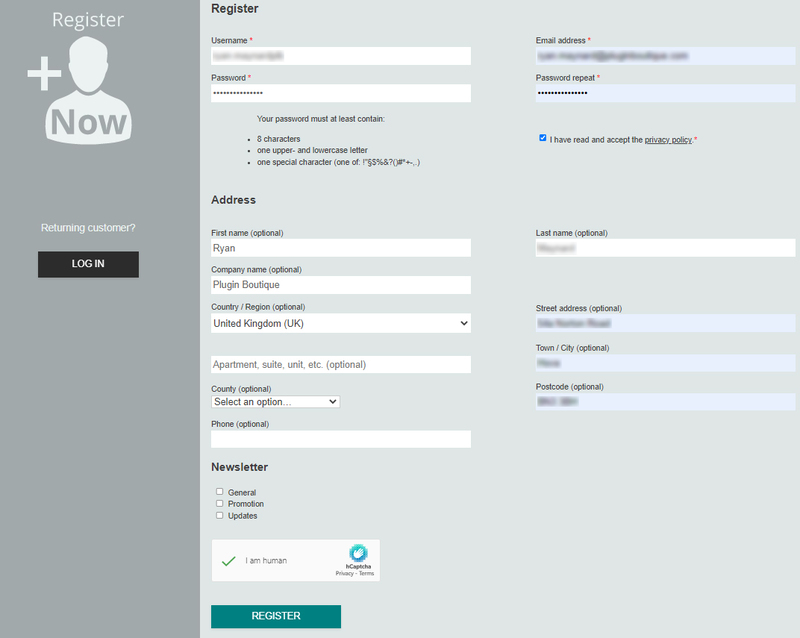
2. Click the link you were sent via email from zplane to confirm your account > Click LOG IN.

3. Enter your username and password > Click LOG IN.
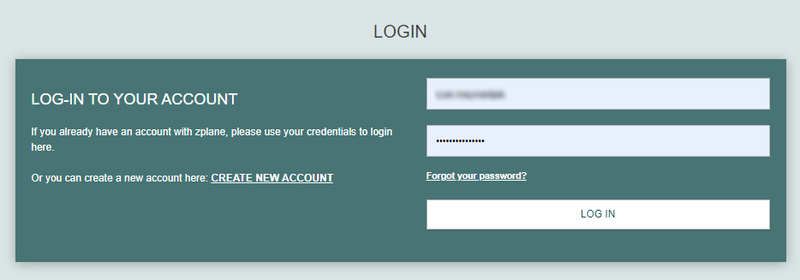
4. Click Register.
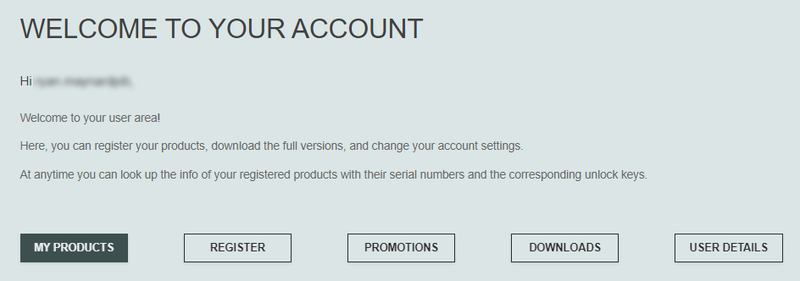
5. Copy the serial number from your Plugin Boutique account > Enter in the box on this page > Click REGISTER.
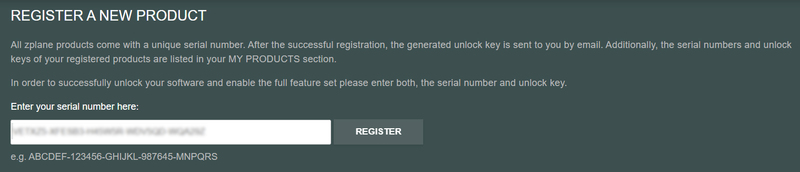
Your software is now registered.
Mac Installation
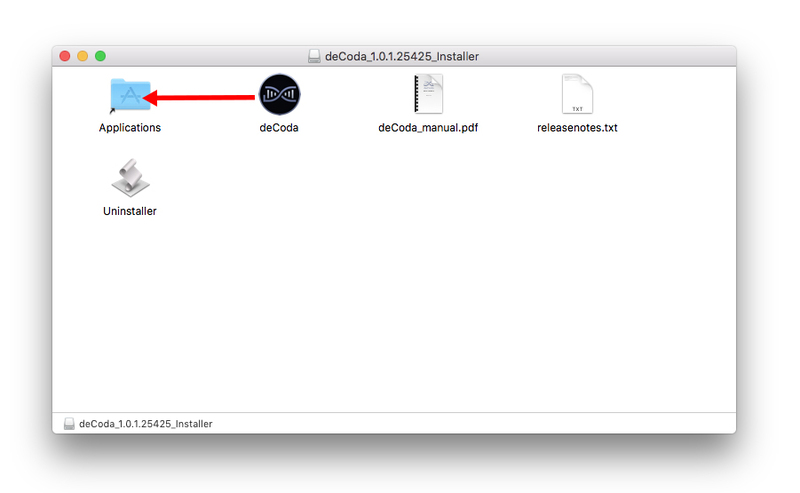
1. Download the .dmg installer file from your Plugin Boutique account > Double-click to open it.
2. Drag 'deCoda' into your Applications folder.
Activation
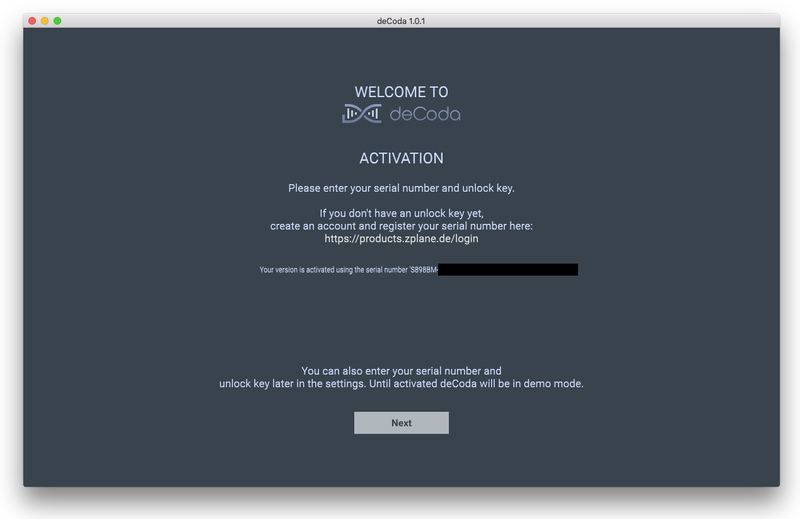
1. Open up the recently installed software from your Applications folder.
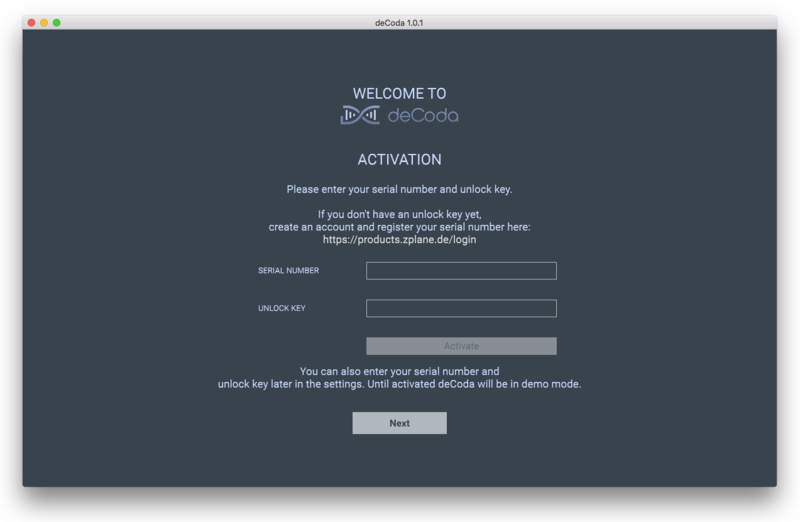
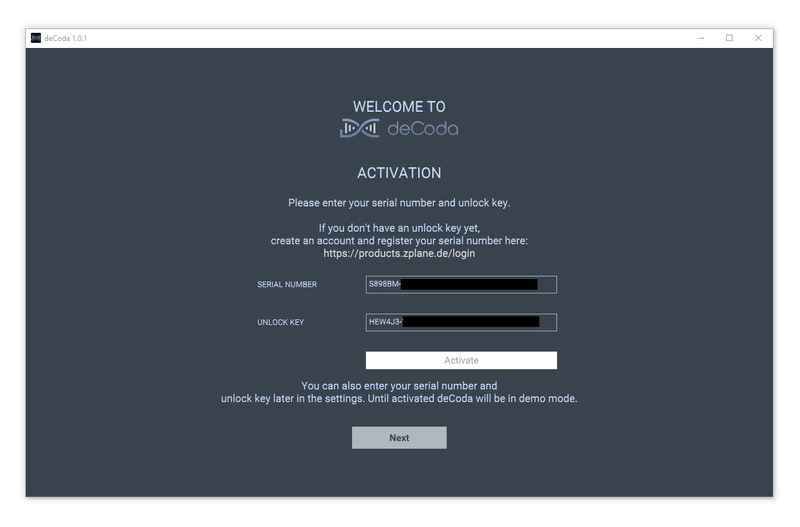
2. Enter your serial number found in your Plugin Boutique account and your Unlock Key sent to your Email > Click Activate.
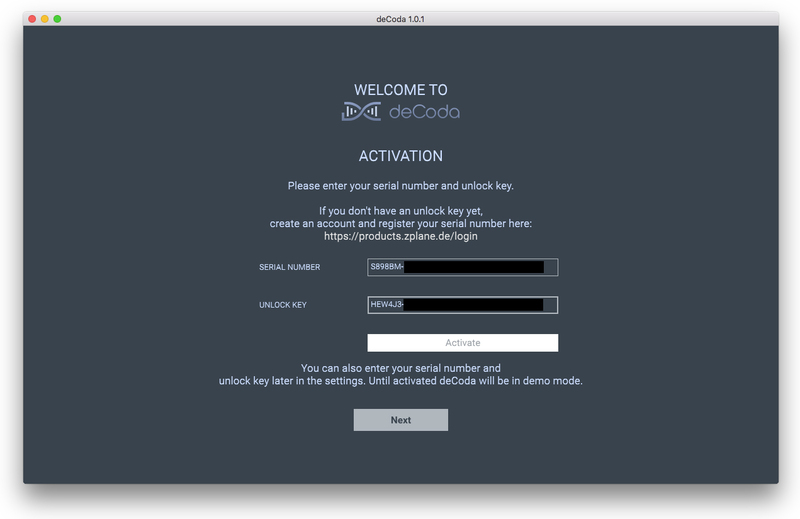
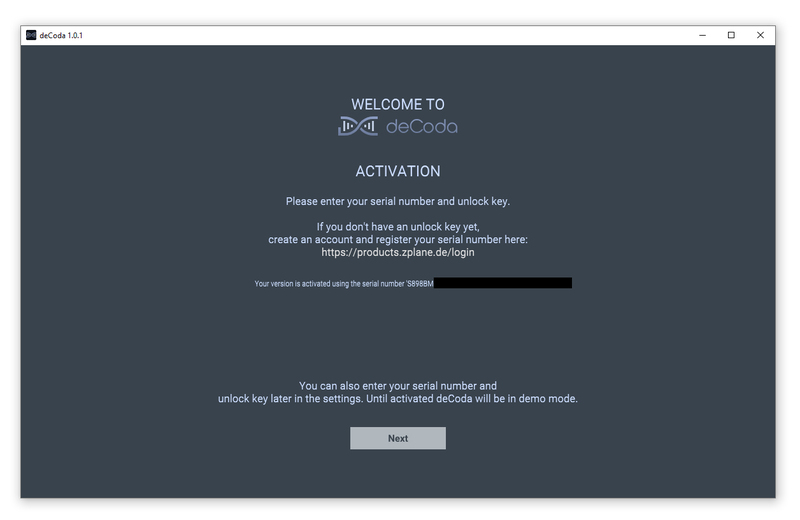
3. Click Next.
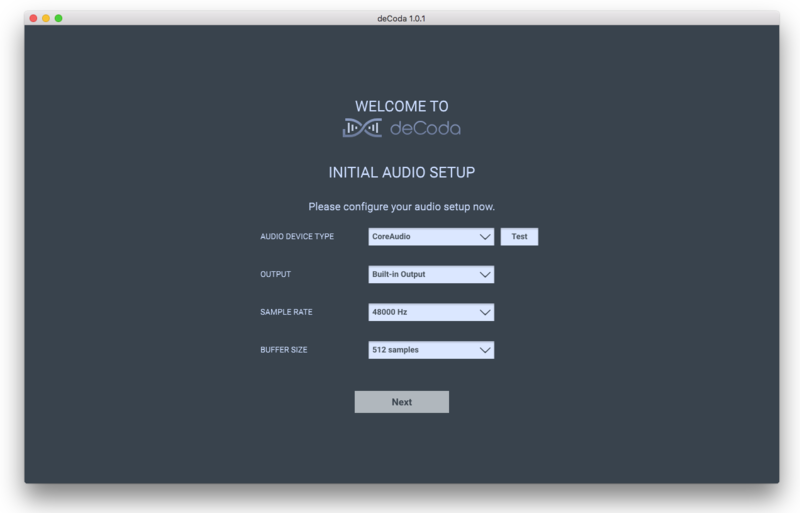
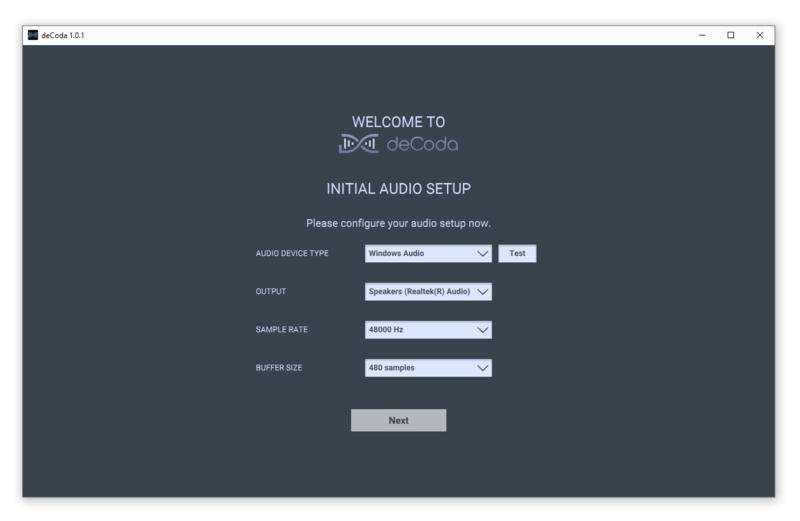
4. Confirm your audio setup is correct > Click Next.
5. Start the interactive tutorial by clicking 'First steps', watch a tutorial video, or click Close.
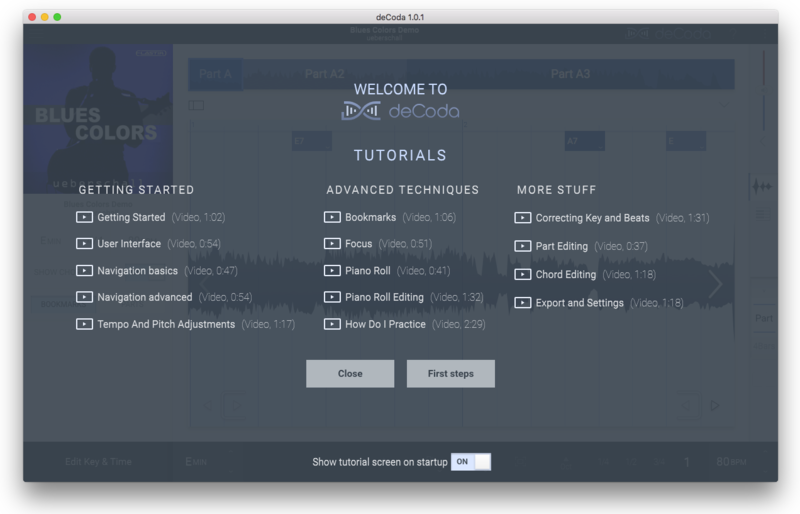
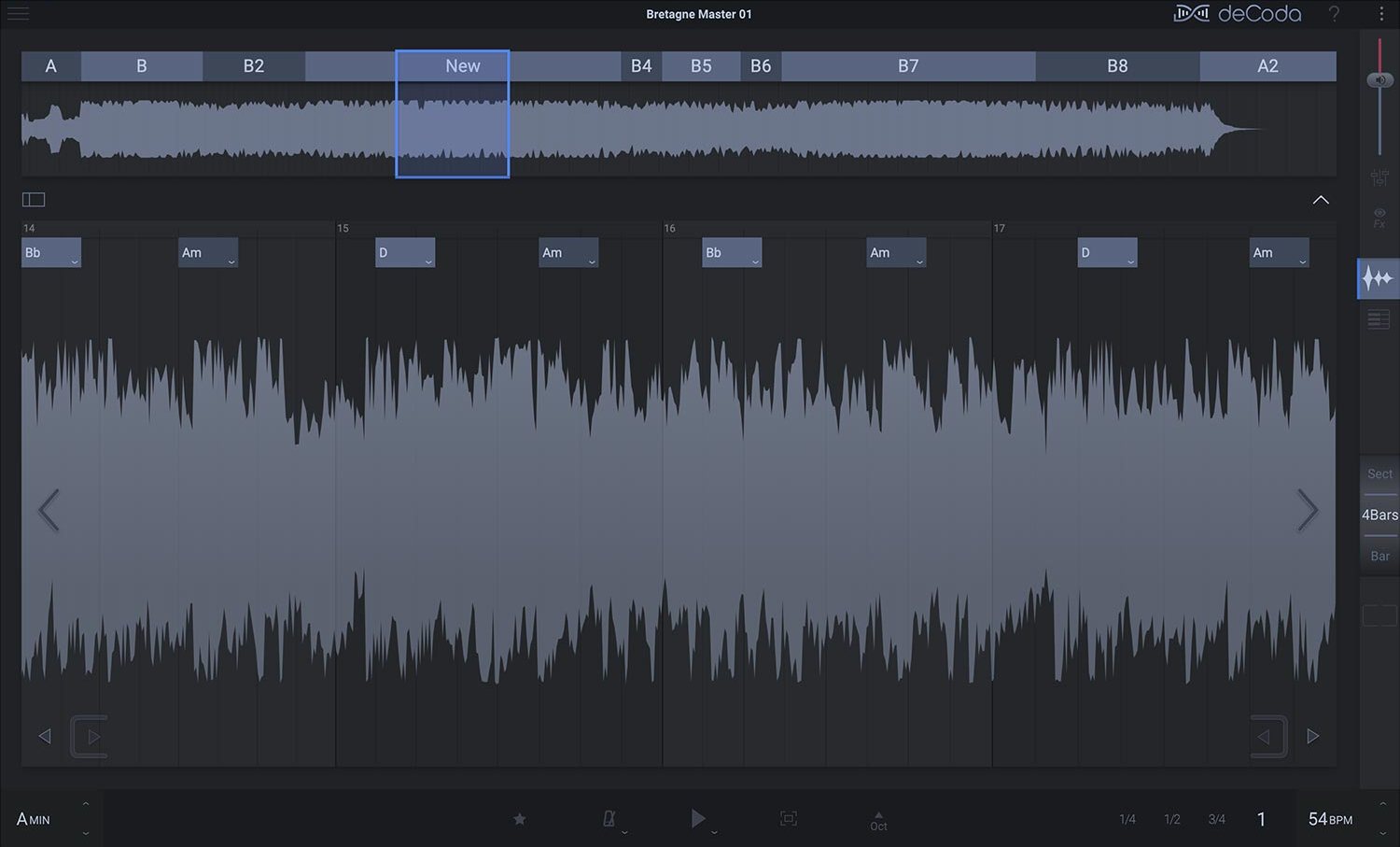
Your software is now activated and ready to use!
Windows Installation
1. Download the .zip file from your Plugin Boutique account > Double-click to extract its contents.
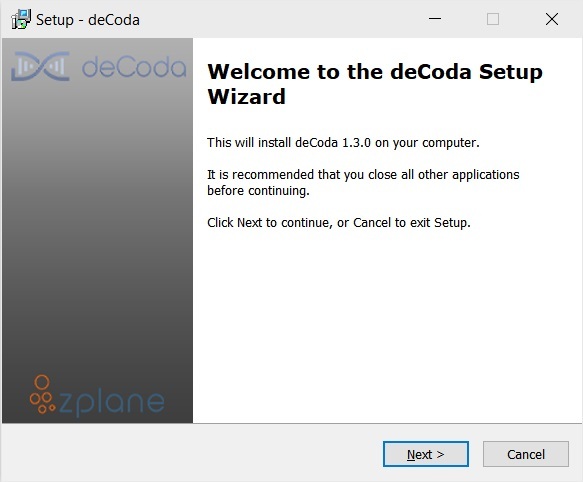
2. Double click the .exe file to run the installer > Click Next.
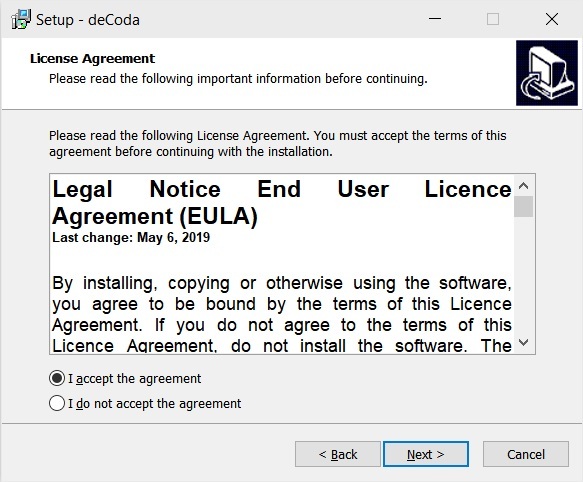
3. Read the License Agreement > Select 'I accept the agreement' > Click Next.
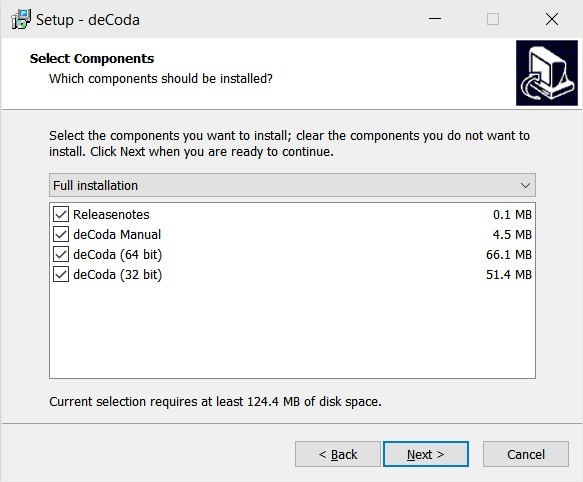
4. Select which components you would like to install > Click 'Next'.
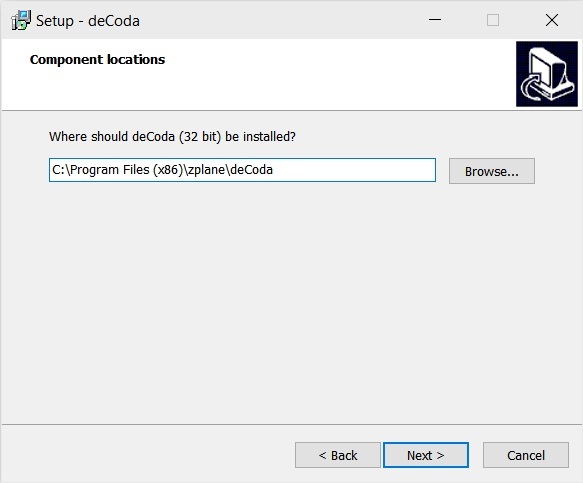
5. Select where deCoda should be installed > Click Next.
6. Select the start menu folder > Click Next.
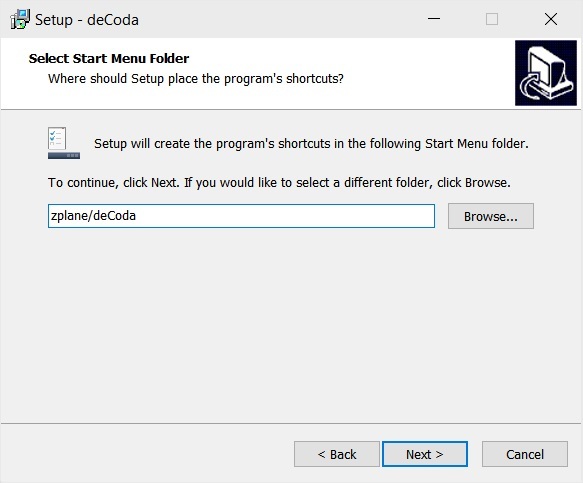
7. Select whether you would like a desktop shortcut to be created > Click Next.
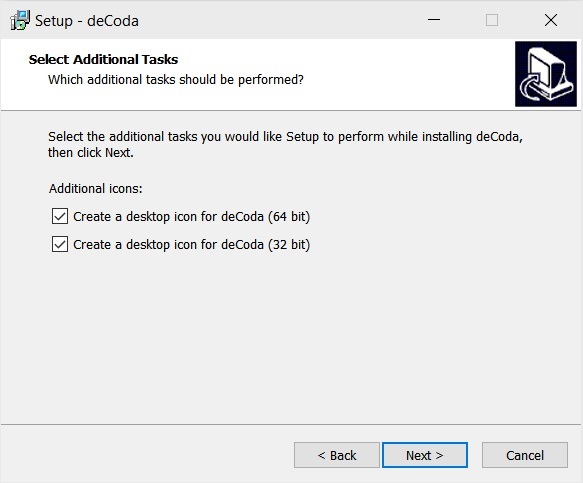
8. Check all details are correct > Click Install.
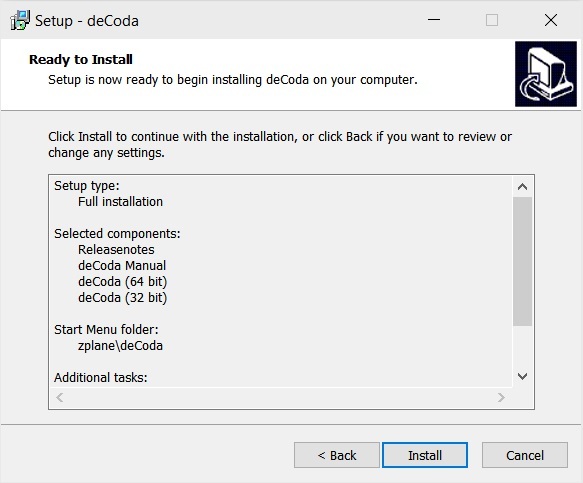
9. Your install is complete > Make sure you have saved any data > Select 'Yes, restart the computer now' > Click Finish.
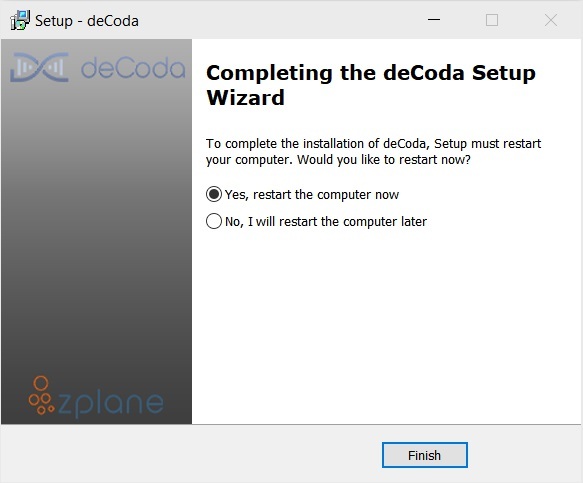
Activation
1. Open up the recently installed software from your Start Menu or desktop.
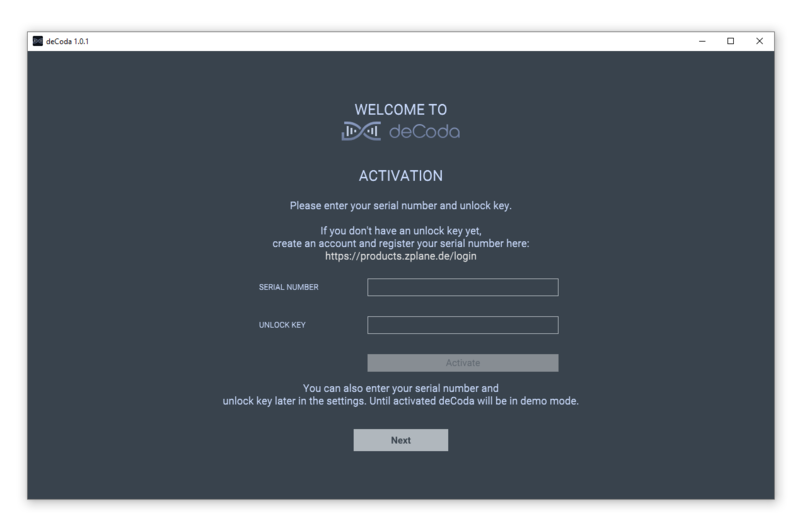
2. Enter your serial number found in your Plugin Boutique account and your Unlock Key sent to your Email > Click Activate.
3. Click Next.
4. Confirm your audio setup is correct > Click Next.
5. Start the interactive tutorial by clicking 'First steps', watch a tutorial video, or click Close.
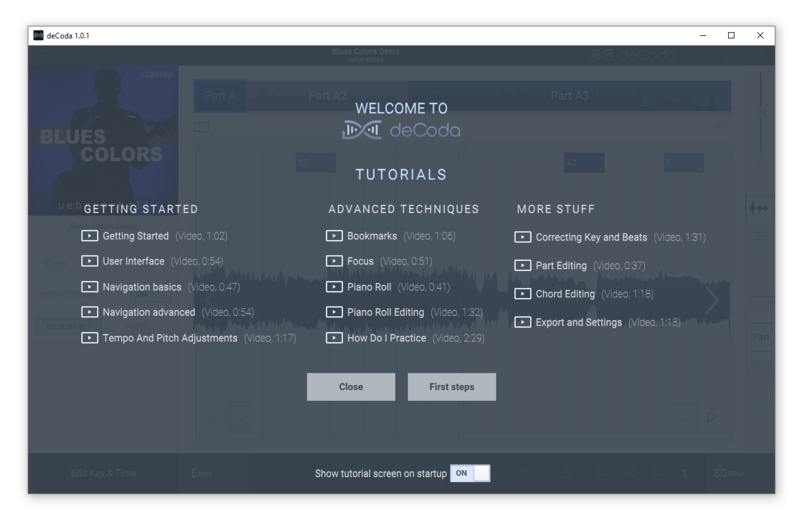
Your software is now activated and ready to use!


