Log In
Free gifts available with your purchase
Designed for discerning mix engineers and producers who demand the utmost in sound quality and flexibility.
Bundle Contents
- LX480 Dual-Engine Reverb V4
- QuantX Natural Resonance Reverb
- REV6000 Ultra-Realistic Cinematic Reverb
LX480 Dual-Engine Reverb V4
The Definitive Recreation of a Legend
Get The Reverb Sound Used On Countless Hit Songs & Films
The LX480 Dual-Engine Reverb Plug-in is the only sample accurate dual-engine recreation of the original hardware that gets you that legendary reverb sound.
With two independent algorithmic engines you get unprecedented flexibility and creative control so you can:
- Create distinctive, deep & wide mixes that are second to none
- Enjoy instantly recallable unique dual-effect chains
- Explore hundreds of new hand-crafted premium presets to spark your imagination
Finally experience the same industry-leading sound quality that top mixers and producers have trusted for years.
Learn more about LX480 Dual-Engine Reverb V4.
QuantX Natural Resonance Reverb
Dive into the Depths of This Long-Adored Classic Reverb Like Never Before
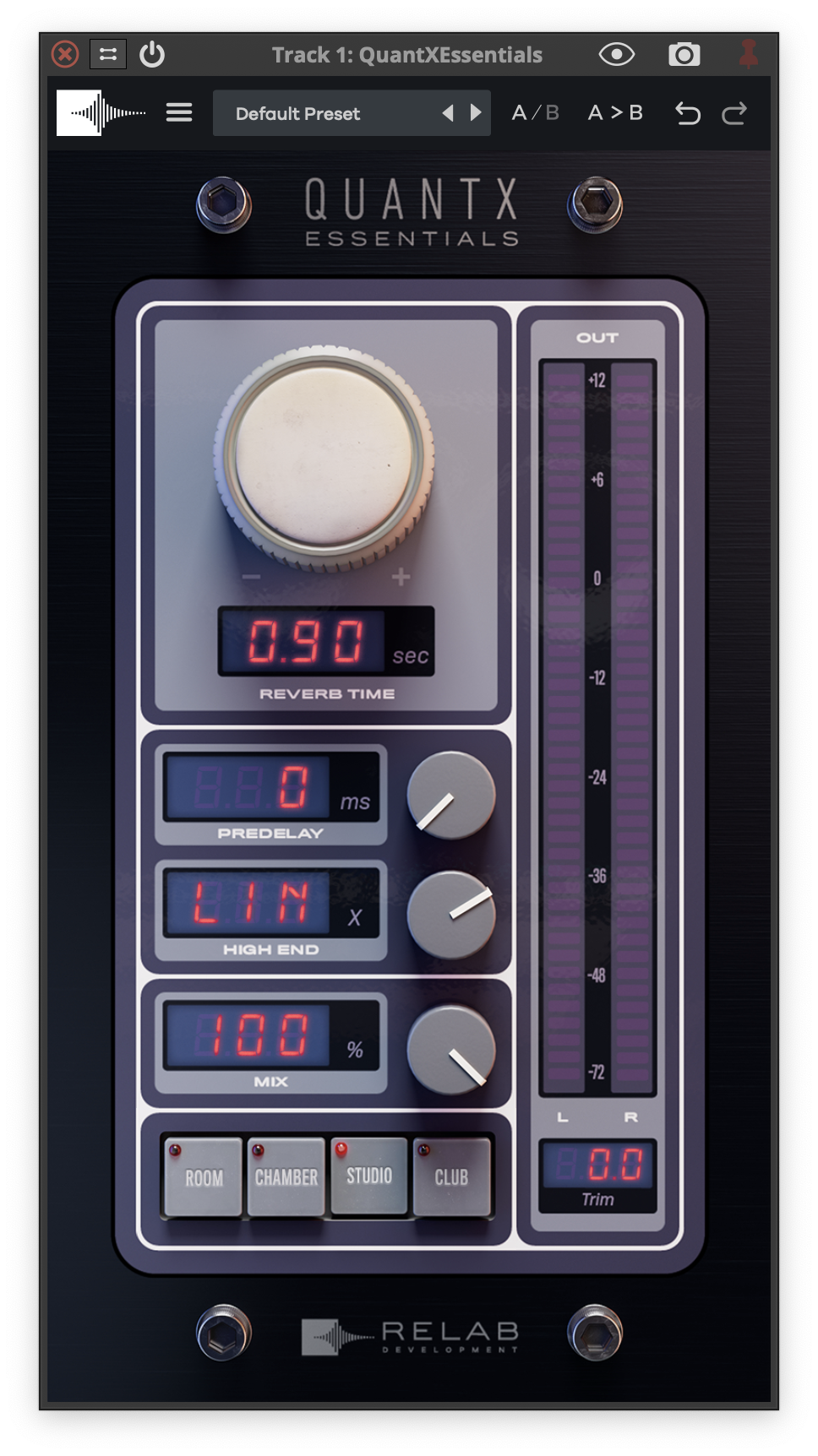
QuantX 2.0 is the world’s only dual-engine premium re-creation of a beloved 80’s hardware reverb, revered for its highly realistic ambience and long reverb times.
This legendary resonance reverb, once the cornerstone of many world-class studios, has been meticulously re-created.
- Feel the authenticity in every tweak: Relab’s advanced machine learning captures every nuance, giving you the sound AND feel of the legendary hardware, quirks included.
- Shape your sound with precision: Relab’s unique dual-engine design of QuantX enables real-time fine-tuning of reverb width and “front-to-back” depth for unparalleled sound sculpting.
- Enhance your mixes with ease: With hand-tuned 8-voice modulation, first reflection channel swapping and expanded bandwidth control, QuantX makes crafting complex, textured reverbs fast and simple.
Learn more about QuantX Natural Resonance Reverb.
REV6000 Ultra-Realistic Cinematic Reverb
The World’s Most Accurate Recreation of an Iconic “Hollywood” Favorite
Thanks to years of research and precision machine learning, Relab has produced the world’s most accurate recreation of a peerless Danish hardware reverb. Well, peerless until now.
The vivid character of this iconic Hollywood favorite has been captured in an authentic zero-compromise reverb plug-in: the VSR REV6000.
Whether you’re looking for a tight, focused room sound or that classic large warm “Hollywood Hall,” the Relab VSR REV6000 has you covered. With its precise and perfect imaging, it’s never been faster and easier to add true-to-life depth and space to your mixes.
Learn more about REV6000 Ultra-Realistic Cinematic Reverb.
System Requirements
Mac
- OS 10.15 + above. M1 native.
- Format:VST3/AU/AAX (64bit)
PC
- Windows 10 + above.
- Format: VST3/AAX (64bit)
Compatible with all major DAWs.
Free PACE account required.
No hardware dongle is required to authorize Relab products.
You can choose between local computer authorization OR the ilok USB key (V2 or above). However, a free PACE iLok account, internet connection and the latest PACE drivers are required at the time of product activation.