


 Log In

Free gifts available with your purchase
Bundle up and save – dark and destructive pulses meet lush, melodic patterns.
- Get the best of both worlds with the Schema: Dark and Light bundle.
- Pairs the deep and destructive pulses of Schema: Dark with the uplifting tones of Schema: Light.
- Provides a versatile sonic palette that will inspire any project.
Schema: Light
Melodic Sequencer Plugin
Lush, Shapeable Layers
Schema: Light gives you an endless source of new ideas, packing a kaleidoscopic collection of soft, layerable upper-range loops within an intuitive step sequencer plugin. Quickly generate evolving patterns and make them your own with a suite of effects and controls. Delve into delicate sounds that have been enriched and fine-tuned, ideal for atmospheric film scores, electronic soundscapes, and hypnotic hip hop beats.
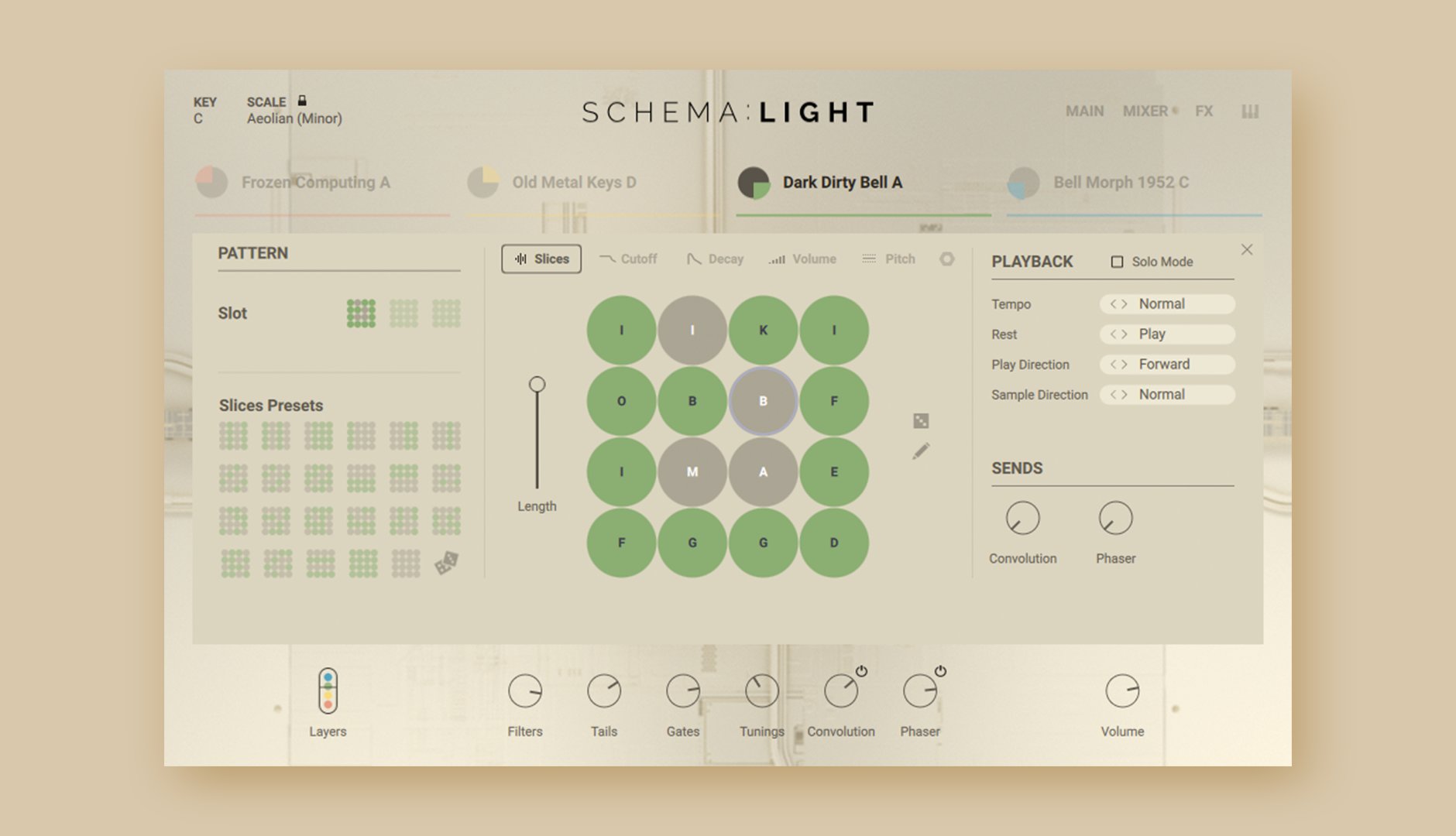
The Schema Engine
Schema: Light revolves around a unique 16-step sequencer. Begin with four tempo-synced loops, each spanning two bars, then toggle up to 16 steps for each layer to create distinctive melodic patterns. Add expression using the mod wheel and explore advanced scaling possibilities with the enhanced engine. Whether you’re seeking rapid results or hands-on sculpting, Schema: Light offers an intuitive interface for any workflow.
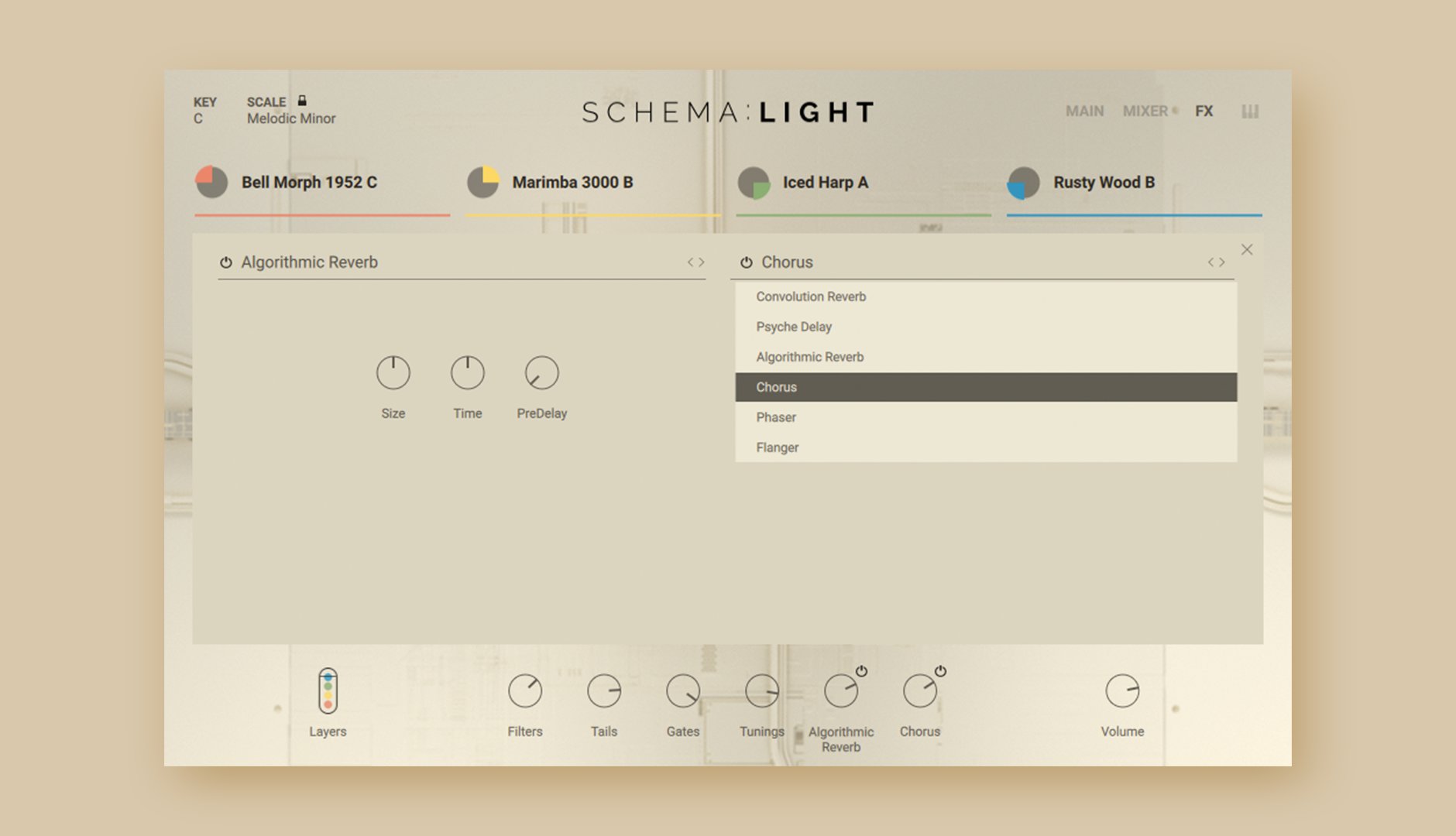
Instant Inspiration
Discover a curated collection of 200 carefully designed presets, each featuring four loops that can be shaped with various playback modes, envelopes, effects, and more. From gentle plucks and bells to dreamy keys, each of Schema: Light’s multi-sampled sound sources can be quickly swapped and previewed, inviting happy accidents and seamless experimentation.
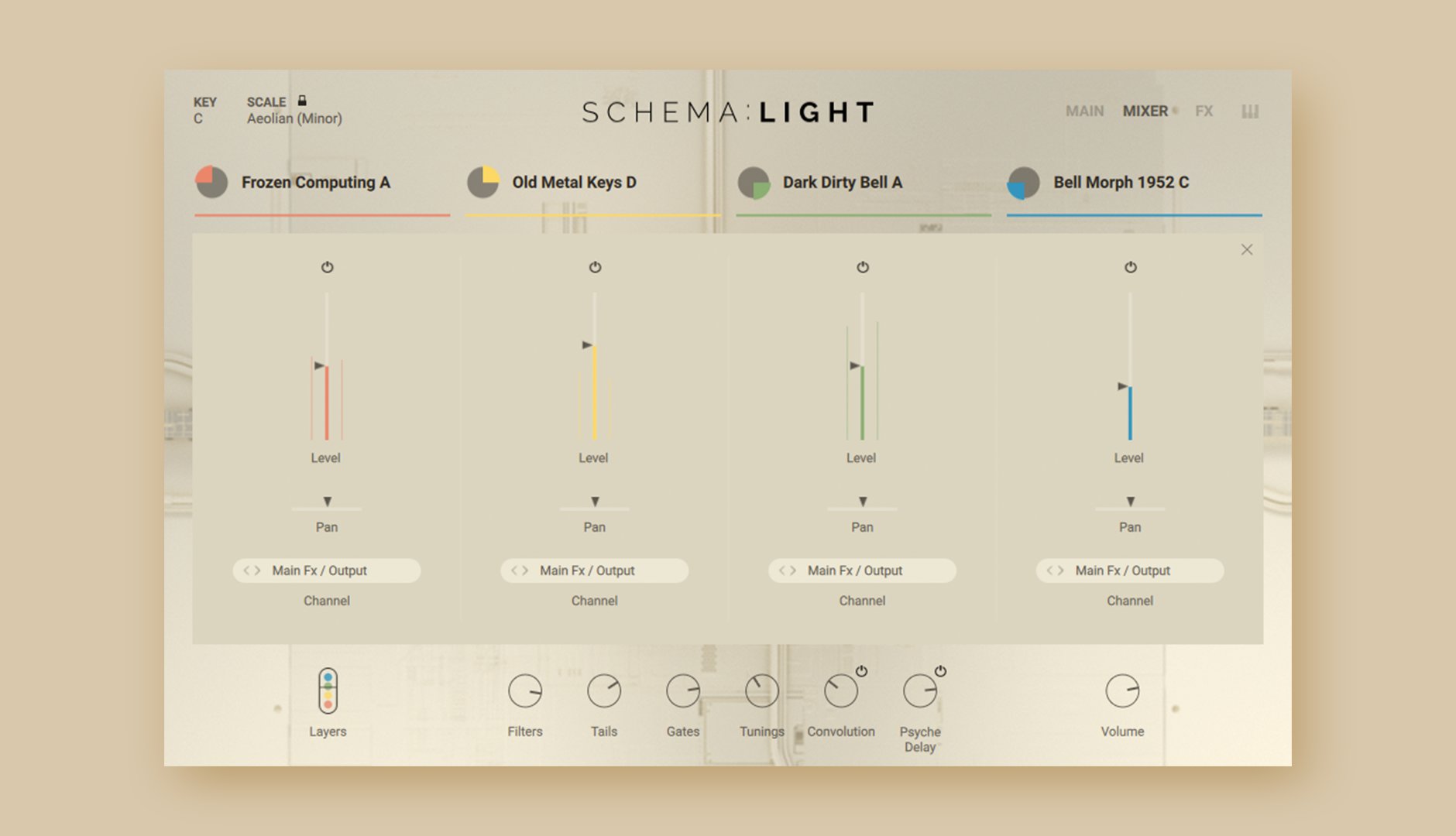
Four Layers, Endless Options
Each sound source offers four different variations. Version A is the original, flawlessly captured and enhanced with high-end outboard gear, while versions B, C, and D elevate the sounds further, infusing an array of stompboxes, modular systems, tape machines, advanced granular techniques, and more. Freely mute and solo each layer, or roll the dice to randomize loops, the 16 individual slices, or even the sequencer pattern itself.
Shape Sounds Your Way
Journey deep into sound design, tailoring each of the 16 steps further by adjusting filters, decay, volume, and pitch. Experiment with polyrhythms by altering the lengths of looping patterns, and add character with a choice of six studio-grade effects assignable across two individual send slots.
About The Creator
Schema: Light was created in collaboration with pro sound and instrument designer Tobias Menguser. Since starting in the early 90s, he has created sounds and instruments for many of the industry’s biggest names, including providing sounds for an extensive catalog of almost 500 movie trailers.
Features
- A unique sequencing engine for weaving captivating melodic patterns and textures
- Explore and sculpt creatively processed bells, keys, plucked strings, xylophones, and more
- Craft immersive sequences using the four-layer engine
Learn more about Schema: Light
Schema: Dark
Cinematic Pulse Engine
Deep, Dark Patterns and Pulses
For some stories, only the darkest sounds will suffice. Pairing the all-new SCHEMA Engine with a far-reaching array of the deepest, heaviest, and most twisted sound design imaginable, SCHEMA: DARK propels your sonic narrative to unfathomed depths.
The SCHEMA Engine
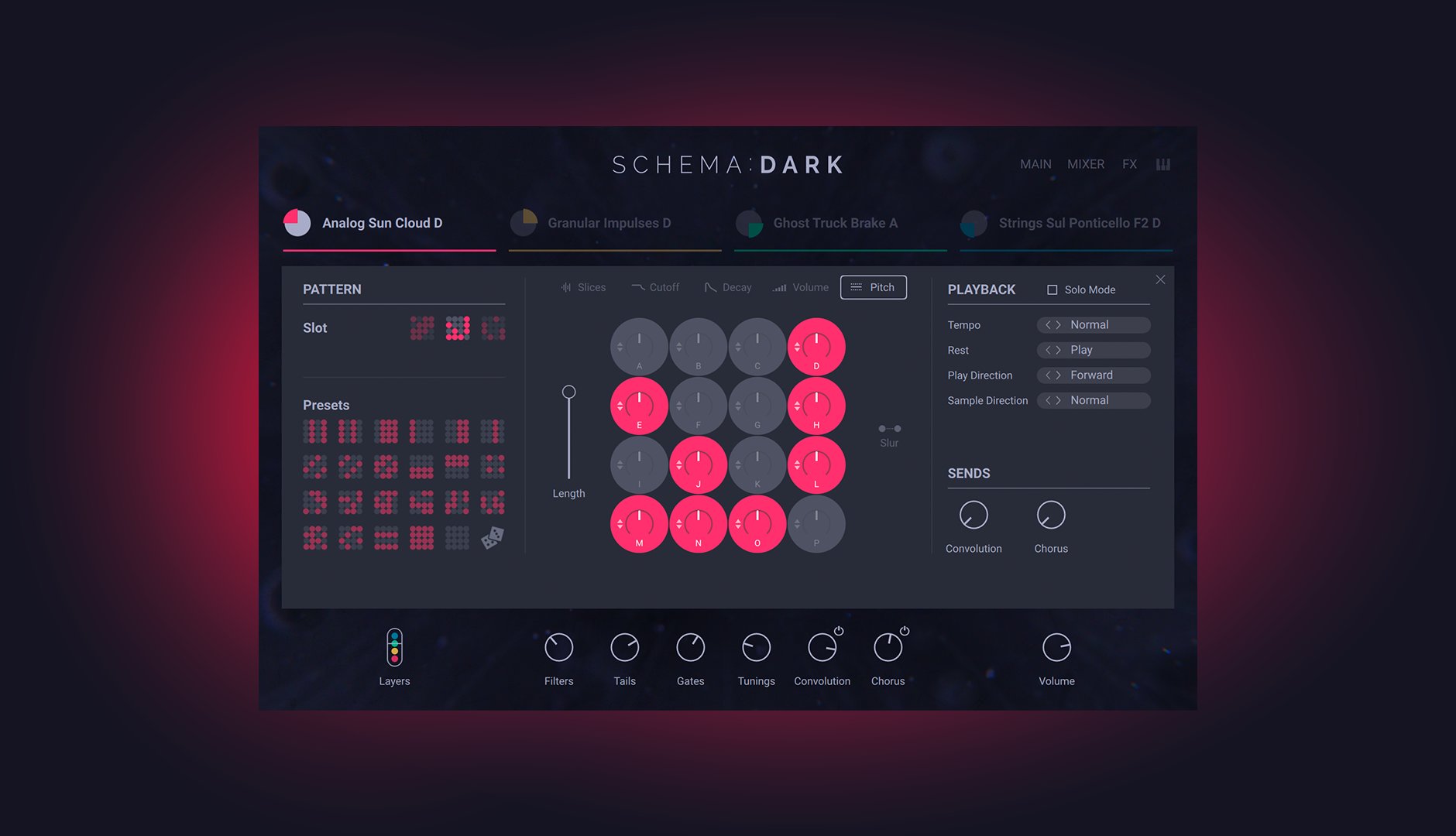
SCHEMA: DARK is built around a 16-step sequencer unlike any other: start with four tempo-synced loops of two bars each, toggle up to 16 steps for each layer to create unique rhythmic patterns, then vary the density of your creation using the mod wheel. Get instantly satisfying results or dive in to explore polyrhythmic trickery, uneasy ambience, high-intensity walls of sound – and every point in between.
Full-spectrum Darkness
From curated field recordings to modular synth sequences and expertly captured orchestral recordings from the renowned Sofia Session Studio, SCHEMA DARK’s 1700 unique loops are united only by a pitch-dark tonality and your project’s tempo. Keep drones, basses, synths, and orchestral sounds in key using your MIDI keyboard, and pitch drums and SFX to taste with the dedicated Tuning knob.
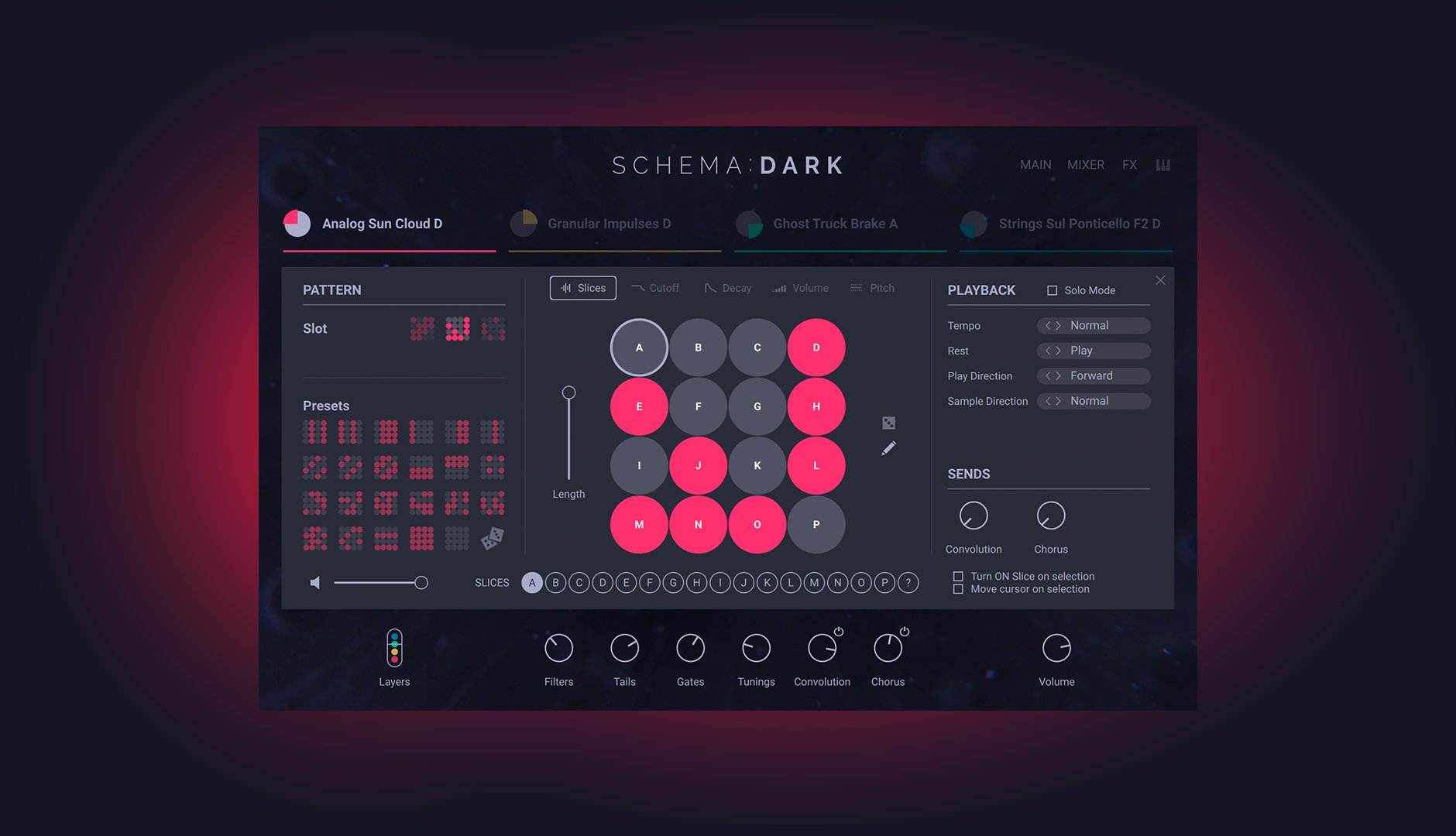
Dial In, Develop, or Go Deep
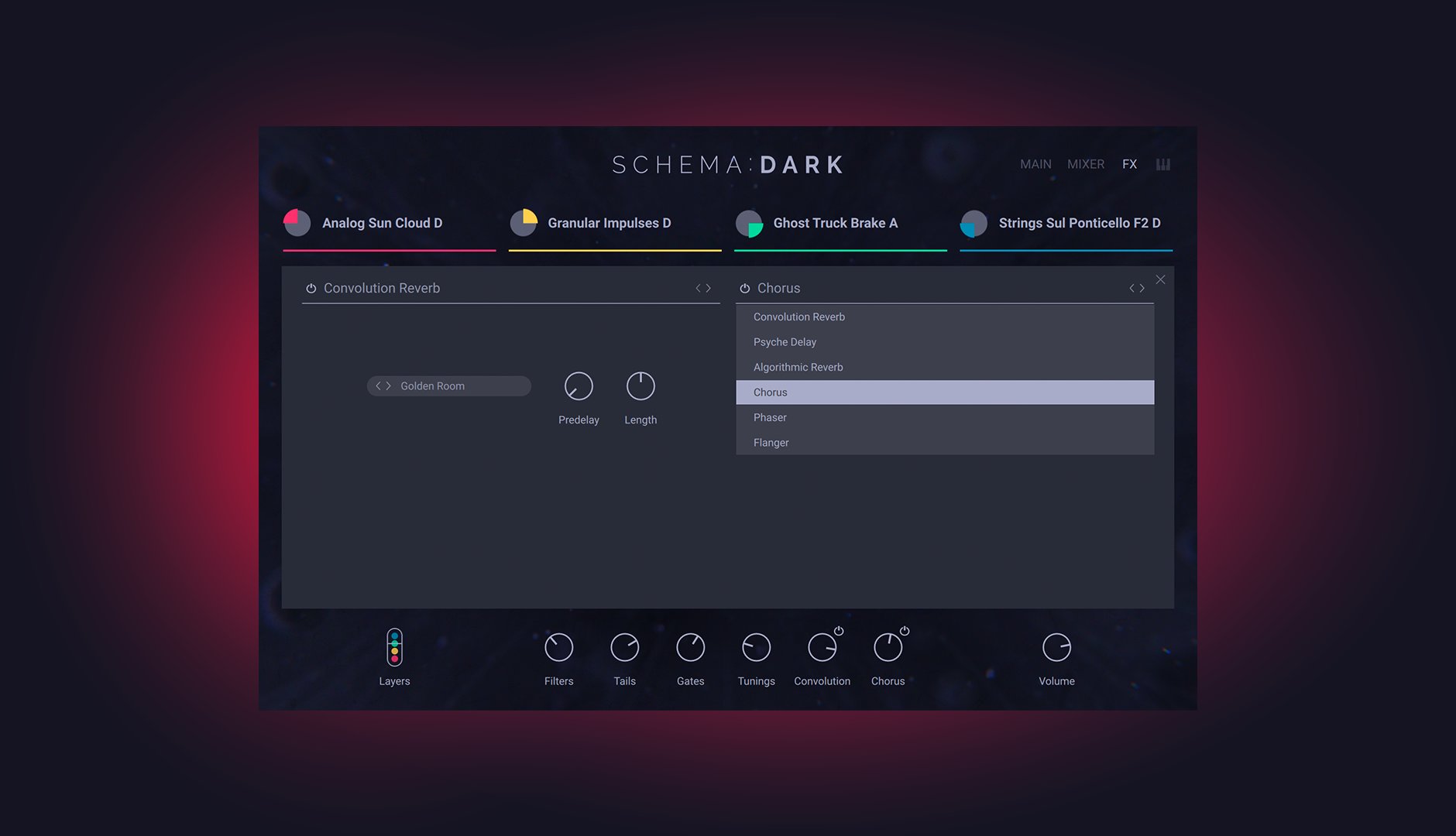
SCHEMA Dark comes with 343 professionally designed presets to get you up and running right away. Each one consists of four loops, each with their own switchable patterns, playback modes (including reverse!), envelopes, effects, and more. For further tweaking, filters, decay, volume, and pitch are all editable per step, pattern lengths can be set independently for polyrhythmic fun, and six studio-grade effects are assignable across two send slots.
Roll The Dice
If you’re feeling spoiled for choice, each of SCHEMA: DARK’s four loops can be randomly selected for an instant jolt of inspiration. From there, each of the 16 slices for each loop can be randomly reordered, and the sequencer patterns themselves can also be decided by the roll of a dice. With the SCHEMA Engine, you’re never more than a few clicks away from somewhere entirely unexpected.
About The Creator
SCHEMA: DARK was created in collaboration with pro sound and instrument designer Tobias Menguser. Since starting in the early 90s, he has created sounds and instruments for many of the industry’s biggest names, including providing sounds for an extensive catalog of almost 500 movie trailers.
Features
- Create, dark, driving patterns and pulses with a unique, new sequencing engine
- Layer expertly sound-designed variations of orchestral, synthetic, and field-recorded loops
- Go deep with editable patterns for each layer, intuitive macro knobs, mix controls, and studio-grade effects
Learn more about Schema: Dark
System Requirements
- FREE Kontakt 7 Player or Kontakt 7 Version 7.5 or higher is required to use these instruments



