Log In

Free gifts available with your purchase
Essential Tools for Drum Processing
Take full control of your drum sound with the Acon Digital Drum Production Suite, combining two cutting-edge AI-powered plug-ins: Remix:Drums and DeBleed:Drums. Whether you're remixing loops, isolating drum elements, or achieving crystal-clear drum mixes, this bundle empowers producers, remixers, and mixing engineers with unparalleled flexibility and precision.
Remix:Drums
Real-Time Drum Stem Separation
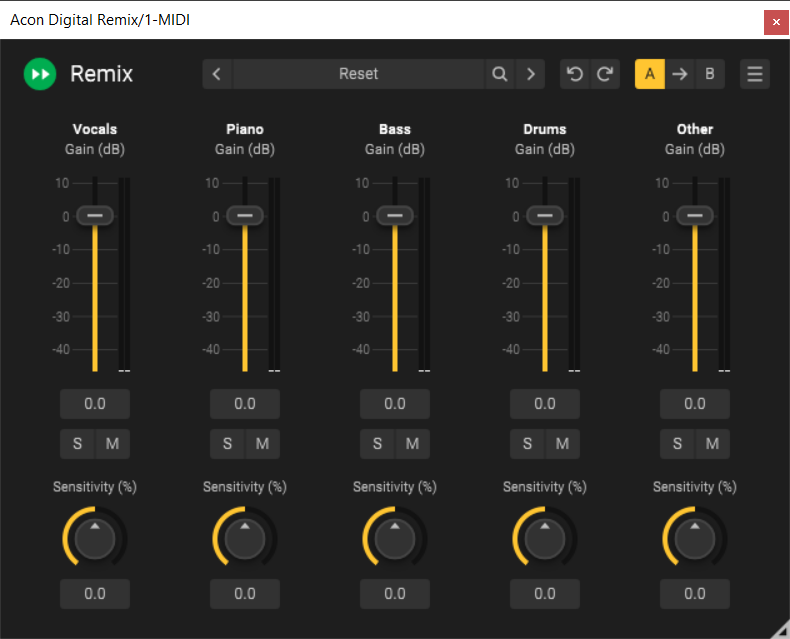
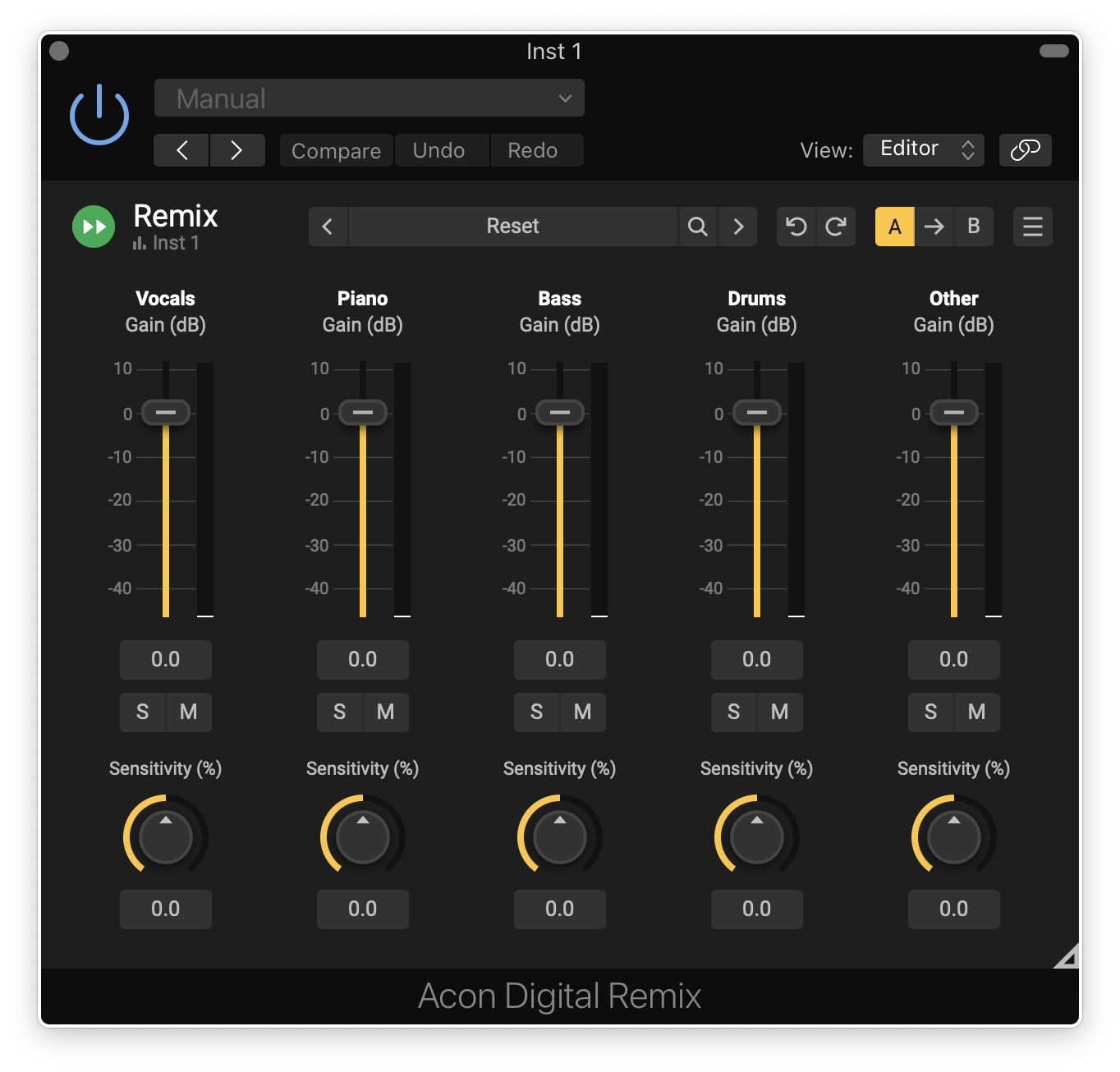
Reimagine your drum loops with Remix:Drums, the revolutionary real-time drum stem separation plug-in. Instantly isolate, remove, or enhance individual drum elements within a recording—kick, snare, hi-hat, cymbals, toms, and more—giving you total creative freedom.
Features
- Instant AI-powered stem separation – No offline processing required
- Fine-tune sensitivity controls – Shape your drums in seconds
- DAW automation support – Unlock dynamic remix possibilities
- Multi-output capability (in compatible DAWs) – Mix your stems independently
- Perpetual license – No subscriptions, no limits
DeBleed:Drums
AI-Powered Mic Spill Removal
Achieve tight, professional drum mixes with DeBleed:Drums, the must-have tool for removing unwanted mic spill from drum recordings. Designed for mixing engineers and studio professionals, this plug-in ensures clarity and precision in every mix.
- AI-trained separation technology – Transparently clean up drum tracks
- Real-time processing – Eliminate bleed instantly
- Trigger Threshold controls – Process only the hits you want
- Preset Manager – Save and recall settings effortlessly
Learn more about DeBleed:Drums.
Whether you're sculpting drum loops or refining live recordings, the Drum Plug-in Bundle is the essential addition to your audio toolkit. Unlock the power of AI-driven drum processing today!
System Requirements
Windows
- Windows 11 / 10
- Intel Core i5 or AMD multi-core processor (Intel Core i7 or faster recommended)
- 1366 x 768 display resolution (1920 x 1080 or higher recommended)
- 1 GB RAM (4 GB or more recommended)
- 1 GB free HD space
- A host application that is compatible with VST, VST3 or AAX (Pro Tools 12 or higher)
Mac
- OS X 10.13 or later
- Runs natively on ARM64 and Intel
- 1 GB RAM (4 GB or more recommended)
- 1 GB free HD space
- A host application that is compatible with AU, VST, VST3 or AAX (Pro Tools 12.8.3 or higher)
Carlos Mas
Engineer (Stormzy, Mötley Crüe)
“DeBleed:Drums and Remix:Drums are fantastic, brilliant plugins that I'm gonna use on every mix.”
Rik Simpson
Multi Grammy-winning Producer / Mixer (Coldplay, PJ Harvey)
“Both of them are incredibly useful in the studio... the real time aspect of them is really handy, and obviously the main thing is the sound."
Cameron Craig
Grammy-winning Producer / Engineer (Adele, Pulp, UNKLE)
"DeBleed:Drums and Remix:Drums will just make life easier."