Log In
Save $44.00 compared to buying products individually
Free gifts available with your purchase
Bundle Contents
Remix
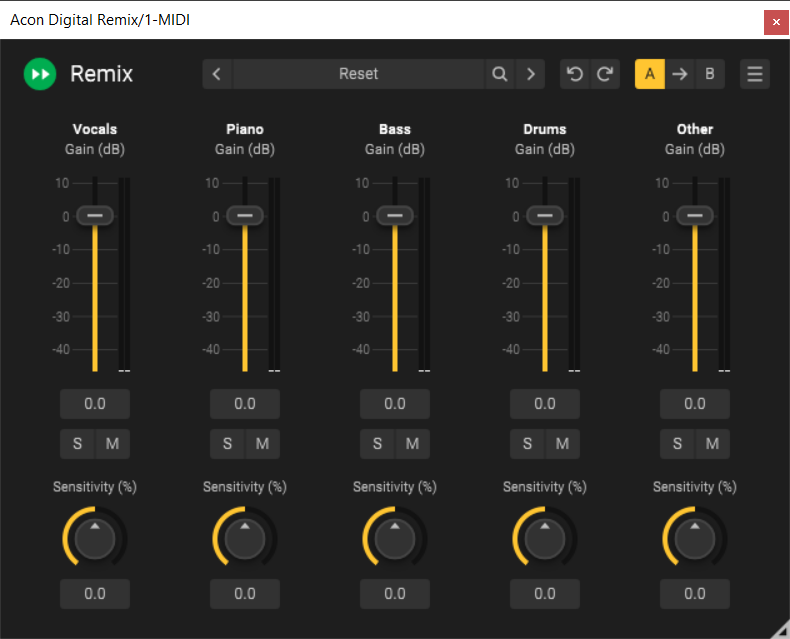
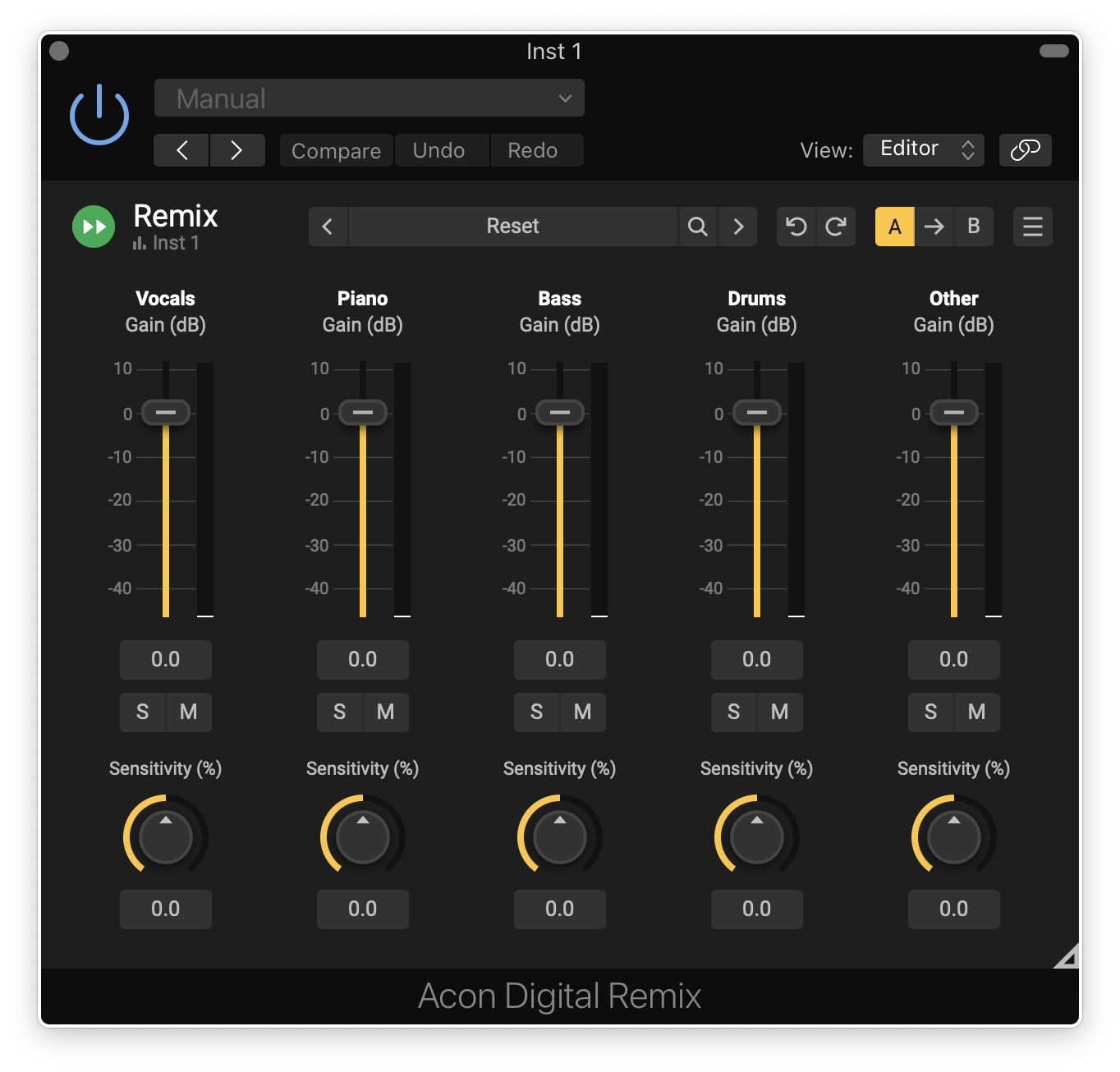
Remix is the first plug-in capable of separating instrument groups in a mix – so called stems – in real-time with an acceptable latency. Remix uses cutting edge technology based on artificial intelligence to separate complete mixes into five stems – Vocals, Piano, Bass, Drums and Other. These stems can be remixed so that you can easily increase the level of the vocals, reduce the level of the drums or even create a karaoke version.
Remix lets you control the sensitivity of the detection for each separate stem so that you can find the optimal balance between artifacts and spill. All the parameters are fully automatable.
In addition to the output with the signal mix, Remix offers separate outputs for each stem. You can route the outputs to separate tracks if your host allows it, thus making it possible to use insert effects as if you had five separate tracks.
Features
- Separate mixes into five stems – Vocals, Piano, Bass, Drums and Other
- Sensitivity controls for detection of each stem
- Output level meters for each stem
- Multiple audio outputs – Mix, Vocals, Piano, Bass, Drums and Other
- Preset manager and a large number of factory presets
- Save, load and categorize user presets
- Resizable graphical user interface
- Adjustable UI scaling
Remix:Drums
Real-Time Drum Stem Separation
Reimagine your drum loops with Remix:Drums, the revolutionary real-time drum stem separation plug-in. Instantly isolate, remove, or enhance individual drum elements within a recording—kick, snare, hi-hat, cymbals, toms, and more—giving you total creative freedom.
Features
- Instant AI-powered stem separation – No offline processing required
- Fine-tune sensitivity controls – Shape your drums in seconds
- DAW automation support – Unlock dynamic remix possibilities
- Multi-output capability (in compatible DAWs) – Mix your stems independently
- Perpetual license – No subscriptions, no limits
System Requirements
Windows
- Windows 11 / 10
- Intel Core i5 or AMD multi-core processor (Intel Core i7 or faster recommended)
- 1366 x 768 display resolution (1920 x 1080 or higher recommended)
- 1 GB RAM (4 GB or more recommended)
- 1 GB free HD space
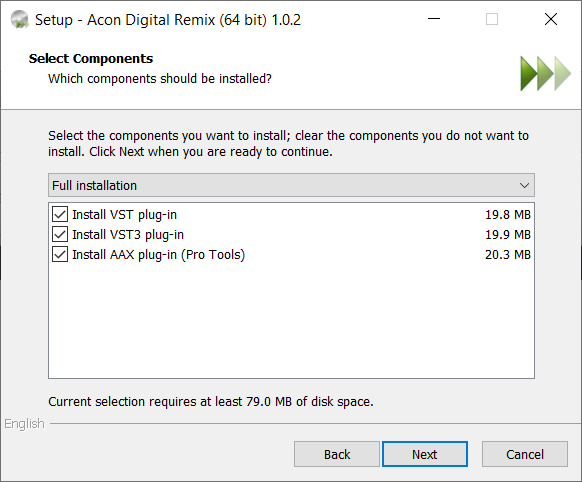
- A host application that is compatible with VST, VST3 or AAX (Pro Tools 12 or higher)
Mac
- OS X 10.13 or later
- Runs natively on ARM64 and Intel
- 1 GB RAM (4 GB or more recommended)
- 1 GB free HD space
- A host application that is compatible with AU, VST, VST3 or AAX (Pro Tools 12.8.3 or higher)