Log In
Save $99.00 compared to buying products individually
Free gifts available with your purchase
Bundle Contents
Dolby Atmos Composer
The next generation of tools for Dolby Atmos productions
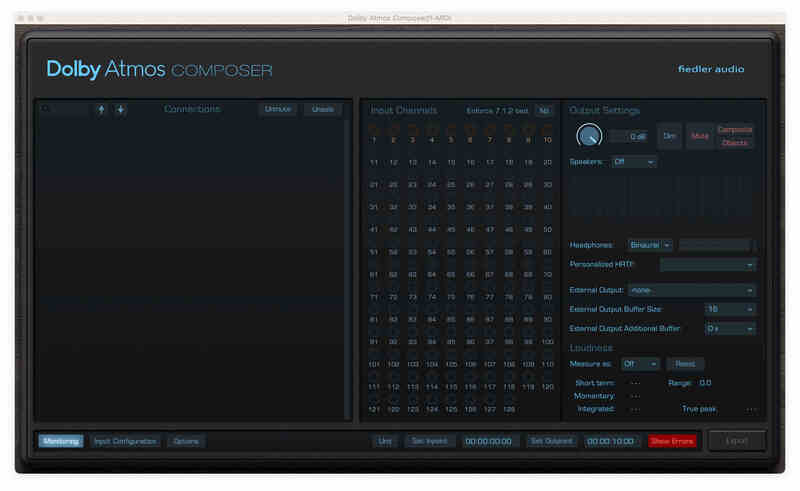
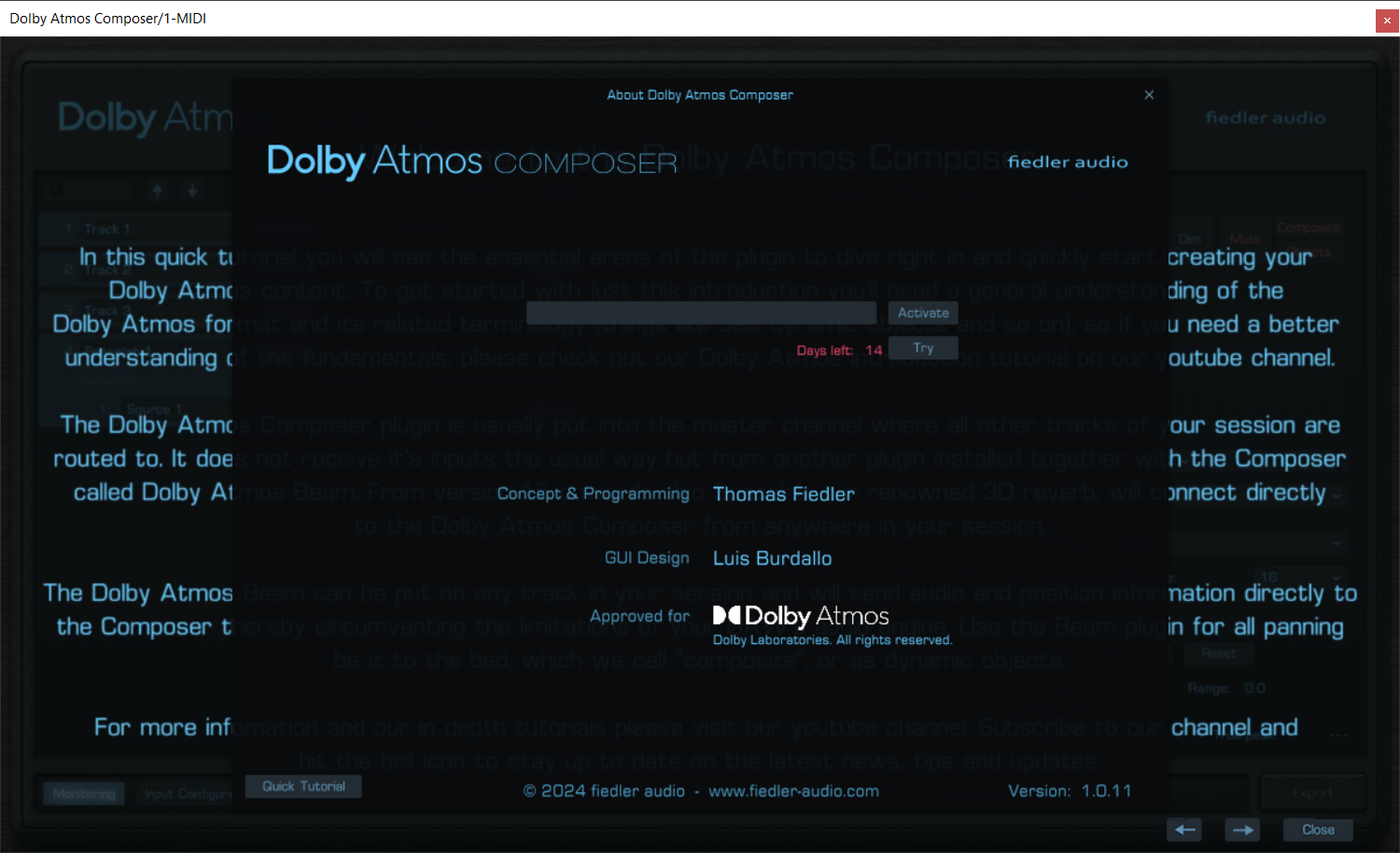
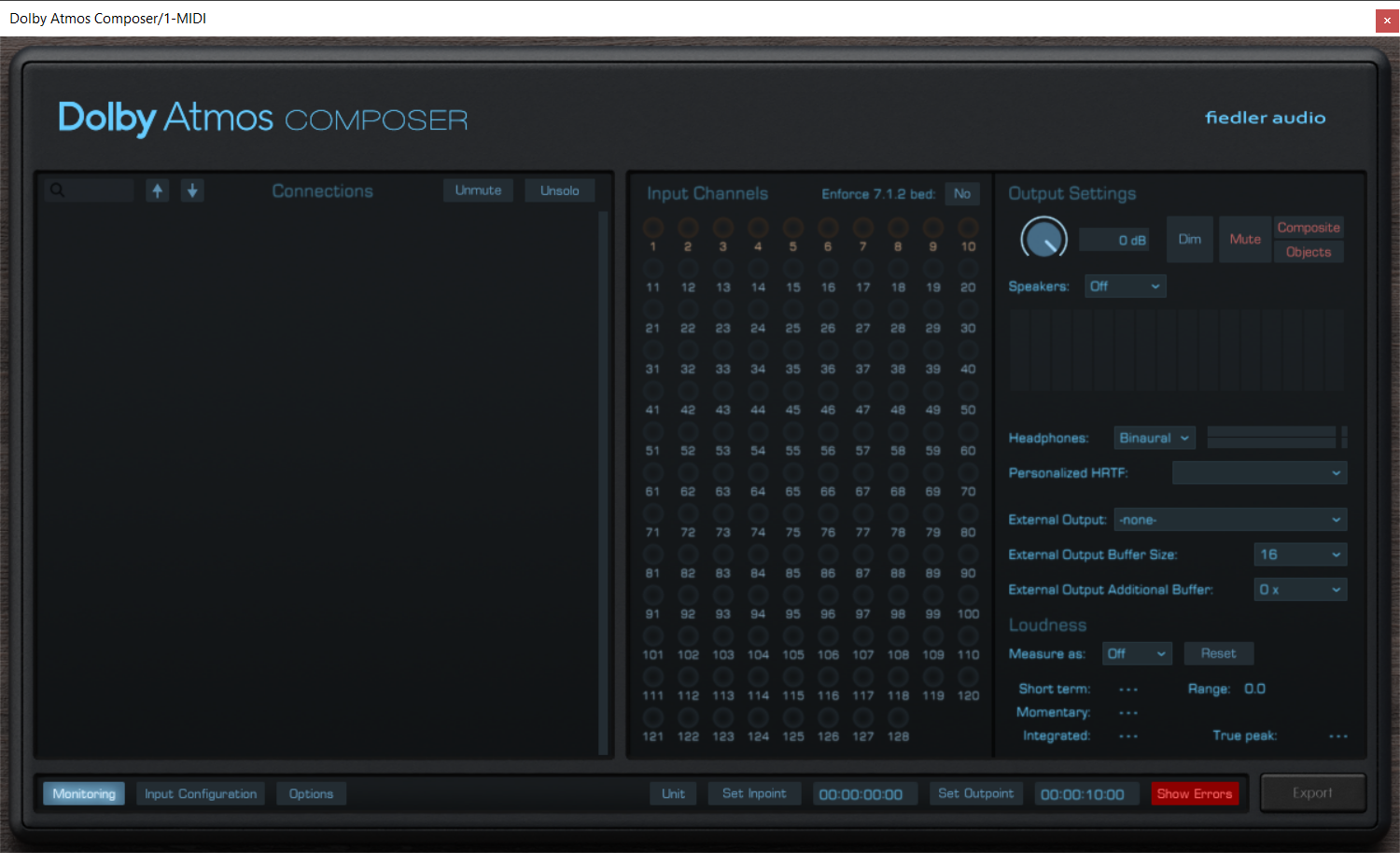
Produce Dolby Atmos content on any DAW now! Approved by Dolby Labs, the Dolby Atmos Composer annihilates all the unnecessary burden of manual setup for your Atmos workflow as well as the need to use a DAW capable of immersive audio production.
The Dolby Atmos Composer comes with a versatile panning plugin called Dolby Atmos Beam. Easily automate complex movements and circumvent your DAW's limitations.
Fully integrating with world class 3D reverb
From version 1.5 onwards the renowned 3D reverb Spacelab directly connects to the Dolby Atmos Composer bringing world class immersive reverberation to your Dolby Atmos mix with just one simple click. No complex routing or anything. And that on your favourite DAW.
Advanced mixing workflows
With the Dolby Atmos Composer workflow you can bring all the features of your DAW, your favourite plugins, be it effects or instruments, into your Dolby Atmos mix. You can record new tracks while already mixing for Dolby Atmos, something which is impossible when using certain standard Dolby Atmos workflows especially on Pro Tools.
Publish on all major platforms
Export your work as ADM/BWF for direct distribution to platforms such as Apple Music, Amazon Music, Tidal and Netflix. The Dolby Atmos Composer comes with all the bells and whistle for professional Dolby Atmos productions.
Features
- Produce Dolby Atmos content on any DAW, even if the DAW is not capable of multichannel audio
- Monitor on multichannel speakers from any DAW directly from the Dolby Atmos Composer plugin
- Up to 9.1.6 for monitoring
- Use personalized HRTF for binaural monitoring
- Easy setup without the need of manual routing configuration, no external app required
- Connects to Dolby Atmos Beam and Spacelab (from version 1.5 onwards)
- Export Dolby Atmos ADM/BWF for distributing to all major platforms
- Simultaneous export of speaker and headphone outputs of the renderer
- Import ADM/BWF files for playback, corrections and re-export
Learn more about Dolby Atmos Composer.
Mastering Console 2
Dolby Atmos mastering, as it should be
Do you want to master your ADM/BWF files, just like you know it from mastering stereo mixes for decades? The Mastering Console is the one stop Dolby Atmos mastering solution with OBAM plug-in hosting for conveniently processing your entire Dolby Atmos mixes to give them the final shine. Create albums with crossfades, sophisticated loudness measurements and the fastest workflow on the market.
Full Album Editing / Batch Process
Process multiple ADM/BWF files and their stereo counterparts as a batch. Or create an album with seemless transitions using our innovative crossfade feature for Dolby Atmos mixes.
Master Channel
Master your Dolby Atmos mixes through OBAM plug-ins in the Master Channel with the same ease as you would master a stereo track. Use your entire VST3 plug-in arsenal on your stereo tracks.
True Peak Limiter
Measure loudness, automatically adjust LKFS value and engage the unique True Peak Limiter for making sure the master stays within the loudness norms.
Comprehensive Monitoring
Monitor on speakers and headphones simultaneously. Use Dolby's own binaural algorithm or Apple Spatial Audio, even on Windows.
Combine with various headtracking options.
Free routing & room tuning
Create the routing you need for your studio to conveniently listen on speakers and headphones at the same time without the need to rewire your setup. Tune each of your speakers using volume, delay and EQ.
See what's going on
Check your beds and dynamic objects in the comprehensive 3D view. Focus on certain elements by hiding others to see what happens where and when.
Approved by Dolby Labs
The Mastering Console is fully approved by Dolby Labs. It gives you access to all the settings for professional Dolby Atmos mastering plus features you won't find in any other Atmos mastering solution.
Features
- Dolby Atmos mastering - approved by Dolby Labs
- Master Dolby Atmos and Stereo mixes together
- Support for 48 kHz and 96 kHz workflows
- Work on them as a batch or create gapless albums with seemless transitions on the timeline using crossfades
- Process your Dolby Atmos mixes through OBAM plug-ins and use your entire VST3 plug-in arsenal for the stereo mixes
- Automated loudness measurement and LKFS adjustment
- Ultra transparent True Peak limiter for loudness compliance
- Supports monitoring on: stereo, binaural, 5.1, 5.1.2, 5.1.4, 7.1, 7.1.2, 7.1.4, 9.1.4, 9.1.6 and Apple Spatial Audio (on Windows without headtracking)
- Various head tracking options
- 3D View for visualization of beds and dynamic objects
- Edit Binaural Mode, Description and Group of each Atmos channel
- Change channel order or deactivate unwanted channels
- Automatic detection and removal of silent channels
- Edit Downmix, Trim and Balance for full control over how your mix sounds on different reproduction systems
- Simultaneous high speed export of ADM/BWF, Multichannel Rerenders, Binaural, Apple Spatial Audio and/or Stereo Reference
- Sophisticated routing system for ultimate monitoring flexibility in your studio, can be saved as presets
- Comprehensive speaker calibration parameters (volume, delay & EQ) for each speaker channel, can be saved as presets
- Batch downsampling of ADM/BWF files from 96kHz to 48kHz
- Undo / Redo
Mac
- macOS 10.14 - 14.x
- VST3, AAX, AU
- Min. 2 GHz processor, x64 with at least SSE3 support or Apple Silicon
- 4 GB RAM
- Display Resolution: min. 1440 x 900 px, At least OpenGL 3.3, Sample Rates: 48 kHz, 96 kHz
Windows
- Windows 7-11
- VST3, AAX
- Min. 2 GHz processor, x64 with at least SSE3 support
- 4 GB RAM
- Display Resolution: min. 1440 x 900 px, At least OpenGL 3.3, Sample Rates: 48 kHz, 96 kHz